- Conversation detection lowers the volume when you speak.
- You can disable it from the Control Center.
- AirPods 4 without noise cancellation do not include this feature.
- If it only happens on calls, check which microphone the app uses.
If your AirPods lower the volume just as you start speaking and they recover it when they finish, most likely you have the Conversation detectionThis function lowers the music volume so you can hear the person in front of you better without taking off your headphones.
If you prefer the music to remain at the same volume while you talk, you can turn off that feature from the iPhone's Control Center. This setting is separate from noise cancellation.
How to prevent AirPods from lowering the volume when you talk
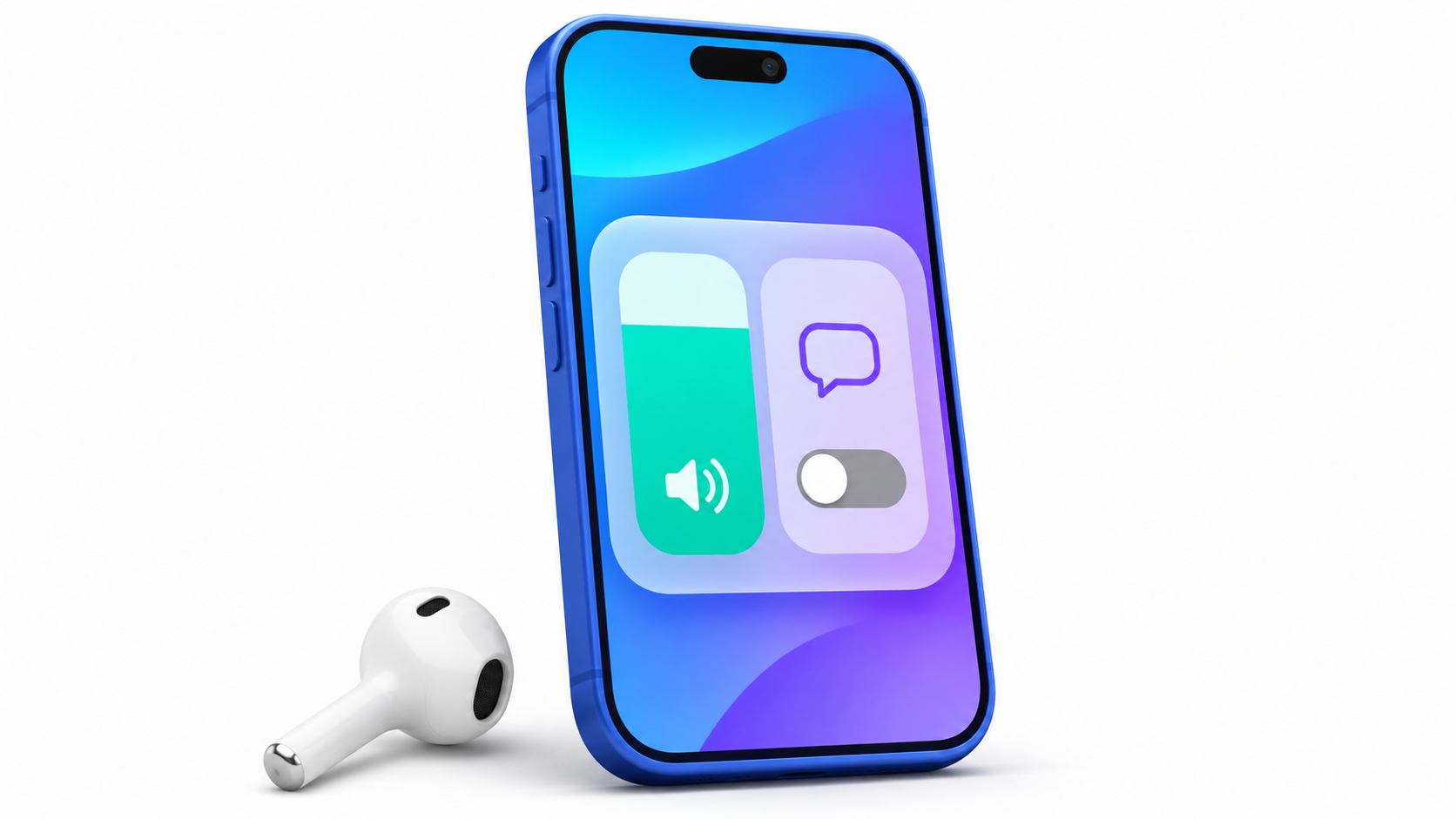
- Put on your AirPods and make sure they are connected to your iPhone or iPad.
- Open the Control center and hold down the volume control.
- Touch Conversation detection to deactivate it.
You can also change it in Settings > [name of your AirPods] > Conversation DetectionIf you don't see the switch on that screen, look inside Audio and addressing.
To check the change, play a song and say a phrase aloud, without initiating a call. If the volume previously decreased and now stays at a constant level, you've identified the cause. To restore the function, simply press the same control again.
Why does the music slow down or a podcast pause when you speak?
Conversation detection is activated when You start talkingAirPods lower the volume of the audio you're listening to and make voices coming from the front clearer. When the conversation ends, they return to the previous volume.
With spoken content, like a podcastPlayback may pause after a few seconds. If the volume changes even when the device is on mute, check another setting: Custom volume, which adapts the audio level to the environment and your listening preferences.
Which AirPods have Talk Detection
- AirPods 4 with active noise cancellationThe version without cancellation does not include this feature.
- AirPods 5, both with the standard case and the wireless charging case.
- AirPods Pro 2 and AirPods Pro 3On the Pro 2, it works with both the Lightning case and USB-C.
- AirPods Max 2.
The feature came to the AirPods Pro 2 with iOS 17 and a firmware updateThere is no iOS 18 requirement that applies to all models. If you have compatible AirPods and the setting doesn't appear, check that they are connected, update the system, and check again. How to update the firmware of AirPods.
What to do if the audio only gets worse when you join a call
If the music sounds good until you open a video call or voice chat, pay attention to when the sound changesIf the quality worsens when you join the call, even before you speak, it may be related to microphone usage. Apple explains that, on a Mac, the quality and volume may decrease while an app is using the microphone of a Bluetooth headset.
To check, close the phone app and play music again. If the sound improves, try... Use the Mac's built-in microphone and leave the AirPods as the audio output.You can change the entry in the app's settings or in System Settings > Sound > Input.

Index