With the huge variety of apps available on the Play Store, finding the right one isn't easy… until now. In this post, we'll tell you how to compare two apps with Ask Play, the store's new AI assistant. Find out more how it works and how you can take advantage of it to learn about an app before installing it.
What exactly is Ask Play?
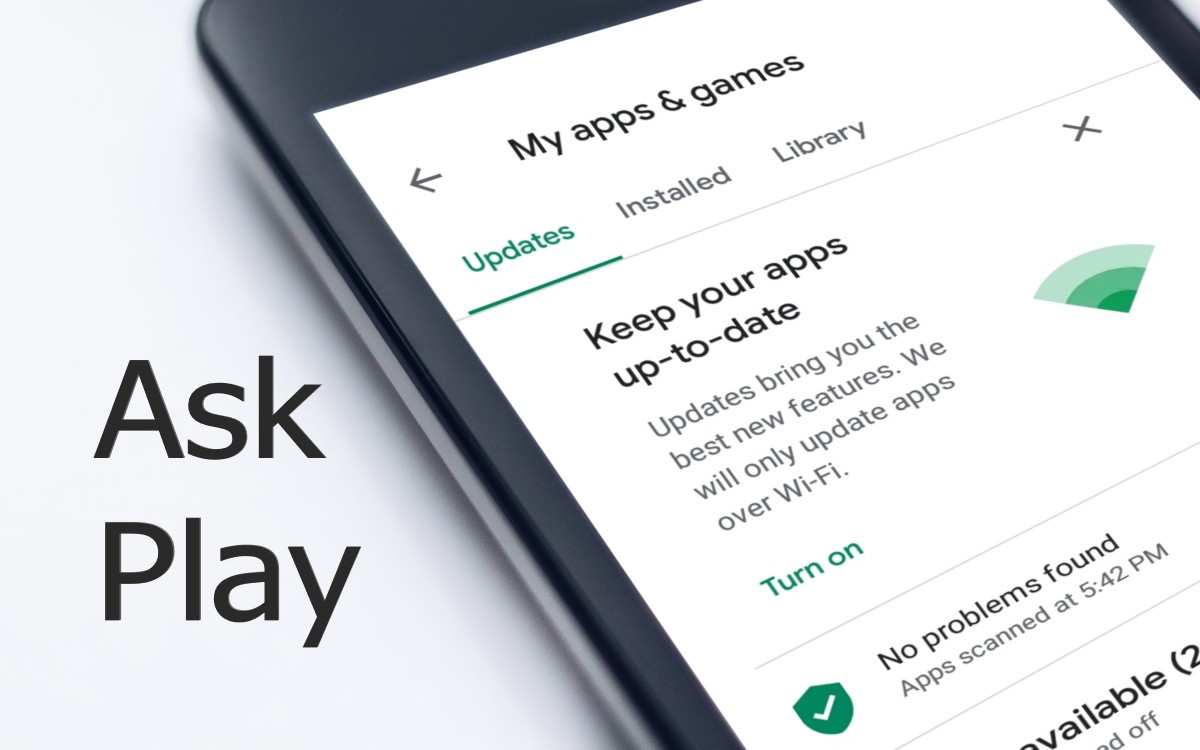
Comparing two apps with Ask Play is the easiest way to find the app you need. But what is Ask Play? Simply put, it's artificial intelligence within the Android app storeIt's like an AI assistant that you can ask questions in natural language related to apps on the Play Store.
Having this technical advisor can to save you a lot of time when searching for appsUntil now, every time you wanted to install a new app, you opened the Play Store and typed a keyword into the search bar. Then, dozens of apps with seemingly identical functions appeared. And so the trial and error began!
You open the first app, read its description, look at the screenshots, scroll down to the reviews, go back to the results, open the second app, and repeat the same process. Five minutes later, you don't remember anymore Whether the first one allowed offline use or whether the second one charged monthly or annually. In the end, you either choose one at random and hope for the best, or you simply don't install anything.
All this back and forth is no longer necessary. Now you have Ask Play as an assistant that clarifies your doubts in a matter of seconds. This tool not only bases its answers on the app's description, but also consults user reviews. you get a more balanced rating about how the application works.
Now you can compare two apps with Ask Play before installing them
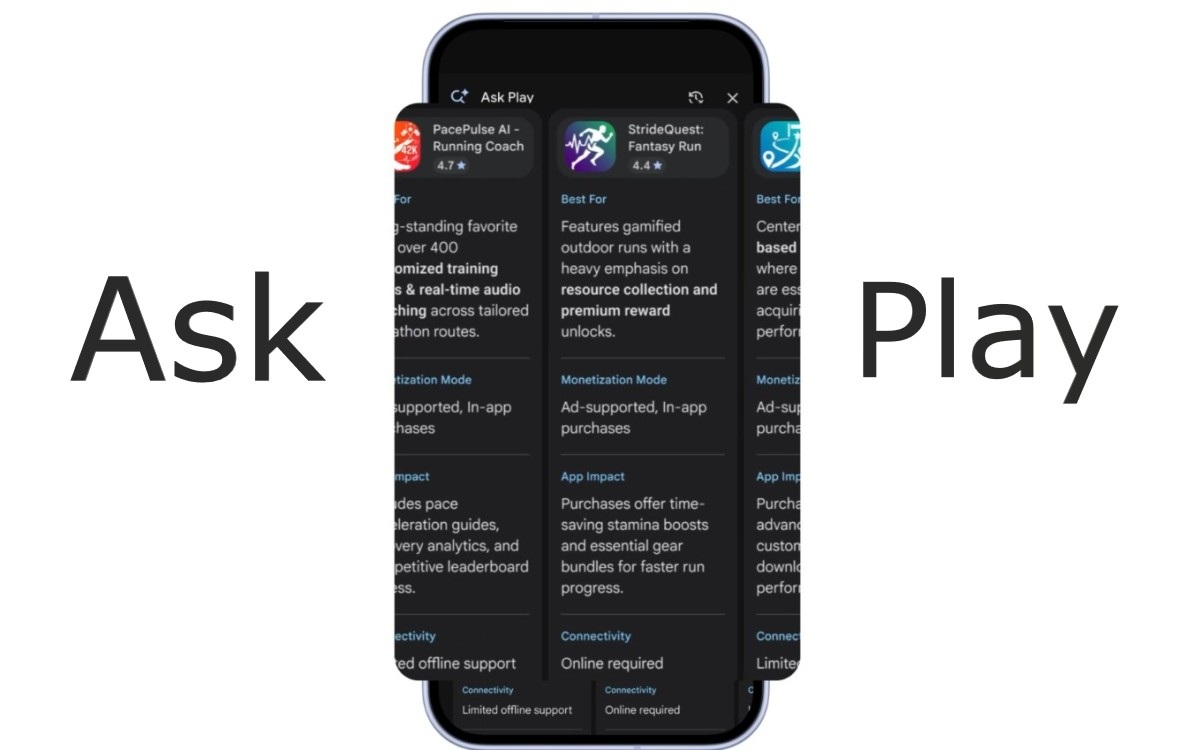
Additionally, in October 2026, Ask Play received a very practical update. Now it can Generate a side-by-side comparison of two applications directly in the search resultsAmong other things, it compares things like the subscription model, capacity offline, differences in functions and a summary of user opinions.
Manually comparing apps takes time, but now it's much easier with Ask Play. Put two or more apps head-to-head. It provides you with essential information. to make the right decision. This way you can install one with greater confidence that it meets the minimum requirements to stay on your phone.
How to compare two apps with Ask Play before installing them
To compare two apps with Ask Play before installing them, the first thing to do is Verify that the feature is available in your region.The rollout of this tool is gradual, so you can only use it if you are in a supported area. For more details, see the entry Ask Play doesn't appear on Google Play: why and what you can do.
The second thing to remember is what happens with any other AI assistant and the type of questions you ask. Ask Play's comparison feature It depends a lot on how you phrase the question.If you simply ask "compare these two photo editing apps", you'll get a response, but a very generic one.
So the most effective thing is ask with a specific concern in mindFor example, if you're torn between two note-taking apps, don't ask "Which one is better?" Instead, try "Look for an offline note-taking app that supports Markdown and has a subscription under $5 a month. Which of these two is the best fit?"
What will Ask Play do? It will extract relevant information from the store listing and user reviews to answer your question. And the more specific your question, the more the comparison will match what you actually need. Plus, you can also... ask follow-up questionsbecause Ask Play doesn't lose the context of your conversations.
What to expect when comparing two apps with Ask Play
According to Android, the Ask Play comparison It currently covers several frontsFeatures and functions, subscription and payment model, connectivity and offline use, and a summary of user sentiment. Of all of these, the last is probably the most valuable.
When comparing two apps with Ask Play, the AI doesn't just list the description provided by the developer, which is often overly promotional. It extracts from real opinions what people generally value and what they criticizedetails that do not appear in a description or a screenshot.
On the other hand, it is worth noting that the comparison is generated from the store's information and reviews. The AI won't test for real-world fluency for you. The app won't tell you if a specific application will perform well on your Android phone. It only helps you download options that are clearly unsuitable for you; but the final judgment on how the app feels remains yours, or that of those who conduct in-depth reviews.
Practical use cases: When is it essential to compare before installing?

You already know how to compare two apps with Ask Play before installing them and what to expect from the comparison. Using this feature will not only save you time, but also the hassle of installing and uninstalling disappointing apps. It's especially useful when You have doubts about two or more similar applications. but with different approaches.
There are, for example, the productivity tools and noteslike Notion, Evernote, Keep, or Obsidian. None is better than the other, but each is aimed at a specific audience. In this case, comparing two apps with Ask Play helps you find out which one manages local files better versus the cloud, or which one performs better on modest phones.
The same can be said of games, office suites, PDF readers, VPNs, or authentication apps. In all these cases, Before installing, it's a good idea to spend a few minutes making comparisons.And Google Play has made it very easy. Now, comparing two apps with Ask Play will be the step before tapping "Install".

From a young age, I've been fascinated by all things scientific and technological, especially those advancements that make our lives easier and more enjoyable. I love staying up-to-date on the latest news and trends, and sharing my experiences, opinions, and tips about the devices and gadgets I use. This led me to become a web writer a little over five years ago, focusing primarily on Android devices and Windows operating systems. I've learned to explain complex concepts in simple terms so my readers can easily understand them.