
Let's talk a little about the lifespan of your graphics card and the most common mistakes that shorten it. Whether you just purchased it or have been using it for a while, It is important that you take steps to protect it. This way, you not only extend its durability, but also ensure its best performance during each game.
Common mistakes that shorten the lifespan of your graphics card and how to avoid them
Typically, the graphics card is one of the most expensive pieces of hardware in a computer. It's also the most susceptible to premature aging due to poor practices. And we're not just talking about extreme overclocking; Many of the mistakes we make are silent, cumulative, and worst of all, avoidable..
When thinking about the lifespan of your graphics card, it's natural to wonder how long this component can last while providing good performance. The average ranges between 5 and 7 years with moderate use.Of course, there are many factors that influence the durability of a graphics card. One of the most important is price, which is determined by the design and brand.
Additionally, the lifespan of your graphics card will depend on how you use it: gaming, mining, professional design, etc.The graphics card's operating conditions (space, maintenance, power source) also significantly influence its durability. What type of user are you? Heavy? Moderate? Occasional? The more intensive your use, the faster its components will wear out.
Excessive heat and the lifespan of your graphics card
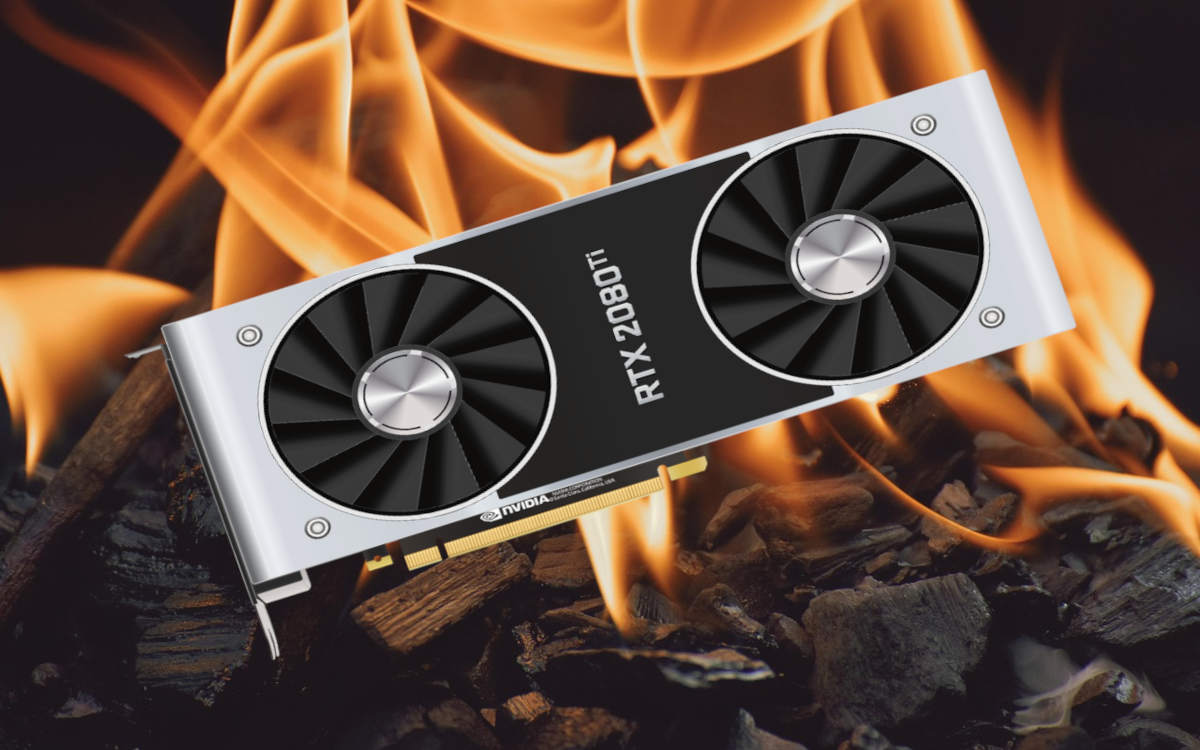
A common mistake that shortens the lifespan of your graphics card is allow heat to accumulate inside the towerIt's not just the temperature spikes during a demanding game, but also the constant exposure to high temperatures. Why is heat so bad for graphics cards (and any component)?
Basically, because it speeds up a process called electromigration. Naturally, the electric current flowing through microcircuits drags along atoms of the material they're made of (usually copper). Over time, this creates small voids and buildup that can cause short circuits and other failures. The higher the temperature, the more intense this process.
Additionally, constant heat degrades capacitors and dries out thermal paste, reducing GPU efficiency. So,how to prevent this error and prevent excessive heat from shortening the lifespan of your graphics card? Simple:
- Regular cleaning: Every 3-6 months, depending on the environment, use compressed air to thoroughly clean the GPU, chassis fans, and power supply.
- Improves airflow: Check that there is a balance between the intake and exhaust fans. (See the article Graphics Card Cooling: Air vs. Liquid, What's the Difference?).
- Change the thermal paste: If your graphics card is a few years old, consider replacing the thermal paste.
- Customize the operation of the fans: Use programs like MSI Afterburner to configure the fans' behavior. They don't need to always be at 100%, but they need to anticipate temperature increases.
Low quality power supply
Another mistake that reduces the lifespan of your graphics card is powering it with a cheap or low-quality PSU. If you just purchased a modern GPU, make sure the power supply can handle it. Otherwise, it could expose it to voltage fluctuations or variations, as well as unnecessary risks, which will end up shortening its durability.
- Invest in a good PSU: Buy fonts from well-known brands and certified to 80 Plus Bronze or higher.
- Calculate the necessary wattsFor a PC with a modern GPU, a 650W-850W PSU is usually more than sufficient. Always choose a little more to avoid overloading the power supply.
Overclocking and unstable voltages
El overclocking It's not recommended if you want to extend the lifespan of your graphics card. Why? Simple: by increasing the GPU voltage to boost its performance, you expose it to more heatThis accelerates the electromigration process we discussed earlier. Additionally, unstable overclocking could cause freezes that corrupt data and strain the GPU.
But, if you are determined to overclock, then Investigate thoroughly to avoid errors that could compromise the integrity of the GPU.. For example, gradually increase the values and test the stability with tools like FurMark or 3DMark. Remember: if the system crashes, you've gone too far.
Thermal stress due to temperature cycling
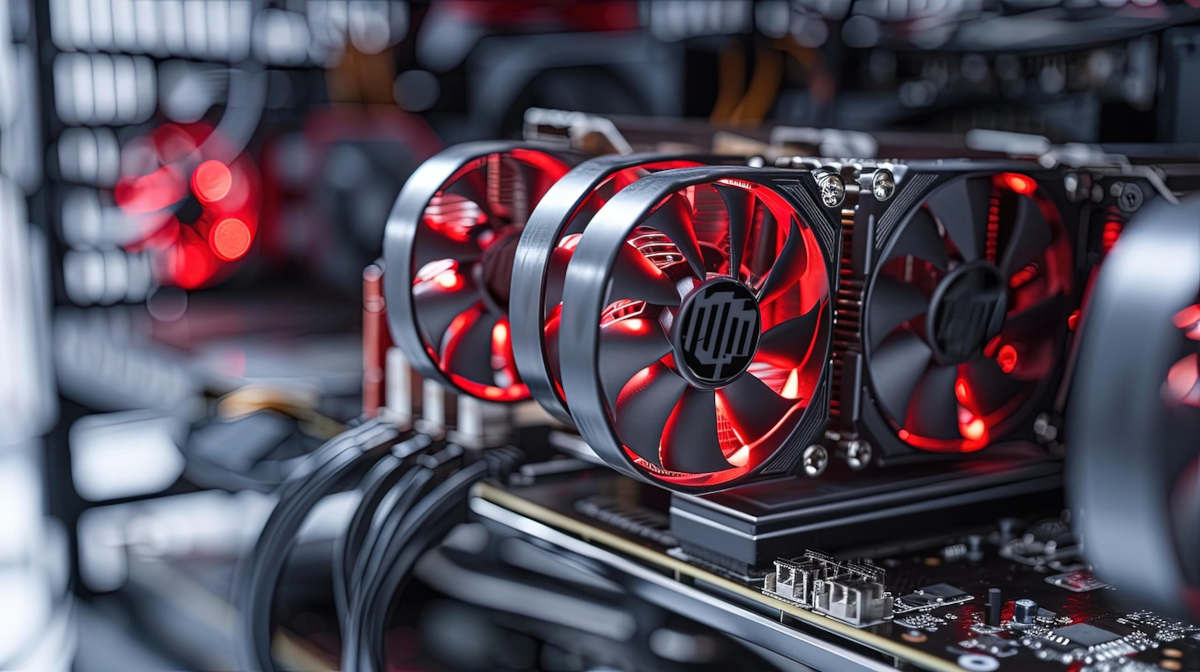
High temperatures are not the only enemy of your GPU: it also suffers a lot from the sudden and demanding changesIf you turn on your PC and launch a demanding game immediately, the GPU will go from 30°C to 70-80°C in minutes. Then, if you close the game and immediately shut down the computer, you prevent the fans from dissipating the residual heat in a controlled manner.
El thermal stressThermal fatigue, or thermal fatigue, is one of the most common and least noticeable errors that negatively affects the lifespan of your graphics card. Heat expands the different components of the card, while cold contracts them. If this occurs at different rates, ends up causing microcracks in surfaces and weldsHow can it be prevented?
Easy: Let the equipment warm up and cool down graduallyAvoid launching highly demanding applications as soon as you turn on your PC. And don't turn it off as soon as you finish a long gaming session. It's better to leave it on the desktop for at least a minute, so it can acclimatize, so to speak.
Blocked air vent and poor physical assembly
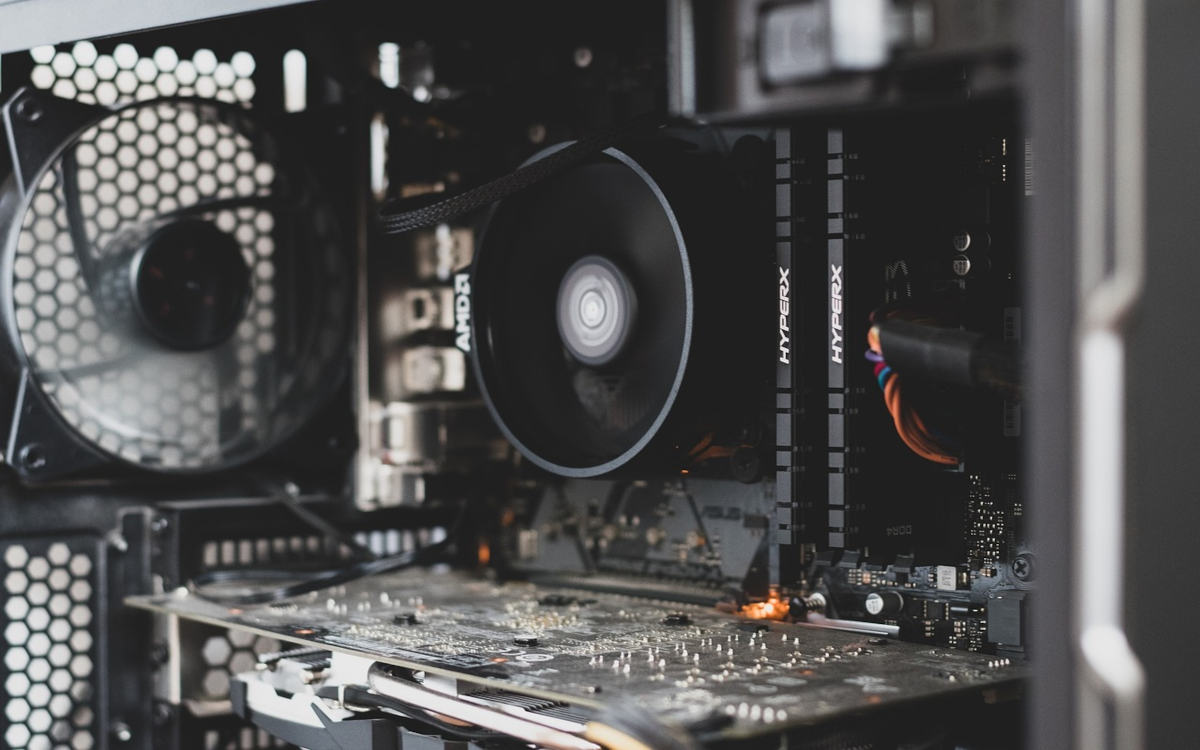
Physical errors, such as air outlet blockage or faulty assembly, often go unnoticed. But they're the main culprits of reducing the lifespan of your graphics card. For example, since modern GPUs are heavy and large, they could shift, warp, or sit incorrectly on the motherboard. Solutions?
- Locate the tower with sufficient separation from the wall (10-15 cm of free space) especially on the sides where there are ventilation grilles.
- Use supports to hold graphics cards. These brackets are inexpensive and very effective at supporting the free end of the GPU.
In conclusion, if you want to extend the life of your graphics card, you need to use common sense and perform regular maintenance. You don't need advanced knowledge; just take steps to control the temperature and provide you with stable, quality energyAnd don't overload it, and give it time to warm up and cool down. Your graphics card will thank you for it!

From a young age, I've been fascinated by all things scientific and technological, especially those advancements that make our lives easier and more enjoyable. I love staying up-to-date on the latest news and trends, and sharing my experiences, opinions, and tips about the devices and gadgets I use. This led me to become a web writer a little over five years ago, focusing primarily on Android devices and Windows operating systems. I've learned to explain complex concepts in simple terms so my readers can easily understand them.