
Little by little, the USB-C connector It has become the universal standard for charging and data transfer. In fact, it is already present in almost all new devices that are launched on the market. However, not all models are the same. How do I know if my USB-C cable is fast charging?
The question is appropriate, since Not all USB Type-C cables and connectors support fast chargingTo shed some light on this issue, in this post we will first analyze what exactly this technology consists of and how to calibrate the load capacity of our cable.
Fast charging
Fast charging technology (Fast Charging) for electronic devices has been with us for more than a decade, but it is now that its use has really become widespread. As its name suggests, what it offers us is the possibility of recharging our mobile phones and other devices in much less time than is needed with traditional methods.
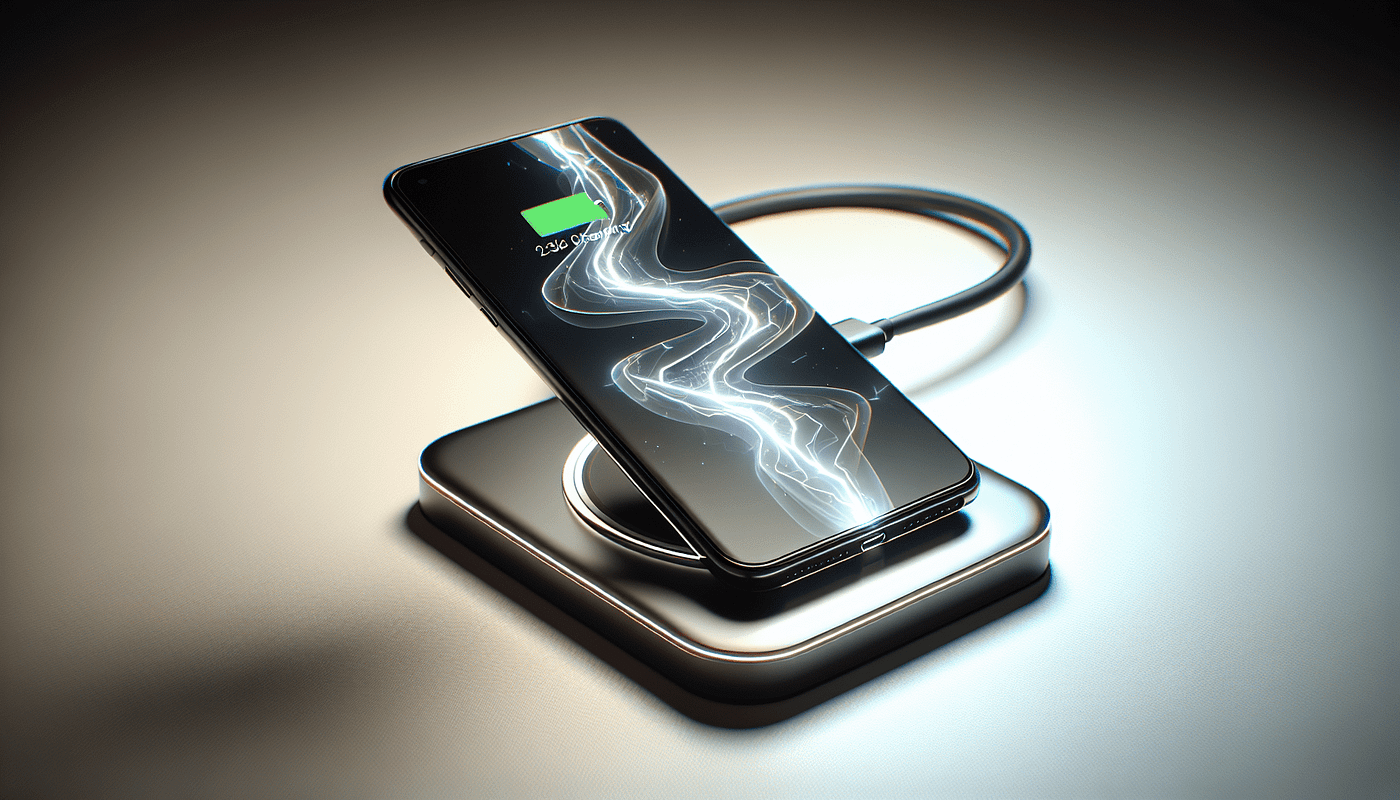
For example, compared to older 5W chargers, fast charging handles a power ranging from 18 W to 100 W, although that depends mostly on the device, the power adapter and the cable. These are some of the technologies Fast Charging most popular:
- Quick Charge (QC), developed by Qualcomm and widely used in Android devices.
- USB Power Delivery (USB-PD), the universal standard for USB-C and also the fastest.
It should also be noted that certain manufacturers, such as OnePlus o Huawei, have developed their own versions of fast charging that only work with specific cables and chargers.
For a USB-C cable to work with fast charging, it must have the right design and materials. Cables, for example, They must be able to handle a current of 3 amps (A) or more, higher in any case than the capacity of standard cables, which are usually limited to 2 amps. They must also include internal chips that regulate power transfer safely.
Methods to know if a USB-C cable is fast charging
It is important to know that A USB-C cable that does not support fast charging can be used. There is no danger for our device, however, we are going to encounter some problems, such as a slower charging and the risk of overheating.
Luckily, there are several methods to answer the question of how to tell if a USB-C cable supports fast charging. These are the most practical and reliable:
Pay attention to the labels
Many USB-C cables include logos or labels indicating their fast charging compatibility. For example, we can find the official label USB-IF Certified or with indicators of «Fast Charge» o «Quick Charge» that will help us to get out of doubt.
Check the cable specifications
This is the simplest and most direct way to get out of doubt: check the cable specifications, which can be found on the cable itself or on the manufacturer's website. The technical data that interest us are amps (A) and voltage (V), since by multiplying them we obtain the power in watts (W). For example, the power of a cable that supports 3 A and 20 V is 60 W.
Use measuring tools
If the information we are looking for does not appear on the USB-C cable, we can resort to the help of external tools. On the one hand, we have the smart chargers, which incorporate screens or indicators that can confirm whether there is fast charging or not. On the other hand, there are the mUSB editors, devices connect between the charger, the cable and the device, showing in real time the amount of current and voltage passing through the cable.
The homemade method: comparing loading times
Finally, if the information is not within our reach and we do not have any external measuring device, we always have the option of resorting to the "home method". This consists of perform a time test using different cablesIt is a rudimentary system, but it can be helpful in many cases. Basically, it involves comparing charging times and verifying that there is a cable that charges our device in less time than the others.
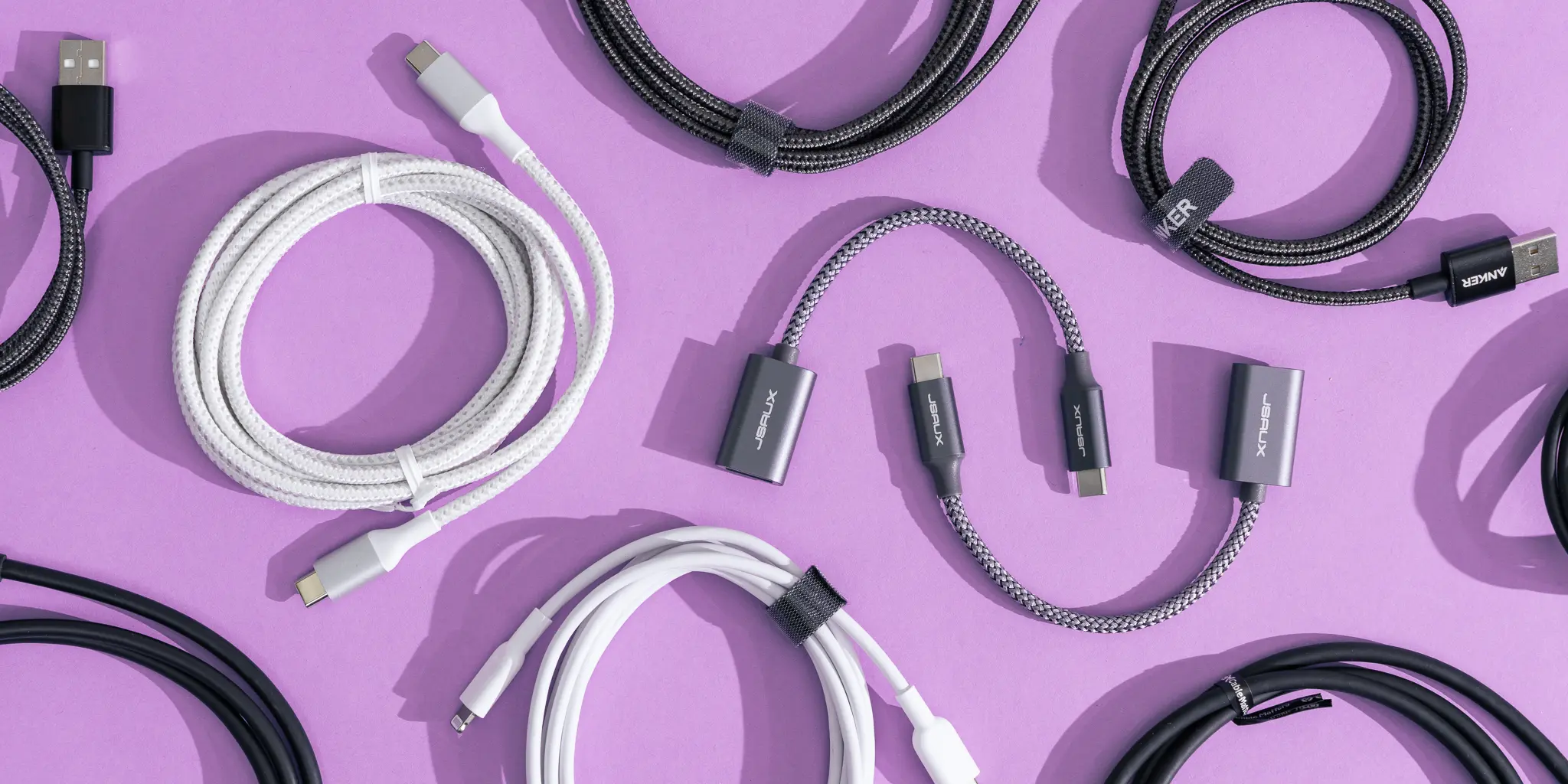
As we have seen here, determining whether a USB-C cable is fast charging is not too complicated. We have several ways to do it: checking the specifications, using testing tools… Even performing comparative tests on our own. All in order tomake sure we are using a cable that really takes advantage of the charging capabilities of our devices to the maximum.
That said, it seems logical to conclude that when it comes to buying, it is worth spending a little money on a quality USB-C cable. With this we will not only get faster charges, but also safer ones. You have to choose well!

Editor specialized in technology and internet issues with more than ten years of experience in different digital media. I have worked as an editor and content creator for e-commerce, communication, online marketing and advertising companies. I have also written on economics, finance and other sectors websites. My work is also my passion. Now, through my articles in Tecnobits, I try to explore all the news and new opportunities that the world of technology offers us every day to improve our lives.