- Frigate processes RTSP streams locally using AI to detect objects without relying on the cloud.
- Using a Google Coral accelerator is essential to avoid CPU overload when managing multiple cameras.
- Integration with Home Assistant via MQTT allows detections to be turned into real home automation.

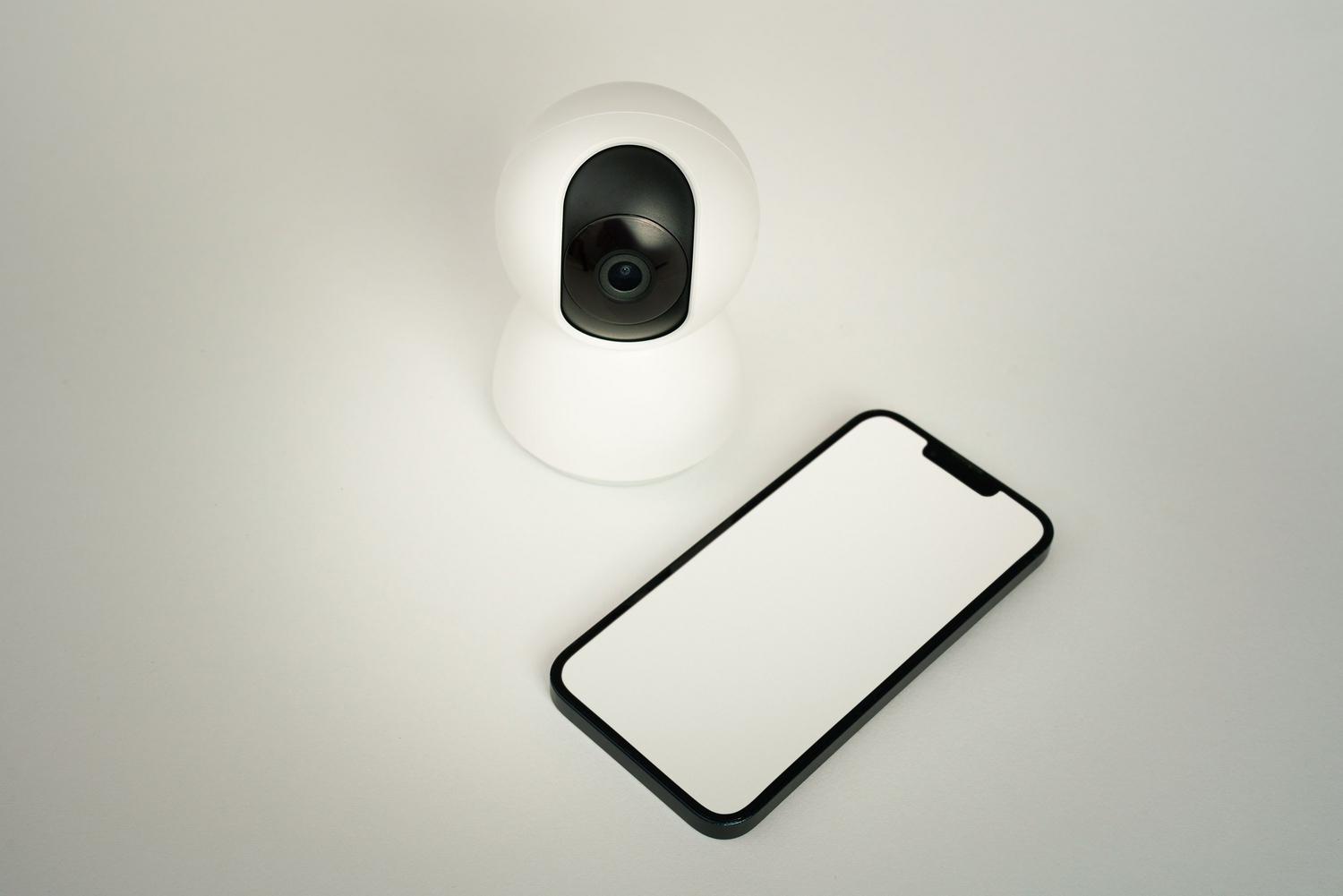
Relying on cloud-based camera apps means paying monthly subscriptions or leaving your data exposed on distant servers. Setting up your own video surveillance system with Frigate NVR It's the best way to regain full control, allowing you to process all video locally and privately without a single frame leaving your home network. In this article, we'll show you how. How to add an RTSP camera to Frigate.
The most powerful thing about this tool is not just that it records, but that it uses artificial intelligence to analyze the images in real time. So instead of receiving alerts every time a branch moves in the wind, you can configure the system to notify you only when detect a person, a car, or even your petintegrating everything with Home Assistant so that your home truly reacts to what's happening outside.
What do you need to start the assembly?
Before you start configuring, it's important to understand that Frigate is software that It consumes a lot of resources. processor and RAM are important factors. Recording video is not the same as analyzing each frame to find objects. For the system to run smoothly, it's ideal to have a machine that supports Docker, such as a mini-PC with an Intel processor (where you can take advantage of QuickSync), a 4GB Raspberry Pi 4, or even a high-end ASUS router with container support.
To prevent your CPU from reaching 100% usage as soon as you add the second camera, it's best to use a AI accelerator like the Google Coral USBThis small device handles inferences, drastically reducing the load on the main processor and allowing you to manage more cameras with minimal latency. Furthermore, it's essential that your IP cameras are compatible with the RTSP protocol or ONVIF, which is the language Frigate uses to receive the video signal.

Steps to install Frigate
Depending on your infrastructure, you have two main paths. If you use Home Assistant OS, the simplest way is to install it as a add-on from the storeThis simplifies log management and the container lifecycle. Alternatively, if you prefer to host it on a separate server or in Proxmox, the ideal solution is... Install Frigate with Docker.
For those who choose Docker, it is vital to configure the parameter correctly. shm_size (shared memory), since Frigate uses it to manage video frames; if you run out, the system will become unstable. Likewise, you must map the storage paths so that clips and captures are saved to a disk with sufficient space, since the recording continues It can quickly fill any small unit.

Detailed camera settings
The heart of the whole system is the file frigate.ymlThis is where you define which cameras you have, what you want them to detect, and how they should process the video. To add a camera, you must first locate its RTSP stream URLThis link varies by brand; for example, TP-Link Tapo cameras require you to create a specific user account in the app's advanced settings to enable local access.
The standard format is usually rtsp://username:password@camera_IP:port/stream_pathA foolproof trick to check if the URL is correct before writing it in the code is to test it with the VLC playerIf you see the image there, Frigate will also be able to read it. In the configuration file, it's crucial to define the camera roles, such as 'detect' for object analysis or 'record' for saving videos.


Performance optimization and detection
To prevent the system from becoming overheated, there's no need to analyze the video at 30 frames per second. Configure the fps in 5 Within the detection block, there is more than enough data to capture any human movement and significantly reduces the CPU load. Furthermore, you can implement motion masks to tell the software to ignore irrelevant areas, such as a constantly moving tree, thus avoiding false positives.
If you want to go one step further, Configure detection zones in Frigate It allows you to define the exact area where you want the alert to be triggered, such as the door frame, ignoring what happens on the public sidewalk. For those using cameras with a specific format. H.265 And if you view the clips from Safari, it's important to enable the option to Apple compatibility so that the video is playable without errors.
Integration with Home Assistant and automations
Having Frigate up and running is great, but where the magic happens is when use Frigate with Home AssistantThis communication takes place through a MQTT broker (like Mosquitto). Once the broker's username and password are configured in both systems, Frigate will start publishing events every time it detects an object.
With this you can create real automations: that the garden lights turn on if it detects someone at 3 a.m., or receive a notification on Telegram with the exact photo of the intruder and a direct link to the video clip. This integration turns a simple NVR into a intelligent security system and proactive, not dependent on any external company.

Solving common problems
It is very common for the system not to start initially due to a syntax error in the YAMLRemember that this format is extremely sensitive to indentation; always use spaces and never tabs. If the image is not visible, check that the RTSP credentials make sure they are the correct ones and that there is no firewall blocking port 554 of the camera.
Another recurring problem is hard drive fullness. To prevent system crashes, configure the retention time of the clips (for example, 7 days). This way, Frigate will automatically delete the oldest recordings, keeping storage under control without you having to manually intervene every week.
In short, setting up this ecosystem allows you to centralize your home surveillance with a absolute privacyOptimizing hardware usage through accelerators like Coral and enhancing the utility of your IP cameras through artificial intelligence and local automation.

Editor specialized in technology and internet issues with more than ten years of experience in different digital media. I have worked as an editor and content creator for e-commerce, communication, online marketing and advertising companies. I have also written on economics, finance and other sectors websites. My work is also my passion. Now, through my articles in Tecnobits, I try to explore all the news and new opportunities that the world of technology offers us every day to improve our lives.