- Using Android's native Digital Wellbeing tools and Distraction-Free Mode.
- External alternatives through specialized applications in strict blocking and gamification.
- Complementary strategies such as grayscale and airplane mode to reduce mobile phone dependence.
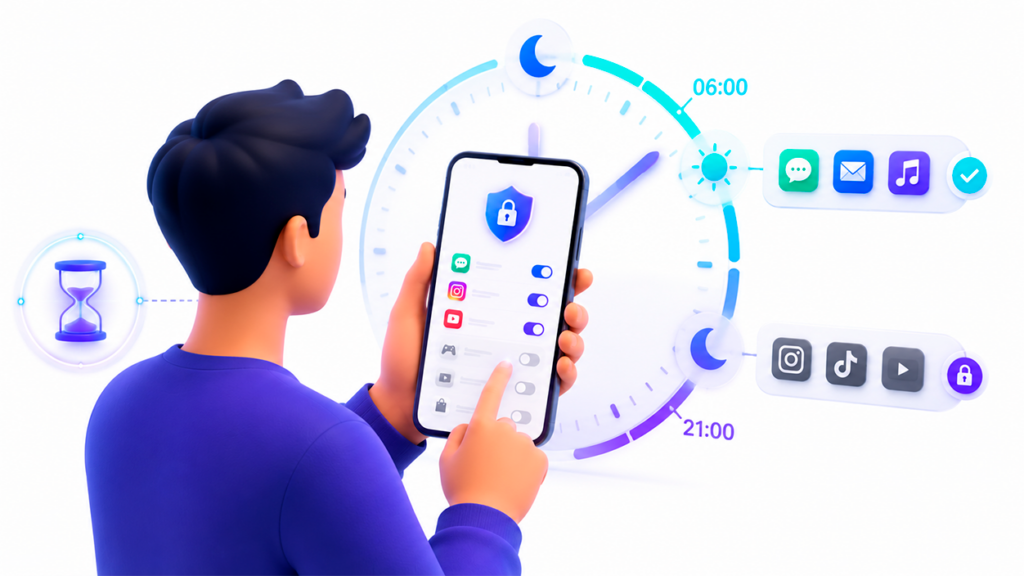
Sometimes we feel like our phones control us instead of the other way around. We spend hours doing scroll endlessly scrolling through social media or wasting time with videos we don't need to watch, and that's where the need arises to set clear boundaries to regain control of our daily lives.
If you're looking for a way to WhatsApp or Instagram go "asleep" after a certain timeAround 9 PM, you might have noticed that on Android it's not as straightforward as on iOS. However, there are several effective routes, from built-in system functions to Apps for blocking applications on Android very powerful that make it impossible to cheat.
Native tools: Digital Wellbeing and Distraction-Free Mode
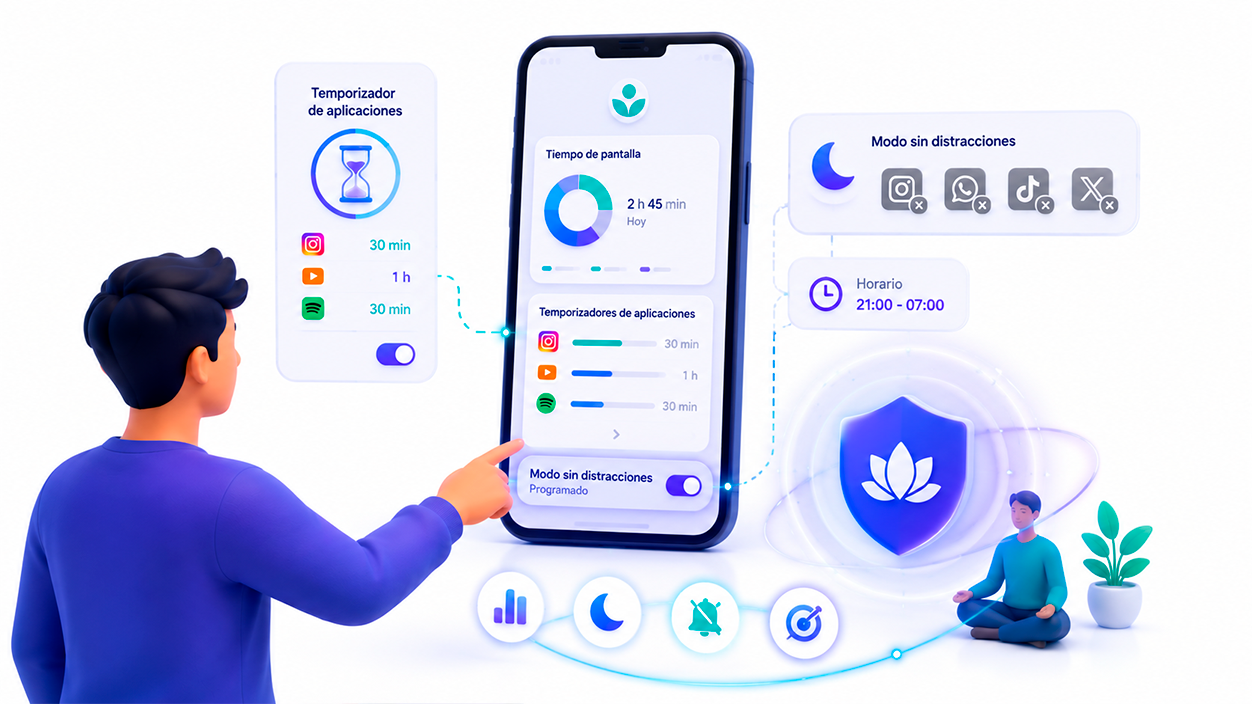
Most modern Android phones come with a suite called Digital Wellbeing and Parental ControlsThere's no need to download anything unusual, as it comes standard with Google's operating system and is the first step for those who want to manage their screen time.
One of the most practical functions are the Application TimersThese are used to set a daily limit; for example, if you decide you only want to use Spotify for 30 minutes a day, once that time is up, the app pauses, the icon turns gray, and you stop receiving notifications until the counter resets the next day.
To set it up, simply go to your phone's settings, enter the Digital Wellbeing section, and access the control PanelFrom there, you search for the application you want to limit, tap the hourglass icon, and set the desired time.
If what you need is a more radical block for a specific period, the Distraction-free mode It's your best ally. This tool lets you choose a group of apps that you want to temporarily pause to focus on what's important.
On Samsung devices, this process is especially simple. Go to Settings, look for Digital Wellbeing, and select Distraction-Free Mode. Here you can set a specific schedule so that the block is activated automatically, thus avoiding the temptation to open prohibited apps during your work or study hours.
External applications for total control
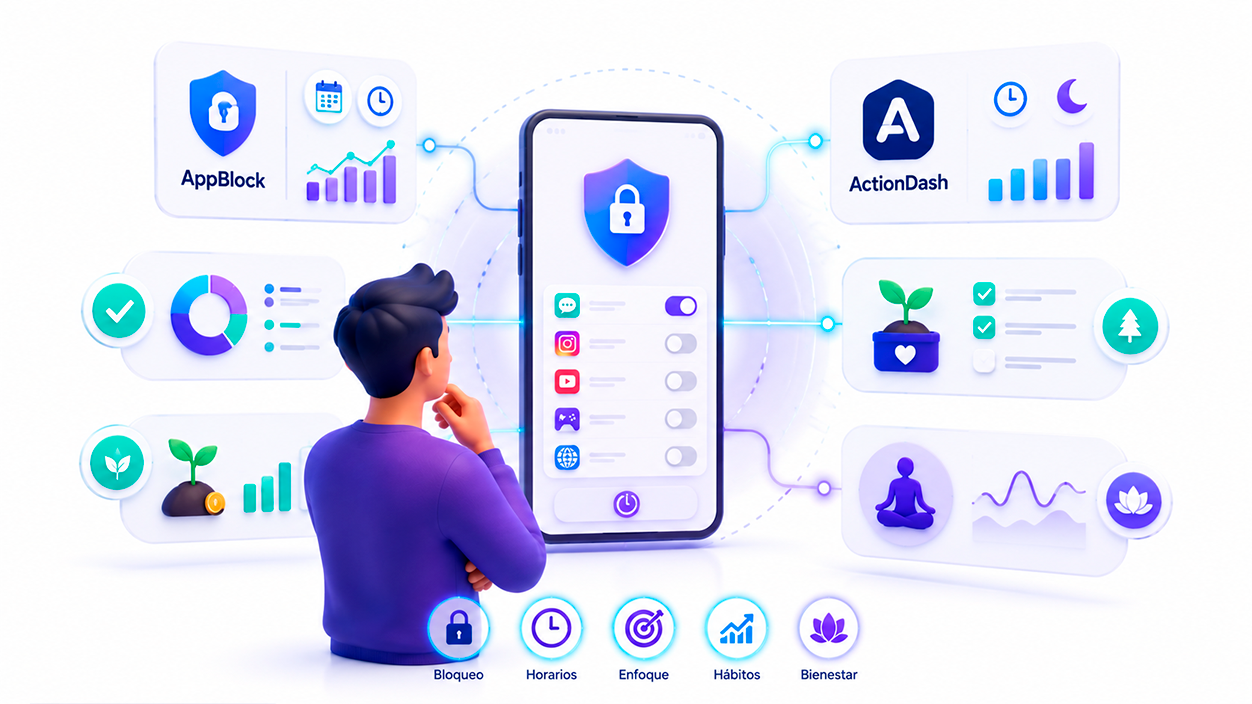
When willpower falters or Google tools fall short, there are third-party apps that take discipline to another level. One of the most notable is... AppBlockwhich not only blocks apps and websites, but also allows you to create custom schedules based on the time, location, or even the Wi-Fi network you are connected to.
The most powerful thing about AppBlock is its Strict ModeThis feature prevents the user from overriding the configured restrictions, forcing you to meet your productivity commitment. It's ideal for students who need a distraction-free environment to prepare for exams.
Another interesting option is ActionDashRecommended by Google, this app focuses on detailed analysis, allowing you to see how many times you unlock your phone and offering a sleep mode to deactivate apps at bedtime, as well as a focused mode to pause distractions with a single click.
For those who prefer a more playful approach, there are apps like Forest or Focus PlantThese turn productivity into a game: as long as you don't touch your phone, a virtual tree grows. If you leave the app to check Facebook, the tree withers. Forest even allows plant real trees in Africa thanks to the coins you earn by concentrating.

If the problem is the stress or anxiety caused by the mobile phone, Headspace It's an alternative focused on mental well-being. While it doesn't block apps in the traditional sense, it offers guided meditations and sleep tools to help you unwind before bed.
How to schedule usage times with Google Family Link
If the device belongs to a minor or you want to apply stricter restrictions, Google Family Link offers advanced tools for managing screen timeFrom the app you can set rest schedules, completely lock the device at certain times, and limit daily use of specific applications.
The main advantage is that The limits are managed from another devicepreventing the user from easily modifying restrictions. Furthermore, it allows monitoring usage time, approving application installations, and controlling access to specific content from a single interface.
Extra tips to reduce smartphone addiction

Sometimes it's not necessary to block the app, but rather to make the mobile phone... less visually appealingA very effective trick is to activate grayscale. By removing bright colors, the brain receives fewer stimuli and the temptation to check notifications decreases dramatically.
To do this on Android, you can usually find the option in Digital Wellbeing, within the Sleep Modewhere you can schedule when the gray screen activates. It's a subtle but powerful change to combat the addictive design of social media.
Let's not forget the classic Airplane ModeCompletely disconnecting from the network for short periods is the quickest way to prevent notifications from interrupting your workflow or your night's rest.
For those managing devices for minors, Android allows you to organize applications into groups such as always lockedalways unlocked, games or social networks, facilitating more thorough and organized parental control.
Whether using the system's built-in Digital Wellbeing and Distraction-Free Mode features, or relying on external tools like AppBlock, ActionDash, or Forest's gamification, it's possible master time management On Android, combining screen time blocking with visual tricks like grayscale allows you to create a much healthier and more productive digital ecosystem.

I am a technology enthusiast who has turned his "geek" interests into a profession. I have spent more than 10 years of my life using cutting-edge technology and tinkering with all kinds of programs out of pure curiosity. Now I have specialized in computer technology and video games. This is because for more than 5 years I have been writing for various websites on technology and video games, creating articles that seek to give you the information you need in a language that is understandable to everyone.
If you have any questions, my knowledge ranges from everything related to the Windows operating system as well as Android for mobile phones. And my commitment is to you, I am always willing to spend a few minutes and help you resolve any questions you may have in this internet world.