- The Relight feature in Windows 11 Photos allows you to add artificial light sources using local AI on Copilot+ devices.
- There are specialized applications like Airbrush that offer selective adjustments to brightness, shadows, and noise repair.
- Modern artificial intelligence has evolved from simply adjusting exposure to intelligently reconstructing colors in dark scenes.
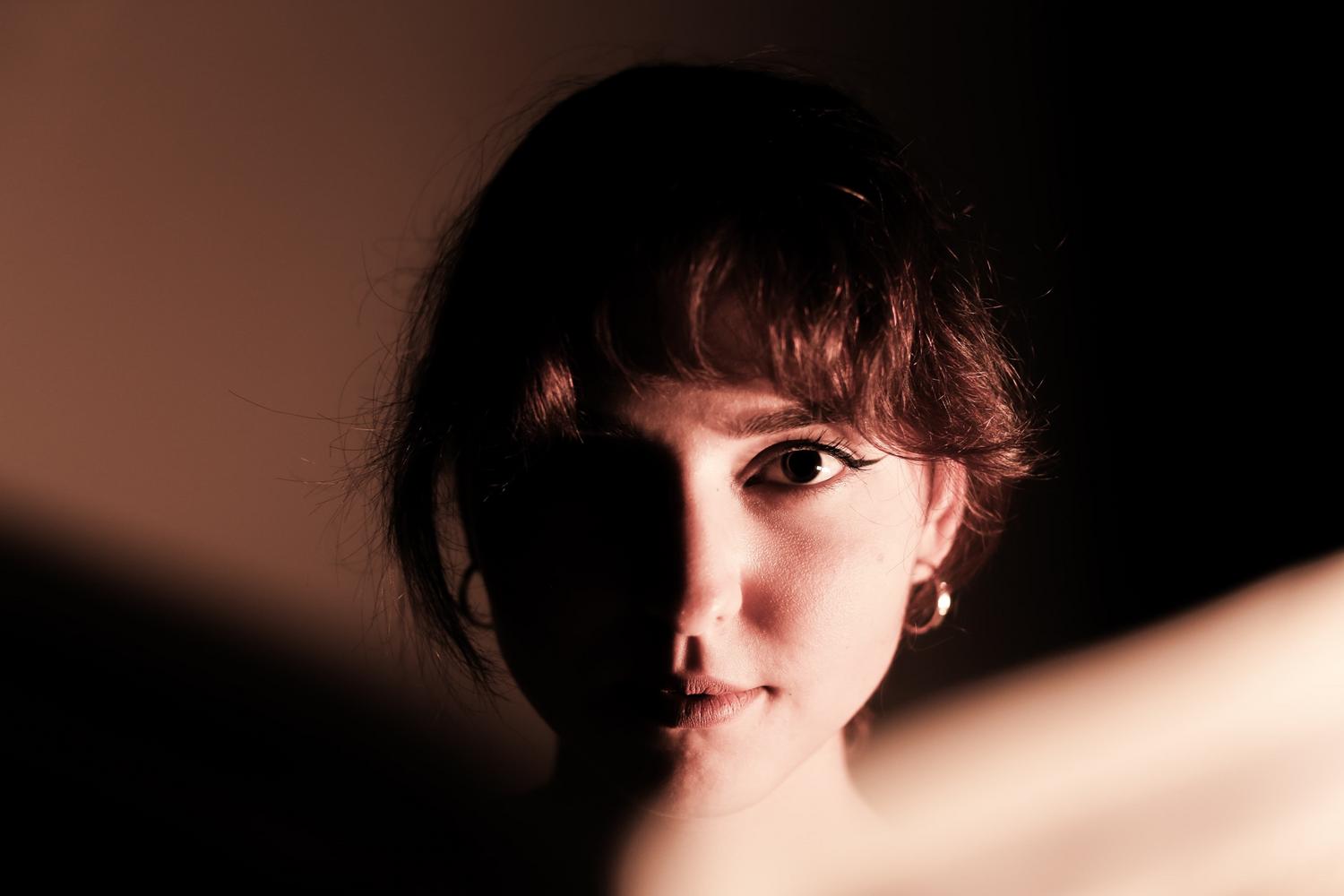
I'm sure it's happened to you before: you capture an incredible moment, the composition is perfect and the feeling is just right, but when you look at the screen you realize that the image has turned out too darkIn the past, this meant that the photo was lost or that, when trying to brighten it, that annoying grain or digital noise appeared that ruined any detail.
Fortunately, nowadays you don't need to be an expert in digital developing or have the most expensive equipment on the market. Thanks to the artificial intelligence and advanced softwareWe can work magic with light even after we've taken the shot, rescuing images that seemed irreparable and giving them a professional finish with just a few clicks.
Relight: The new gem of Photos in Windows 11
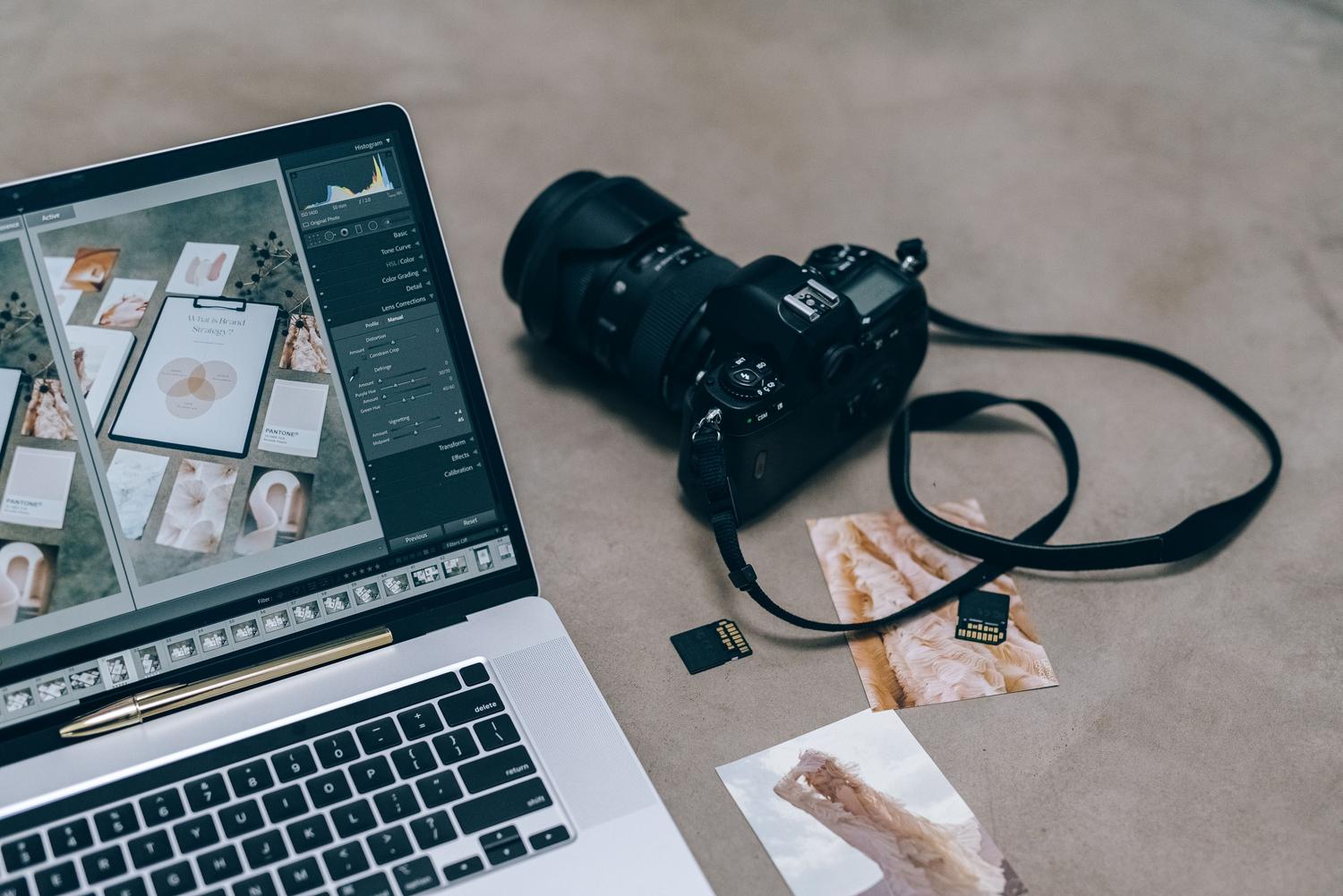
If you are lucky enough to have a team Copilot+ PCYou have access to a revolutionary tool called Relight, integrated directly into the Microsoft Photos app. Unlike traditional adjustments, Relight doesn't just increase brightness; it uses AI to simulate artificial light sources within the scene, allowing you to play with the direction, color, and intensity of the lighting.
To get started, simply open your image in the Photos app, go to the menu of Edit and select the Reactivate optionFrom there, you can choose preset settings or get to work customizing the softness, light placement, and overall brightness to create the ambiance you like best.
The most interesting thing about this system is that the processing is done locally on your computer. This means your photos don't travel to any external server, protecting your privacy to the fullest. Furthermore, it's important to know that it's not generative AI; that is, It does not invent new content.but modifies the light from existing pixels to improve visibility.
Powerful alternatives for mobile and PC
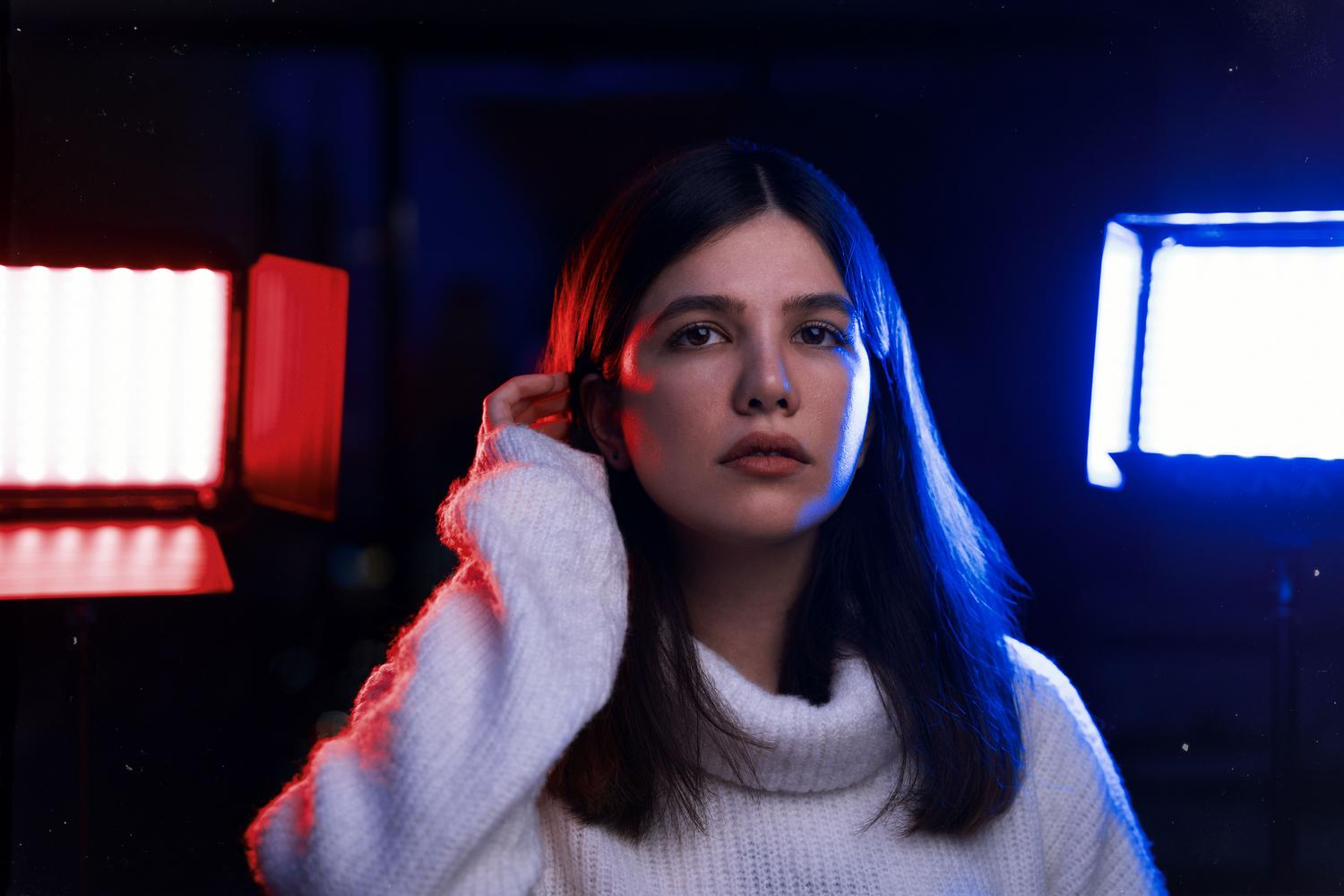
If you don't have a PC Copilot+ or prefer to edit from your mobile device, options like Airbrush are a lifesaver. For those looking for something quick, adjusting the overall brightness It's the shortest route, but if you want a more natural result, the ideal is to play with the shadows and lightsWhile shadows lighten dark areas without affecting the rest, highlights help to recover details in already bright parts.
For portrait enthusiasts, Airbrush's Relight function is a real gem, as it allows selectively illuminate facesYou can use "Flash" mode to add clarity or "Custom" mode to adjust the color temperature. If the photo is both dark and blurry, the AI Repair It is the key tool for automatically removing noise and improving resolution.
For those who prefer the convenience of a large monitor, Airbrush Studio for Windows and macOS allows a much more precise controlThrough the Tone panel, you can manipulate the exposure, whites, and blacks, giving the image a more balanced look. depth and contrast which would be impossible to achieve on a small screen.
The science behind dark vision
From a more technical standpoint, photography has always depended on light. Traditionally, to combat darkness, we either increased the ISO (which generated noise) or left the shutter open longer (which resulted in blurry images). However, recent research, such as that conducted by Intel and the University of Illinois, is changing the game by... machine learning.
These AI models are trained by analyzing thousands of poorly exposed photos and comparing them to well-lit versions. In this way, the neural network learns to reconstruct the image not only by brightening pixels, but also by coloring the areas with the most consistent tone possible. Although some fine detail may sometimes be lost at the edges, the result is breathtakingly superior to any manual exposure adjustment.
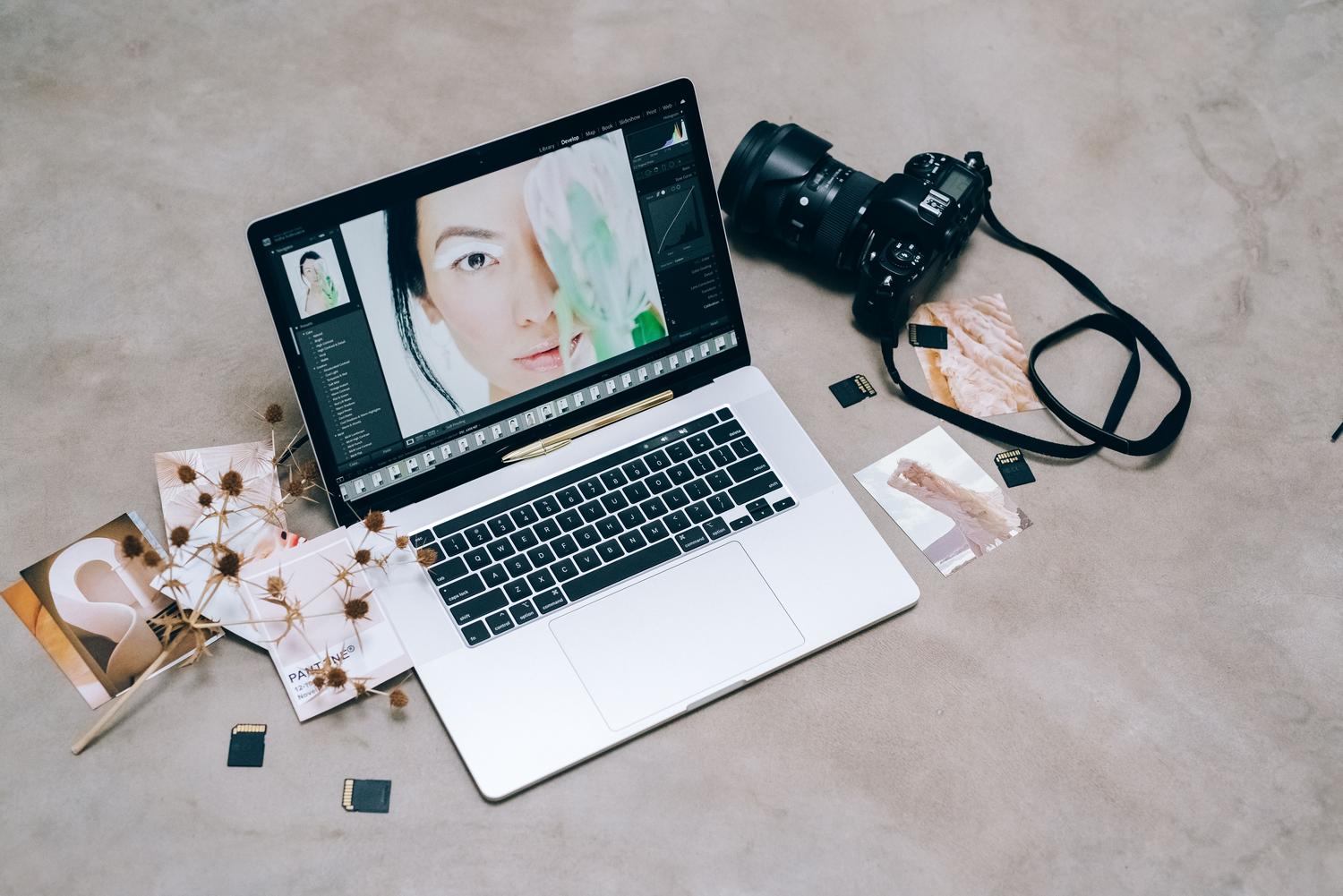
Having control over lighting through software allows us to rescue memories that would have previously ended up in the trash. Whether using the local capabilities of a modern PC, the intuitive tools of a mobile app, or the power of AI reconstruction, today we have the ability to transform a dark capture in a crisp, bright image ready to show off on any social network. Now you know how to fix a photo that's too dark with Relight in Windows 11 Photos.

Passionate about technology since he was little. I love being up to date in the sector and, above all, communicating it. That is why I have been dedicated to communication on technology and video game websites for many years. You can find me writing about Android, Windows, MacOS, iOS, Nintendo or any other related topic that comes to mind.