- The CRC error in RAR files indicates data corruption when comparing the original checksum with the current one.
- Common causes include incomplete downloads, disk failures, memory errors, or incorrect passwords.
- WinRAR allows you to preserve and attempt to extract damaged files, and even force extraction while ignoring errors.
- If the corruption is severe, it is usually necessary to re-download the file or use specialized repair tools.

When the message appears CRC error in RAR filesWhen trying to decompress a file, the most common reaction is to assume the worst: that the file is corrupted, the download failed, or your hard drive is starting to fail. While this may sound technical, this problem is quite common when working with compressed files, especially if you download them from the internet or transfer them between different devices.
In this guide you will find a clear explanation of What does the CRC error in .RAR files really mean, why does it occur, and what can you do? to try to repair it or, at least, recover as much information as possible from the damaged file. We'll look at both the free options offered by WinRAR and the system itself, as well as the reality of what can and cannot be recovered in these cases.
What is CRC and why is it so important in RAR files?
The cyclic redundancy code, better known as CRC (Cyclic Redundancy Check)A checksum is a mathematical system used to verify that data has not been corrupted during storage or transmission. Each block of information is associated with a numerical value calculated from the original data; this value is the well-known "checksum."
When you create or download a RAR file, the compression program saves a CRC value for each part of the fileThen, upon decompression, WinRAR It recalculates the checksum of what it is reading and compares it to the one that was stored. If the two figures match, the data is considered identical to the original; if there is a difference, the program detects that the content has changed along the way.
That gap between what was expected and what is obtained is what triggers the "Incorrect CRC checksum" errorIn other words: what's on your disk or what you've received doesn't match what was originally generated, so the extracted file may be corrupt, incomplete, or, in the case of protected files, encrypted with an incorrect password.
Common reasons for CRC errors in .RAR files
It's important to understand that CRC errors in RAR files don't appear randomly; they almost always indicate an underlying problem. Some of the most common causes are: storage medium failures, download problems, or hardware errors on the team.
When we talk about storage media, we are referring to hard drives, SSDs, USB flash drives, SD cards, or even CDs and DVDsIf any of these storage media has damaged sectors, power outages, sudden disconnections, or is simply aging poorly, the data it stores can subtly change. These small changes are enough to cause the CRC to not match, even if the file appears intact at first glance.
Another very common source of CRC errors in RAR files is the incomplete or faulty downloadIf the file has only been partially downloaded, the connection has been interrupted, the server has experienced problems, or the download application (for example, a torrent manager or a P2P program like eMule) has not properly verified the integrity of the received file, the result will be a seemingly complete RAR file, but with corrupted parts; therefore, it is advisable to Check if your network is experiencing micro-outages.
Nor should we forget the software or hardware failures of the equipment itself: faulty RAM, disk controllers or generic drivers without warning youOverheating, SATA/USB controller errors, etc., can all be causes of the problem. In some cases, it has been observed that almost all RAR files downloaded on a particular machine returned a CRC error, while on another computer, with the same files, they decompressed without issue. This is a clear indication that the problem originates not from the file itself, but from the environment in which it is being used.
In the specific case of the password-protected RAR filesA CRC error can also be caused by an incorrect password. The file itself might be fine, but if the decryption is performed with an incorrect password, the result is data that doesn't match the original and, therefore, an invalid checksum.
What really happens when the CRC error occurs
Each time WinRAR decompresses a file, it recalculates its The CRC value is compared to the one saved in the compressed file.If they match, the program assumes the extracted content is the same as the original compressed content. If not, it displays an error message: the typical "invalid checksum," "corrupted file," or similar message.
This means that the The extracted file may not be identical to the original.Depending on which part of the content is damaged, the result can range from a slight defect (for example, a video that cuts off a few seconds before the end) to a completely unusable file (an executable that does not start, a document that does not open, an image that cannot be viewed).
In practice, a CRC error in RAR files usually indicates real corruption of the dataThe system doesn't just say "something's not right"; it's warning you that the file's integrity has been compromised. And it does this precisely because the CRC is designed to detect even very small changes, like a single altered bit in a large block of data.
Is it possible to repair a RAR file with a CRC error?
Let's be realistic: the CRC mechanism is designed to to detect errors, not to correct themUnlike other codes with more advanced redundancy, the CRC error in RAR files cannot "reconstruct" the original data; it only indicates that something has gone wrong. This means that, in many cases, a compressed file that displays a CRC error is irreparably damaged.
Some RAR files, however, may include additional recovery information (the famous "recovery records" that can be enabled when creating the archive). This extra information, when available, allows you to attempt to reconstruct damaged parts of the file, similar to how parity files (PAR/PAR2) work in P2P downloads. But this is only available if the person who created the RAR file enabled this option, which doesn't always happen.
In most cases where the RAR file is corrupted and has no recoverable data, the most effective solution involves Download the file again from the source.If it's a torrent or an eMule file, it's a good idea to make sure the client has the option to check and reject corrupted parts enabled, to prevent damaged data fragments from being accepted.
Check if the problem is with the file or your computer
Before directly blaming the RAR file, it is highly recommended rule out that the problem is with your computer or the storage mediumIf almost all downloaded files fail with CRC on one computer, but work correctly on another, there is reason to suspect the machine.
In Windows systems, WinRAR includes in the "Tools" menu some “Hardware and speed tests” These tests help detect general performance or stability issues. While not a definitive test, they can give you clues if something isn't working correctly. Additionally, it's good practice to check the drive where you store the RAR files.
Another very important check is that of the computer's RAM memoryAn unstable or damaged memory can corrupt data while downloading or extracting files, causing CRC errors in RAR files. If you suspect a problem, see how analyze a memory.dmp fileFor this purpose, tools such as MemTest or MemTest86+ are usually used, which should be left running for several hours to ensure that there are no errors.
If you use Linux (for example, Lubuntu) and you have a very high percentage of RAR files with CRC errors when decompressing, while this doesn't happen on another machine, the problem may lie in the combination of hardware, disk controller, memory, or even the file system itselfUsing fsck to check partitions (ext4, exFAT, etc.), monitoring temperatures, and, if possible, testing with another physical drive can help you pinpoint the true source of the failure.
Configure WinRAR to not delete corrupted files
In many situations it is important to be able to Extract as much as possible from a RAR file, even if it's damaged.WinRAR, by default, tends to delete the affected files when it detects a CRC error in RAR files, but this can be easily changed from the options.
If you want the program to preserve those files even though they are corrupted, you must Select the option “Keep damaged files”This option is located in the "General" tab of the extraction options window, under the "Miscellaneous" section, depending on the version. Once enabled, WinRAR will leave the extracted files in the destination folder, even if it warns you that errors have occurred.
This configuration is very useful if, for example, The damage only affects a small part of the contentA video might have a small cut, an audio file might have a few seconds of silence, or an image might appear partially damaged, but at least you'll have something usable instead of losing everything.
Using specialized software to repair RAR files
When WinRAR's standard options aren't enough, some users resort to specific programs for repairing RAR filesThese tools usually work in read-only mode on the original file, analyzing its internal structure to try to reconstruct the accessible data and generate a new "clean" RAR file.
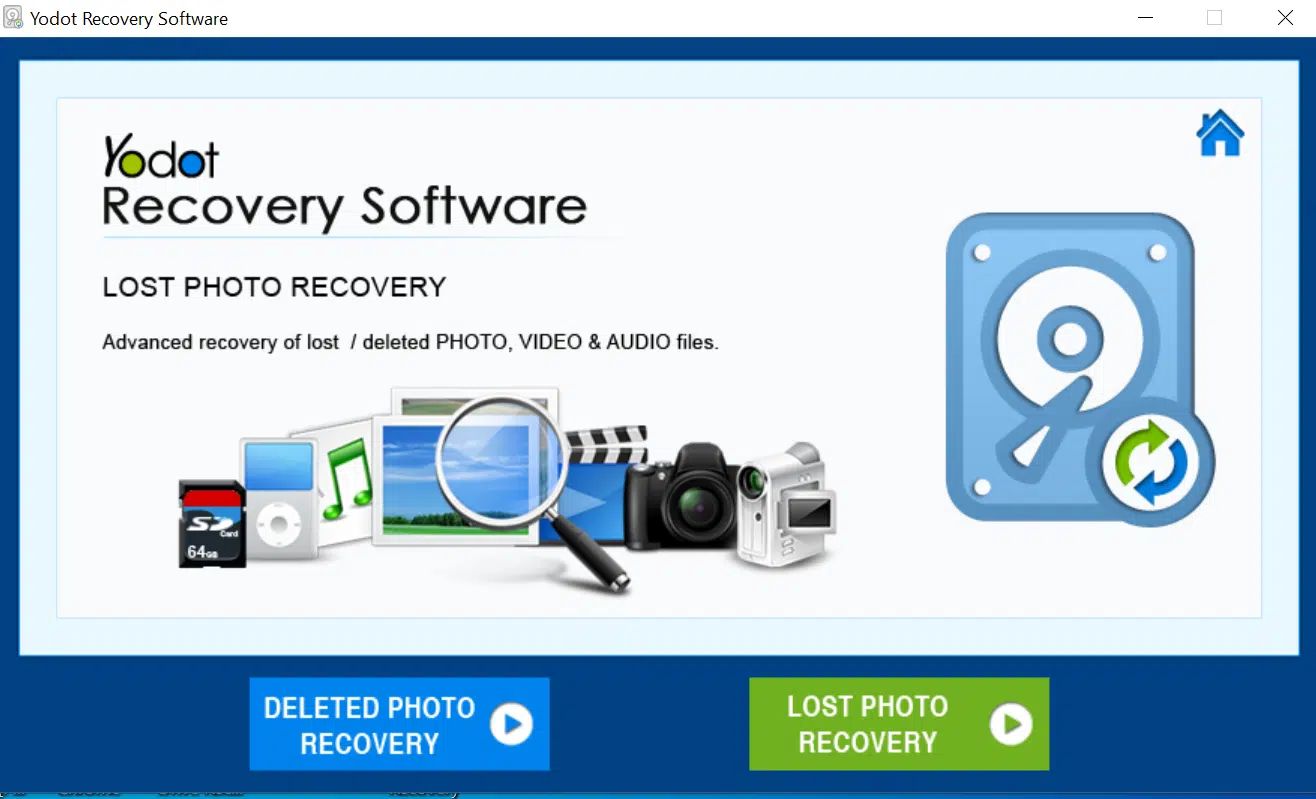
One such utility is the RAR file repair software from Iodotwhich is designed to detect CRC errors and other types of corruption (including multi-part or very large RAR files, around several gigabytes in size) and, from there, extract any recoverable files. They typically work on Windows systems such as Windows 8, 7, Vista, XP, or server versions.
The typical process with these tools is usually very similar: you install the program, run it, and You select the problematic RAR fileWhen the repair starts, the software scans the file, checking its integrity, displays a progress bar, and, if successful, provides a preview of the files and folders it has been able to rebuild.
Then you can save the repaired content to a destination folderThe original RAR file is not modified, as these programs work non-destructively. However, it's important to keep in mind that no software can perform miracles: if the damage is very severe or the RAR file lacks recovery information, it's possible that only part of the content will be recovered, or in the worst case, nothing useful.
When is the best time to download the RAR file again?
No matter how many tools and tricks you use, there are situations where the most sensible option when faced with a CRC error in RAR files is Discard the corrupted file and try to get a new copy.This is especially true when the RAR file comes from the internet and you have easy access to the source (download server, official link, torrent with many sources, etc.).
If the file is related to P2P networks like eMule or torrents, make sure the client Verify the downloaded parts and mark as corrupt those that do not pass the checks.In eMule, for example, there is a specific option in the preferences to detect defective parts; if it is not enabled, you can end up with seemingly complete files that are full of CRC errors.
It's also a good idea to check that the network connection is stable and that there are no interruptions. no power outages or sudden shutdowns During downloads. If you download to an external hard drive, SD card, or USB flash drive, it's best to keep them properly connected at all times and avoid moving or disconnecting them while in use, as this can cause silent corruption.
Understanding how the CRC error works in RAR files and why the error occurs in RAR files helps in making more informed decisions: when to insist on repairing, when to force extraction ignoring errors, and when it's better to start from scratchAlthough it may not always be possible to recover the content, with the appropriate checks and by correctly using WinRAR and other tools, it is often possible to recover at least some of the data that seemed lost.


Editor specialized in technology and internet issues with more than ten years of experience in different digital media. I have worked as an editor and content creator for e-commerce, communication, online marketing and advertising companies. I have also written on economics, finance and other sectors websites. My work is also my passion. Now, through my articles in Tecnobits, I try to explore all the news and new opportunities that the world of technology offers us every day to improve our lives.