- Connected cars and mobile phones with Google Maps can store a detailed history of routes and locations.
- You can view, edit, and delete that history from the Google Maps timeline or from GPS location apps.
- Enabling history is optional and can be disabled or configured with automatic deletion.
- Understanding and controlling these histories is key to balancing security, convenience, and privacy.
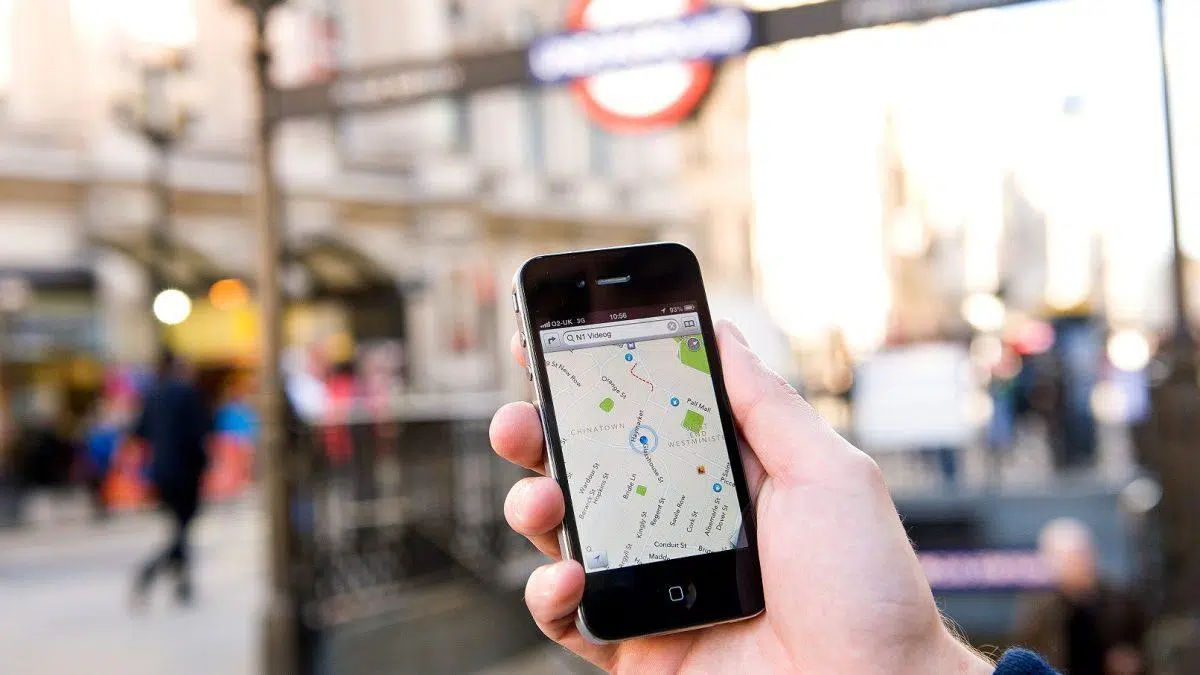
¿How can I tell if my connected car saves route history? If you have a modern car with an internet connection, its own apps, or you simply tend to carry your mobile phone in your pocket, it's very likely that your data is being collected. very detailed data about your routes and journeysAnd here's the big question: how do you know if your connected car is saving a route history and, above all, what can you do with that information?
Today, many drivers discover almost by chance that there is a whole world of chronology of places visited, routes and travel times This data is stored in Google Maps, GPS location apps, or even platforms associated with your vehicle. Understanding how this record works, how to view it, manage it, and delete it when necessary is key to driving with peace of mind, without sacrificing the advantages of a connected car.
What is route history in a connected car and on your mobile phone?
When we talk about route history, we are referring to that set of locations, routes, stops and times that are automatically saved While you're traveling by car, on foot, or using public transport. In practice, it's usually stored in two main places: in the Google Maps timeline associated with your mobile phone and in the GPS location services that your vehicle or a tracker installed in it may use.
In the case of Google Maps, that record is called Chronology or history of locationsThe app records the places you visit, as long as you're logged into your Google account, location services are enabled, and location history is turned on. This timeline allows you to review your movements on a map in considerable detail.
On the other hand, if you have a specific GPS tracker in the car (Many connect to the OBD port, the battery, or operate on their own rechargeable battery.) You can also create a separate trip history. In this case, you usually have a web portal or a dedicated app to review all the vehicle's journeys, with data such as speed, stops, and distance traveled.
The combination of these tools makes it very easy to reconstruct the movements of a connected car: Google Maps can record your position as a driver or passengerWhile a GPS tracker or the vehicle's own telematics system records the car's exact route, it's crucial to know what data is being stored and how to access it.
How Google Maps' timeline works and what exactly it saves
The Google Maps timeline is a feature of your Google account where The sites you visit and the routes you take are recorded.For this to happen, the device you are carrying (mobile or tablet) must be logged into your Google account and both device location and location history must be enabled.
When these conditions are met, Google Maps is able to automatically save the routes you take by car, public transport, on foot, or by other meansThe timeline displays these movements on a map, showing the approximate departure and arrival times, the places you've stopped, the time spent on each journey, and even the type of transport it has detected.
Everything you see in that timeline comes directly from your device's location datanot from the computer. That's why to use and consult it you need the Google Maps application on a mobile phone or tablet: that's where it's configured and where you can see in more detail what has been recorded day by day.
Additionally, if you choose to create a backup, Google Maps can save a encrypted version of your timeline data on Google serversThis allows you to recover your entire route history on another device even if you lose your phone or it gets damaged, when you log back into your account and re-import the backup.
This timeline not only serves to remind you where you've been: it also feeds the personalized recommendations from Googlesuch as suggestions for websites you might want to visit or reminders of frequent commutes. Precisely because of this, some users prefer to disable the feature or delete it periodically to maintain greater control over their privacy.
Privacy and control: who decides whether your history is saved
The good news is that, in the case of Google, location history It is not enabled by default on your account.You need to manually enable it in the settings, both from the Maps app and from your Google account's general settings. If you don't enable it, that detailed timeline won't be generated.
In addition, Google applies certain age restrictions: if its systems detect that you are likely to be over 18 For users under 18 years old, the location history option remains disabled. or it's simply not offered. It's an additional protection measure for minors, preventing the mass recording of their transactions unless there is very clear control over the account.
Regarding the length of time the chronology is kept, the data is stored according to the automatic deletion period you choose, or until you delete them yourself.From your Google account you can choose to have your old history deleted periodically (for example, every few months) or keep it indefinitely until you decide otherwise.
You also have the option to turn off location history at any time. By doing so, Google stops recording new locations and routesThis means you'll stop receiving some personalized recommendations that rely on that information. However, routes you've already saved will remain until you manually delete them or they're affected by your automatic deletion settings.
From the section of My Google Activity You can manage and delete your entire timeline, while to delete or edit specific fragments it is more convenient to go directly into the Google Maps app, open Your Timeline and work day by day or place by place depending on what you want to modify.
How to turn location history on and off on your mobile phone
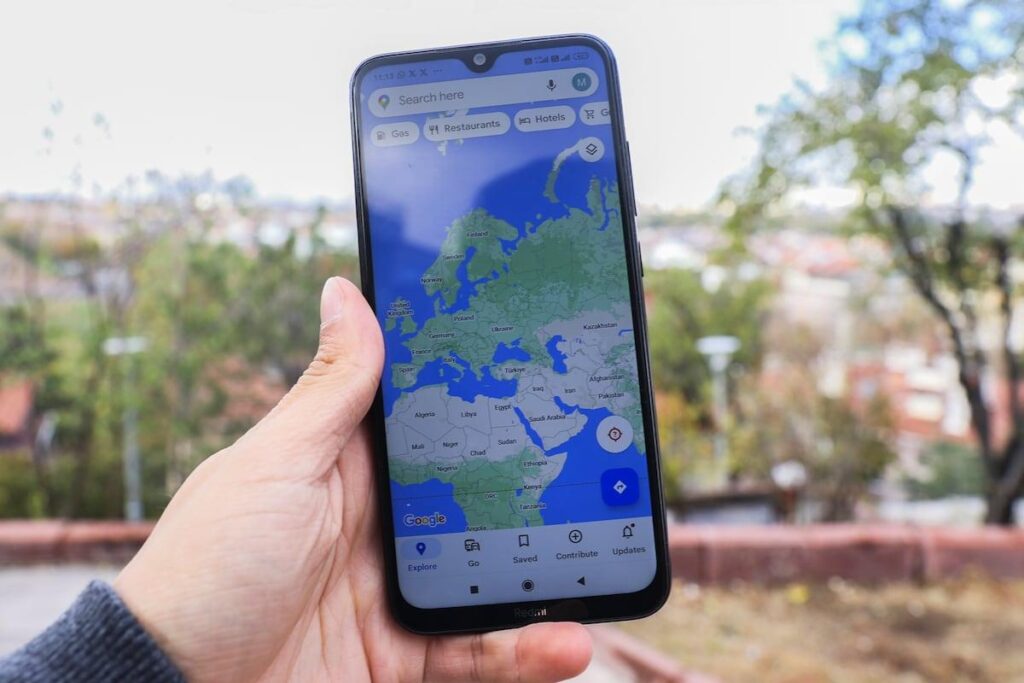
If you want to check if Google Maps is saving routes from your connected car via your mobile device, the first thing to do is check if location history is turned on. To activate location history from your phone or tablet, the process is very similar on Android and iOS and involves using the Google Maps app.
You must open the application, tap your profile picture and access the Your Timeline sectionOnce inside, go to the settings and privacy menu (the three dots in the upper right corner take you to this option). There you will see if device location and location history are enabled or disabled.
If the history appears as turned off, you can enter that section and Activate location history feature from the system settings themselves. The same applies to location: if the system indicates that it is disabled, you will have to turn it on so that Maps can record routes and positions during your trips.
If you change your mind or simply want to leave some time without anything being saved, you can return to those same settings and Turn off location history whenever you wantThere's no need to uninstall the app or log out; simply change the settings to stop Google from registering new routes associated with your account.
You can also make this change from any other app where you're signed in to your Google account (for example, Gmail or YouTube). From there, if you go to Manage your Google Account, access the Data and Personalization tab, locate the Location History section, and You use the switch to turn it on or off according to your preferences.
How to check your car's route history in Google Maps
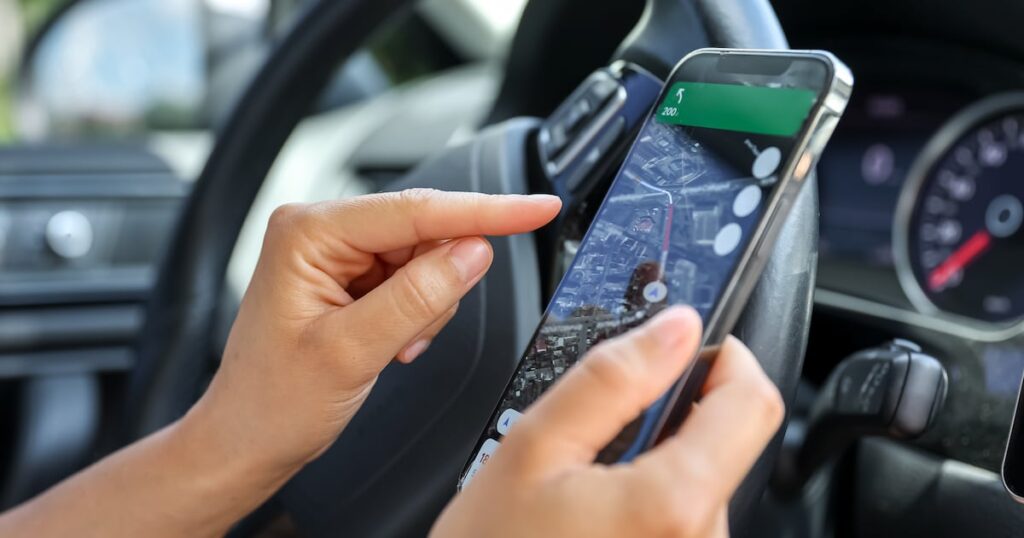
Once you've confirmed the feature is enabled, you'll need to check if your driving routes are actually being saved. To check this information, you need to open the app. Google Maps and go back to Your Timeline, where a map will appear showing your recent movements.
Within the timeline you will see the different days and, for each one, the places you have visited and the routes you have takenIf you tap the calendar icon, you can scroll to previous months and select a specific date to see in detail how that day was recorded: the approximate times, the route taken, and the points where the system detected that you stopped.
By checking a specific day, you can see if the connected car (via your mobile phone) has recorded its route: the path will be shown on the map, usually in different colors depending on the type of journey (car, walking, public transport), along with statistics such as total time spent or distance traveled.
If you notice that a place or route is missing, you can add it manually. The timeline allows you to do this. incorporate places that have not been properly registeredYou can correct the duration of a trip or even completely delete a specific day. You can also add personal notes to remember why you took a particular trip or what happened in that location.
This flexibility makes the Google Maps timeline function almost like a travel and route diary, useful both for personal use (remembering getaways, long routes, client visits) and for carrying out a minimum organization of journeys without resorting to professional tools.
How to delete, limit, or automate history deletion
If at any point you decide you're not comfortable storing so much information about your movements, you can delete location history from the timeline itself o Review and delete diagnostic dataThere's no need to touch anything in the car, just open the Google Maps app again.
From Your Timeline, you open the menu of Settings and privacy Within the location settings section, you'll find the option to delete your entire location history. By following the on-screen instructions, you can perform a complete cleanup, removing all saved routes from your account up to that point.
If you don't want to be so radical, it's also possible to eliminate specific periods in your historyIn those same settings you'll see a section to delete a date range: select the range you don't want to keep and Google will take care of deleting the data from that period, respecting the rest of the timeline.
Another, even more granular option is to delete a specific day or stop. To do this, go to the timeline calendar, choose the day you want, and then... eliminate only that displacement or place that you don't want to appear, without touching the rest of the information recorded for that date.
If you find it tedious to clean from time to time, you can activate the Automatic deletion of historyThis feature lets you choose to have the oldest data in your timeline deleted periodically, keeping only the data from the last few months. There are several possible intervals, and your oldest history will be automatically discarded without you having to do anything.
GPS trackers in cars: how to know if they save trips
Beyond Google Maps, many connected cars rely on a dedicated GPS tracker to record movementsThese devices can be connected to the OBD port, the vehicle's battery, or operate with their own battery, and they communicate with an online platform that allows you to see the car's location in real time.
A good tracker not only shows you where the vehicle is right now, but also It keeps a very detailed travel history.Normally, through the manufacturer's website or app, you can consult a map with all the routes the car has taken over a long period, with data on speed, stop times, distances, and exact start and end times for each journey.
In many professional services, route history is saved until 365 days backThis allows you to calmly review all trips taken over the past year. This is especially useful for transport companies, self-employed individuals who need to justify mileage, or users who simply want detailed control over how the vehicle is used.
These types of devices often also offer extra features, such as alerts when the car enters or leaves a delimited area (geofences), alerts for unexpected movement, or notifications if the vehicle exceeds a certain speed. All of this relies precisely on the constant recording of the car's GPS position.
The locator can be installed in different places on the vehicle, but it is important that it remains well hidden to prevent tampering and theftDepending on whether it is powered by the car battery, the OBD socket, or an internal rechargeable battery, the technician will choose the best place to put it without interfering with other systems.
Advantages of having a route history in your connected car
Having a complete travel history offers many practical advantages that go beyond simple curiosity. First, it gives you a a very clear view of the actual use you give the car: how many kilometers you travel, which areas you move through most, how much time you spend driving, or which routes you repeat most frequently.
With that information, you can analyze your driving style and Optimize your routes to save fuel and timeIf the app or the locator portal includes statistics, you'll be able to see data on estimated consumption, average speed, stop times, and usage patterns, which greatly helps in better planning routes and avoiding peak hours or inefficient journeys.
For those who take many trips or excursions, the history functions almost like a personal travel organizerIt allows you to easily retrieve routes from a trip months ago, create lists of places you've visited, repeat itineraries you liked, or share with other drivers how to get to a place following the same route.
It also has its emotional component: being able to revisit a special trip, review where your loved ones went on a specific day Or recalling in detail a getaway from a year ago can hold significant sentimental value. The timeline becomes, in a way, a scrapbook of memories on wheels.
From an economic point of view, detailed route reports help to calculate the vehicle's operating costsKnowing the exact distances, times and routes makes it easier to distribute expenses for fuel, maintenance or tolls, something key for professionals who use the car as a work tool.
Security and location in case of theft or incident
One of the most valued uses of route history and GPS systems in connected cars is the security in case of theft or misuse of the vehicleIf the car disappears, the stored information allows us to see very precisely where it has been and what path it has followed.
Thanks to that registration, you can make it easier for the police the routes traveled, the stopping points, and the approximate timesThis information can be crucial in locating the vehicle as quickly as possible. Furthermore, if the thieves have used it for other crimes, that history helps reconstruct their movements in considerable detail.
At a family level, many users rely on these systems to find out Where are your young children when you use the car?...or to check that an elderly person has arrived safely at their destination. It's not about spying for the sake of spying, but about having a security tool that provides peace of mind when the vehicle is being driven by other people.
By combining real-time positioning with route recording, you have the ability to react quickly if a strange displacement or movement occurs. movement at times when the car should be stopped or a departure from usual areas. That early detection, combined with the locator's alerts, can make all the difference.
In short, a connected car's route history is not just a database of past trips; it's a additional layer of protection and control which, when properly configured and used wisely, enhances both the safety of the vehicle and that of its users.
How to check the history on a car GPS tracker
If your car has a GPS tracker with a web platform or mobile app, checking the route history is usually quite simple. Typically, you can access it through the app. Select your device and choose either the history view or waypoints., where the movements made on the map are shown.
In that section you will see lines representing the different routes, with information such as start time, end time, total travel time, intermediate stops, and approximate speedMany systems allow you to filter by day, week, or a specific period, so you can study in detail only the routes that interest you.
In most services, location history is maintained for a maximum of 365 daysHowever, this may vary depending on your plan or account settings. Typically, you should always have access to at least the last full month of trips for review whenever needed.
Some portals do not yet include advanced export options in formats such as PDF or CSV, although many often allow it. Capture the routes on screen or request custom reports from technical support.especially in tariffs designed for professional or fleet use.
Regarding deleting the history, the app doesn't always offer a direct button to delete all saved routes. In those cases, the usual method is Contact customer service or review your permissions and privacy settings from the account to request that the data associated with the device be cleared.
Requirements for GPS history to be recorded correctly
For your connected car to leave a trace in a GPS tracker's route history, several basic requirements must be met. The first is that the The device is turned on and has sufficient battery power.If it runs out of power or is turned off, no positions will be recorded during that period.
It is also essential that there be GPS coverage and mobile network availableIf the tracker does not receive a satellite signal or cannot transmit data to the platform via the GSM network, there will simply be no record of the journeys made until it regains a connection.
On devices that use a SIM card, it's advisable to check that it doesn't have active PIN or interfering voicemail with data communication. Any such blockage can cause the equipment to stop responding to the platform and, as a result, interrupt route logging.
On the provider's portal or application, make sure the option is enabled. show or record waypointsSome interfaces allow you to hide this view without actually disabling tracking, but in others, if the function is disabled, the position history might not be stored correctly.
If you notice missing information in your history, check these conditions: power supply, coverage, SIM configuration, and portal settings. A small technical detail could be the cause of the missing data. full segments of journeys which the car has actually performed.
With all of the above, it's clear that your connected car and your mobile phone can generate very detailed route histories, but also that you have tools to View, use, and delete that information when you deem it necessaryUnderstanding how Google Maps timelines and GPS location platforms work is key to enjoying the convenience and security of a connected vehicle, without losing sight of your privacy or sharing more data than you actually want to.


Passionate about technology since he was little. I love being up to date in the sector and, above all, communicating it. That is why I have been dedicated to communication on technology and video game websites for many years. You can find me writing about Android, Windows, MacOS, iOS, Nintendo or any other related topic that comes to mind.