In current times, where music playback via streaming (Spotify for example) is the absolute queen, it seems that it no longer makes sense to download and save music on our computers, as it used to be done before. However, there are compelling reasons to continue doing so. That is why it is worth knowing how to record music on a pendrive or USB.
The process is very simple and we can do it from any computer, simply by managing the music files. This is what you have to do to record music on a pendrive:
Which Pendrive to use?
In principle, we can use any type of USB memory. The larger it is, the more music files it can hold. pendrive size It is something that must be assessed based on the volume of music we want to download.
It is also important to make sure that the device is clean and ready to be used. The most convenient way to do this is to format it. This action involves deleting all the data on the pendrive, so before doing so it is advisable to perform a backup. Especially if the USB contains important information for us.
We explain how to format the pendrive on Windows and Mac:
Format a USB in Windows
These are the steps to follow:
- First of all, let's "This team."
- There we right click on the unit corresponding to the USB and select "Format".
- Then we can choose between these two file systems:
- FAT32, which is compatible with most devices.
- exFAT, more suitable when dealing with large files.
- Finally, we click on «Start".
Format a USB on Mac
In this case, we must do the following:
- To start, we open the option «Disk Utility».
- Then we select the unit corresponding to the pendrive
- Finally, we click on «Delete", choosing for this the format MS-DOS (FAT), which provides the most compatibility.
Recording music on a pendrive step by step
Once we have the pendrive ready, we can record the music files we have downloaded from the Internet onto it. These are the steps to follow.
Step 1: Locate the music files
To start, we need to gather the music files we want to transfer. It is important make sure your formats are compatible with our playerThe most popular and used are MP3, WAV and AAC.
Step 2: Copy the files
Then we have to Select the music files on our computer and copy themThe way to do it differs depending on which operating system we use:
- In Windows, right-click on the selected files and select the “Copy” option or use the keyboard shortcut Ctrl + C.
- On Mac you simply have to use Command + C.
Step 3: Paste the files into the USB
The way to paste files onto the pendrive also depends on the operating system:
- In Windows you have to open the pendrive folder from "This computer" and select “Paste” or use Ctrl + V.
- On Mac you have to use Finder to find the folder and then use the shortcut Command + V.
Step 4: Safely eject the pendrive
Before finishing, it is necessary to safely disconnect the pendrive or USB. This way we make sure that no data is lost. Here is how to do it:
- In Windows, right-click on the pendrive icon and select "Expel".
- On Mac, drag the pendrive icon to the bin.
Websites where you can download music
Before recording music on a pendrive, it is necessary to know where we can download it from. Obviously, in Tecnobits We are going to focus solely on totally legal options, most of which are paid. Here is our list of proposals:
Audiomack
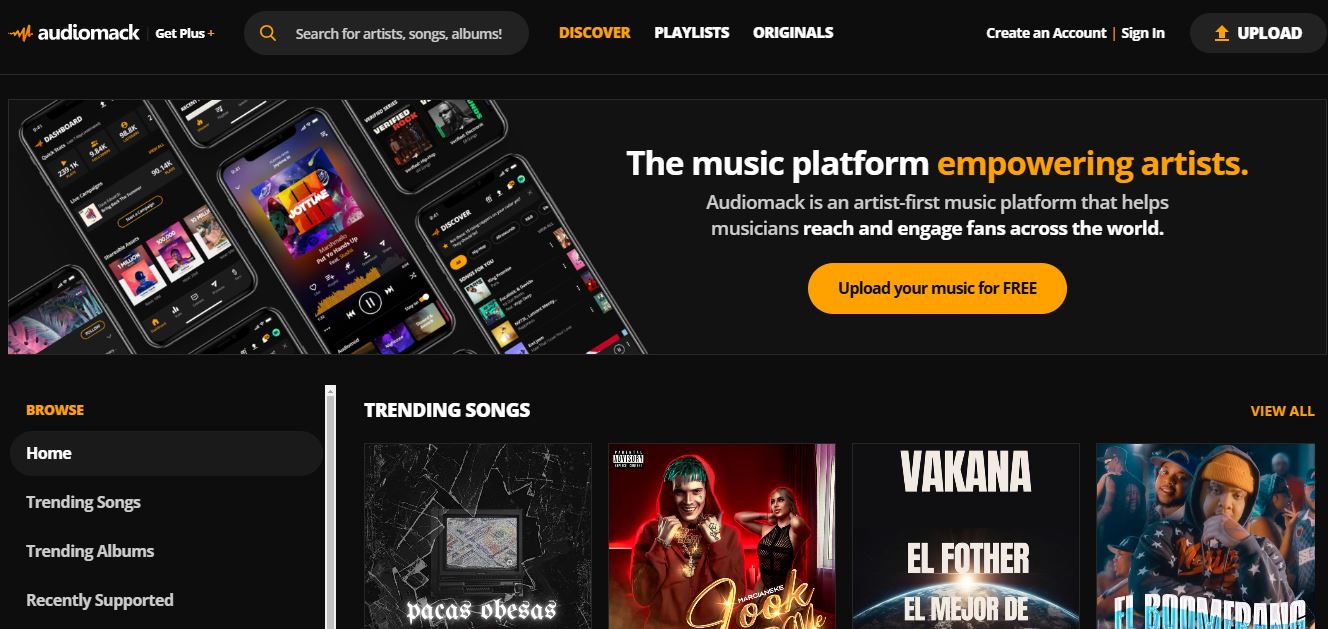
Audiomack is a site where artists from all over the world can easily share their music. Fans and users who visit it can download both songs and albums for free. In other words, they are completely legal downloads. Although we can find all kinds of genres on this site, most of its content falls within the hip-hop, rap and afrobeat styles.
Link: Audiomack
Free Music Archive (FMA)

Free Music Archive (FMA) is a huge repository of royalty-free music. A project created in 2009 that has not stopped growing until today. On this website we can find free songs of different genres, free to download under a Creative Commons license. Some of its content is only available in the Pro version (paid).
Link: Free Music Archive
SoundCloud

Every good music lover will find in SoundCloud One of the best platforms to download music and discover new artists. It is simple and very easy to use. In addition, it has a large community of users always ready to share ideas and help. Highly recommended.
Link: SoundCloud
Index

Editor specialized in technology and internet issues with more than ten years of experience in different digital media. I have worked as an editor and content creator for e-commerce, communication, online marketing and advertising companies. I have also written on economics, finance and other sectors websites. My work is also my passion. Now, through my articles in Tecnobits, I try to explore all the news and new opportunities that the world of technology offers us every day to improve our lives.