- Local control allows direct communication between the mobile device and the hub without going through the internet, reducing latency by 30%.
- SmartThings automatically switches between local and remote management depending on whether the user is physically at home.
- For local detection to work, it is essential to share the same WiFi network and use the same Samsung account on all devices.
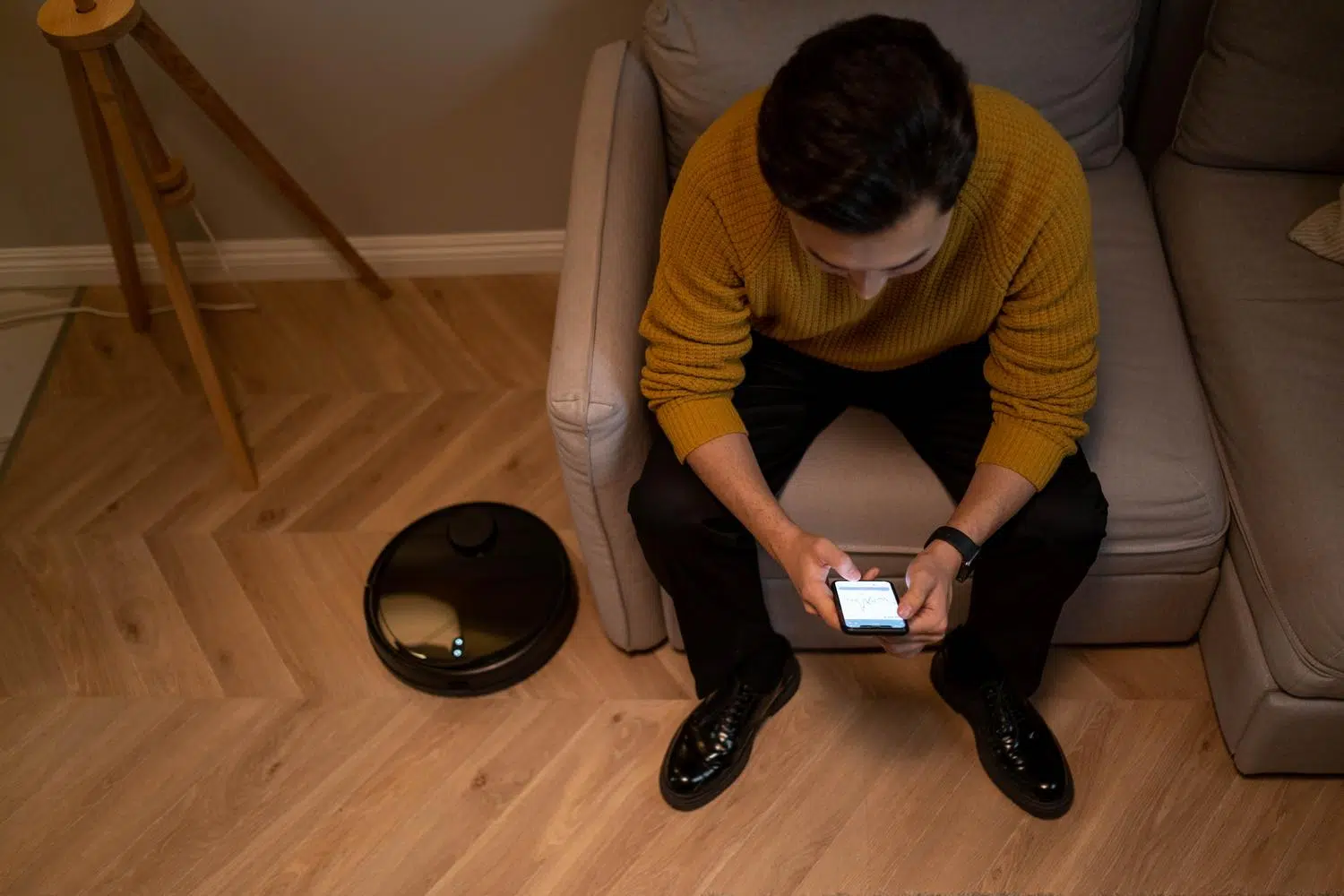
When we set up a smart home, we often take for granted that everything flows smoothly because we have the internet, but the reality is that there is a huge difference between a command traveling to a server on another continent and one staying in the living room. Device management It is the heart of any home automation ecosystem, and understanding how data moves is key to not going crazy when a light doesn't turn on.
Samsung has taken a significant leap with its latest updates, transforming the platform from a mere app of buttons into a system that understand the user's contextFrom the arrival of new interfaces to improvements in network stability, the goal is for technology to be invisible and for things to simply work, whether you're lying on the sofa or on the other side of the world.
The magic of local control versus the cloud
For those who aren't very familiar with the topic, cloud-based control means that every time you press a button, the signal goes to the router, up to Samsung's servers, and then down to your device. In contrast, with the technology of improved local controlIf your smartphone and the SmartThings Hub share the same Wi-Fi network, they communicate directly. This isn't just a technical improvement; under controlled conditions, it has been shown that Response times improve by 30%making the house feel much more streamlined.
The best part is that you don't have to configure anything manually. The system is smart enough to... automatically change the control modeIf you're at home, prioritize the local network so everything runs smoothly; if you go out to do the shopping, the system switches to cloud-based remote mode so you can still control your home from anywhere.
Keys to ensuring local discovery doesn't fail
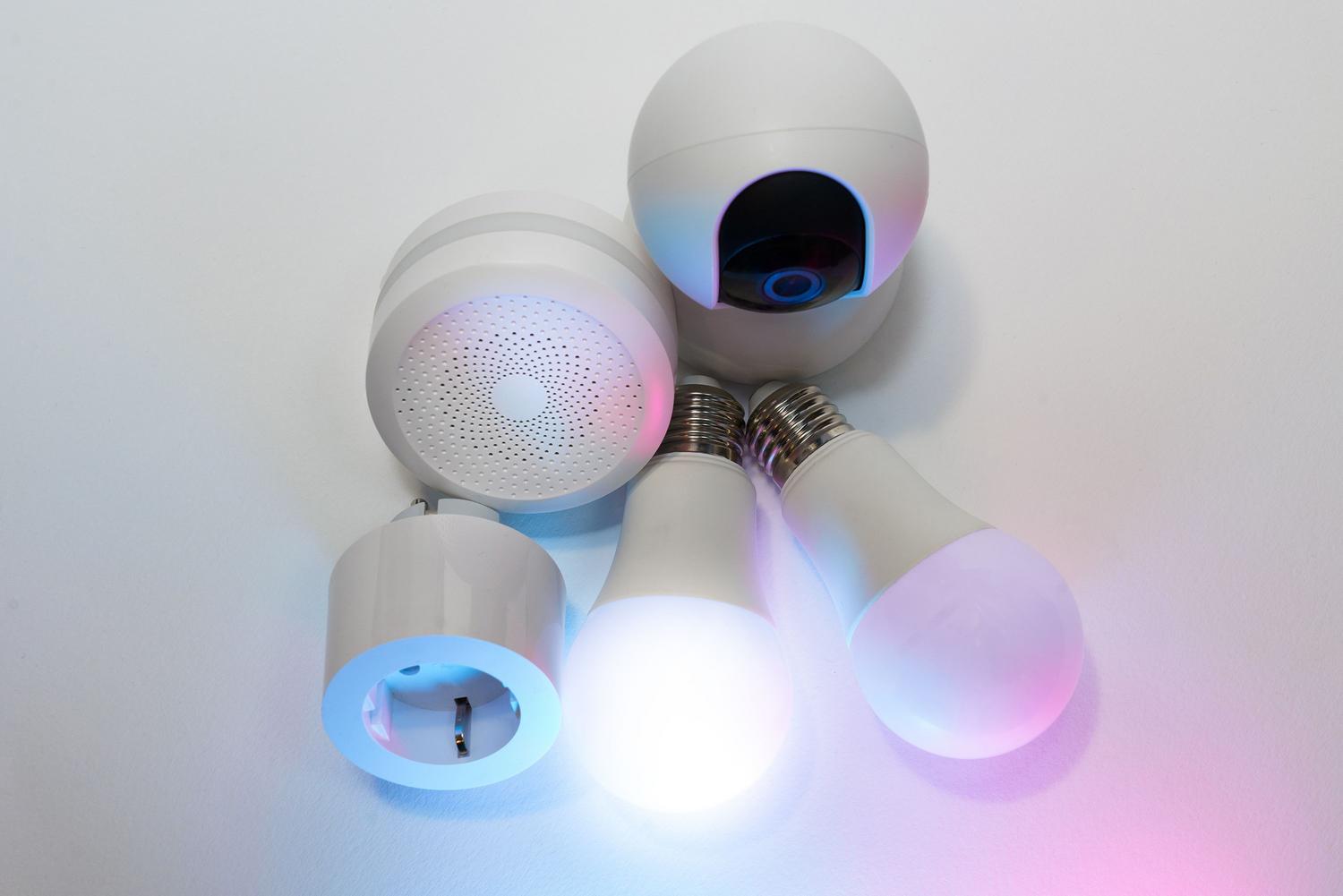
Sometimes you try to add a TV or a sensor, and no matter how much you try, the app seems to be blind. It's not that the device is broken, but rather that the local discovery path The connection has been cut off. The most common mistake is thinking that being "connected to the internet" is enough. For SmartThings to detect a device on the LAN, both the mobile device and the device must be on the same network. same WiFi bandIf one is on the guest network or on an isolated segment of the router, they will never see each other.
Another area where many people make mistakes is with digital identity. The network alone isn't enough; it's mandatory that both the television and the mobile phone use the same Samsung accountIf there are different user profiles, the ecosystem won't recognize the devices as part of the same household. And if none of this works, before throwing the router out the window, the most sensible thing to do is... restart the process closing the app or restarting the mobile to force a new search on the local network.
New features in the interface: SmartThings Now
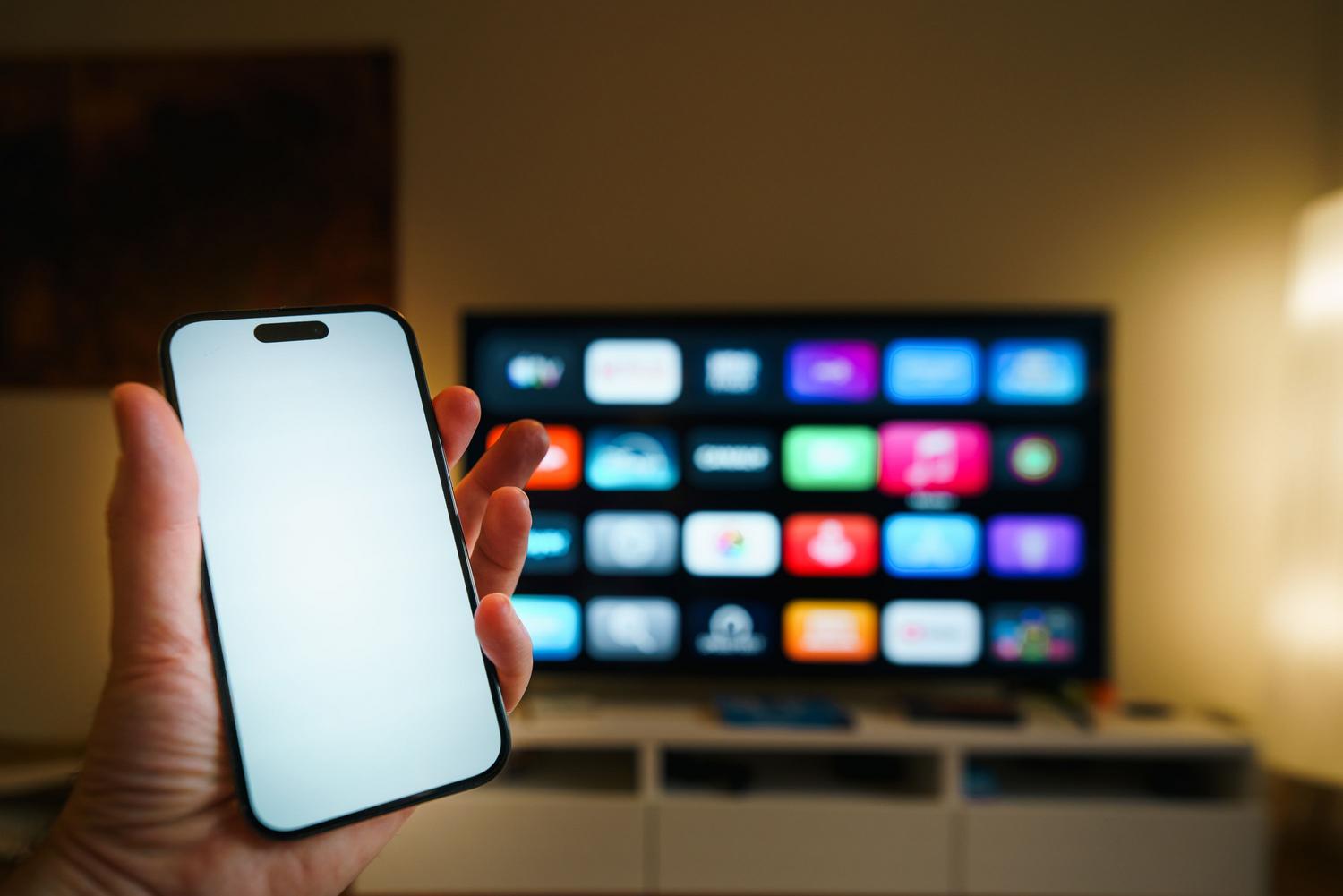
The user experience has been revamped so we don't have to navigate through endless menus. With the arrival of SmartThings NowSmart cards now appear at the top of the home tab. These cards aren't just decorations; they combine real-time information with immediate actions. personalizing the experience based on what you usually do.
- Family care: If a sensor belonging to an elderly relative does not detect any activity, the system sends an alert to verify that everything is alright.
- Contextual suggestions: As you approach home, the app may suggest turning on the air purifier or the lights, and even suggest creating an automatic routine.
- Favorites optimization: The system analyzes your weekly usage and recommends removing, for example, the air conditioning in winter to make room for the heater.
In addition, a Floating Bar At the bottom, ideal for those of us who use giant mobile phones and want to manage the house with one hand, following the One UI design line.
Privacy, data, and connectivity standards
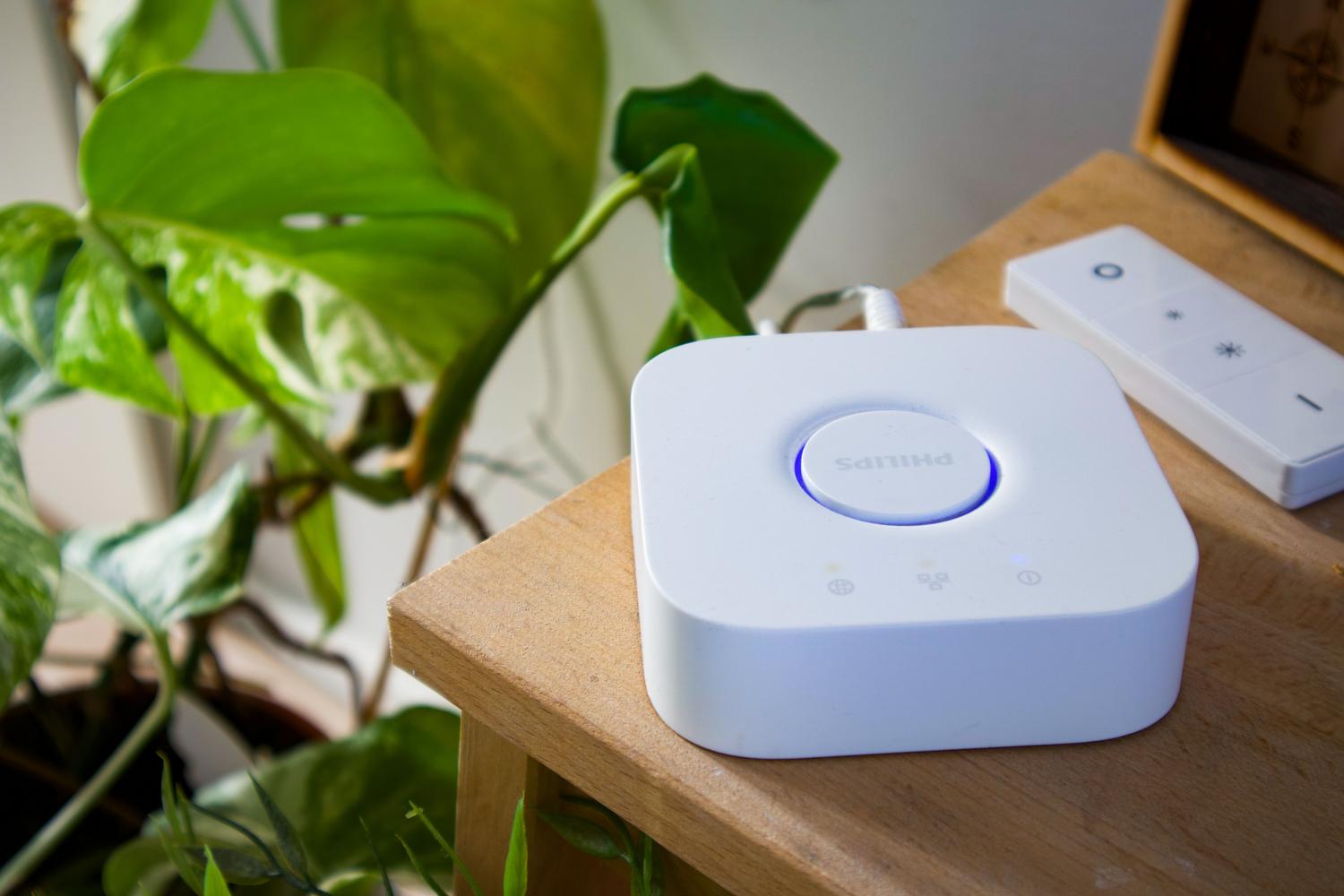
It's normal to wonder what happens to our privacy when we have sensors everywhere. SmartThings collects technical data from the phone and, if we give permission, the precise geolocation to execute arrival or departure routines. Appliances also send telemetry: the washing machine reports cycles and the refrigerator reports door openings. All this information travels to the Samsung servers to allow remote control and improve service, although the user can limit permissions from Android settings or delete history.
Regarding the expansion of the ecosystem, the following has been integrated: Matter standard 1.6This ensures more stable communication between brands. This has opened the door to new hardware categories, such as real-time energy meters, smart irrigation systems, soil moisture sensors and specialized gate locks.
Having a connected home involves balancing the convenience of lights turning on automatically with managing our privacy. Thanks to the combination of local and remote controlSamsung ensures the home remains responsive even during brief internet outages, while new diagnostic tools and a simplified interface make managing dozens of devices effortless, provided the local network is properly configured and accounts are synchronized. Now you know how to tell if a SmartThings device is controlled locally or from the cloud.
Index

Passionate about technology since he was little. I love being up to date in the sector and, above all, communicating it. That is why I have been dedicated to communication on technology and video game websites for many years. You can find me writing about Android, Windows, MacOS, iOS, Nintendo or any other related topic that comes to mind.