- Busy swap does not mean continuous swapping.
- Memory pressure provides more context.
- The jerking motions require further diagnosis.
- Reduce the load before attempting to clear memory.

View several gigabytes of used exchange space The amount shown in Activity Monitor doesn't automatically mean your Mac is running low on RAM. The data indicates how much storage is being used by swap, but not how much the system is actually reading or writing at that moment.
To interpret the situation, you need to consider memory usage, open applications, and overall performance. A Mac that responds normally requires a different assessment than one that freezes when switching applications.
Why does my Mac use swap even though it seems to have free RAM?
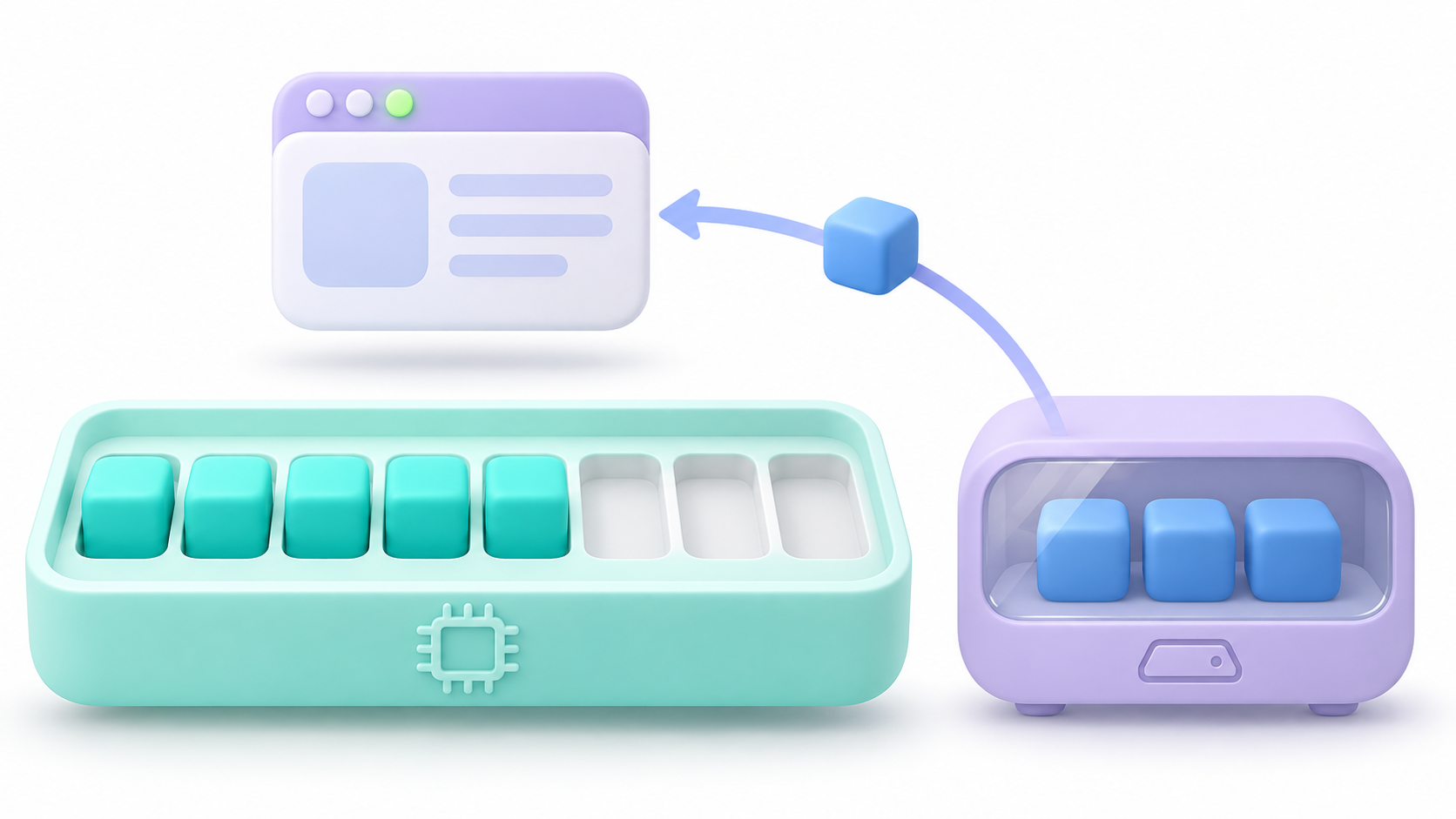
macOS manages memory according to system needs, not with the goal of maintaining a fixed percentage of free RAM.
Some of what some tools present as available memory may correspond to recoverable resources, such as caches. Free memory and memory that the system can reuse are not exactly the same thing.
Furthermore, the current state does not explain the entire session. A previous load may have caused certain data to be sent to disk. When needed again, the system can retrieve it.
This on-demand operation helps to understand why Recovering RAM space does not require the entire swap space to disappear immediately.Its presence should not be interpreted as evidence that macOS is wasting memory.
What is swap and what is its relationship to compression?
Swap is storage on the boot disk used to back up data from memory. It frees up RAM for other needs, although accessing the disk is slower than accessing physical memory.
It's not all virtual memoryThis also includes page routing and management mechanisms used by the processes.
Compression is another resource: it reduces the space that certain data occupies within RAM itself. It is not the same as writing them to the SSD.
In devices with Apple Silicon, the CPU and GPU share unified memory. This makes it important to consider graphics processing, but this sharing isn't exclusive to these chips.
How to check if using swap is causing a problem

Open Activity Monitor and enter MemoryReview these indicators:
- Memory pressure: summarizes the effectiveness with which the system meets its needs.
- Memory used and compressed: They help to contextualize RAM usage.
- Cached files: They show memory used to speed up file access.
- Exchange space used: indicates storage occupied by the exchange.
The pressure graph considers several factors, including the swap rate. That's why it's more informative than just looking at a number of gigabytes.
Observe what happens during your usual tasks and after closing a demanding application. A stable swap value does not demonstrate continuous write activity.
What do the memory pressure colors mean?
| Indicator | Interpretation | To do |
|---|---|---|
| Green | Memory is being used efficiently. | If the Mac responds well, you don't need to intervene via swap. |
| Yellow | The load may require more memory. | Check which apps match the increase. |
| Red | The current workload requires more memory. | Reduce tasks and check if it improves. |
A single incident is not as significant as sustained high pressure throughout the workday. Nor is there a universal swap limit that allows for diagnosing a problem on any Mac.
The green light does not rule out other causes of slownessIf an application keeps crashing, you'll need to investigate it even if the memory doesn't seem full.
How to check swap from Terminal
For further information, open Terminal and run:
sysctl vm.swapusageThe output distinguishes the total space allocated to the exchange, the space used, and the space available within that space. These are not physical RAM figures. nor do they represent the speed of exchange on their own.
You can run the query before and after a task to compare. Avoid concluding that there is a memory leak simply because the value has increased: you also need to check which process is increasing, whether the load is changing, and if there is sustained pressure.
For daily monitoring, the Activity Monitor is usually sufficient.
What to do when the pressure increases and your Mac slows down
Start with changes that allow you to identify the cause:
- Check which applications are using the most memory. Close the ones you don't need normally, saving your work first.
- Reduce browser load. Try closing tabs or windows and see if the behavior changes.
- Repeat the test with the suspected application. High consumption may be legitimate; repeated growth warrants further investigation.
- Check available storage. If your startup disk is almost full, free up space using macOS tools.
- Review the startup items. Turn off the ones you don't need to open automatically.
In recent versions, you'll find storage in System Settings > General > StorageStartup items are also managed from General, with names that may vary depending on the version.
A restart can help compare a new session with the previous one. If the problem reappears when opening the same applications, temporarily lowering the counter will not have resolved the cause.
Does swapping damage the SSD and is it advisable to disable it?
The exchange uses storage, but The amount of swap space used does not equal the total data written during the lifetime of the SSD.It does not allow you to calculate how much wear it has or when it might fail.
It's also not helpful to chase a value of zero using cleaners, manually deleting system files, or making changes to disable swapping. These measures don't identify what's consuming memory.
If the pressure remains high with your usual workload, reduce the number of simultaneous tasks and check if a specific application explains the problem. Only then does it make sense to consider whether you need more processing power for that task.
The practical reference is how the Mac responds under your actual workload.Busy swap, low pressure, and smooth operation are not a contradiction.
Index
- 1 Why does my Mac use swap even though it seems to have free RAM?
- 2 What is swap and what is its relationship to compression?
- 3 How to check if using swap is causing a problem
- 4 What do the memory pressure colors mean?
- 5 How to check swap from Terminal
- 6 What to do when the pressure increases and your Mac slows down
- 7 Does swapping damage the SSD and is it advisable to disable it?

I am a technology enthusiast who has turned his "geek" interests into a profession. I have spent more than 10 years of my life using cutting-edge technology and tinkering with all kinds of programs out of pure curiosity. Now I have specialized in computer technology and video games. This is because for more than 5 years I have been writing for various websites on technology and video games, creating articles that seek to give you the information you need in a language that is understandable to everyone.
If you have any questions, my knowledge ranges from everything related to the Windows operating system as well as Android for mobile phones. And my commitment is to you, I am always willing to spend a few minutes and help you resolve any questions you may have in this internet world.