- Mico is Copilot's emotional avatar: he changes expressions but does not alter functions.
- Copilot adds Groups, Learn Live, Real Talk, Memory, and Connectors.
- Deep integration into Windows 11 and Edge with “Hey Copilot” and Journeys.
- Phased rollout: first the US, then the UK and Canada; the rest follow.
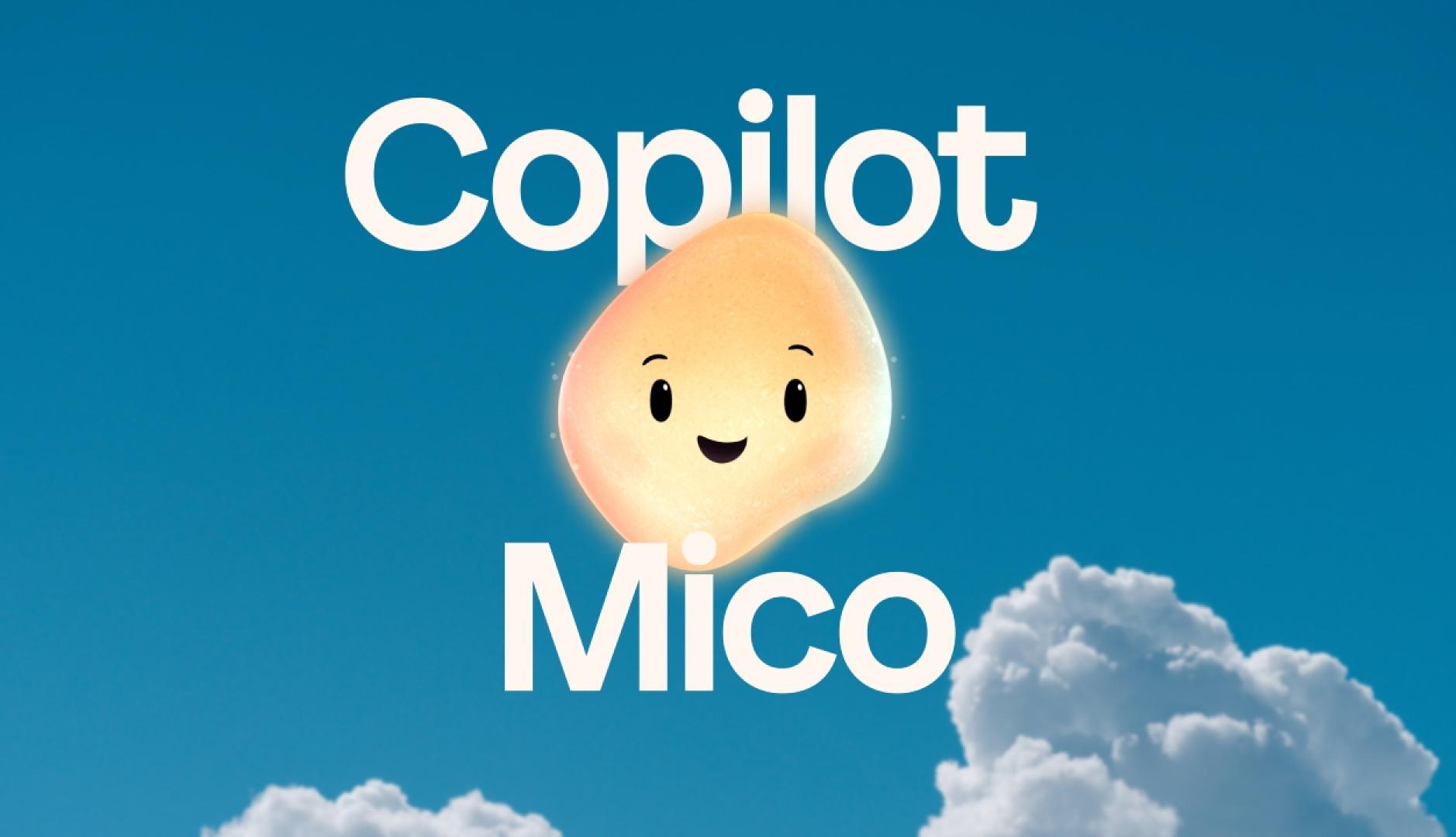
If you lived through the golden age of Windows in the 90s, you'll surely remember that nosy paper clip that appeared to help you write lettersThat character was Clippy and, surprisingly enough, his spirit returns in 2025 with a much more ambitious twist: Mico, the emotional face of Copilot on Windows. This new animated avatar not only listens; it also reacts with gestures and colors, aiming to make talking to AI more natural and engaging.
Microsoft is pushing Copilot into a more human and collaborative realm by integrating it into Windows 11, Copilot mode in Edge and the mobile. The result is a experience where the assistant can accompany you in daily tasks, work with other people in a group or serve as a tutor that guides with questions, while maintains privacy control and offers more transparency about what he remembers about you and when he stops remembering.
What is Mico and why does it appear now?

Mico is an animated visual avatar that gives Copilot a “face”: a bright orange-yellow, teardrop-shaped orb with eyes and expressions that change depending on what you're talking about. Its purpose is humanize the interactionIf the tone is cheerful, she smiles or turns away; if you're talking about something sad, her features soften. This emotional wink makes talking to AI less cold and more like chatting with a real person.
Beyond the aesthetic, Mico is the first line of a philosophy: Copilot should be empathetic, helpful and direct, without falling into flattery.. According to Microsoft, this avatar listens, remembers and learns, so the voice experience feels fluid, free of awkward commands and technical jargon. It even “floats” through the interface when you open Copilot, reinforcing that sense of presence.
The name is no coincidence: Mico is a fusion of the syllables of “Microsoft” and “Copilot”This identity reinforces that the character does not replace the assistant, but rather represents him visually. In voice mode, appears by default, although You can hide it if you prefer a less animated approach. or simply chat without the orb in sight.
For now, the Deployment begins in the United States, followed by the United Kingdom and CanadaMicrosoft typically prioritizes English and then expands to other languages, so Spanish is expected to arrive soon. In Spain, the arrival won't be immediate; the pace will depend on language support and the Windows 11 schedule. International expansion It is planned “in the coming weeks”, with a deployment in waves.
Mico vs Copilot: How the Roles Are Divided

It is important to make something clear to avoid misunderstandings: Copilot is the AI assistant; Mico is its faceThat is, Mico does not change the capabilities of the Copilot engine, but provides an emotional interface so that speaking to him feels more natural. If you decide to activate the “avatar Clippy"(we'll tell you the trick below), you also don't change what Copilot can do: it's just a matter of aesthetics.
Where there are functional changes is in the new batch of features around Copilot. The company It features more characterful conversation modes (Real Talk), a voice tutor that guides through questions (Learn Live), long-term memory, social features for group collaboration, and connectors. to integrate your data from Gmail, Drive, Outlook, or Calendar, always with explicit permissions.
On the whole, Copilot evolves towards a more personal, collective environment with a greater “interface layer”.
Twelve key new features from Copilot's latest major release
Microsoft has deployed a dozen functions that make Copilot a more social, memorable, and deeper experience on Windows and Edge. Here are the most notable ones, along with their role within the ecosystem:
- Groups: Collaborative rooms with up to 32 people. Copilot summarizes threads, suggests options, launches votes, and assigns tasks.
- Learn Live: Socratic voice tutor that “guides you through concepts” with questions and interactive whiteboards.
- Real talk: a less servile, more honest conversational style that “respectfully challenges” your assumptions.
- Long term memory: You can ask Copilot to remember dates, preferences, or project details, and retrieve them later.
- Connectors: Permissioned access to Gmail, Google Drive, Outlook, or Google Calendar data for search and context.
- Copilot for Health: Answers based on trusted clinical sources (like Harvard Health) and help locating nearby doctors.
- Imagine: a space to explore and remix creative ideas generated by AI, alone or together.
- Edge with Copilot Mode: The browser can reason about open tabs and perform actions within Edge itself.
- “Hey Copilot” in Windows 11: wake word to start a voice conversation from the system.
- Journeys in Edge: Analyzes your history so you can “pick up where you left off” and suggests the next step.
- New Copilot homepage: Access your apps, files, and recent conversations as a central hub on your PC.
- Mobile availability: The Copilot app includes Mico, although some navigation actions don't make it to mobile.
A very important detail: most of the experiences are free and, in many cases, They don't even require a Microsoft accountThey also support Google and Apple accounts, which reduces entry friction, and they point out that none of the twelve new features require a subscription.
Memory, privacy, and collaboration: how it all fits together
Long-term memory lets you ask Copilot to recall important information (e.g., “My mom’s birthday is June 7th” or “Project Alpha uses Figma”). Later, the assistant can use that information to give you more useful answers. Everything is governed by permissions and controls, and You can review or delete memories whenever you want.
When you invite people to a Groups chat, Copilot stops using personal memory in that context. The system stops this "persistent memory" the moment you add another person, so individual privacy is preserved in shared conversations. Only the context of the group is seen, not your history with Copilot.
Connectors, on the other hand, work with explicit consent: if you don't authorize Copilot to look in Gmail or Drive, it won't. When you activate them, the assistant can respond based on your documents, emails, or events, opening up very useful opportunities, like finding "the latest PDF quote" or "the event with the sales meeting." The key is control: You decide what you connect, when and for how long.
The Easter Egg: From Mico to Clippy with a few touches

Microsoft has hidden a little nostalgic gem: If you click several times on Mico's avatar, he transforms into the mythical Clippy. The “conversion” was discovered by user TestingCatalog and shared on X on October 23, 2025. In this version, Clippy is fully animated and retains the playful style of the original, but adapted to the new visual language.
It is worth noting two limits: you cannot set Clippy's appearance as the default (Mico always appears first) and the change is only cosmetic, so Copilot functionality remains unchangedCurrently, the trick is available in preview versions of Windows 11 and is expected to gradually roll out to other users as the app rolls out globally.
Deep integration with Windows 11 and the Edge browser
Copilot is increasingly at the heart of the Windows 11 experience. With the voice command “Hey Copilot” you can start a conversation from anywhere, and Mico acts as that warm presence that bridges the gap between the user and AI. In Edge, the Copilot Mode It reasons about what you have open and, in some cases, can perform actions without you moving from the page you are on.
The Journeys feature analyzes your history to understand what you were up to and, as a Spotlight-style search engine in Windows, suggests the next step. That goes for research, shopping, travel planning, or any piecemeal task you've left unfinished. Along with a redesigned home page, which brings together apps, files and conversations, the browser and Copilot become a living “desktop.”
Microsoft describes this vision as a "vigilant" and proactive assistant, but always with consent. Despite Recall's past stumble, the message is that the company wants to take more confident steps, providing better information and taking care of what is remembered and what isn't. The promise: tangible utility without invading.
Conversation Styles: From Optimism to Real Talk
Mustafa Suleyman, CEO of Microsoft AI, has framed this launch in a focus change: Less noise and fear around AI, and more usefulness and well-founded optimismIn that spirit, comes Real talk, a way that “doesn’t systematically agree with you,” but rather raises nuances, counters, and questions that invite you to think more deeply about a decision.
The goal isn't to "pursue engagement" at all costs, but it's clear that retention matters. And it makes sense: the more useful, transparent and human Copilot feels, you're more likely to use it daily. Still, Microsoft insists that Technology must be at the service of people, not the other way around, and that Copilot is not intended to replace human judgment, but rather to enhance it.
Learning and health: two sensitive fronts
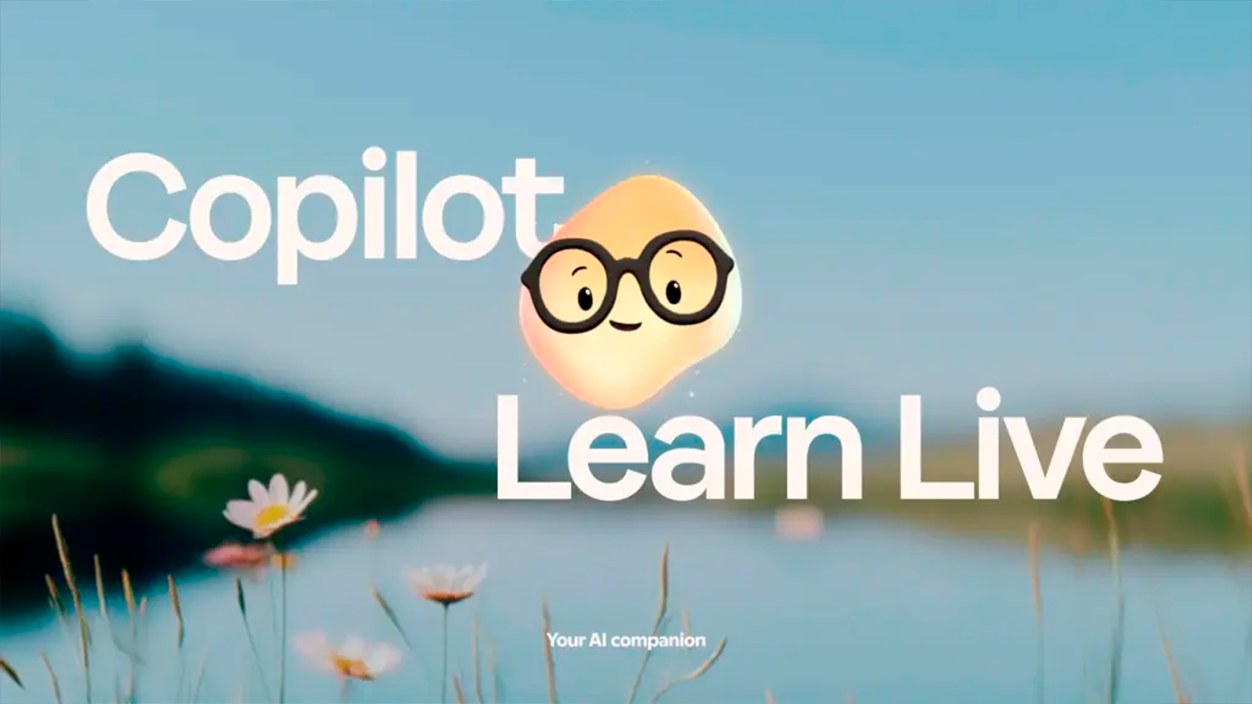
Learn Live turns Mico and Copilot into a Voice tutor who doesn't give away the solution, but guides you with questions and clues. It's used to study math, complex concepts, or practice a language, with interactive whiteboards and visual cues. It's, in short, a patient companion to prepare for exams or consolidate skills.
In healthcare, Microsoft has detected that a large proportion of users ask AI medical questions in their first few weeks. Therefore, Copilot for Health promises to base its responses on reliable clinical sources (Harvard Health is cited, among others), and refer to professionals when it's timeIf you share your health insurance, it can even help you find specialists in your network.
The company says it clearly: Copilot doesn't want to be "the definitive solution" in healthcare, but a first aid for guide you and, when it is prudent, put yourself in the hands of someone who will care for you in the real world. In this field, prudence and reference clinical sources are part of the design.
Availability, languages and cost
El Launch begins in the United States and continues in the United Kingdom and Canada, and then reach more markets. Adoption in Spanish depends on language support and the deployment cycle of Windows 11, although due to precedents it is usually among the first to be incorporated. Many of these new features are also available in installations of Windows 10, beyond Windows 11, and the mobile app already integrates Mico (with the exception that certain browser actions are not available on the phone).
Regarding the price, Microsoft emphasizes that “most experiences” are free, and that “none of the twelve features” are hidden behind a subscription. and that, in many cases, you don't even need to log in with a Microsoft account. You can also log in with a Google or Apple account, which aims to expand your reach without any friction.

I am a technology enthusiast who has turned his "geek" interests into a profession. I have spent more than 10 years of my life using cutting-edge technology and tinkering with all kinds of programs out of pure curiosity. Now I have specialized in computer technology and video games. This is because for more than 5 years I have been writing for various websites on technology and video games, creating articles that seek to give you the information you need in a language that is understandable to everyone.
If you have any questions, my knowledge ranges from everything related to the Windows operating system as well as Android for mobile phones. And my commitment is to you, I am always willing to spend a few minutes and help you resolve any questions you may have in this internet world.