- Parallel Space creates an environment independent of the main space.
- It allows you to install a second copy of applications and use different accounts.
- Files can be moved between both spaces.
- It opens by separating two fingers on the home screen.

Using two accounts, separating work files from personal photos, or lending your phone without revealing private information are common situations. To address these, certain HONOR phones include Parallel Space, a function that creates a second independent environment within the same device.
It's not just about duplicating a specific application. Parallel Space has its own applications, files, and sessions, so you can maintain two different accounts without your data getting mixed up. It also allows you to use the main and parallel spaces simultaneously on compatible models.
The feature began to spread with MagicOS 8.0However, its availability depends on the model, system version, and region. If it doesn't appear in the settings or respond to the access gesture, the device may not be compatible.
What is Parallel Space and how does it work?
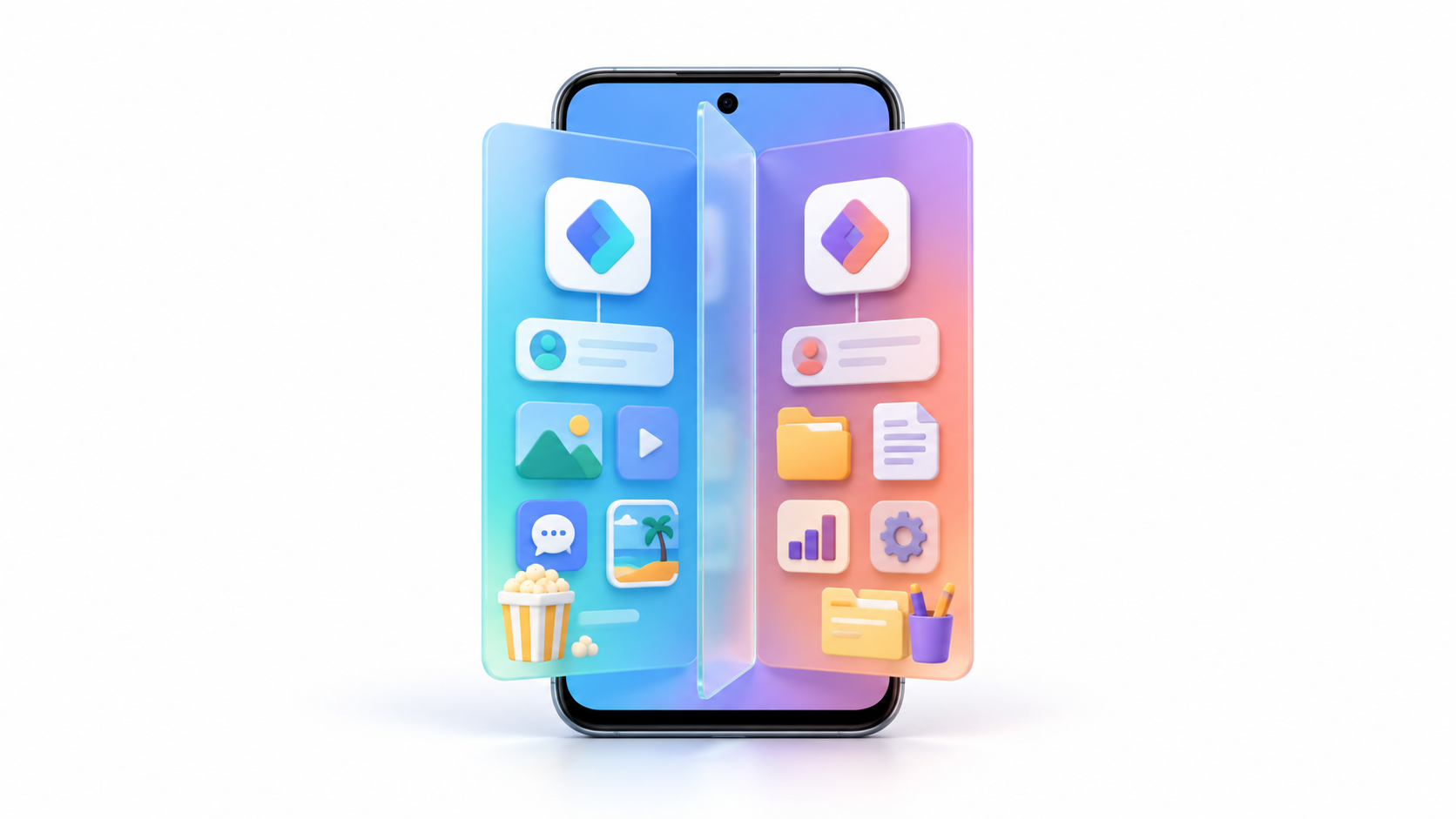
Parallel Space creates a separate environment from the main space of the phone. The applications installed within it have their own data, permissions, accounts, and files. For example, you can log in with a personal WhatsApp account in the main space and with another account in the parallel space, provided that the application and the device support that configuration.
HONOR allows you to use both screens simultaneously. On models that support split-screen, you can open an app from the main screen in one half and another from the parallel screen in the other. It's even possible to run two instances of the same game or service, although this increases memory, battery, and processor usage.
Isolation also affects files. Photos, videos, and documents moved to Parallel Space are no longer directly accessible from the main environment applications. To retrieve them, you'll need to log into Parallel Space and use the transfer tool.
How to activate Parallel Space on an HONOR mobile phone

The path may vary slightly depending on your MagicOS version, but you can usually create the space by following these steps:
- Open Settings.
- Enter Security and privacy.
- Press Device and data protection.
- Select Parallel Space o Parallel Space.
- Press Enable.
- Configure the requested password and security question.
- Wait for the system to finish creating the new environment.
When the process is complete, a shortcut will appear on your home screen. You can also create or open Parallel Space by placing two fingers together on an empty area of the desktop and separating them outwards.
Don't confuse this gesture with the inward pinch used to edit the home screen. To access the parallel space, the movement begins with your fingers close together and ends by separating them.
How to add apps and use two accounts

From the Parallel Space home screen you can tap Add apps To incorporate an app that is already installed in the main environment. On some models, you can also access the app store and install it directly within the secondary space.
Each copy works independently. This means you can:
- Log in with two different social media accounts.
- Separate professional applications from personal ones.
- Maintain different configurations and permissions.
- Keep histories, downloads, and files separate.
- Run applications from both spaces simultaneously.
Not all applications will necessarily function correctly in this environment. Banking services, tools that rely on a single device identity, and certain protected applications may block duplicate execution.
If you only need to clone a compatible app, it's also worth checking if your phone includes App TwinThis feature makes it easier to have two messaging accounts, while Parallel Space creates a complete environment with greater data separation.
How to move files between the two spaces
Parallel Space allows you to move photos, videos, audio files, and documents from the main space. To do this:
- Enter Parallel Space.
- Press Move files within.
- Select the images, videos, audios, or documents.
- Confirm the transfer.
To return them to the main environment, re-enter Parallel Space and choose Move files outOn compatible devices, you can also drag them between both environments using split screen or a floating window.
Moving is not the same as copying. When you move a file, it may disappear from the gallery or folder where it was originally located. If a photo seems to have disappeared after you activate Parallel Space, check your gallery first before assuming it has been deleted.
How to exit and re-enter Parallel Space
To return to the main space, swipe up from the bottom edge of the Parallel Space home screen. On some models, you'll also find a direct option to switch environments.
When you want to return, use the shortcut on the home screen or perform the gesture of separate two fingers on the deskThe system will request the password or the configured authentication method.
This change doesn't necessarily close open applications. The two environments can continue to function independently, so it's a good idea to monitor battery usage and close any resource-intensive applications you're not using.
What does Parallel Space's discreet mode do?
El discreet mode It increases privacy by hiding the signs that reveal the existence of the second environment. Depending on the MagicOS model and version, it can hide:
- The Parallel Space icon on the home screen.
- Parallel space applications in the recent tasks view.
- The corresponding entry within Settings.
- Access from Magic Portal.
To activate it, first enter Parallel Space and open Settings > Discreet ModeSelect the items you want to hide and confirm the settings.
Even if the icon disappears, you can usually still access it from the main home screen using the two-finger pinch gesture. It's a good idea to practice this gesture before hiding all shortcuts, and also to remember your password and correctly configure your security question.
What to do if Parallel Space does not appear or does not open

If you've activated stealth mode and can no longer find Parallel Space, try these solutions in order:
- Return to the main home screenThe gesture may not work within an application.
- Place two fingers together on an empty area and separate them completely towards the edges.
- Use the Settings search bar and enter Parallel Space o Parallel Space.
- Restart your phone and try the gesture again after unlocking it.
- Enter Settings > System and updates and install any pending version of MagicOS.
- Check the official device specifications to see if the model is compatible with Parallel Space.
The absence of the option does not necessarily mean that the data has been deleted. It could be due to discreet mode, using a different user profile, or the model not supporting this feature.
Do not delete storage space or reset your phone as a first solution. If there are important files on the device, try to regain access to them or contact HONOR support before performing any actions that could erase your data.
Parallel Space is not the same as PrivateSpace
The names can be confusing, but Parallel Space and PrivateSpace are different features.Parallel Space is designed to allow the simultaneous use of two environments and facilitates file transfer, running duplicate applications, and split-screen use.
PrivateSpace, available on certain devices or versions, functions as a private profile typically accessed with a different password or fingerprint from the lock screen. It's designed more for maintaining a completely separate environment than for working with both spaces simultaneously.
It should also not be confused with App Twin, whose main purpose is to create a second instance of certain messaging or social networking applications without generating a complete independent desktop.
How to delete Parallel Space without losing files
To remove the space, enter it and open Settings > Delete Parallel SpaceThe system will ask you to verify your identity before continuing.
During the process, we may offer you the possibility of move the files to the main spaceActivate this option if you want to keep the photos, videos, audios and documents stored inside.
Any apps, accounts, settings, and other data that are not transferred will be deleted along with the storage space. For this reason, carefully review your content and back it up before confirming.
Parallel Space is one of MagicOS's most comprehensive features for separating personal and professional activity. It allows you to use different accounts, protect files, and hide the second environment using discreet mode, but it requires remembering your login method and carefully managing transfers to avoid accidental data loss.

I am a technology enthusiast who has turned his "geek" interests into a profession. I have spent more than 10 years of my life using cutting-edge technology and tinkering with all kinds of programs out of pure curiosity. Now I have specialized in computer technology and video games. This is because for more than 5 years I have been writing for various websites on technology and video games, creating articles that seek to give you the information you need in a language that is understandable to everyone.
If you have any questions, my knowledge ranges from everything related to the Windows operating system as well as Android for mobile phones. And my commitment is to you, I am always willing to spend a few minutes and help you resolve any questions you may have in this internet world.