- Removing the API key immediately and permanently cuts off the bot's access.
- Revoking access does not close open operations, which must be managed manually.
- Full control of the connection resides with the exchange and not with the external trading platform.
- It is essential to manage keys individually on each exchange platform used.
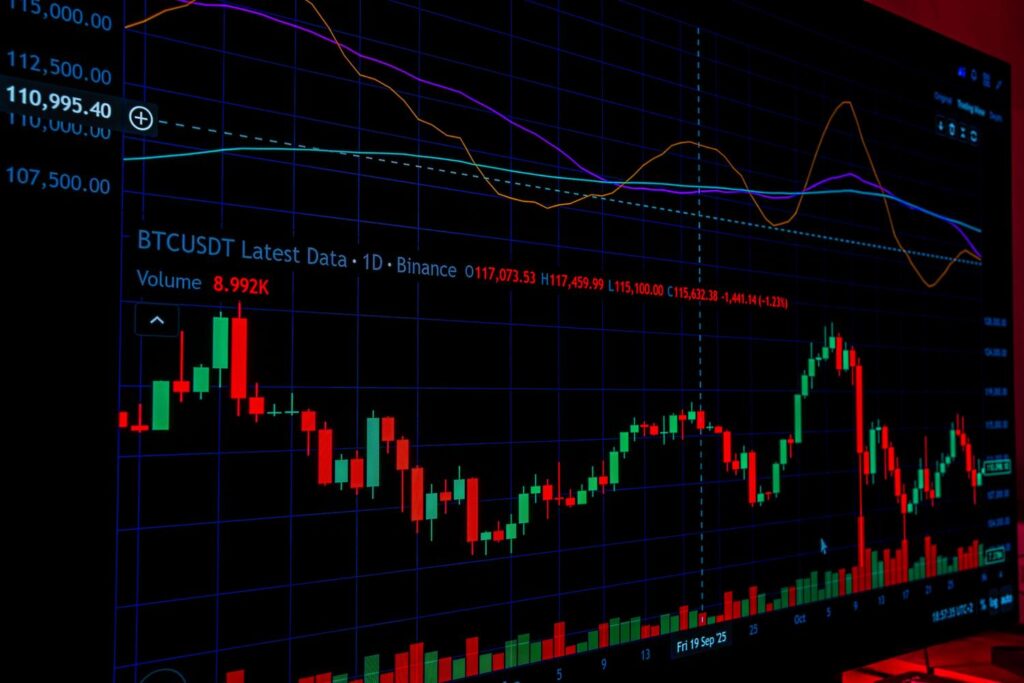
The latest news about massive cryptocurrency thefts on exchanges It reminds us of the importance of strengthening security. For example, learning to Revoke the API keys for your Binance accountAs you know, these keys are the bridge that allows these tools to work for you. However, there comes a time when, whether for security reasons or simply because you want to change your strategy, You need to cut off that access at the root. to regain full control of your wallet.
Many people worry that they have to go through a complex process or notify the bot platform before doing anything, but the reality is that it's much simpler. The most important thing to understand is that The exchange is in control. and not the external software, so deleting the key is like changing the lock on your house: whoever has the old key is instantly locked out.
Why is the disconnection immediate?
When a bot wants to make a transaction, it sends a request that is digitally signed with your API key. This signature acts as an authenticity seal that the exchange verifies in milliseconds. The moment you delete that key from your settings panel, the exchange's security system is compromised. ceases to recognize any subsequent signaturescausing the bot to receive an authentication error when attempting to operate.
This means there are no waiting times or slow propagation processes. It doesn't matter that the bot thinks it's still connected; the reality is that the restriction is applied immediatelyYou don't need the bot platform to cooperate or access its settings to click a "disconnect" button, because the exchange is the one who actually validates and authorizes each movement.

Steps to revoke your Binance account API keys
Although each exchange has its own interface, the process is usually very similar across all of them. To revoke access, follow these steps (also valid for revoking your Binance account API keys):
- Log directly into your exchange account, avoiding going through the bot's link.
- Go to the security section or look for the specific tab for API Management.
- Identify the key you want to delete. If you added tags when you created it, it will be easy, but if not, look at... active permissions to find out which one is the bot's.
- Click to delete or deactivate the selected key.
If you find yourself with several keys and no idea which is which, the healthiest thing to do is delete all those you don't recognizeIt's preferable to clean the house and create new access points from scratch for the services you want to keep, rather than leave a loose end that could compromise your security.
Managing multiple accounts and bots
If you're someone who diversifies and has bots operating on multiple exchanges simultaneously, keep in mind that There is no master button. To disconnect everything at once. Each platform manages its own keys independently, so you'll have to access them one by one and revoke access methodically.
This point is vital if you plan to close your account on a trading platform. Don't make the mistake of thinking that closing the bot's account removes the connection to the exchange. The correct thing to do is First, revoke all API keys in each exchange and, once access is cut off, proceed to close the external software account.

The effect on your open trades
This is where many people get confused: revoking your Binance account's API keys is not the same as closing a trade. If you have open positions, these They will remain active on the exchange. Even though the bot no longer has access, Stop Loss or Take Profit orders that were already placed will continue to function normally because they reside on the exchange's server.
If your intention is to clean the entire dashboard, you must manually close the positionsYou can do this either through the exchange app or via the bot just before removing the key. Remember that you can choose between letting the trades run their course or liquidating everything before cutting the API connection.
How to know if it really worked
The quickest way to confirm that the bot has been excluded is to check its status on its own platform; it will usually start launching connection error messages or authentication failures in the trading cycle. However, the definitive proof is in your exchange's API management panel: if the key no longer appears in the list, Access has been successfully removed.
Revoking your Binance account API keys (if that's the exchange you use) and having full control over who enters and exits your account is fundamental to trading security. By managing the keys directly from the exchange, you ensure that no external tool has more power than you choose to grant it, always maintaining control. front door under your supervision direct and constant.

Editor specialized in technology and internet issues with more than ten years of experience in different digital media. I have worked as an editor and content creator for e-commerce, communication, online marketing and advertising companies. I have also written on economics, finance and other sectors websites. My work is also my passion. Now, through my articles in Tecnobits, I try to explore all the news and new opportunities that the world of technology offers us every day to improve our lives.