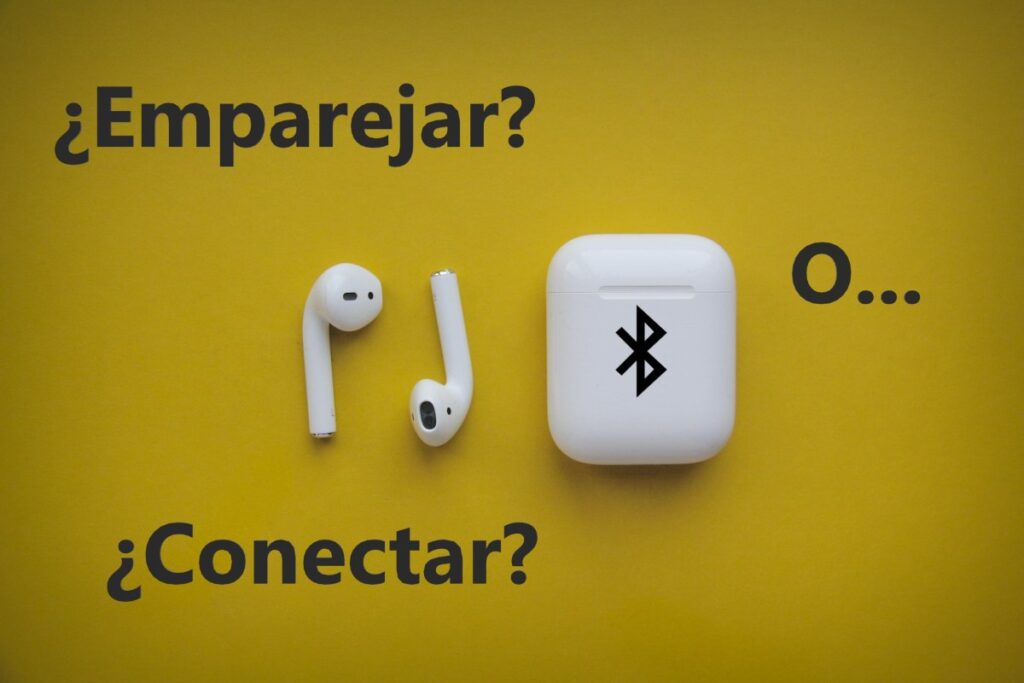
What are the differences between pairing and connecting a Bluetooth device? Although they might seem the same, in Bluetooth technology They represent completely different things."Pairing" is the initial and permanent connection between two devices, while "Connecting" is the active use of that pairing to transmit data or audio. Discover in this article the main differences between these two terms and how to use them.
What is the difference between pairing and connecting a Bluetooth device?
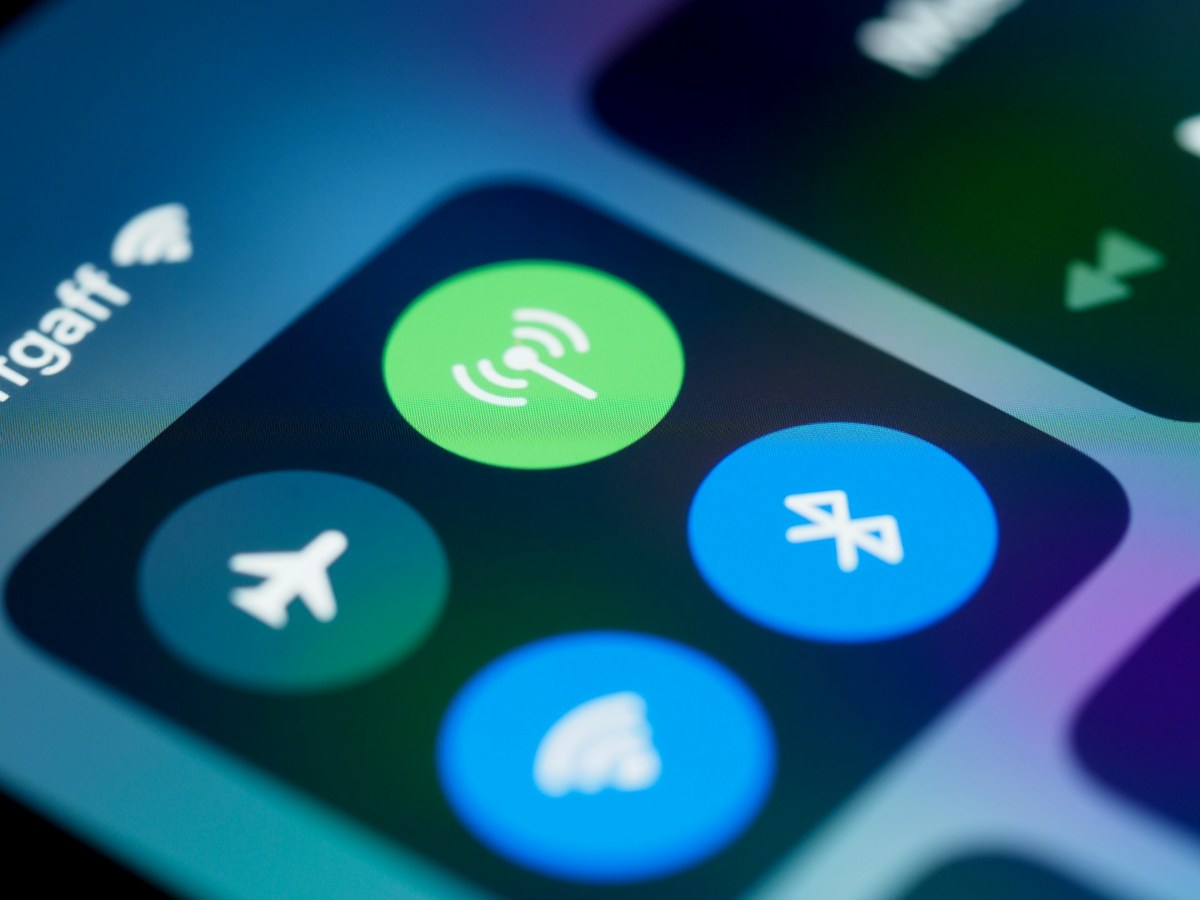
Knowing the difference between pairing and connecting a Bluetooth device will help you understand how each process works and why both are fundamentalNext, let's see what each one consists of and how you can use them together to, for example, listen to music with a speaker or wireless headphones, use a keyboard, or send a file via Bluetooth.
1. Match
Let's analyze the What are the differences between pairing and connecting a Bluetooth device? answering what each one is and what happens when it is done.
- What is it: The unique process where two devices are presented and a security registration is made.
- When is it done: Only the first time you use the devices together (unless you delete the registration).
- What happens internally: Both devices exchange encrypted security keys and save each other in the list of known or remembered devices.
- Example: When you put two mobile phones into pairing mode and enter a PIN or confirm a link from both devices.
2. Connect
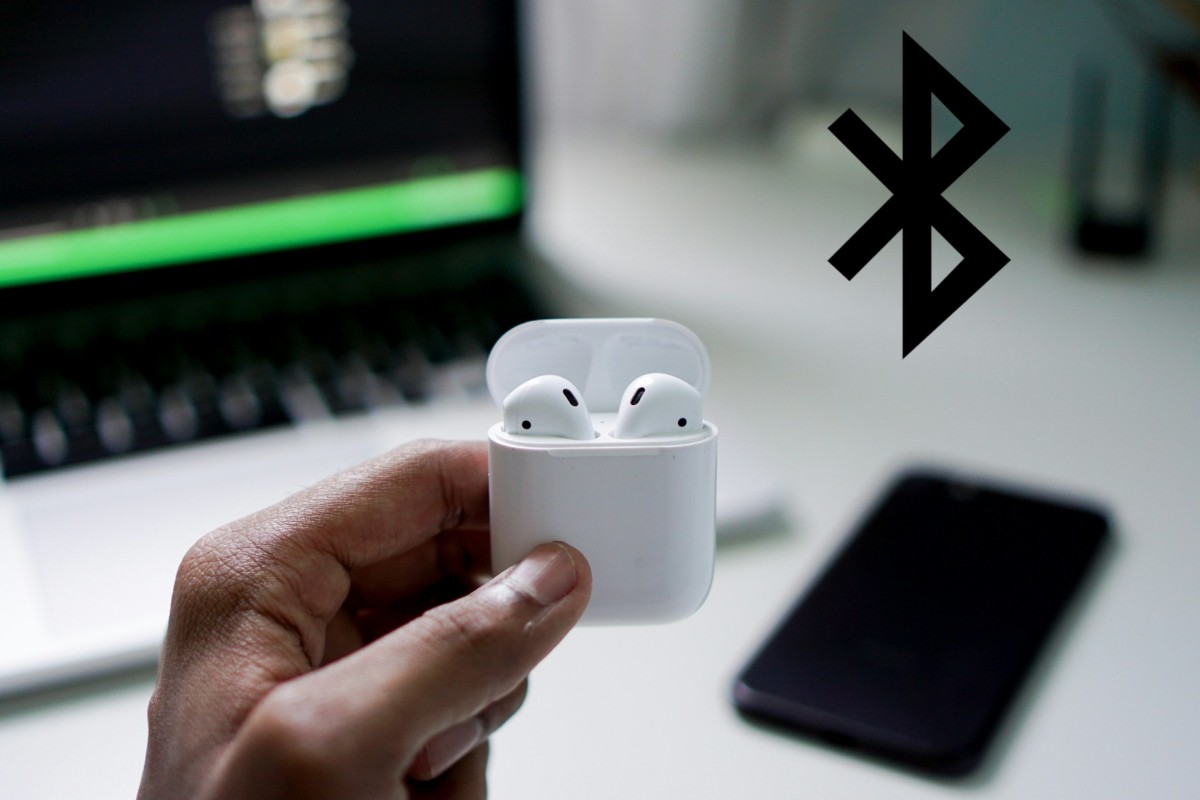
Once you have "paired" two devices, Both are in a position to "connect".This is the main difference between pairing and connecting a Bluetooth device:
- What is it: The active state in which paired devices communicate with each other and share information in real time.
- When is it done: Every time you turn them on and want to use both devices together.
- What happens internally: Using the keys saved during pairing, a channel for transmitting audio, files, or commands is opened without having to "introduce" yourself again.
- Example: You turn on your speaker and it automatically plays when you play music on your phone.
In summary, these are the What are the differences between pairing and connecting a Bluetooth device?:
- Frequency: Pairing is done only once, while the connection occurs every time you use them.
- Aim: The purpose of pairing is to build trust and store security keys, while the purpose of connecting is to initiate data or audio transmission.
- Requirements: To pair the devices, they need to be in discoverable mode, while to connect them both must be paired.
- Visibility: Finally, pairing requires manual user intervention, while the connection usually occurs automatically when Bluetooth is turned on.
Is it possible to connect two devices without having paired them beforehand?
Given the differences between pairing and connecting a Bluetooth device, it's normal to have some questions. For example, is it possible to connect two devices without having paired them beforehand? No, it's not possible.For two Bluetooth devices to connect and transmit data or audio, they must have been previously paired.
Why is pairing essential?
- Security and encryption: During the pairing process, both devices generate and store an encrypted security key. If this key is missing, the Bluetooth protocol blocks any communication attempts to prevent strangers from accessing your files or listening to your calls.
- ID: When you pair two devices, you tell each one exactly who it's talking to. The device can't open an active transmission channel with a stranger without verifying their identity.
It seems there was no pairing?
Do you think you've connected to a device without having paired them beforehand? There are possibilities. situations where it seems you connect without pairingBut the pairing did actually happen behind the scenes. Here are some possible scenarios:
- Quick pairing systems as Google Fast Pair Or Apple Magic Pairing: For example, you open the case of a pair of headphones near your phone, a pop-up window appears, you tap a button, and they're working. At that moment, the pairing process was completed thanks to Bluetooth Low Energy (BLE).
- NFC technology: You tapped your phone to a speaker using NFC, and the devices connected instantly. What happened? NFC automated the exchange of pairing keys through physical proximity, saving you the manual steps.
These are some situations that can cause confusion regarding the differences between pairing and connecting a Bluetooth device. However, for any conventional interactive use, such as listening to music, transferring files, or using a keyboard or controller, Pre-pairing is a mandatory technical requirement.
Is it possible to pair two devices and not connect them at that moment?
On the other hand, is it possible to pair two devices without initiating a connection immediately? Yes, it's entirely possible.In fact, that's what's usually done in many cases. That also helps us understand the distinction between pairing and connecting a Bluetooth device.
When you pair two devices, the only thing saved is the trust record and security keys in the memory of both devices. Once this record is created, They can remain disconnected indefinitely until you decide to use them.In what cases can you pair two devices without connecting them?
- Initial setup: When pair the car screen or a speaker, but turn off Bluetooth or the speaker immediately afterward. They remain paired, but not connected. Ready to use next time.
- Devices out of range or turned off: You can have your headphones paired with your phone, but they won't be connected if they're stored in their case or you turn off Bluetooth.
- When you use another active device: For example, if you have a Bluetooth keyboard paired with your laptop and your tablet, it can be paired with both at the same time, but actively connected to only one of them.
In summary, the main difference between pairing and connecting a Bluetooth device is that The pairing is permanent (until you choose Forget Device). While The connection is temporary. And it only activates when you're going to use them together. You've probably done this process thousands of times before, even if you didn't know the difference between pairing and connecting a Bluetooth device, right?

From a young age, I've been fascinated by all things scientific and technological, especially those advancements that make our lives easier and more enjoyable. I love staying up-to-date on the latest news and trends, and sharing my experiences, opinions, and tips about the devices and gadgets I use. This led me to become a web writer a little over five years ago, focusing primarily on Android devices and Windows operating systems. I've learned to explain complex concepts in simple terms so my readers can easily understand them.