
October 29, 2026, will be etched in cryptocurrency history. Binance, the world's largest exchange, confirmed an unprecedented security breach: approximately $6.300 billion in assets were compromised in just a few minutes. Although the platform managed to freeze nearly $3.000 billion on-chain, it is possible that you might wonder if your account is among those affectedIf you suspect someone has accessed your Binance account, here's what you should do.
What to do if you suspect someone has accessed your Binance account

If you suspect your Binance account has been accessed following the recent hack of the platform, we have good news: There is no evidence of a private key leak And the exchange has promised to cover all losses with its SAFU fund and corporate resources. Of course, if you think your funds may be at risk, every minute counts. In this guide, we explain what to do with the objectivity the situation demands.
Step 1: Check the signs before you panic
The first thing you should do if you suspect someone has accessed your Binance account is to remember that not every alert means it's a hack. Before taking any drastic measures, Check for real signs of intrusion:
- Login notifications from devices or locations you don't recognize.
- Changes to your security settings (such as disabling 2FA).
- Withdrawals or transactions that you did not authorize.
- Binance emails requesting verifications that you did not initiate.
A very important piece of advice: Following the incident on October 29, Attackers could take advantage of the chaos with phishing campaignsTherefore, if you receive an email claiming to be from Binance alerting you to a hack and asking you to verify your account by clicking a link, do not do so. The platform never requests passwords or 2FA codes via email.
Step 2: Freeze access immediately if you suspect someone has accessed your Binance account
However, if you are certain that someone else has accessed your Binance account without authorization, you should Act promptly to secure your funds and personal informationThe first step is to temporarily disable the account. Doing so prevents the intruder from continuing to move funds or change credentials.
- If you can still log in, go to Profile – Security and look for the option to Disable account.
- If you can't log in because your password has been changed, go to the Binance homepage, enter your details, and click on “Have you forgotten your password?”Or use the option to disable your account directly from the login screen if the platform doesn't allow it.
- Change your password immediately replace it with a new one. If you use one created by a password manager, even better.
Step 3: Secure the email, the root of the problem
The next thing you should do if you suspect someone has accessed your Binance account is Secure your emailThis step is crucial, because if someone gains access to your email account, they can reset your Binance password at any time. So, change your email password as soon as possible.
Another very appropriate measure is Also enable 2FA authentication with an authentication appNot with SMS, which is more vulnerable to attacks. An attacker can trick your phone carrier into transferring your number to a SIM card they have. Therefore, if your 2FA relies on SMS, switch to an authenticator app like Google Authenticator Or better yet, use a physical or biometric access key.
Step 4: Document everything and contact official support
If you still suspect that someone has accessed your Binance account, Gather all the evidence you can Before contacting official support, this documentation will be vital for the support team to trace what happened and assess potential compensation. What can you do?
- Take screenshots of unauthorized activity, alert emails, suspicious login records, and any other communications you may have received.
With the evidence in hand, contact Binance support. only through the official channels of the application or its websiteNever use phone numbers or emails you find on social media or that you've received by email or text message. Send a clear and specific message saying something like: “I suspect my account has been compromised. I detected (X activity) on (X date) at (X time).” Attach screenshots and wait for their response.
Step 5: Review and revoke API authorizations and withdrawals
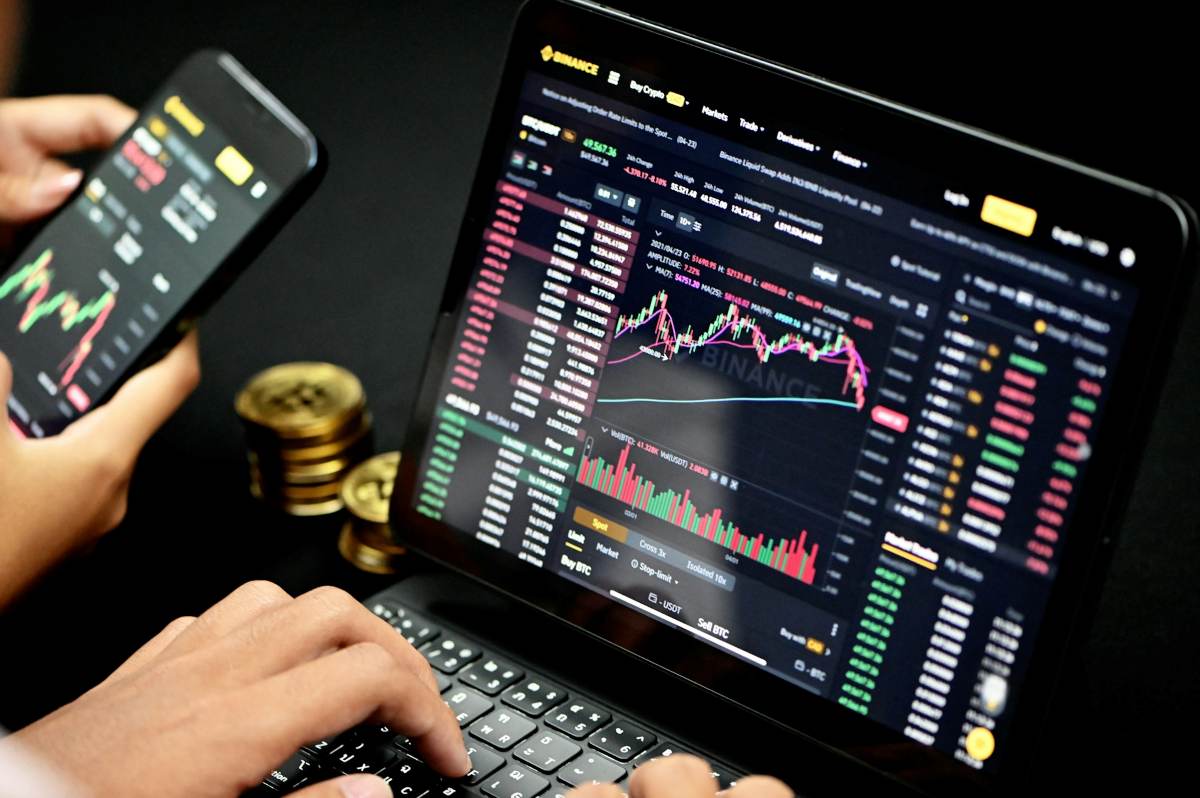
What else can you do if you suspect your Binance account has been compromised? Attackers often target API keys with withdrawal permissions to drain funds without knowing your password. Therefore, if you use the Binance API for algorithmic trading or connections with third-party tools, reviews and revokes API authorizations and withdrawals or limit them to read-only or trading permissions.
Also take advantage of review your whitelist of pickup addressesIf the attacker added one of their own, you must remove it immediately. If the platform allows you to set a "time lock" or delay on withdrawals, activate it. This will give you a few hours to react if a third party tries to move your funds.
Step 6: Evaluate the impact and see the big picture
Once you are sure your account is safe, Take a breakThe attack on the platform targeted Binance's infrastructure, not necessarily your individual account. However, that doesn't mean you're entirely wrong if you suspect your Binance account has been compromised. Don't let your guard down.
However, if you suspect that someone has accessed your Binance account and it turns out to be true, Support will guide you through the claim process.Please note that during events like these, response times may be longer. Therefore, do not be tempted to recover your funds through third-party services, which typically promise to recover cryptocurrencies in exchange for upfront payments, and are almost certainly scams.
In conclusion, if you suspect your Binance account has been compromised, follow these steps: check for signs of hacking, freeze access immediately, secure your email, document everything, and contact technical support. And in any case, adopt a zero-trust mindsetIn situations like these, prevention is not optional.

From a young age, I've been fascinated by all things scientific and technological, especially those advancements that make our lives easier and more enjoyable. I love staying up-to-date on the latest news and trends, and sharing my experiences, opinions, and tips about the devices and gadgets I use. This led me to become a web writer a little over five years ago, focusing primarily on Android devices and Windows operating systems. I've learned to explain complex concepts in simple terms so my readers can easily understand them.