Can a website see my PC's HWID?
Discover what HWID is, what it's for, and how to easily find your PC's hardware ID with this detailed and simple tutorial.
Optimizing your computer's performance starts with choosing the right components. In our section on computer hardwareWe explore everything from the fastest processors to graphics cards that transform the visual experience, ensuring that each piece integrates perfectly to maximize the power of your system.
Whether you're looking to build a PC from scratch or perform a strategic upgrade, understanding the compatibility between components and the latest innovations in SSD storage and RAM. We provide detailed guides to help you make informed decisions based on real-world performance and energy efficiency.
In addition, we analyzed how the hardware directly impacts the high-level gaming and in professional productivity. From liquid cooling to prevent throttling to choosing robust motherboards, we help you build a machine capable of running the most demanding software and the latest AAA titles without complications.
Keeping your equipment updated is key to extending its lifespan. Here you'll find the best. physical maintenance tips and purchase recommendations so that your technology investment translates into superior processing speed and total stability in all your digital tasks.
Discover what HWID is, what it's for, and how to easily find your PC's hardware ID with this detailed and simple tutorial.
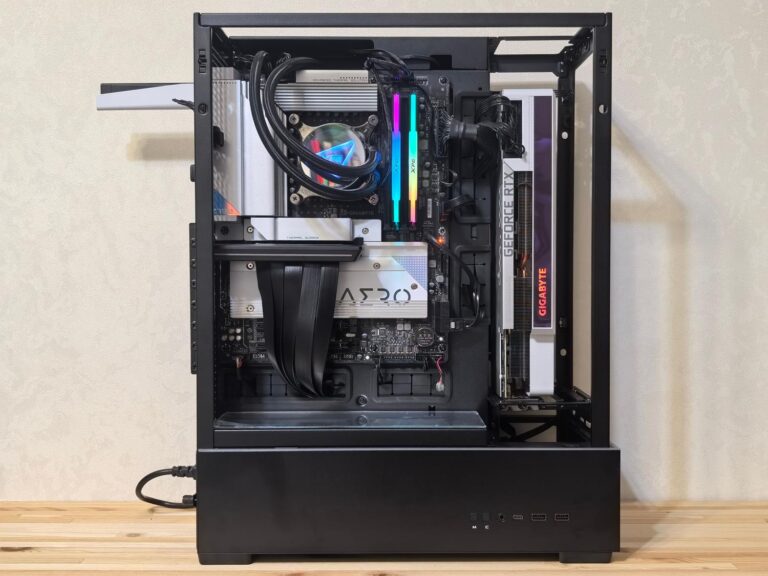
Want to build your own AI at home? Discover the actual VRAM, RAM, and GPU requirements for running LLMs and generating images without relying on the cloud.
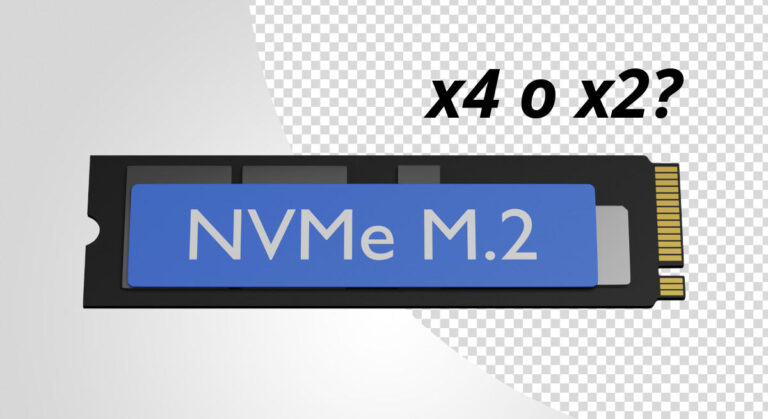
You've just installed a new NVMe SSD, verified that it appears without errors in Windows, and concluded that the job is done…
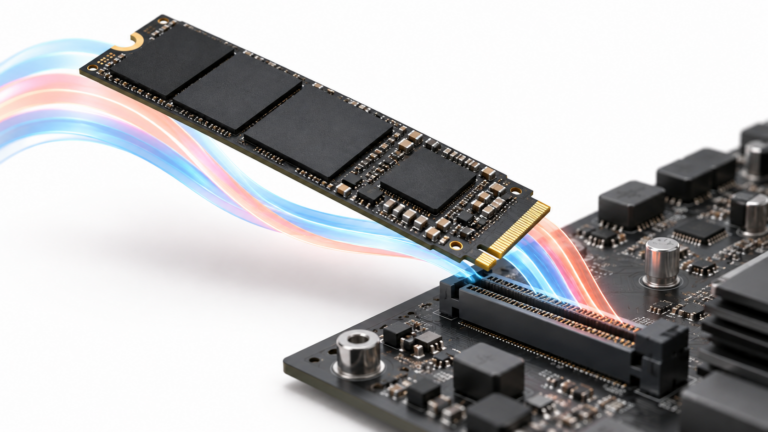
Find out if a PCIe 4 SSD works in PCIe 3, how much performance you'll lose, and how to choose the best drive for your PC. Get your answers now!
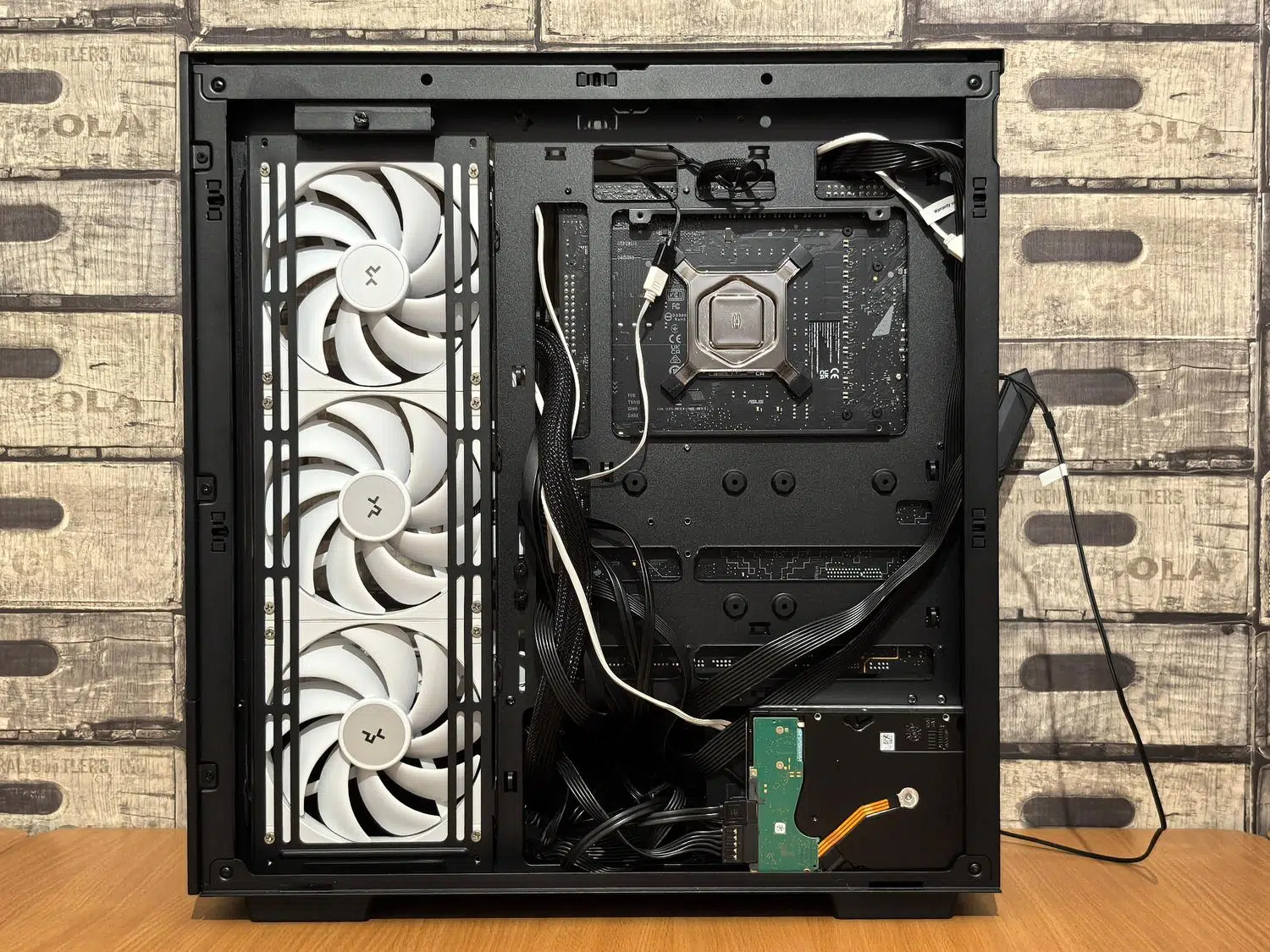
Are your fans running at full speed and the software isn't controlling them? Find out how to fix it via BIOS, SpeedFan, or MSI Afterburner right now.
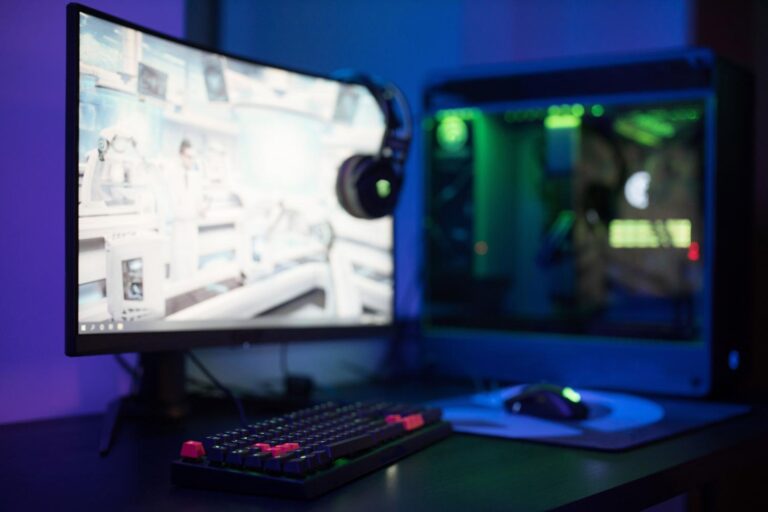
Is your gaming monitor not reaching 144Hz? Find out why it's stuck at 120Hz or 60Hz and how to fix it step by step for a smooth experience.
Do you see trails on your screen? Learn to distinguish ghosting from smearing and discover how to configure your overdrive to eliminate the traces.
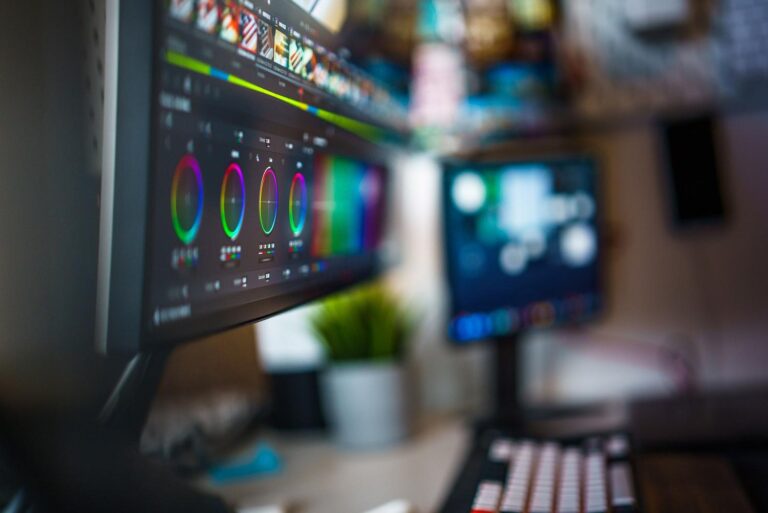
Is your monitor 10-bit but Windows says it isn't? Learn how to configure it, avoid color banding, and optimize your GPU for true-to-life colors.

Is your text blurry even when using the native resolution? Discover scaling and settings tricks to restore your screen's sharpness.
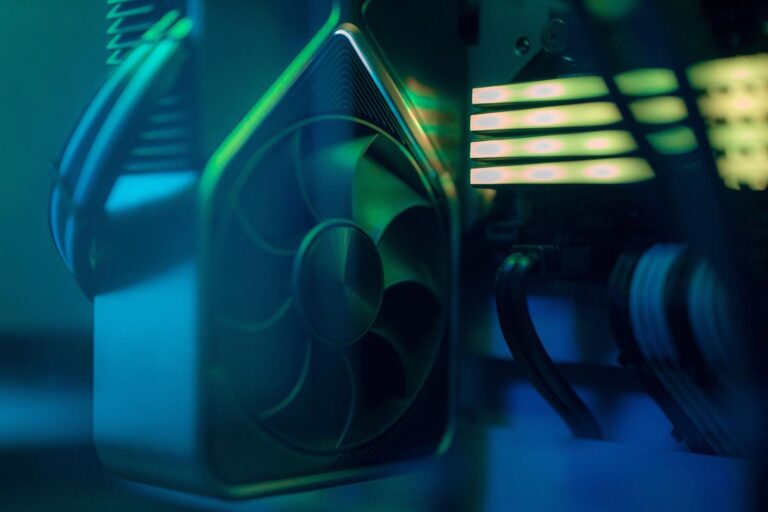
Is your PC running slowly because dwm.exe is using too much GPU? Discover the definitive steps to optimize the Window Manager and restore its smooth performance.
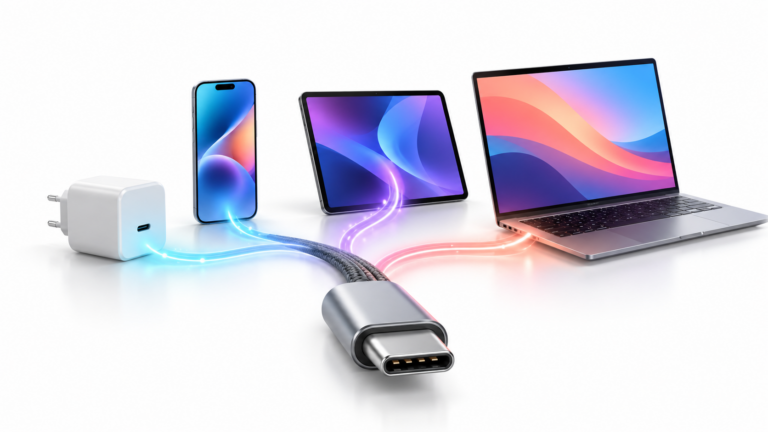
Discover the maximum power of USB-C cables. From 60W to 240W with the new EPR standard. Don't buy the wrong cable!
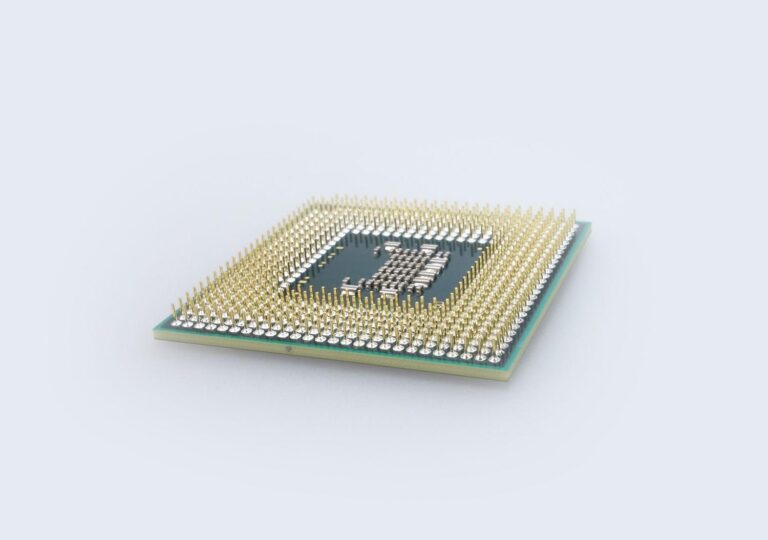
Is your PC running slowly and are IKEEXT or WMI causing CPU usage to spike? Discover how to diagnose the problem and optimize your Windows system step by step. Get your PC running faster!