- Setting up a persistent memory ecosystem using Ollama as a reasoning engine and embeddings.
- Implementation of local vector databases using Qdrant or ChromaDB to avoid cloud dependency.
- Optimizing fact extraction by synchronizing specific vector dimensions.

Language models don't automatically remember what happened in previous conversations. When you close an application, switch sessions, or delete old messages from the context window, the model loses that information.
One way to overcome this limitation is to Connect Memo with OllamaOllama runs the generative model and the embeddings model locally, while Mem0 extracts useful information from conversations, organizes it, and allows it to be retrieved when it becomes relevant again.
Instead of always sending the entire history to the model, the application can retrieve a few memories related to the current query and insert them into the prompt. This reduces the amount of context and allows preferences, goals, or important facts to be maintained between sessions.
The installation can function entirely within your infrastructure if you use Ollama, Mem0 OSS, and a local database. However, ultimate privacy will depend on all connected components. If you add an external model, reranker, database, or managed service, some data may leave your system.
What does Mem0 do and what function does Ollama serve?
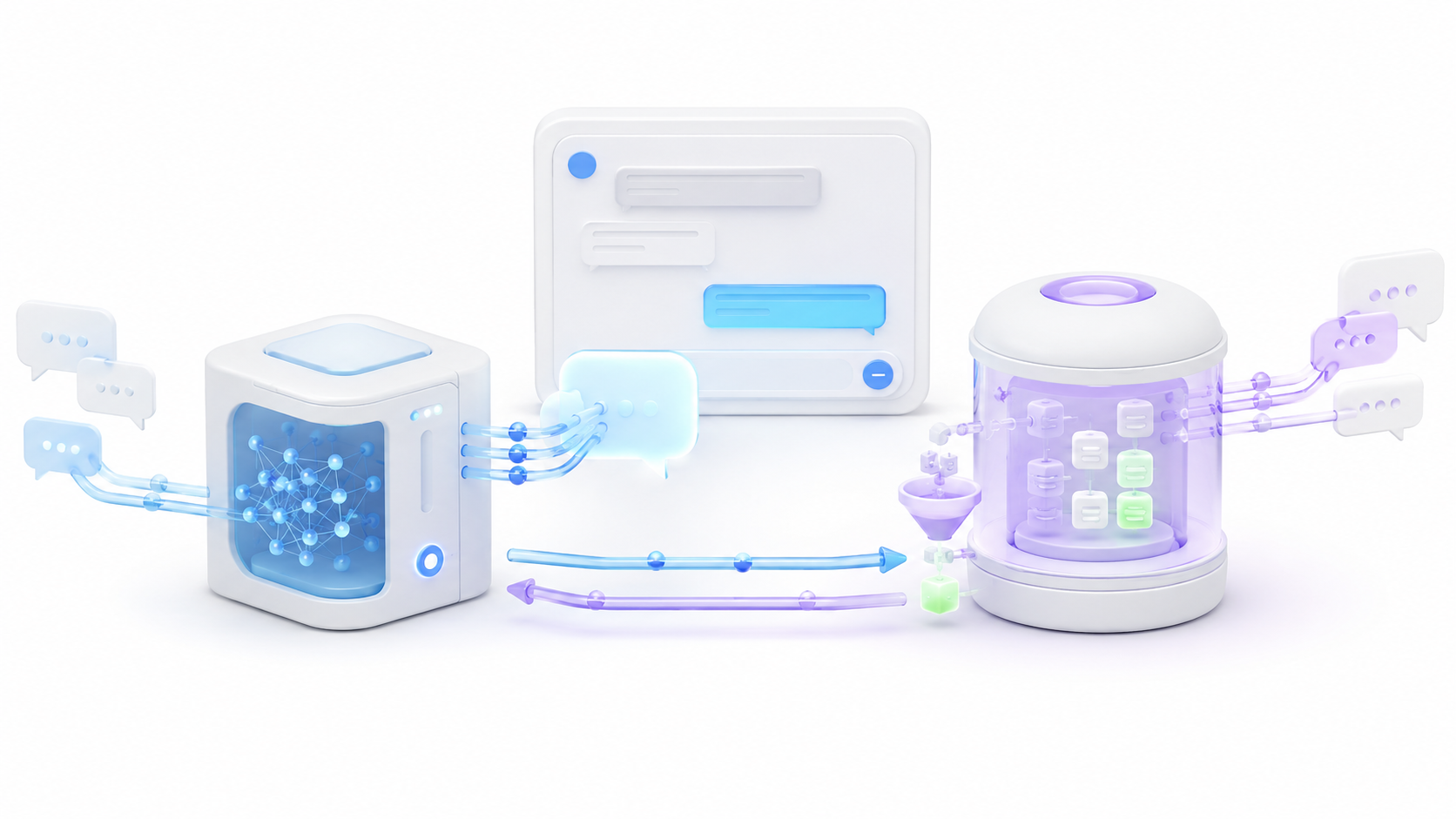
Mem0 and Ollama solve different problems. Ollama is responsible for running the modelswhile Mem0 provides the operations necessary to add, search, query, update, and delete memories.
During saving, Mem0 can analyze a conversation and extract facts that may be useful later. For example:
- The user prefers short answers.
- He is developing an application in Rust.
- He doesn't want horror movie recommendations.
- Their goal is to complete a race in under four hours.
Mem0 converts each memory into a numerical representation using the embeddings model and stores it along with its content and metadata. When performing a search, it combines the query with filters such as the user's identifier and returns the most relevant memories.
Current versions of Mem0 primarily use additive extraction. This means that new information can be stored without automatically deleting previous data. If data has become outdated and needs to be corrected, the application can explicitly use the appropriate operations. update() o delete().
Mem0 does not replace the conversational model. The application must retrieve the memories, incorporate them into the system message or context, and ask Ollama to generate the response.
Components needed to connect Mem0 with Ollama
To build a local system you need these components:
- Memo OSS: manages the extraction, storage, and retrieval of memories.
- Ollama: It executes the generative model and the embeddings model.
- A language model: It interprets the conversations and generates the responses.
- An embedding model: transforms memories and queries into vectors.
- A vector warehouse: It preserves the vectors and allows you to search for related memories.
- An application: It connects conversation, retrieval, and memory saving.
Qdrant and Chroma are two common storage options:
| Store | Recommended use |
|---|---|
| Qdrant | Persistent services, multiple applications, and deployments using Docker |
| Chroma | Local testing and small applications with folder storage |
Qdrant provides a separate API and makes it easy to separate the vector database from the application. Chroma can use a local route, making it simpler for initial testing.
How to install Mem0, Ollama, and Qdrant
First, install Ollama and verify that the service is running. Then, download a language model and an embeddings model:
ollama pull llama3.1:latest
ollama pull nomic-embed-text:latest
llama3.1:latest This is the model used in the official Mem0 example, but you can replace it with another instructional model compatible with Ollama. Smaller models consume less memory, although they may extract data with less accuracy or adhere less well to the expected format.
Install the Python dependencies:
pip install mem0ai qdrant-client openai ollamaTo run Qdrant in Docker and preserve data using a volume, use:
docker volume create qdrant_storage

docker run -d \
  --name qdrant \
  -p 6333:6333 \
  -p 6334:6334 \
  -v qdrant_storage:/qdrant/storage \
  qdrant/qdrant
The port 6333 provides the HTTP API and the 6334 It is used for gRPC. In this example, Mem0 connects using the HTTP API.
Check that Ollama responds:
curl http://localhost:11434/api/tagsYou can check Qdrant by opening:
http://localhost:6333/dashboardDo not expose these ports directly to the internet. If the services run on different computers, use a private network, a VPN, or firewall rules that allow only necessary connections.
Local configuration of Mem0 with Ollama and Qdrant
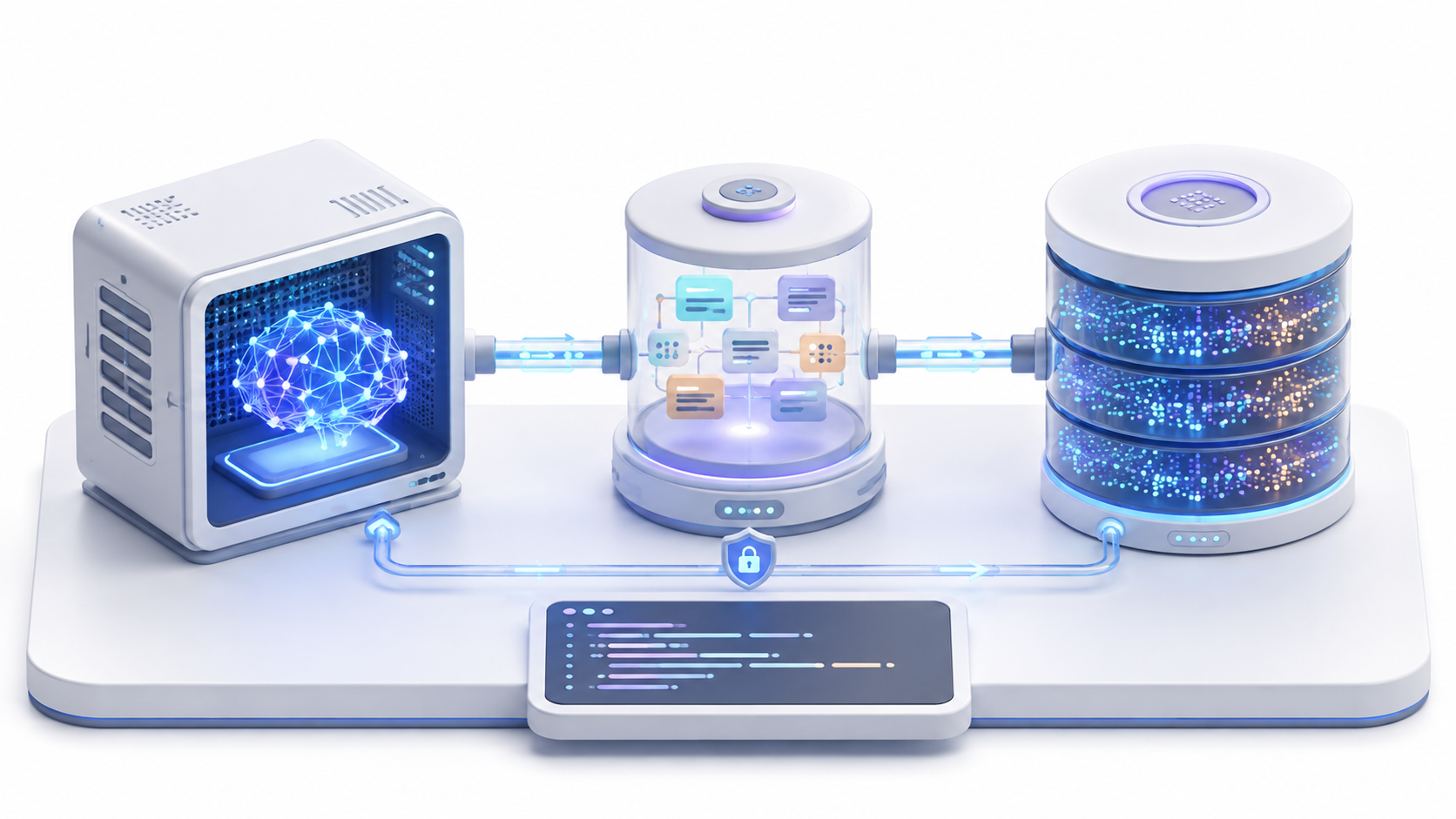
The configuration must explicitly state that Ollama will be used as the LLM and as the embedding provider. It must also define where Qdrant is located and which dimensions produce the embeddings.
from mem0 import Memory

OLLAMA_URL = "http://localhost:11434"
CHAT_MODEL = "llama3.1:latest"
EMBEDDING_MODEL = "nomic-embed-text:latest"

config = {
    "vector_store": {
        "provider": "qdrant",
        "config": {
            "collection_name": "memoria_agente",
            "host": "localhost",
            "port": 6333,
            "embedding_model_dims": 768,
        },
    },
    "llm": {
        "provider": "ollama",
        "config": {
            "model": CHAT_MODEL,
            "temperature": 0,
            "max_tokens": 2000,
            "ollama_base_url": OLLAMA_URL,
        },
    },
    "embedder": {
        "provider": "ollama",
        "config": {
            "model": EMBEDDING_MODEL,
            "ollama_base_url": OLLAMA_URL,
        },
    },
    "history_db_path": "./mem0_history.db",
    "custom_instructions": """
    Extrae únicamente información que pueda ser útil en conversaciones futuras:
    - Preferencias estables
    - Objetivos y proyectos
    - Restricciones importantes
    - Decisiones confirmadas

    Ignora saludos, conversación casual y hechos temporales sin importancia.
    Devuelve un objeto JSON con la clave facts y una lista de recuerdos.
    """,
}

memory = Memory.from_config(config)
Memory.from_config() It forces Mem0 to use the specified providers. The constructor Memory() It does not automatically connect to Mem0 Cloud, but it can apply default OpenAI-based components and request a key if you do not replace them.
custom_instructions It allows you to determine what information deserves to be stored. It must be included as a top-level property before creating the instance. Memory.
Why embedding dimensions must match
The model nomic-embed-text produces vectors of 768 dimensionsTherefore, the Qdrant collection is configured using:
embedding_model_dims=768If the store expects vectors of a different size, Qdrant will reject the data and Mem0 will not be able to save or query the memories correctly.
When changing your embedding model, check its dimensions before modifying the settings. You may also need to create a new collection and regenerate all existing vectors.
Do not mix embeddings produced by different models within the same collection. Even if two models generate vectors with identical dimensions, their semantic spaces may not be compatible.
How to save and retrieve memories

To save a conversation, pass a list of messages to memory.add() and indicates a stable identifier for the user:
mensajes = [
    {
        "role": "user",
        "content": "Estoy desarrollando una aplicación en Rust"
    },
    {
        "role": "assistant",
        "content": "Lo recordaré para adaptar los próximos ejemplos"
    }
]

resultado = memory.add(
    mensajes,
    user_id="usuario_001"
)

print(resultado)
With infer=TrueBy default, Mem0 uses the model to extract structured memories. If you want to preserve the content without applying this extraction, you can use infer=False.
To find related information:
recuerdos = memory.search(
    "¿Qué lenguaje utiliza en su proyecto?",
    filters={"user_id": "usuario_001"},
    top_k=5
)

for recuerdo in recuerdos["results"]:
    print(recuerdo["memory"])
The filter by user_id This is crucial. If an application used by multiple people searches without correctly applying the identifier, it could retrieve memories belonging to another user.
You can also use agent_id to separate the memory of different agents and run_id to divide conversations, projects, or specific processes.
How to create a complete chat with Ollama and Mem0

For Ollama to use the memories, the application must perform four steps:
- Receive the user's question.
- Search for related memories using Mem0.
- Add them to the context sent to Ollama.
- Save the question and answer as a new interaction.
Ollama provides an API compatible with the OpenAI format. We can use it to create the complete loop:
from openai import OpenAI

ollama_chat = OpenAI(
    base_url=f"{OLLAMA_URL}/v1",
    api_key="ollama"
)

def chat(mensaje_usuario, user_id):
    resultado = memory.search(
        mensaje_usuario,
        filters={"user_id": user_id},
        top_k=5
    )

    recuerdos = [
        item["memory"]
        for item in resultado["results"]
    ]

    contexto = "\n".join(
        f"- {recuerdo}" for recuerdo in recuerdos
    )

    respuesta = ollama_chat.chat.completions.create(
        model=CHAT_MODEL,
        messages=[
            {
                "role": "system",
                "content": (
                    "Eres un asistente útil. Utiliza los recuerdos "
                    "solo cuando sean relevantes.\n\n"
                    f"Recuerdos del usuario:\n{contexto}"
                ),
            },
            {
                "role": "user",
                "content": mensaje_usuario,
            },
        ],
    ).choices[0].message.content

    memory.add(
        [
            {
                "role": "user",
                "content": mensaje_usuario,
            },
            {
                "role": "assistant",
                "content": respuesta,
            },
        ],
        user_id=user_id,
    )

    return respuesta
You can now start a conversation:
print(
    chat(
        "Estoy creando un programa de escritorio en Rust",
        user_id="usuario_001"
    )
)
After restarting the application, the same user may ask:
print(
    chat(
        "¿Qué lenguaje estoy utilizando en mi proyecto?",
        user_id="usuario_001"
    )
)
If the memory was stored correctly, Mem0 will retrieve the information and Ollama will be able to use it to respond.
How to use Chroma instead of Qdrant
For a small local test, you can replace Qdrant with Chroma. The correct provider name on Mem0 is chroma:
"vector_store": {
    "provider": "chroma",
    "config": {
        "collection_name": "memoria_agente",
        "path": "./chroma_db",
    },
}
The folder indicated in path It will contain Chroma's persistent data. You must include it in your backups and avoid deleting it when updating the application.
The Python package used by the project continues to be called chromadbBut the identifier you need to write within the Mem0 configuration is chroma.
How to correct or delete outdated memories
An assistant's memory should not be considered an infallible source. The model may store a misinterpreted fact, retain information that is no longer valid, or generate several similar memories.
You can view all the memories associated with a user:
resultado = memory.get_all(
    filters={"user_id": "usuario_001"}
)

for recuerdo in resultado["results"]:
    print(recuerdo["id"], recuerdo["memory"])
To correct a specific memory:
memory.update(
    memory_id="ID_DEL_RECUERDO",
    data="El usuario está desarrollando una aplicación en Python"
)
To remove it:
memory.delete(
    memory_id="ID_DEL_RECUERDO"
)
An application intended for end users should provide controls for viewing, correcting, and deleting stored memories. It's also advisable to establish an expiration policy for temporary information.
How to improve the quality of memories
Quality depends on the model, the instructions, the conversation, and the amount of information sent. Always using a larger model does not guarantee better results, although very small models may miss nuances or return incorrect formats.
These practices help improve memory:
- Use a low temperature to make the extraction more stable.
- Clearly define which categories are worth remembering.
- Exclude greetings, repetitions, and irrelevant conversation.
- Save both the user's message and the agent's response.
- Use different identifiers for users, agents, and projects.
- Limit the number of memories retrieved so as not to overwhelm the context.
- Periodically review incorrect, duplicate, or outdated memories.
- Test the searches with real queries before putting it into production.
Do not introduce memories as top-priority commands. Treat them as contextual information that may be incomplete or outdated. This reduces the risk of a manipulated memory altering the agent's overall behavior.
Performance optimization
Each call to memory.add() You can run the model to extract the facts that need to be stored. Therefore, saving memory increases latency and resource consumption.
In a small application, you can save the conversation after generating the response. In services with multiple simultaneous requests, it's preferable to use AsyncMemorya background worker or a task queue.
Mem0 provides an asynchronous interface to avoid blocking applications built with asyncio or FastAPI:
from mem0 import AsyncMemory

memory = AsyncMemory.from_config(config)

resultado = await memory.search(
    "proyecto actual",
    filters={"user_id": "usuario_001"},
    top_k=5
)

await memory.add(
    mensajes,
    user_id="usuario_001"
)
Do not pass the job to a secondary thread without handling its exceptions. If the program closes before saving is complete, the conversation may go unrecorded. A persistent queue allows failed operations to be retried.
You can also use different models for conversation and extraction. A more powerful generative model can handle the responses, while a smaller one processes the memory. Before doing so, check that the second model correctly follows the instructions and the required format.
Common errors when connecting Mem0 with Ollama
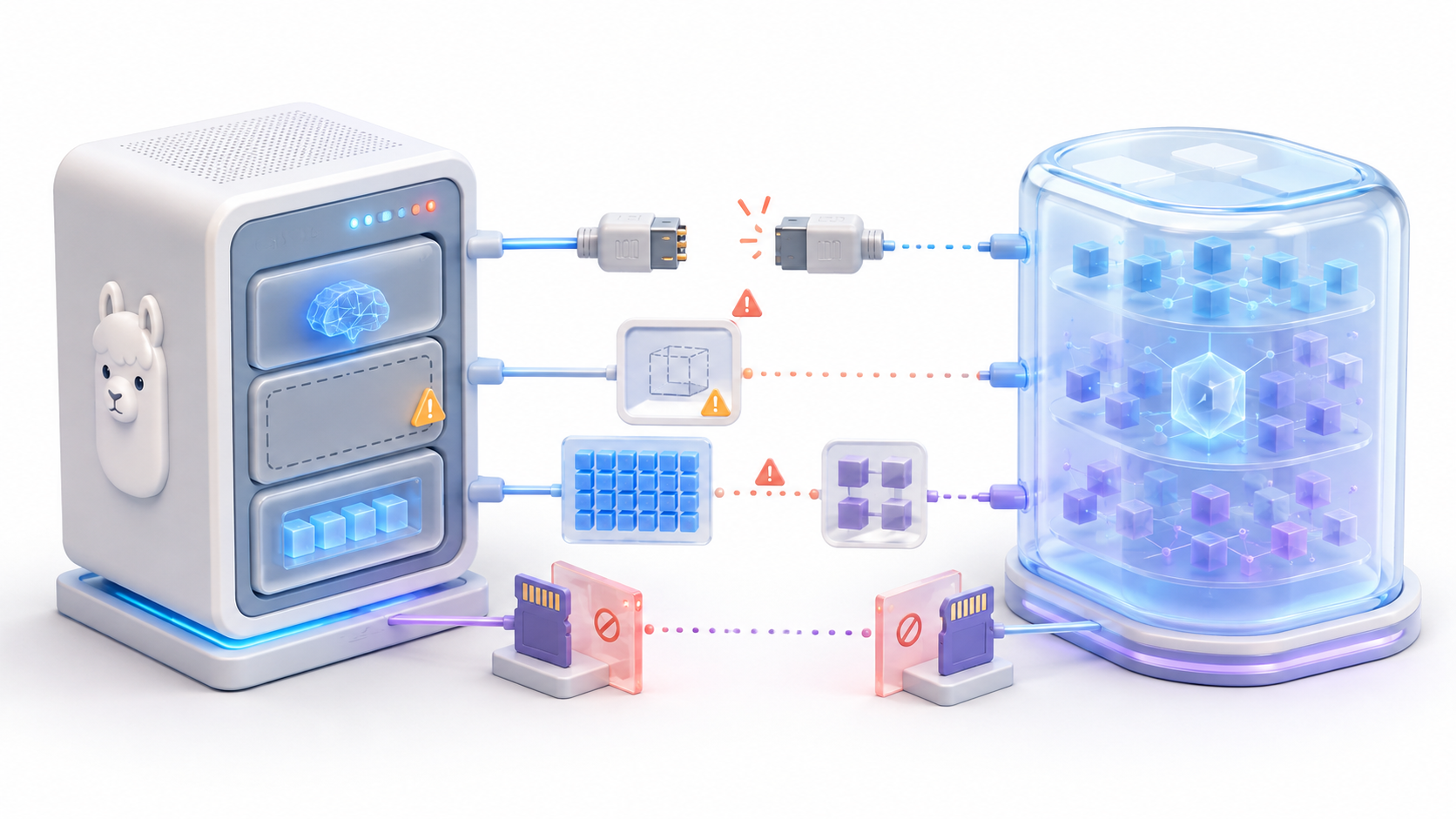
Mem0 requests an OpenAI key
The configuration is incomplete, and some components are still using their default provider. Please verify that you have configured both llm as embedder with the supplier ollama.
Unable to connect to Ollama
Verify that the API is responding:
curl http://localhost:11434/api/tagsIf Mem0 is running inside Docker, localhost This refers to the container, not the host computer. In Docker Desktop, you may need to use:
http://host.docker.internal:11434Qdrant rejects vectors
The collection and the embedding model use different dimensions. With nomic-embed-text, configures 768 dimensions and creates a new collection if the existing one was generated with a different size.
Searches do not return memories
Check that you are using the same user_id during saving and searching. Also check the embedding model name, filters, and content of resultado["results"].
Mem0 stores irrelevant information
Duck custom_instructionsIt reduces the temperature and defines which categories to include or exclude. Also, check if the chosen model is capable of following structured instructions.
Memories contradict more recent information
Current versions can preserve previous data instead of automatically overwriting it. Add dates or metadata and use update() o delete() when you need to correct information.
Memory disappears when Qdrant is replaced
Verify that the container uses a mounted volume in /qdrant/storageRestarting a container is not the same as deleting it, but recreating it without persistent storage can leave data out of the new deployment.
Privacy and backups
A local installation avoids mandatory reliance on managed APIs from Mem0, OpenAI, or other providers. Even so, you should protect the infrastructure just like any application that stores personal information.
- Do not expose Ollama or Qdrant directly to the Internet.
- Encrypt disks and backups when they contain private data.
- Apply authentication and access controls to the application.
- Separate memories using reliable user identifiers.
- It allows you to view and delete stored information.
- Do not save passwords, API keys, or bank details as souvenirs.
- It records errors without including complete conversations or memories.
- Check if the data processing must comply with the GDPR.
With Qdrant you must back up the volume qdrant_storage and the file defined by history_db_pathWith Chroma you must copy the configured folder to path and the history database.
Connecting Mem0 with Ollama allows you to create an assistant that retains information between sessions without necessarily relying on external services. Ollama runs the models, Mem0 extracts and retrieves the memories, and Qdrant or Chroma provides the persistent storage.
The key is not simply saving conversations. The application must retrieve the relevant memories, provide context, limit their scope using identifiers, and offer mechanisms to correct or delete information. With these precautions, you can build a useful, persistent, and controllable local memory.

I am a technology enthusiast who has turned his "geek" interests into a profession. I have spent more than 10 years of my life using cutting-edge technology and tinkering with all kinds of programs out of pure curiosity. Now I have specialized in computer technology and video games. This is because for more than 5 years I have been writing for various websites on technology and video games, creating articles that seek to give you the information you need in a language that is understandable to everyone.
If you have any questions, my knowledge ranges from everything related to the Windows operating system as well as Android for mobile phones. And my commitment is to you, I am always willing to spend a few minutes and help you resolve any questions you may have in this internet world.