How to rescue dark photos with Windows 11's Relight feature and other AI tools

Don't throw away that dark photo! Learn how to use Relight in Windows 11 and the best AI tools to professionally brighten your images.
La digital photography It has transformed the way we capture reality, allowing us to move from the chemistry of film development to the versatility of electronic sensors. In this space of TecnobitsWe explore everything from the basics to the most advanced techniques so that any enthusiast can improve the quality of your images regardless of the device you use.
To achieve professional results, it is essential to understand the handling the exposure triangleThe camera's settings, comprised of aperture, shutter speed, and ISO sensitivity, allow for precise control of light and the achievement of striking visual effects, such as artistic bokeh or freezing fast-moving subjects. action and sports photography.
In addition to hardware, the modern workflow requires a solid understanding of the image processing and editingWe analyze the best software tools and applications to optimize color, contrast, and sharpness, ensuring that every shot reaches its full creative potential through the digital file optimization and RAW formats.
Whether you use a DSLR, mirrorless camera, or the power of the mobile camera technologyOur goal is to provide you with practical guides and technical advice. We help you choose the right equipment for your needs, analyzing the optics and sensors more efficient for each photographic style.
Don't throw away that dark photo! Learn how to use Relight in Windows 11 and the best AI tools to professionally brighten your images.
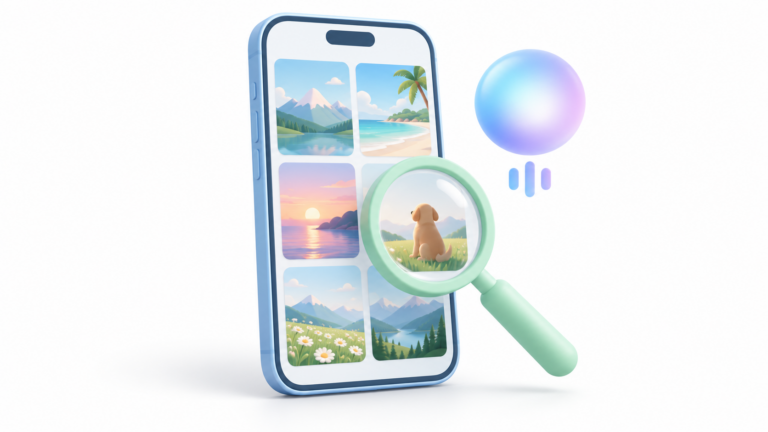
Is Siri having trouble finding your pictures? Discover why this happens and the best tricks to quickly find any photo on your iPhone.

Learn how to use Apple Intelligence's Clean Up tool to remove people and objects from your photos. Tips, compatibility, and usage instructions are available here.
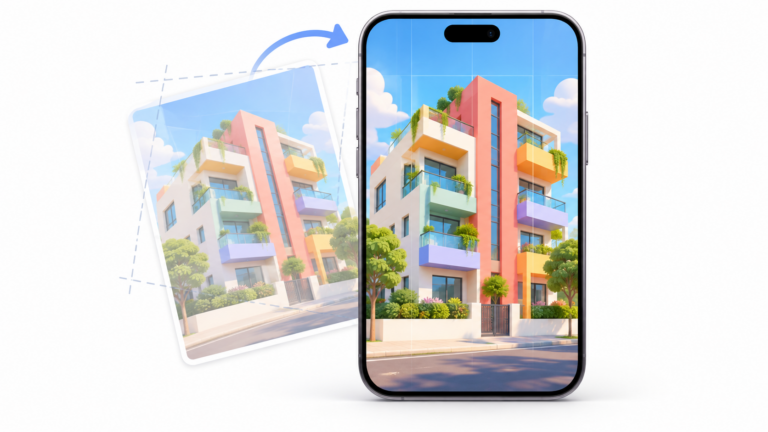
No more crooked photos! Discover how to straighten your images on iPhone using iOS, Snapseed, and Apple Intelligence for a professional finish.
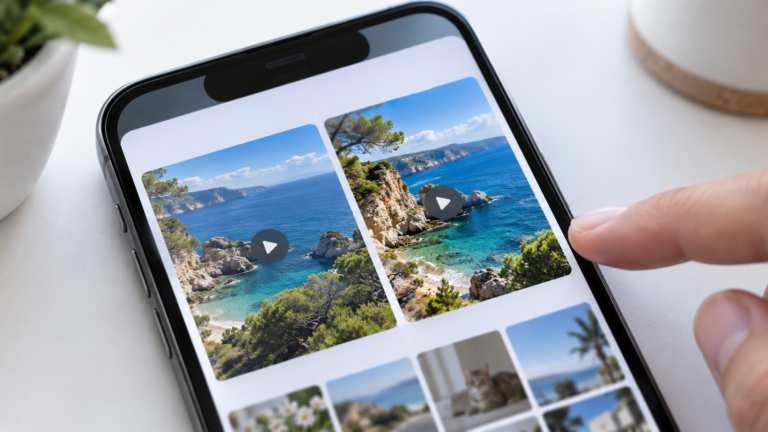
Tired of duplicate videos? Find out why Google Photos duplicates your edited files and how to delete them to free up space right now.
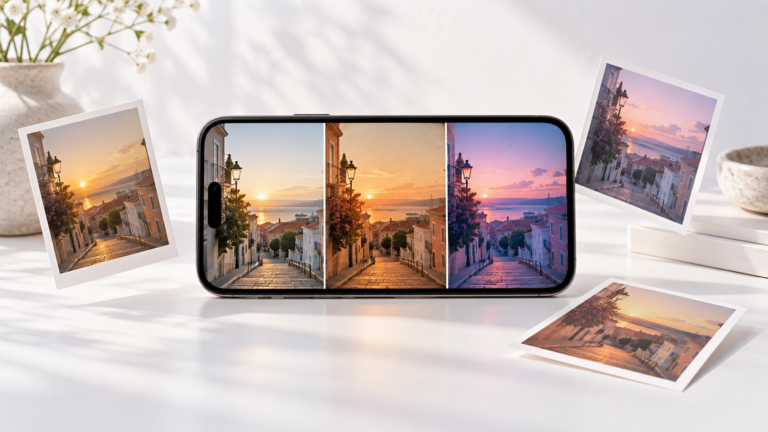
Discover Moods in Google Photos: smart presets that adapt the color and style of your photos with AI. Give your images a retro and professional touch!
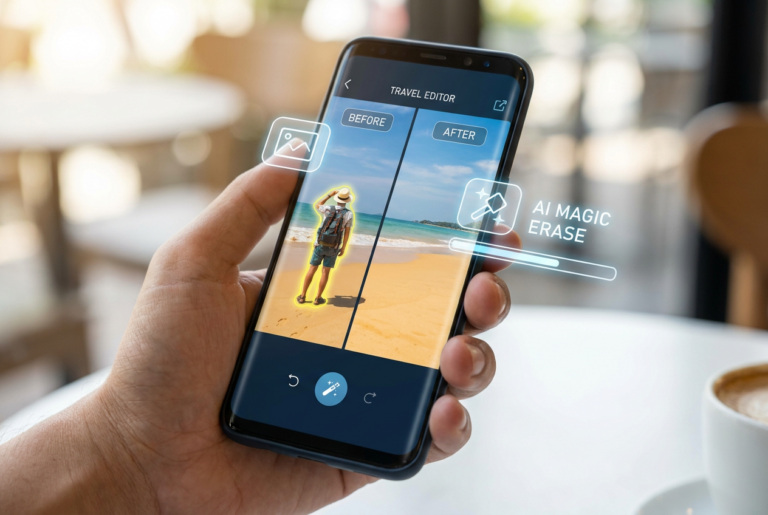
Discover how to transform your photos with AI. From removing objects to editing with your voice. Take your images to the next level right now!
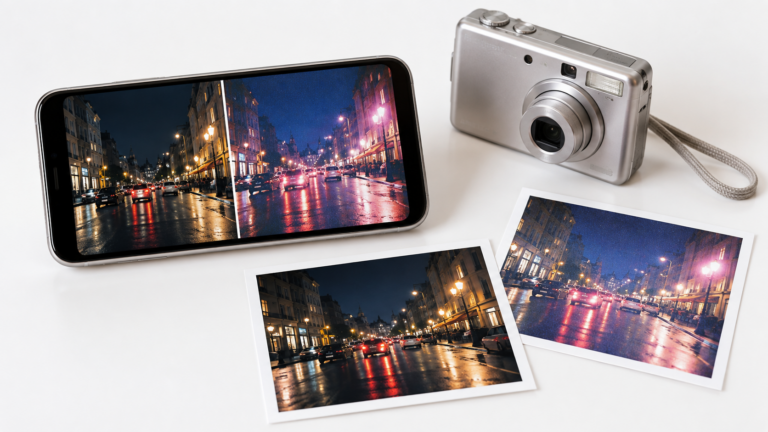
Discover how to apply the vintage camera effect in Google Photos, use viral vintage filters, and create stunning retro videos. Enter now!
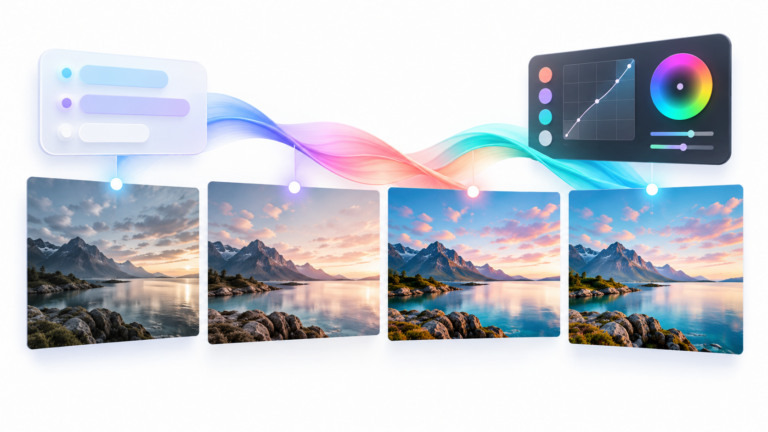
Discover how to use Claude and Adobe for Creativity to edit Lightroom photos, retouch portraits, and create pro content without paying for subscriptions.
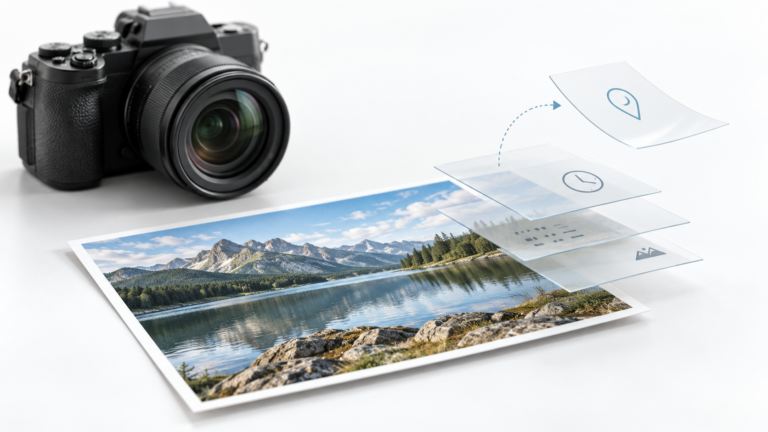
Learn how to view, edit, and delete metadata from your photos. Protect your privacy by removing EXIF data and organize your work like a pro.
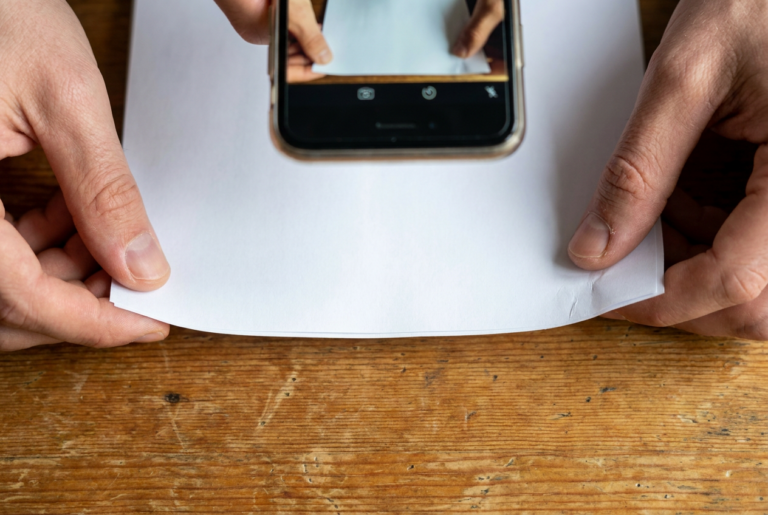
Remove fingerprints from your scans! Learn how to use Samsung's Object Eraser and Galaxy AI to create perfect, professional PDF documents.
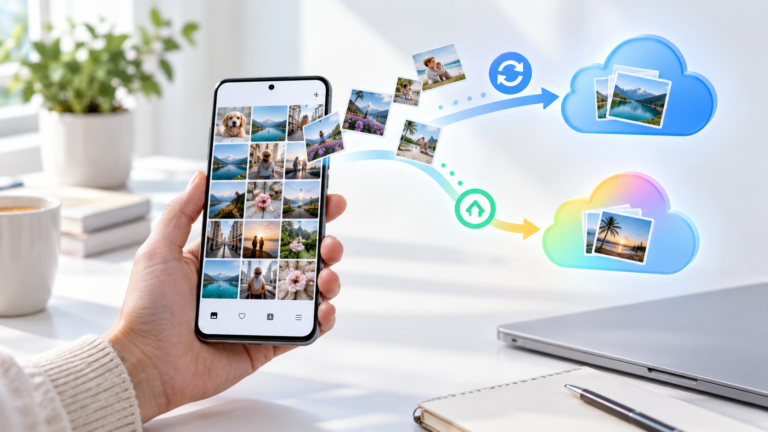
Confused about your backups? Discover how OneDrive and Google Photos interact with your Samsung device and what to do when their integration ends.