- Ambient mode adds color around the video.
- On PC, it is deactivated from the gear icon.
- On mobile it's in Additional Settings.
- You can keep the dark theme without glare.

I'm sure this has happened to you: you're watching a video on YouTube and you notice a kind of [unclear] appearing around the player. aura of blurred colors that change depending on what's happening on the screen. Well, this isn't a problem with your monitor or a strange effect; it's Ambient Mode, a feature Google implemented to make the experience much more immersive and cinematic.
Although the idea is great for creating a more immersive atmosphere, similar to the famous Ambilight lighting systems, it's perfectly normal that some users may find it annoying or distracting during playback. The good thing is that, if you're not happy with the effect, you can remove it in the blink of an eye without any hassle.
What exactly does Ambient Mode consist of?
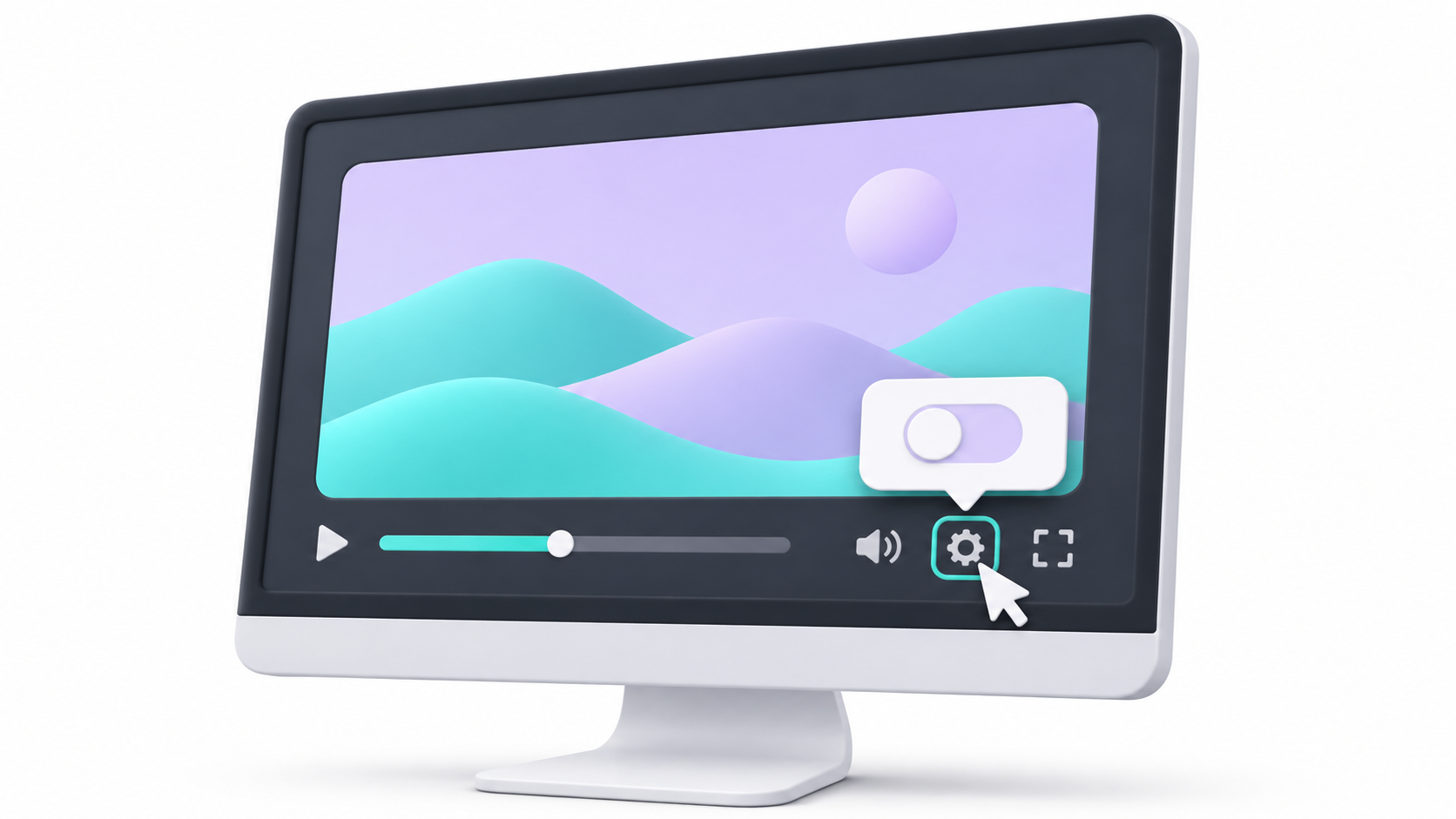
Basically, this tool projects a soft and dynamic light at the edges of the video, adapting the tones to the visual content we are consuming. Its main objective is to smooth the transition between the player and the interface background, especially when using dark mode, making the screen feel larger and reducing eye strain in low-light environments.
The dark theme: an essential requirement for its operation
Before you try to change anything, there's a key detail you need to know: Ambient Mode only works if you have it enabled. YouTube dark themeIf you use the traditional white interface, the effect will not be automatically activated, nor will the option to manage it appear, as it is specifically designed to stand out against black backgrounds.
How to disable Ambient Mode on different devices
The most important thing to know is that this setting affects the player and not the user account globally, so You will need to repeat the process on every device where you use the platform.
If you're browsing from your PC or laptop, the steps are very straightforward. First, make sure dark mode is enabled by clicking your profile icon in the 'Appearance' section. Once you've done that, open any video and click on the cogwheel icon (Settings). Within the menu, look for the 'Additional settings' option and simply turn off the switch of Ambient Mode.
On Android and iOS mobile devices
Whether you have a Samsung, a Xiaomi, or an iPhone, the procedure is virtually identical. First, activate dark mode in your smartphone's general settings (Display and Brightness). Then, open the YouTube app, play a video, and tap on the Settings button which appears on the player screen. There you'll find the Ambient Mode section; you just have to disable the switch so that the effect disappears from all your videos.
Solutions to common problems
If for some reason you don't see the option or the effect doesn't disappear, try this: update the app Download the latest version from the official store. Clearing your browser's cache and cookies can also help if you're on the web, or simply... restart the application after changing the theme to dark mode so that the system recognizes the change correctly.
Ultimately, it's a very flexible feature that you can turn on and off as you please, allowing you to choose between a more modern and immersive aesthetics or a clean and distraction-free view, depending entirely on your personal tastes and the lighting in your room.
Index

I am a technology enthusiast who has turned his "geek" interests into a profession. I have spent more than 10 years of my life using cutting-edge technology and tinkering with all kinds of programs out of pure curiosity. Now I have specialized in computer technology and video games. This is because for more than 5 years I have been writing for various websites on technology and video games, creating articles that seek to give you the information you need in a language that is understandable to everyone.
If you have any questions, my knowledge ranges from everything related to the Windows operating system as well as Android for mobile phones. And my commitment is to you, I am always willing to spend a few minutes and help you resolve any questions you may have in this internet world.