- Nothing OS 5.0 is based on Android 17, but its new features will not all arrive at once.
- MCP support will allow you to view selected information from Essential Space using compatible AI tools.
- Essential Apps Builder allows you to create small tools by describing them in natural language.
- System compatibility and the availability of each function are separate issues.
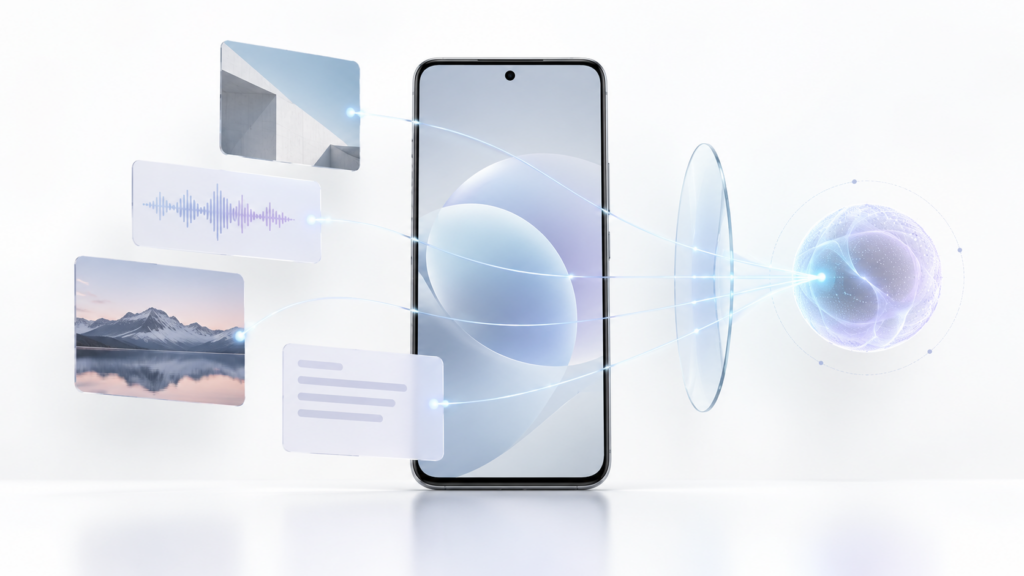
You save a screenshot of a reservation, record an idea, and photograph a document you'll need later. Essential Space brings that material together on compatible Nothing phones, but until now, using it in another AI tool could require you to search for each item and copy it manually.
Nothing OS 5.0 prepares a connection using MCP This allows compatible AI tools to search and read selected information from Essential Space. It's one of the most interesting new features in this Android 17-based version, although there's a crucial caveat: Nothing plans to distribute MCP support via Google Play during October. It's not included in all current open beta installations.
Let's see what the company has actually announced, what this connection will be able to do in its first stage, and what other features of Nothing OS 5.0 will arrive at different times.

What changes in Essential Space with MCP support
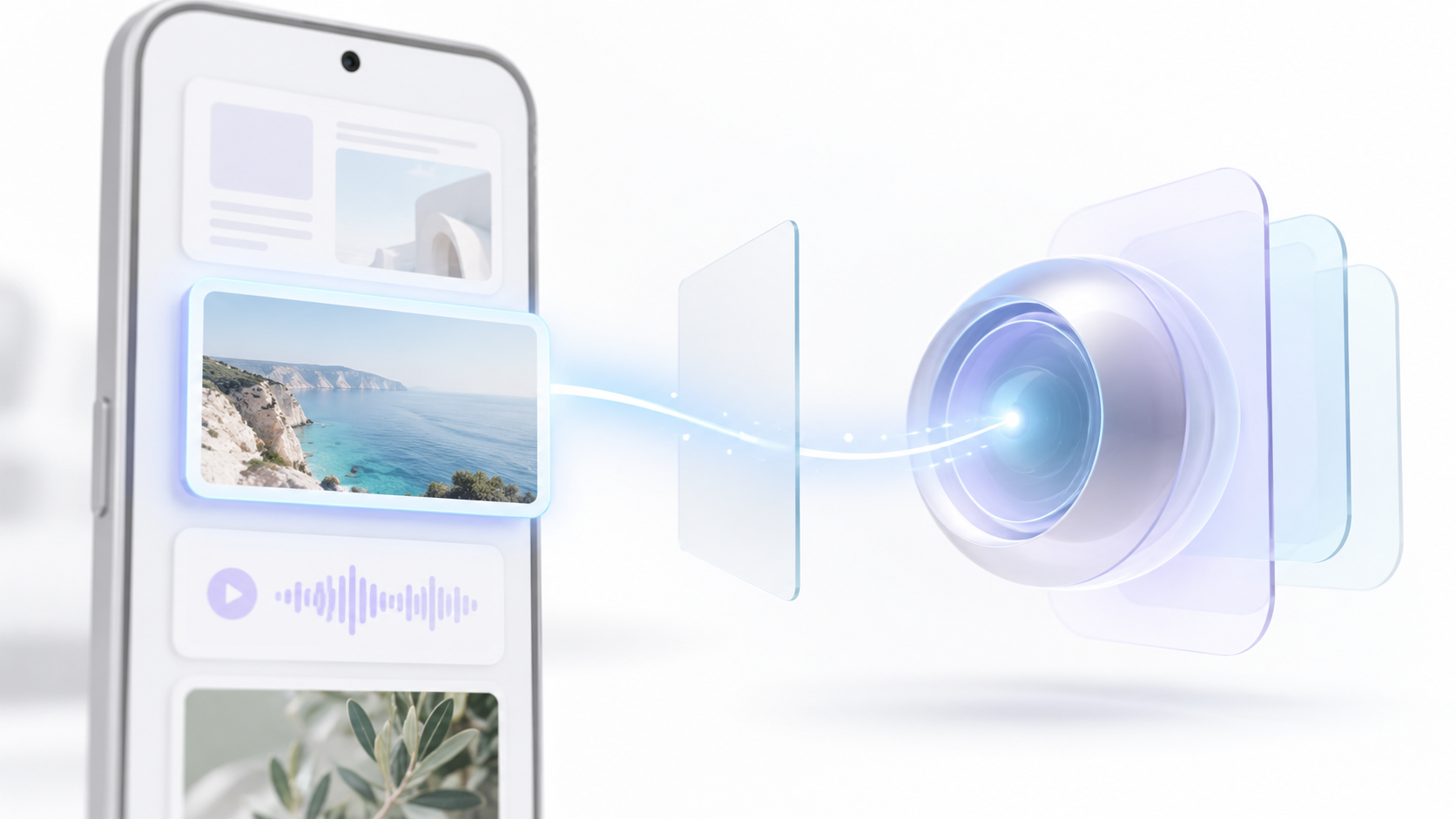
Essential Space is used to save and organize screenshots, photos, voice memos, and other items on compatible devices. If you're not yet familiar with its capture tools, Essential Key or Flip to Record, we explain them in our [link to relevant section]. Essential Space guide.
The new feature announced for Nothing OS 5.0 is support for Model Context Protocol or MCPNothing is an open standard for connecting AI applications with information sources and tools. In this case, Nothing suggests that compatible AI platforms could search and read selected information that the user has already saved in Essential Space. This way, it wouldn't be necessary to locate each screenshot and manually paste its content into the wizard.
Nothing has set an important deadline for the initial launch: Access via MCP will be read-onlyConnected tools will not be able to write to or modify Essential Space data through this channel. This allows for uses such as asking a compatible tool to consult saved information to prepare a draft, but it does not mean that Nothing OS will automatically send emails, create events, or manage other applications.
The company still needs to specify in the public release how the connection and information selection controls will be presented. Therefore, it's unwise to promise a specific switch for each collection, a particular list of compatible assistants, or a level of privacy that hasn't yet been tested in the final version.
Smart Collections and Essential Voice: better organize what you store
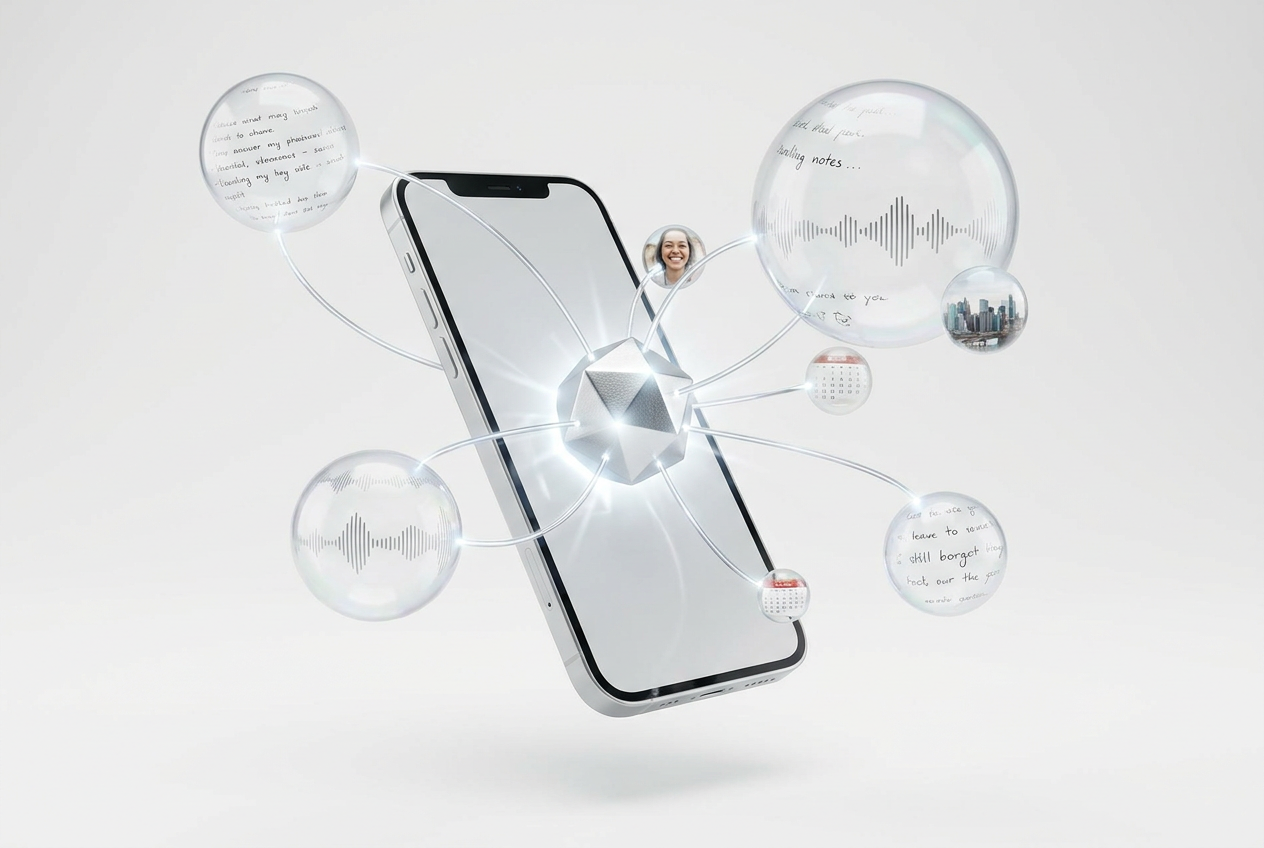
The Smart Collections They help group related captures. Nothing explains that when you create and name a collection, Essential Space can suggest existing items that fit into it. It can also recommend new content for existing collections or suggest a new collection when it detects a common theme among several captures.
Essential Voice It incorporates faster and better-structured transcriptions. Text can appear in real time as you speak, and the system attempts to distinguish when content should remain as a paragraph and when it's more useful to present it as a list. Nothing has also announced real-time translation for later this year; it shouldn't be included among the features available to all users today.
These improvements aim to make information easier to retrieve. The future MCP connection adds the possibility for a compatible AI tool to query some of that content, but Organizing a capture and granting access to an external service are different steps.
Essential Apps Builder: create tools from your mobile device
Another new feature of Nothing OS 5.0 is that Essential Apps Builder is now available as a mobile appPreviously, Essential Apps could be used on mobile devices, but they were created via the web. Now, Nothing proposes describing a small tool in natural language, previewing it, adjusting it, and placing it directly on the home screen.
A good example would be a widget or a simple tool for organizing a recurring task. The idea is appealing if you want to customize your home screen to a specific need without writing code, although the available features depend on what the beta version supports.
Access is being expanded gradually. If Essential Apps Builder isn't yet available on a compatible device, Nothing offers a waitlist. This feature shouldn't be confused with MCP: the builder creates tools for mobile devices, while MCP allows you to access selected Essential Space information from compatible AI platforms.
Design, Glyph and performance: what Nothing OS 5.0 brings
Nothing OS 5.0 introduce Geist as a system typography It also checks the icons, spacing between elements, settings, and animations. It also incorporates improvements to touch response, scrolling, multitasking, and background app management. These latter improvements aim to reduce unnecessary reloads, although the actual results may vary depending on the device and the apps you use.
La Glyph interface gets its own app This brings together compatible functions, sounds, and settings that were previously scattered across different menus. Additionally, a widget allows you to launch Glyph Timer from the home screen and follow the countdown using the lights on the back of the device on models that include that interface.
The new home screen theme adds transparencies and background-adapted colors for certain icons and widgets. It is not included in the initial open beta.Nothing has reserved it for the general release, scheduled for October. It will be an additional theme, so users can choose it without necessarily losing their previous style.
The Android 17 base brings other new features, such as the option to separate notifications from Quick Settings, revamped privacy controls, and changes to Quick Share. Not all of these features are exclusive to Nothing.

Which phones will receive Nothing OS 5.0 and when
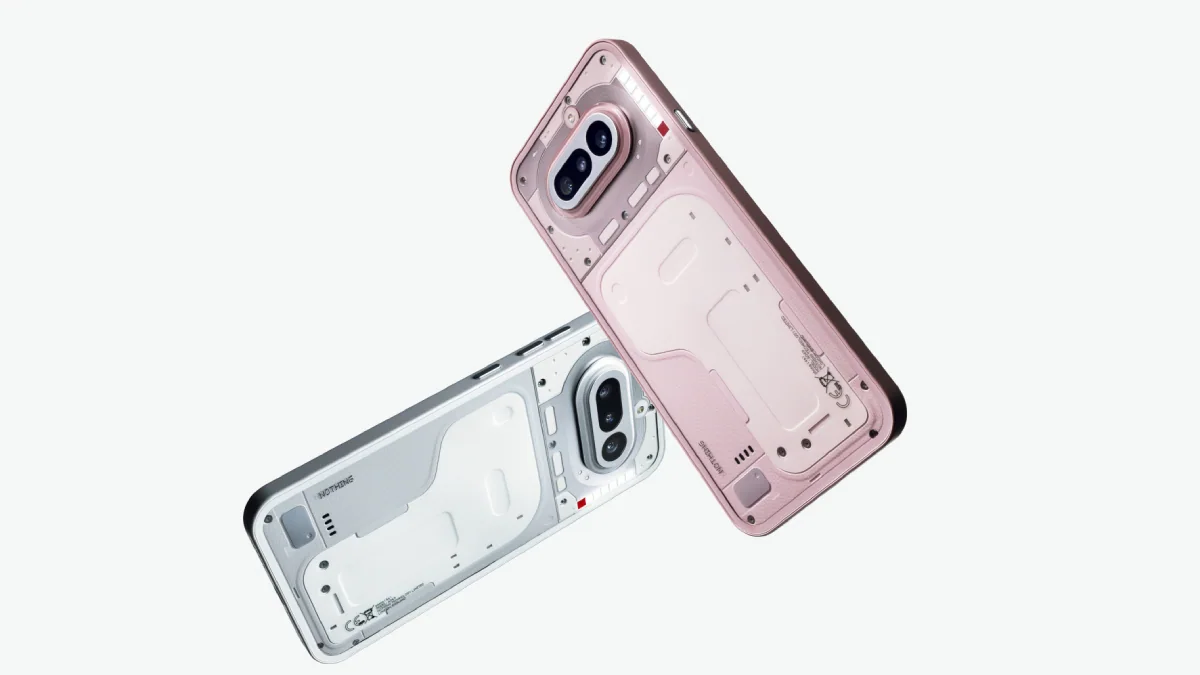
La open beta Nothing OS 5.0 is available for the iPhone (3), iPhone (4a) Pro, iPhone (4a), iPhone (3a) Pro, and iPhone (3a). Nothing anticipates a general launch for the iPhone (3) in mid-October and for the aforementioned (4a) and (3a) models in early November. These projections are subject to change and may vary by region.
The official release schedule also includes the Phone (2a) and Phone (2a) Plus, with a beta release expected in mid-October and a general release in mid-November. A general release for the Phone (3a) Lite is slated for late December; for the CMF Phone 2 Pro, for mid-January. The Phone (4b) follows a later schedule.
Phone (1), Phone (2) and CMF Phone 1 will not receive Nothing OS 5.0According to Nothing, this is because they have reached the end of their major update support. The fact that a model is listed as compatible with the system does not guarantee that every Essential AI feature will be available simultaneously or in the same way on all of them.
If you want to participate in the beta, check the Nothing OS 5.0 official page To check your model and the required stable version, Nothing recommends making a backup before installing beta software: the beta version may contain bugs, and reverting to a previous version could require deleting your data.
When will MCP arrive and what should you check if it doesn't appear?
Nothing plans to distribute the Essential Space MCP support during October via Google PlayThe redesigned capture experience has been planned since November. These are separate rollouts of the application from the main Nothing OS 5.0 update; the company has not specified an exact date for all users to receive MCP.
If you have Nothing OS 5.0 and still don't see MCP, first check if Nothing has started rolling it out to your device and region. Then check for updates to Essential Space on Google Play. Don't assume that part of the Android 17 installation is missing, and don't use third-party apps that promise to enable the feature early.
Nor is there an officially announced integration that would turn Essential Space, MCP, and an external agent like FoneClaw into a single automation system. The function documented by Nothing for this first stage is the query of selected information in read-only mode. Its actual usefulness will depend on the compatible platforms, the controls offered by the distributed version, and the data you choose to share.

I am a technology enthusiast who has turned his "geek" interests into a profession. I have spent more than 10 years of my life using cutting-edge technology and tinkering with all kinds of programs out of pure curiosity. Now I have specialized in computer technology and video games. This is because for more than 5 years I have been writing for various websites on technology and video games, creating articles that seek to give you the information you need in a language that is understandable to everyone.
If you have any questions, my knowledge ranges from everything related to the Windows operating system as well as Android for mobile phones. And my commitment is to you, I am always willing to spend a few minutes and help you resolve any questions you may have in this internet world.