Instagram collaborations are very useful tools for content creators and brands that want to increase their reach. They allow content to appear on two profiles simultaneously, doubling exposure and engagement. However, you might at some point consider... How to exit a collaborative Instagram post without deleting itHow is it done? What results will it have? Let's find out in this article.
How to leave a collaborative post on Instagram without deleting it
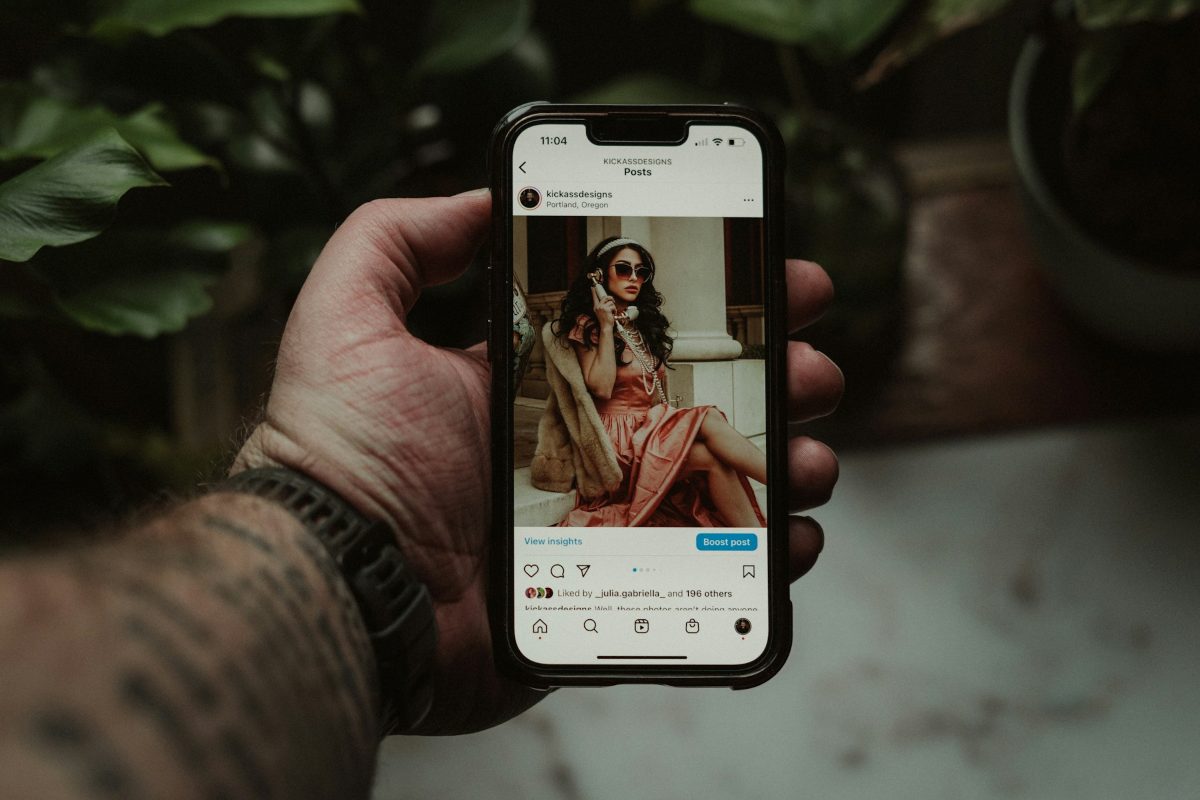
Leaving a collaborative Instagram post without deleting it This allows the content to remain on the original creator's profile. And don't lose the comments, likes, or creative effort invested. Fortunately, there's an option designed precisely for that scenario. So, don't worry. When you leave a collaboration, the content won't be deleted.
Before doing anything to remove yourself from a collaborative Instagram post without deleting it It's good that you understand how it works. In InstagramThe account that creates and invites collaboration is the original author, and the content is their property. The account that accepts the invitation is the collaborator and gains certain viewing privileges, but does not have control over the post.
This means that Only the contributor can leave a collaborative publication. on Instagram without deleting it. The Reel or post will continue to appear on the original creator's profile. However, if you are the original author and want to remove the other person, the process is different, but the post remains yours and will not be deleted. In this article, we will focus on the first situation: you are the collaborator and want to leave without deleting the original author's post.
Steps to exit a collaborative post on Instagram without deleting it
The process for leaving a collaborative post on Instagram without deleting it is quite simple. However, the button's location may vary depending on your app version or the type of content (Reel or Feed). Here's how. Steps you need to take:
- Open Instagram from your own profile or from your feed and locate the collaborative post in question.
- Tap the three-dot menu located in the upper right corner of the post.
- Select Label Options (or Manage and then Edit).
- In the drop-down menu, look for the option “Stop sharing” or “Remove me from post”.
- Confirm the action. Instagram will ask if you're sure. Accepting will complete the process instantly.
Keep in mind that within the publication You won't find a button that says "Delete"This option is only available to the original author. Therefore, if you don't see the "Stop sharing" or "Remove from my profile" option, please verify that you are logging in with the correct account and that the app is up to date on your device.
What about the content and its interactions?
So, what do you gain by leaving a collaborative Instagram post without deleting it? Here's what you can expect once you confirm the unlink:
- The post disappears from your profile and your feed. Ya will not appear on the grid nor in the Reels view and it ceases to be associated with your account as a co-author.
- The post remains on the original author's profile. He will keep the content, the "likes," and the accumulated comments. And your name will disappear from the post header.
- You will lose access to shared metrics. Once you stop being a contributor, you can no longer see the statistics or information about the post that previously allowed you to see the reach and detailed interactions.
- Notifications cease. As you might expect, you won't receive notifications about "likes" or comments on that specific post.
Remember that The original author may decide to remove the content at any time.In that case, yes, it will disappear for everyone, including him. However, if he makes that decision, it won't be a consequence of your leaving.
Possible scenarios if you want to leave a collaborative post on Instagram
However, there are situations where leaving a collaborative Instagram post might not be available. For example, if The original author blocks youThe collaboration ends automatically. If that happens, the post will still exist on their profile, but you will no longer be able to see it or interact with it. In that case, you don't need to do anything to stop collaborating.
What if you want to remove the contributor tag but keep the post on your profile? That's not possible. You're either a contributor to a post or you're not. There is no middle ground.The only way to keep the content visible to the audience would be to ask the author to delete the post and upload it as a regular post, tagging you in the text or image. The downside to doing this is that you need the original author's cooperation, and the previous interaction history would be erased.
Consider this before leaving a collaborative Instagram post
Leaving an Instagram collaboration is a decision that impacts your digital portfolio. Before making any drastic decisions, Ask yourself if it's really necessary to disengage Or if you're simply bothered by the notifications. If that's the problem, just turn them off. If the content is professional and beneficial, it might be worth keeping.
However, if you feel it no longer represents you, it's perfectly fine to leave cleanly and safely by following the procedure mentioned in this article. There is no Instagram penalty for leaving a collaborationThe relationship between accounts will simply be updated, and the post will no longer appear in your Feed and Reels.
Don't forget that once you leave, the original author will have to extend a new invitation if they want to collaborate with you again in the future, and will require your acceptance once more. In short, Instagram's function is designed so that content survives any changeEven if you stop contributing, the post will remain. This way, you can be free of any blame.
Index

From a young age, I've been fascinated by all things scientific and technological, especially those advancements that make our lives easier and more enjoyable. I love staying up-to-date on the latest news and trends, and sharing my experiences, opinions, and tips about the devices and gadgets I use. This led me to become a web writer a little over five years ago, focusing primarily on Android devices and Windows operating systems. I've learned to explain complex concepts in simple terms so my readers can easily understand them.