- Integration of Jan AI with the Model Context Protocol to expand the capabilities of local LLMs.
- Configuration of both local and remote MCP servers to access external data and tools.
- Management of security permissions and technical requirements such as NodeJS and Python for operation.
- Optimizing the use of models with tool-use capabilities to improve productivity.

If you like the idea of having a smart assistant that doesn't rely on the cloud and respects your privacy to the fullest, Jan is the perfect tool. Basically, it's an open-source alternative to ChatGPT or Claude that runs entirely on your own hardwareThis means you have complete control over your data and don't have to worry about where your questions end up.
The most interesting thing is that Jan has implemented the Model Context Protocol (MCP), an open standard that allows language models to interact with external data sources and tools without the need to program complex integrations for each model. It's as if the MCP were the USB-C of artificial intelligence: a common interface that allows you to connect any compatible model to any compatible tool.

What exactly is the Model Context Protocol (MCP)?
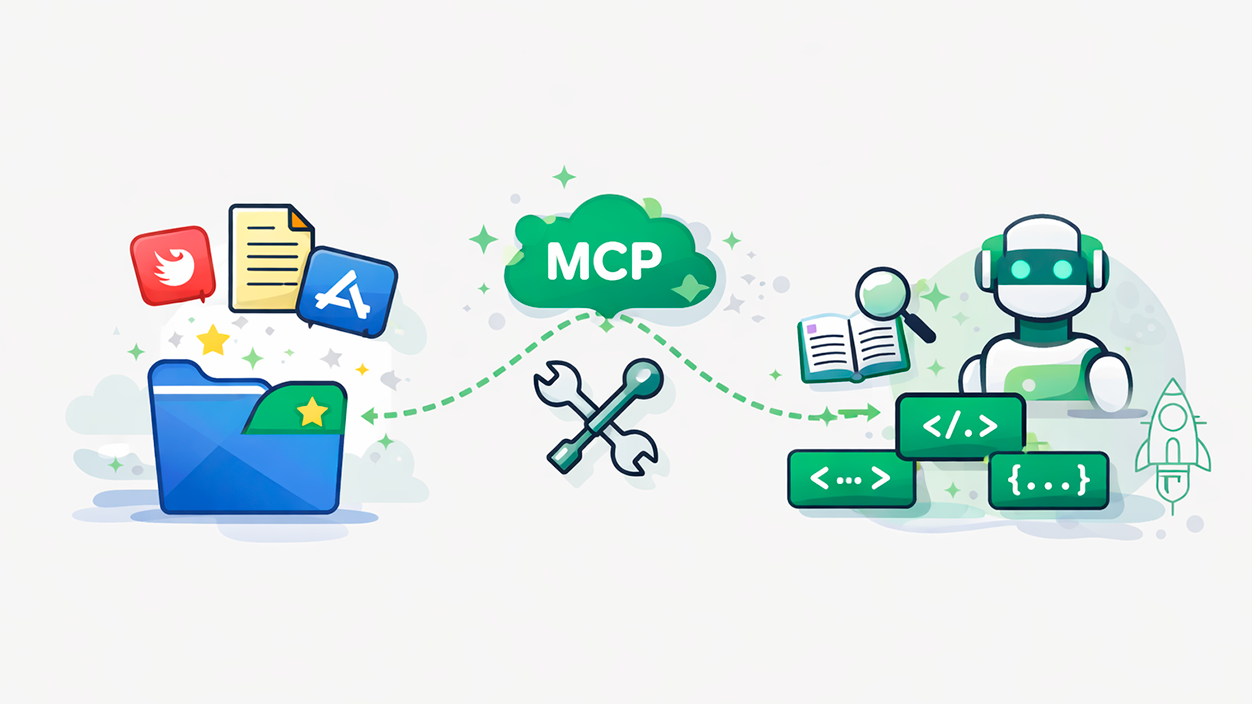
To put it simply, the MCP solves the problem of having to create a different connector for each model and tool combination. Instead, a unified standard where the MCP servers act as a bridge, providing prompts, tools, and data that the LLM can invoke as requested by the user.
There are two main modes of communication. On the one hand, we have the remote MCP serverswhich operate via HTTP and do not require heavy local installations. On the other hand, there are the local MCP serverswhich use your machine's standard text input and output (stdio), although the latter can also connect to network resources if necessary.

How to activate and configure MCP in Jan
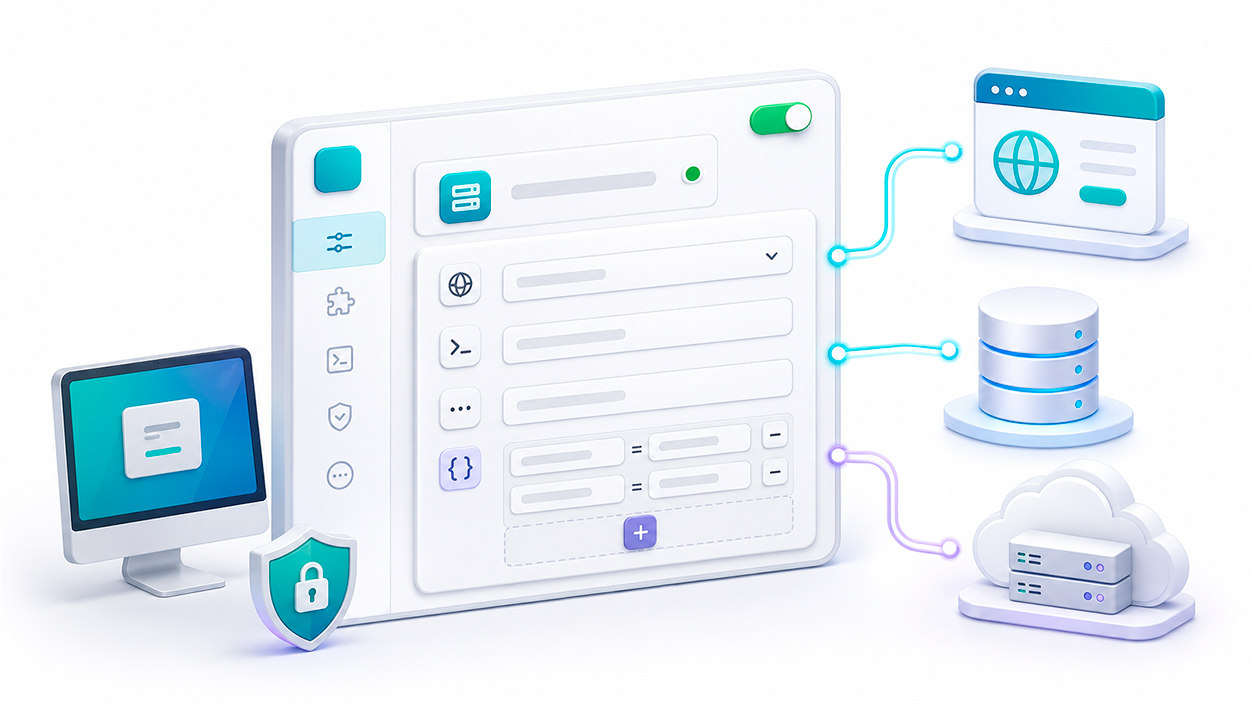
To start playing with these features, the first thing to do is make sure you have the latest version of Jan installed. Since this feature has gone through beta phases, you should go to settings and activate experimental functions to make the MCP server panel appear.
One key detail is that, for many of these tools to work, you need to have NodeJS and/or Python installed on your computer. If you don't have them, you'll have to download them from their official websites, as they are the engine that allows you to execute commands from local servers.
Steps to add a new server
The process is quite intuitive. Within the MCP servers section in the settings, you'll see a plus sign (+) in the upper right corner. Clicking it will open a form where you must fill in the following fields:
- Server name: An identifying name (for example, "browsermcp").
- Command: The execution instruction, as
npx. - Arguments: The specific package to run, such as
@browsermcp/mcp. - Environment variables: This field is usually left empty unless the tool requires a specific API Key.
Once configured, you should verify that the server has been activated correctly by turning on the corresponding switch. If you want to prevent Jan from asking you every time the model wants to use a tool, you can select the option Allow All MCP Tool Permissions in the settings.

Practical examples: From ClickHouse to Microsoft Learn
The versatility is enormous. For example, if you need to work with databases, you can install the server of ClickHouse Following the steps above and activating the server in the control panel so that the query tools are visible in the chat.
Another very powerful option is the MCP Browser, which allows AI to interact with the web. For this to work perfectly, it is recommended to use models with strong tool usage capabilities, such as those in the Claude family (Sonnet or Opus). One trick is to run the browser in incognito mode so that the AI has a clean canvas and doesn't get confused by your open sessions.
It is also possible to connect to remote servers, such as the one from Microsoft LearnSince it's remote, there's no need to install anything locally; you simply configure the URL and you can ask Jan to search for technical documentation and summarize complex Azure or Microsoft 365 steps, all while the language processing happens on your machine.
Safety and performance considerations
It's not all sunshine and roses; giving a model access to external tools involves risks. A malicious prompt could attempt to execute unwanted actions. That's why Jan implements a user-managed permissions systemwhere you can approve or deny each call to a tool by seeing exactly what arguments are going to be sent.
Regarding performance, you should know that active MCP connections consume a portion of the model context windowThis means that the more tools you have active or the longer the conversation, the longer it might take for the response to be generated. If you notice that the model is running out of space, try setting the context size to 0 so that Jan can manage it automatically from the model.
Solving common problems
If the server does not connect despite being on the list, check that the commands are written correctly and that NodeJS or Python are correctly installed on the system. Sometimes, a simple restart of Jan solves the loading problem.
If you use open-source models and notice that they don't use the tools, remember that Not all models are designed for tool-callingSome GGUF models may cause problems or simply be unable to handle MCP tool logic; in that case, it is best to try a different model that specifies tool support.
Jan's ability to integrate MCP servers transforms your computer into a standalone workstation where you can cross-reference local document data with remote APIs. By combining the privacy of a local LLM with the flexibility of an open standard, an ideal balance is achieved. data sovereignty and functional powerallowing AI to perform complex search, analysis, and writing tasks without your information leaving home.

I am a technology enthusiast who has turned his "geek" interests into a profession. I have spent more than 10 years of my life using cutting-edge technology and tinkering with all kinds of programs out of pure curiosity. Now I have specialized in computer technology and video games. This is because for more than 5 years I have been writing for various websites on technology and video games, creating articles that seek to give you the information you need in a language that is understandable to everyone.
If you have any questions, my knowledge ranges from everything related to the Windows operating system as well as Android for mobile phones. And my commitment is to you, I am always willing to spend a few minutes and help you resolve any questions you may have in this internet world.