- A free and open-source tool that allows you to perform more than 50 advanced operations with PDF files.
- Ability to convert PDF to Word and PowerPoint through LibreOffice integration.
- Docker-based local runtime environment that guarantees complete privacy of user data.
- Professional features including OCR, signature management, security, and page manipulation.

When looking for tools to manage PDF documents, most of us encounter expensive monthly subscriptions or websites riddled with ads that limit the number of files we can upload. For those of us looking for something professional but freeThe supply is quite limited, and many times we have to resort to Linux systems to install specific software that then only works on that machine, which is a real nuisance.
This is where it comes into play Stirling-PDFIt's presented as the ultimate solution whether you're a home user or work in a business environment. Basically, it's a Open source software that offers virtually everything Adobe Acrobat PRO doesbut with the great advantage that it is completely free and open sourceallowing you to have total control of your files.
What exactly is Stirling PDF and how does it work?
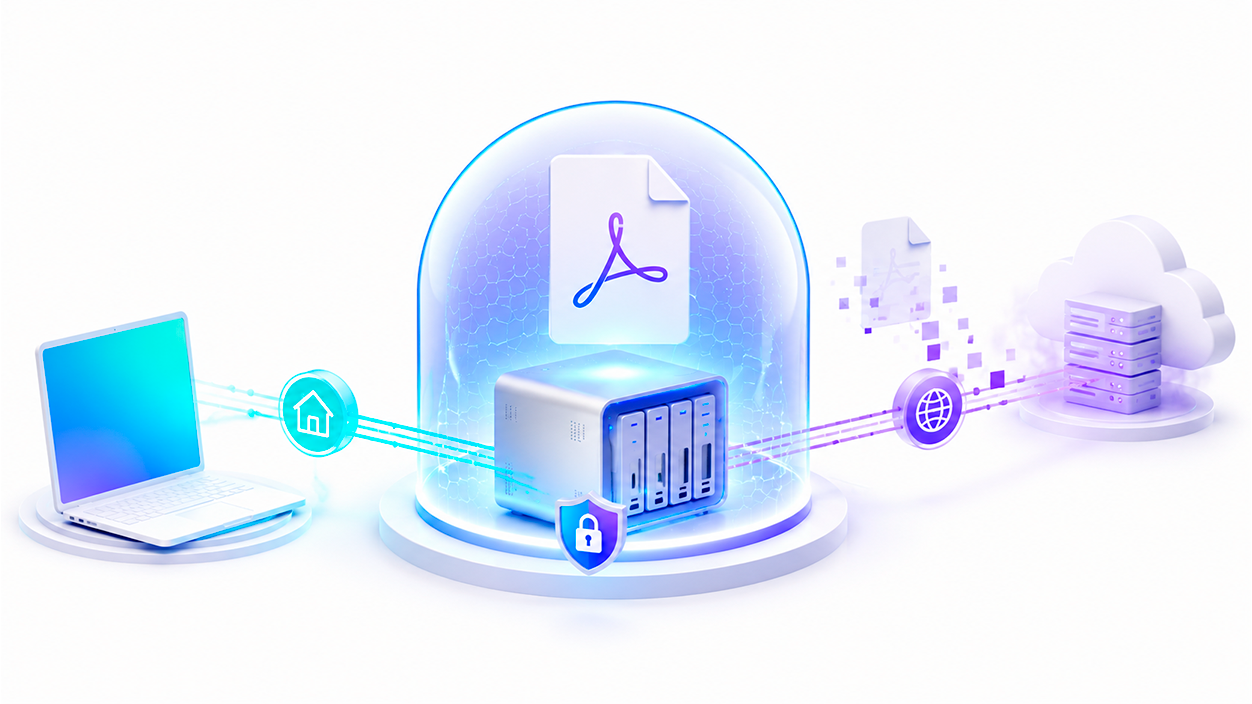
This is a powerful Docker-based web application hosted locally. This means that, unlike online conversion websites, Your documents do not travel to unknown servers.Everything is processed on your own computer or server. Privacy is paramount, as the files reside only on the client side or in the server's memory while the task is running, and are deleted immediately after download.
Converting PDFs to Word and other formats
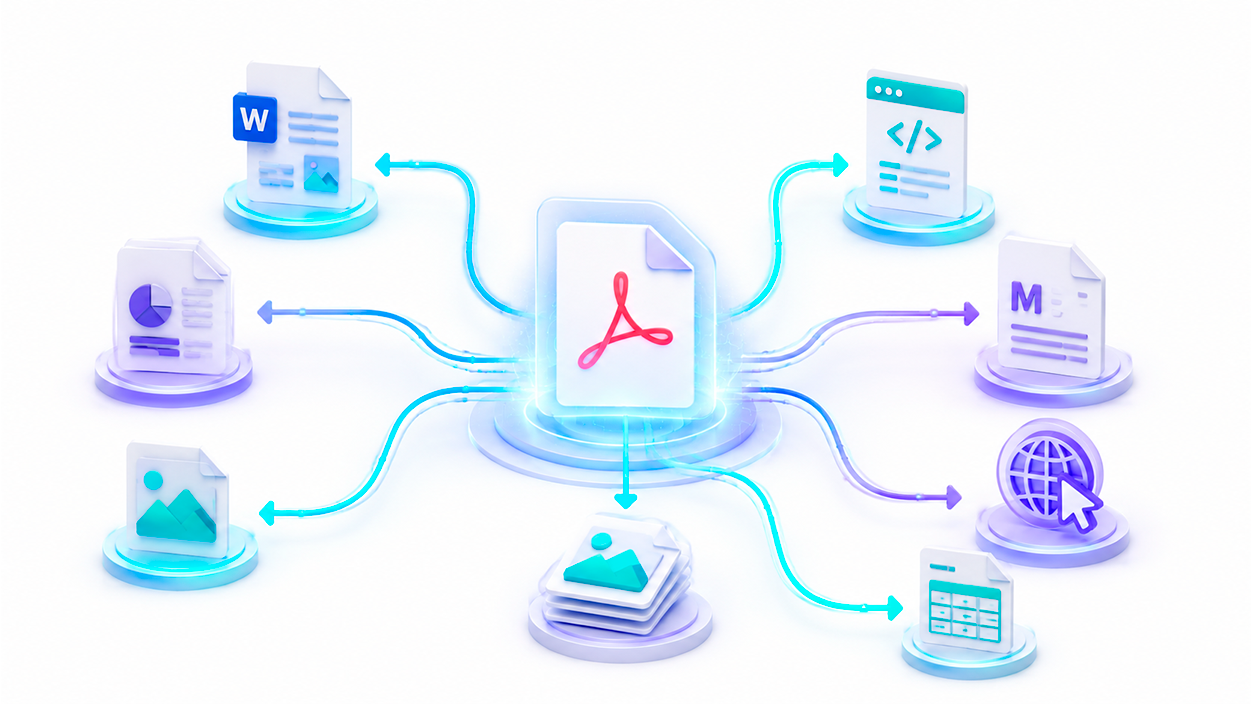
One of the most in-demand features is the ability to transform a PDF into a Word document or PowerPoint. Stirling-PDF achieves this by leveraging LibreOffice technology, making it an excellent alternative if you're looking for How to convert PDF to Word for freeHowever, it's important to mention that, in some versions, the process may generate individual text boxes instead of a continuous text flow, which can complicate subsequent editing if the original document is very complex.
In addition to Word, the system is capable of performing other interesting conversions, such as converting HTML to PDF, Markdown to PDF or even transform URLs directly into PDF documents. It also allows Convert PDFs to images and vice versa, as well as exporting content to XML or CSV formats.
An arsenal of features for page management
If you need to organize your documents, this tool has a very intuitive graphical interface for doing so. merging multiple files You can split a PDF into multiple parts based on page numbers, or even into a single document. You can rearrange the order of the pages, rotate them in 90-degree increments, or simply delete any pages you don't need.
For more advanced users, there are options such as contrast adjustment, page cropping and content scaling using percentages. It even features an automatic split function that detects physically scanned page dividers, saving a huge amount of time on repetitive tasks.
Security, OCR, and additional tools
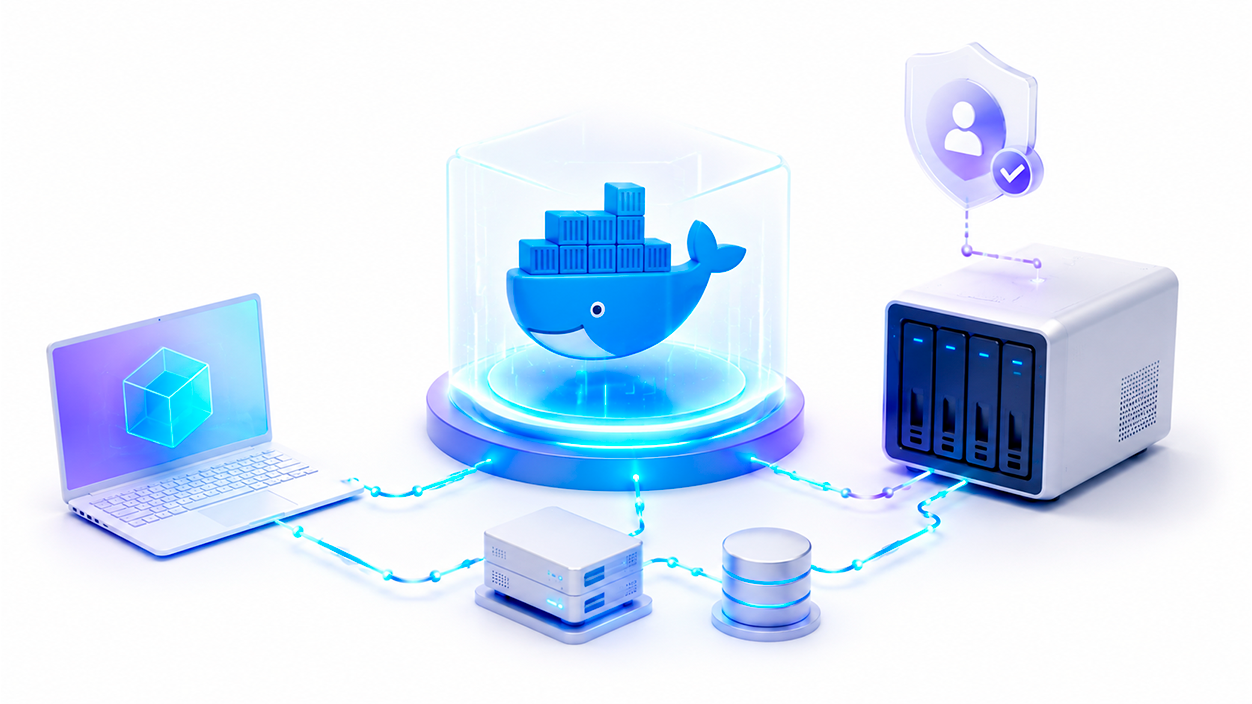
In the security section, you can add or remove passwords and modify file access permissions. It also allows you to insert watermarks, digitally certify documents, and perform sanitization or automatic redaction of sensitive texts to remove all traces.
The software includes capabilities for OCR using Tesseract OCR and OCRMyPDFThis allows you to convert scanned PDFs into selectable text and search for words within them. Other features include repairing damaged files, detecting blank pages, comparing two PDFs to identify textual differences, and... metadata editing.
Quick installation using Docker
To get started, the easiest way is to use Docker. If you prefer Docker ComposeYou just need a basic YAML file defining the image frooodle/s-pdf:latest and mapping port 8080. In a matter of minutes, you'll have a web interface accessible from any browser on your local network. You can also launch it with a command of Docker Runconfiguring the volumes for OCR training data and custom settings.
For those requiring large-scale deployment, Stirling-PDF offers an Enterprise edition with added support and features. SSO authenticationHowever, the community version is already more than enough for the vast majority of users thanks to its support for 39 languages and its ability to process files in parallel.
This tool is establishing itself as the ideal option for those who want to avoid monthly fees and are looking for a complete PDF workstation, secure and private, capable of performing everything from simple conversions to Word to complex OCR processes and document security without leaving its own infrastructure.

I am a technology enthusiast who has turned his "geek" interests into a profession. I have spent more than 10 years of my life using cutting-edge technology and tinkering with all kinds of programs out of pure curiosity. Now I have specialized in computer technology and video games. This is because for more than 5 years I have been writing for various websites on technology and video games, creating articles that seek to give you the information you need in a language that is understandable to everyone.
If you have any questions, my knowledge ranges from everything related to the Windows operating system as well as Android for mobile phones. And my commitment is to you, I am always willing to spend a few minutes and help you resolve any questions you may have in this internet world.