- The Control Center temporarily disconnects the connections.
- Use Settings to turn off Wi-Fi or Bluetooth.
- Turn off automatic connection if only one network bothers you.
- Check Shortcuts if the switch is enabled again from Settings.

Si The iPhone's Wi-Fi turns on by itself After disconnecting it from Control Center, this may be the expected behavior of iOS. That button is not the same as turning off the connection from Settings.
Bluetooth is similar, although its reconnection conditions aren't identical. To find out what's happening, check where you disabled it and distinguish between temporarily disconnecting, turning off the function, or preventing the phone from joining a specific network.
How to turn off Wi-Fi and Bluetooth from Settings
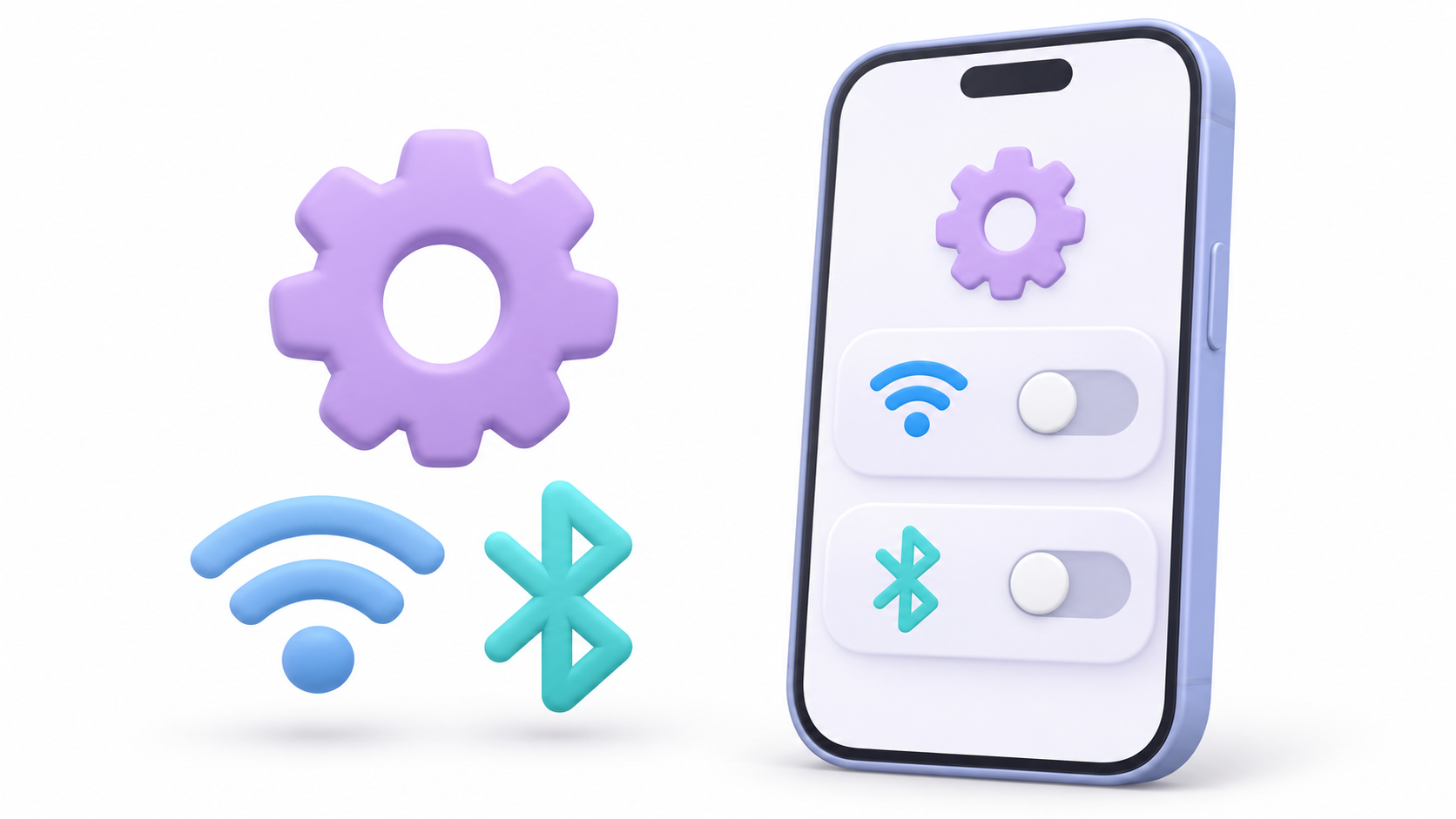
If you want to turn them off, use these switches:
- Wi-Fi: Open Settings > Wi-Fi and turn it off.
- Bluetooth: Open Settings > Bluetooth and turn it off.
Then, return to those sections to check their status. This will prevent you from confusing a disconnection from the Control Center with the deactivation of the feature.
You do not need to delete networks, unpair accessories, or reset your phone settings to perform this check.
Why do connections return after using the Control Center?
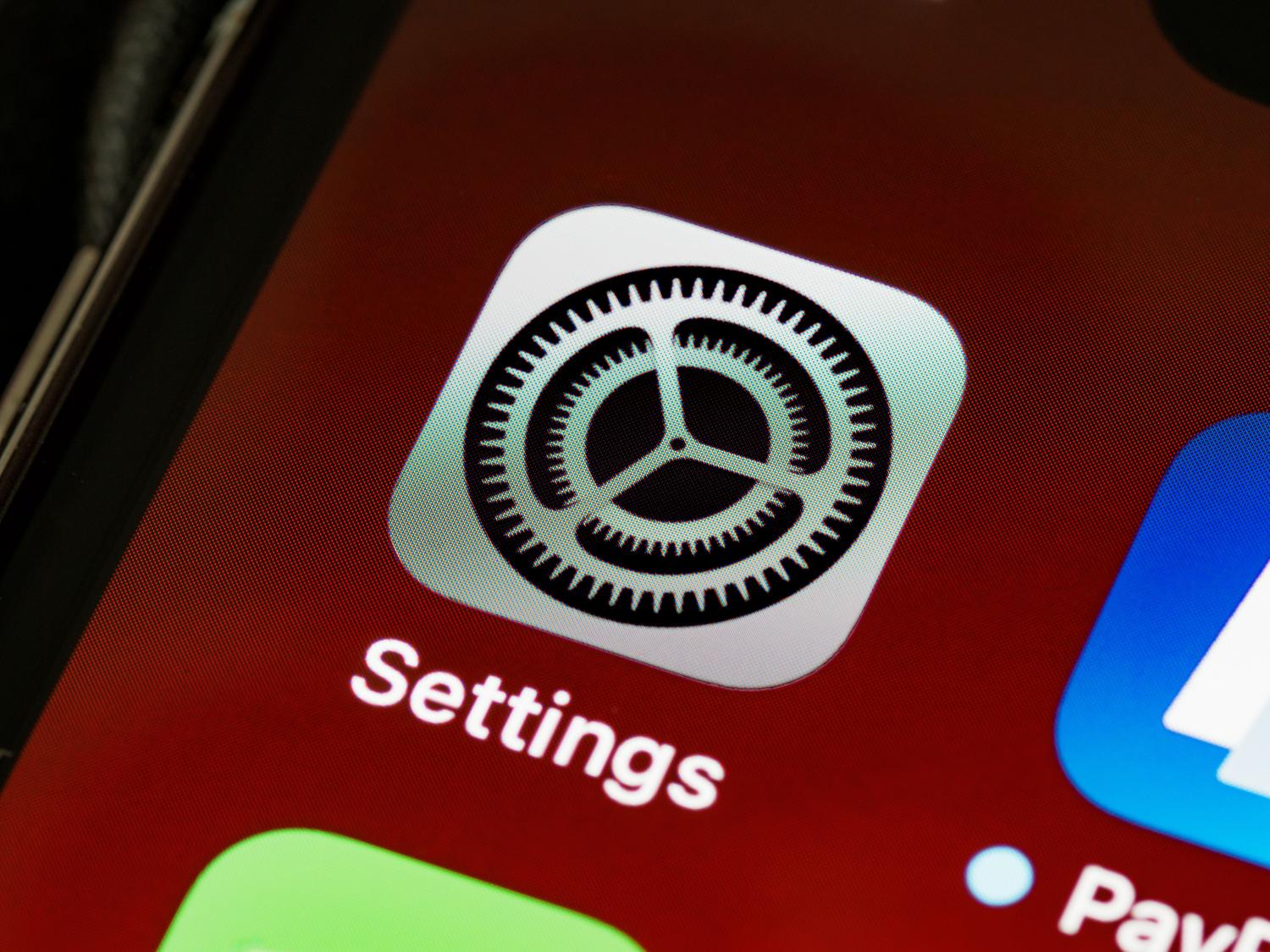
The Control Center buttons allow a temporary disconnectionWireless features remain available for certain system services.
Apple sets these conditions for ending that disconnection:
| Connection | When can you reconnect? |
|---|---|
| Wi-Fi | Reactivating it, connecting from Settings, changing location, 5:00 AM, or restarting. |
| Bluetooth | Upon reactivation, connect an accessory from the corresponding controls, 5:00 AM arrives, or a restart is performed. |
The time reference is local timeThat's why you can notice the change in the morning even if no one has used their phone.
The Control Center is useful when you want to temporarily interrupt a connection. To turn off the feature, use Settings.
How to prevent your iPhone from connecting to a specific network
If the problem is with a specific network, you can keep Wi-Fi turned on and disable only its Automatic connection.
- Open Settings> Wi-Fi.
- Tap the information button next to the network.
- Deactivate Automatic connection.
- Disconnect from it to check the behavior.
To check other known networks, use Edit on the Wi-Fi screen and open the information you want to modify.
This setting preserves the network and its password, but prevents the device from automatically rejoining. You can connect manually when needed.
If you prefer to delete the saved network and its password, use Skip this networkKeep in mind that if you share your iCloud keychain with other devices, skipping it may also affect those devices.
What to check if it reactivates after turning it off in Settings

If you've verified that the switch was off in Settings, don't attribute the change directly to the temporary disconnection of Control Center. Check if there's a related automation.
- Open the app Shortcuts.
- Enter Automation.
- Review the rules related to schedules, locations, or other events.
- Check what actions they perform and if they call another shortcut.
- Temporarily disable the related rule and see if it happens again.
Personal automations can execute actions based on an event. Some are configured to run without asking for confirmation, so it's a good idea to review their settings before interpreting a change as a failure.
Disabling an automation for testing is different from deleting it: it retains its settings while you check if it's related to the problem.
Wi-Fi enabled does not necessarily mean an internet connection
Just because the Wi-Fi switch is on doesn't mean your iPhone is connected to a network. Check the network name and the logo that identifies the active connection.
You can also continue to have internet access through mobile data when there is no Wi-Fi connection. Therefore, simply opening a web page is not enough to verify that the Wi-Fi has been reactivated.
The useful check is to identify what has changed: the Wi-Fi switch, the connection to a saved network, or access to a Bluetooth accessory. With that clear difference, you can choose the appropriate setting without modifying irrelevant options.
Index
- 1 How to turn off Wi-Fi and Bluetooth from Settings
- 2 Why do connections return after using the Control Center?
- 3 How to prevent your iPhone from connecting to a specific network
- 4 What to check if it reactivates after turning it off in Settings
- 5 Wi-Fi enabled does not necessarily mean an internet connection

I am a technology enthusiast who has turned his "geek" interests into a profession. I have spent more than 10 years of my life using cutting-edge technology and tinkering with all kinds of programs out of pure curiosity. Now I have specialized in computer technology and video games. This is because for more than 5 years I have been writing for various websites on technology and video games, creating articles that seek to give you the information you need in a language that is understandable to everyone.
If you have any questions, my knowledge ranges from everything related to the Windows operating system as well as Android for mobile phones. And my commitment is to you, I am always willing to spend a few minutes and help you resolve any questions you may have in this internet world.