
In this post, we'll tell you how to install LiteLLM and consolidate several AI APIs into one. This is especially useful if you work with multiple Language Models (LLMs) and need implement a more centralized and organized management systemLiteLLM is one of the best alternatives for using a single OpenAI-compatible API that provides access to multiple providers.
Install LiteLLM: a single API to access multiple AI providers

Do you have one project using OpenAI, another with Claude, one more with Gemini, and another running locally with Ollama? Then you know how difficult it can be. manage multiple APIs, different SDKs, and different connection modes between providersThe solution? Installing LiteLLM and combining several AI APIs into one can end the chaos and give you back control.
Like OpenRouter, LiteLLM aims to solve the same fundamental problem: offer a single OpenAI-compatible API to access multiple AI model providersBoth exhibit a endpoint Compatible with OpenAI, they provide access to dozens of models and providers and facilitate expense control, among other functions.
And how do they differ? Mainly, in the deployment modelWhile OpenRouter is a endpoint Unlike a remote server you connect to directly, LiteLLM runs on your own machine or server (via Docker or Python). This makes LiteLLM the preferred choice for those who need to meet strict data residency or privacy requirements.
The interesting thing is that Many teams combine both toolsThey use LiteLLM as gateway internally and configure OpenRouter as just another provider in the background. This gives them total control over their endpoint while taking advantage of the OpenRouter catalog from the backend (See the entry) How to create and configure an OpenRouter accountThat said, let's now talk about how to install LiteLLM and bring together several AI APIs into one.
How to install LiteLLM and combine multiple AI APIs into one
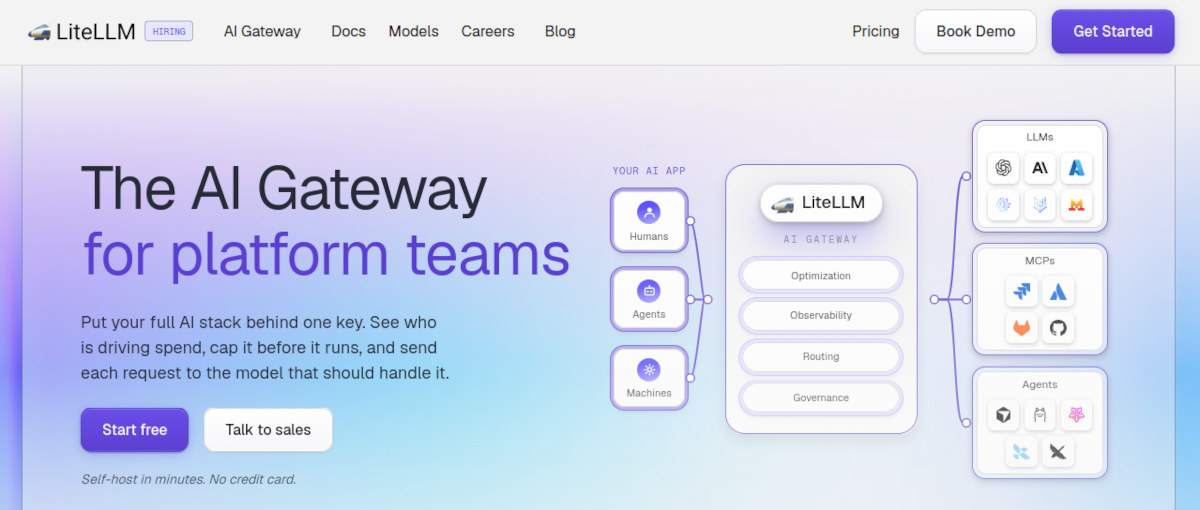
LiteLLM It offers two ways to use itYou can install it as a basic Python SDK using pip install litellmor deploy it as a proxy server (for teams and production). If you want to install LiteLLM and consolidate several AI APIs into one, you need the proxy, as it exposes a endpoint Centralized HTTP where you configure all your models. So, we'll focus on the latter.
La more efficient way To run LiteLLM as a proxy server, you deploy it in a Docker container. This ensures it runs as a standalone service in the background on your computer or server. Furthermore, Docker allows you to orchestrate complex routing, per-device spending limits, and key rotation within a single YAML file.
The first step to installing LiteLLM and combining several AI APIs into one is create the project structureTo do this, open your terminal and create a dedicated folder for proxy configuration by running the following command mkdir litellm-proxy && cd litellm-proxyOnce this is done, you can move on to configuring the YAML model file, which is the central point for unification.
Model YAML file configuration

Next, we need to Configure the YAML file to define which language models you want to expose and how to connect to them.Naturally, you need the API keys for each one: what we're going to do is unify them all into a single configuration. You also need the exact name of each model.
In addition to listing the models, the YAML file should also define which models will serve as backups in case the primary model fails. Carefully examine the following structure to see these details. In the following file we will unify Commercial providers (OpenAI, Anthropic, Gemini), services like OpenRouter, and local models running on Ollama. The YAML file structure would look like this:
model_list: # Business model 1: OpenAI - model_name: gpt-4o litellm_params: model: gpt-4o api_key: os.environ/OPENAI_API_KEY # Business model 2: Anthropic Claude - model_name: claude-3-5-sonnet litellm_params: model: claude-3-5-sonnet-20240620 api_key: os.environ/ANTHROPIC_API_KEY # External aggregator: OpenRouter - model_name: openrouter-llama litellm_params: model: openrouter/meta-llama/llama-3.1-70b-instruct api_key: os.environ/OPENROUTER_API_KEY # Local model: Ollama - model_name: llama3-local litellm_params: model: llama/llama3 api_base: http://host.docker.internal:11434 router_settings: num_retries: 3 timeout: 15 fallbacks: - gpt-4o: ["claude-3-5-sonnet", "openrouter-llama"]
Define the environment variables and deploy the LiteLLM container

Next, you need to create a .env file in the same directory to store your private API keys without exposing them in the code. You'll notice that the keys aren't annotated in the previous confi.yaml file to avoid exposing them. Therefore, it's necessary to gather them all into a single file. .env file like the following:
OPENAI_API_KEY=sk-proj-your-key-here ANTHROPIC_API_KEY=sk-ant-your-key-here OPENROUTER_API_KEY=sk-or-your-key-here LITELLM_MASTER_KEY=sk-my-master-proxy-key
And that's it! This is how you install LiteLLM and combine several AI APIs into one. What remains to be done is Start the official LiteLLM container, making sure to link it with the above configuration and environment variables.You can do this by running the following command:
docker run -d \ --name litellm-proxy \ -p 4000:4000 \ --env-file .env \ -v $(pwd)/config.yaml:/app/config.yaml \ ghcr.io/berriai/litellm:main-latest \ --config /app/config.yaml --port 4000
Verification and testing of gateway unified

Finally, we'll verify that the process of installing LiteLLM and merging several AI APIs into one was successful. If everything went well and the container is already running, LiteLLM will be listening in http://localhost:4000From this point forward, any commercial application or script compatible with the OpenAI API will be able to use your proxy from LiteLLM.
Would you like to try it? Try sending a HTTP request using the master key defined in your .env file. It would look something like this:
curl --location 'http://localhost:4000/v1/chat/completions' \ --header 'Authorization: Bearer sk-my-master-key-proxy' \ --header 'Content-Type: application/json' \ --data '{ "model": "gpt-4o", "messages": [ {"role": "user", "content": "Generates a list of 3 best practices for microservices."} ] }'
LiteLLM: a single API to control them all

As you can see, installing LiteLLM and combining several AI APIs into one is a simple and truly useful process. LiteLLM, installed as a proxy with Docker, offers you a single, user-controlled access point for all your AI APIsUnlike OpenRouter (which is a managed SaaS service), LiteLLM gives you complete control over your data and costs. However, in return, you have to maintain your own infrastructure.
Installation with Docker is the recommended path for teams. You can have a centralized gateway in minutes Where OpenAI, Anthropic, Gemini, local models, and even OpenRouter come together, all exposed under a single OpenAI-compatible endpoint. Try it: centralize your keys and models with LiteLLM. Your code and your sanity will thank you.
Index

From a young age, I've been fascinated by all things scientific and technological, especially those advancements that make our lives easier and more enjoyable. I love staying up-to-date on the latest news and trends, and sharing my experiences, opinions, and tips about the devices and gadgets I use. This led me to become a web writer a little over five years ago, focusing primarily on Android devices and Windows operating systems. I've learned to explain complex concepts in simple terms so my readers can easily understand them.