- Replace Google Photos with Art Gallery.
- You can remove albums without deleting your images.
- Chromecast and Google TV have different paths.
- Hiding photos is not the same as turning off the screen.

For Remove your photos from the Google TV screensaverChange the image source in Google Photos to Art Gallery. This will stop your personal memories from being displayed when your device is idle, without having to delete them from your library.
If you only want to remove specific images, you can review the selected albums. It's also important to distinguish between hiding personal photos and turning off the screen: these are different settings.
How to remove personal photos from the Google TV screensaver
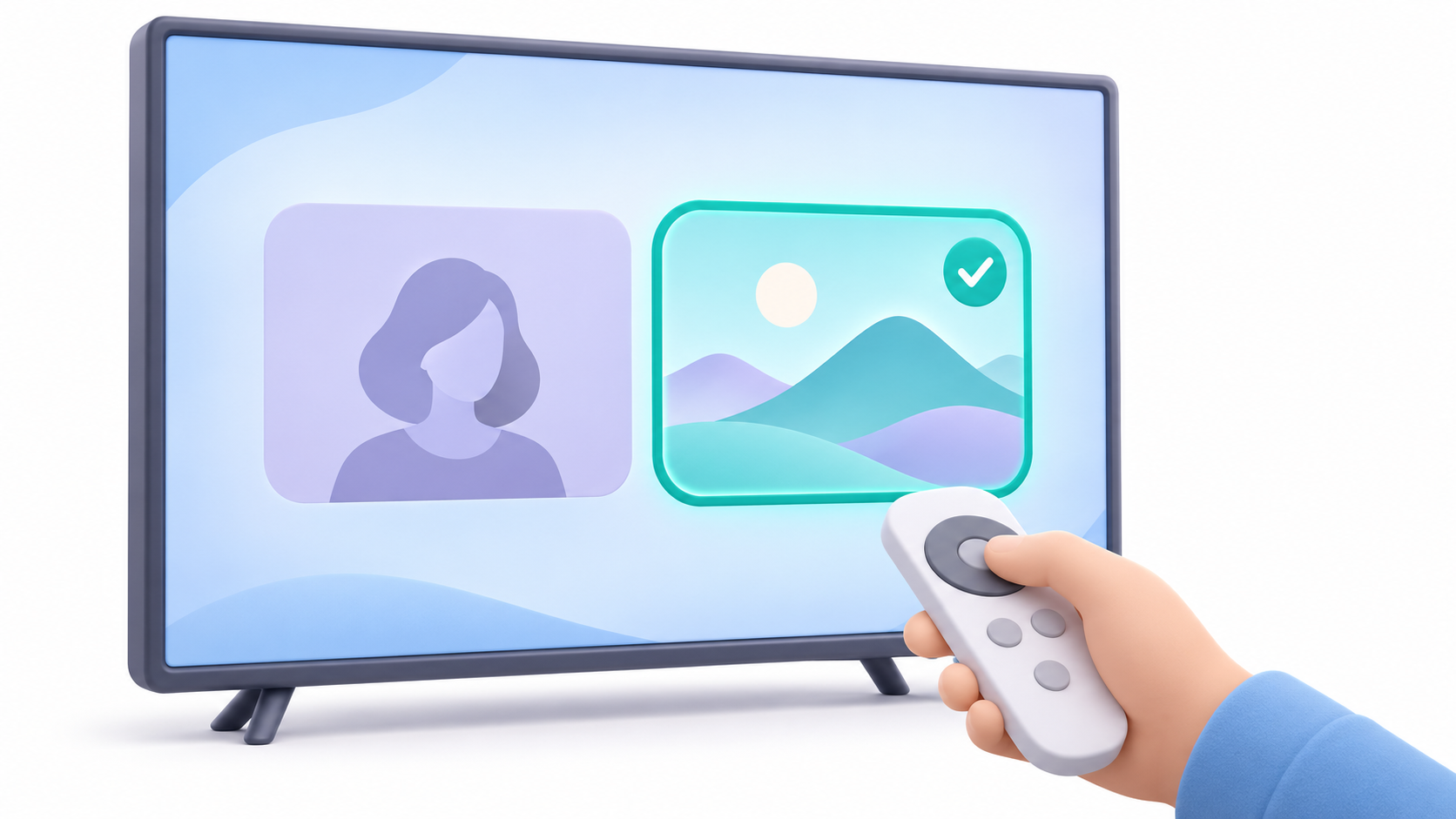
- Open Settings from the home screen.
- Enter System > Ambient Mode.
- Select Settings > Source.
- Change Google Photos by Art gallery.
Names may vary depending on the interface. This change replaces personal photos with images from the gallery; It doesn't delete your photos or turn off the screen.
How to remove only some photos without deleting them from Google Photos
If you want to maintain a personal presentation, prepare a exclusive album for television with images you can easily display. Then, select it as the source and uncheck the other collections.
To remove an image from an album in Google Photos from Android:
- Open Google Photos and go into the album.
- Press the three-dot menu and select Edit album.
- Use Remove in the images you don't want to include.
- Save changes with Made.
Removing a photo from the album does not delete it from your library. Avoid sending it to the trash if you only want it to stop appearing on television.
Also check if the same image belongs to another collection that is still selected. A manually prepared album offers more control than a selection that automatically includes photos.
If you use Chromecast or Chromecast Ultra, check out Google Home.
Chromecasts prior to Google TV are set up from a mobile device:
- Open Google Home.
- Enter Home > All devices.
- Press and hold the corresponding Chromecast box.
- Open Settings > Ambient Mode.
- Select Art Gallery or browse the selected albums within Google Photos.
If you have multiple TVs or devices, make sure you're modifying the correct one. For Chromecast with Google TV and Google TV Streamer, use the instructions in the Google TV section.
Is it possible to remove the screensaver and leave the screen off?
Removing personal photos does not disable the screensaver. Google indicates that, on its streaming devices, featured images may still appear even if you disable custom preferences.
If you're looking for a screen that's off, check your TV's power and sleep settings. Don't confuse the settings of the device connected via HDMI with those of the TV itself.
Some compatible televisions incorporate Ambient display with presence detectionIn these devices, the remote and power-off functions may behave differently: Google indicates that holding down the power button turns off the screen and disables detection until the next manual power-on. This instruction may not automatically apply to all models.
What to do if the photos keep appearing
Double-check the selected font and enabled albums. Then, check the result when the screensaver reactivates.
If the preferences do not apply, reboot the deviceOn Google TV you can do it from Settings > System > RestartYou can also check for updates at System > Information > System Update.
If Google Home displays an error when linking screensaver preferences, Google suggests sending a video from YouTube, pausing it, disconnecting the Cast session, and trying to link it again. This is a troubleshooting step for that specific error.
To prevent your personal images from reappearing, leave Art Gallery selected or use only an album prepared for TV. You don't need to delete your library or perform a factory reset to make this change.
Index
- 1 How to remove personal photos from the Google TV screensaver
- 2 How to remove only some photos without deleting them from Google Photos
- 3 If you use Chromecast or Chromecast Ultra, check out Google Home.
- 4 Is it possible to remove the screensaver and leave the screen off?
- 5 What to do if the photos keep appearing

I am a technology enthusiast who has turned his "geek" interests into a profession. I have spent more than 10 years of my life using cutting-edge technology and tinkering with all kinds of programs out of pure curiosity. Now I have specialized in computer technology and video games. This is because for more than 5 years I have been writing for various websites on technology and video games, creating articles that seek to give you the information you need in a language that is understandable to everyone.
If you have any questions, my knowledge ranges from everything related to the Windows operating system as well as Android for mobile phones. And my commitment is to you, I am always willing to spend a few minutes and help you resolve any questions you may have in this internet world.