- Unsubscribing from email links can increase spam and expose your data.
- Cybercriminals use these links to confirm your account and launch phishing or malware attacks.
- It's safer to use the built-in options in your email client and never share data on dubious websites.
Have you ever wondered if it's really safe to hit that infamous "unsubscribe" button every time you get an unwanted email? The temptation to rid your inbox of promotions, newsletters, or outright spam seems irresistible. However, you need to know how to unsubscribe. the risks of clicking Unsubscribe. We are referring to security issues.
We must never forget that el Email is a favorite gateway for both legitimate businesses and cybercriminals.Therefore, understanding the risks associated with canceling subscriptions and knowing how to protect yourself is essential for any user, whether you're a beginner or experienced in the digital world.
What actually happens when you click “unsubscribe”?
La habit of locating and clicking “unsubscribe” or “unsubscribe” at the end of the message has caused many people to act without thinking. But this doesn't always guarantee that you'll stop receiving emails. In fact, It can be the trigger for new discomforts and even more serious threats..
The main risks of clicking 'Unsubscribe', according to cybersecurity experts, are clear: By clicking on these types of links, you leave the protected environment of your email client and enter the “open web.”According to a study by DNSFilter quoted by The Wall Street Journal, One in every 644 clicks on “unsubscribe” links leads to a malicious website. A pretty high risk.
The most common danger is that by clicking on that link you are simply confirming to senders that your email address is active and therefore susceptible to receiving more spam.
But that's not the only thing that can happen: Some links are traps designed to collect personal data, steal your credentials, install viruses or ransomware on your devices, and even extort you in the future.The link itself may pretend to be a company's real website, but in reality, it's a perfect imitation intended to trick you into obtaining confidential information.
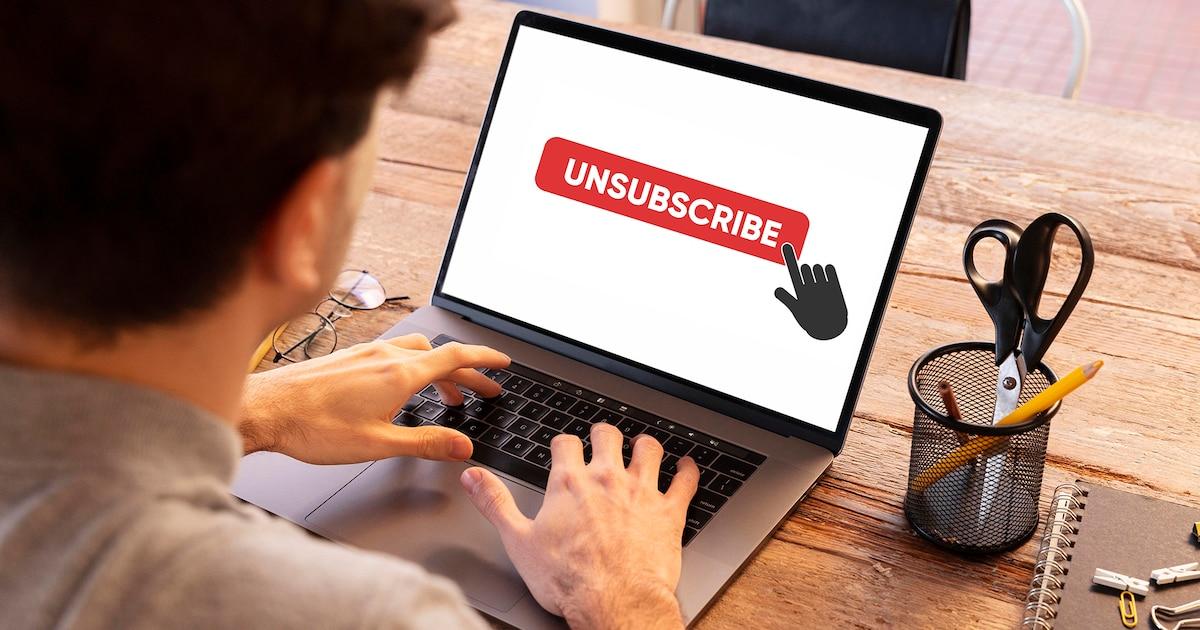
Main risks of clicking Unsubscribe
Let's review the risks of clicking 'Unsubscribe' on certain messages, especially those you didn't request or whose sender you don't easily recognize:
- Confirmation of activity: When you click the unsubscribe link, you may simply be telling the sender (or the cybercriminal) that your account is active and you're monitoring emails. Instead of disappearing, this could increase your spam influx.
- Theft of personal data and credentials: Many pages to which the unsubscribe link directs you may ask you to enter your email address, password, or other information. If this occurs, it is most likely a phishing attempt.
- Malware installation: Some links serve as a gateway for viruses, Trojans, spyware, or ransomware, which can infect your computer or mobile phone if your browser or operating system is vulnerable.
- Creating profiles for scam campaigns: Attackers can collect every interaction to build a database of victims, to whom they can then target personalized phishing or extortion campaigns.
- Redirects to fake websites: It's common to find pages that mimic well-known services (banks, stores, platforms), where they will try to trick you into entering sensitive data.
- Loss of privacy and tracking: Suspicious emails may contain spy pixels that track whether you've even opened the message, helping senders gather information about your activity, location, and other personal data.
Are these unsubscribe links legal? Do they work? In many countries, There are laws that require companies to offer the option to unsubscribeHowever, these requirements only apply to legitimate companies. Spammers and cybercriminals don't follow the law: their only goal is to gather information or distribute malware. Therefore, unsubscribe links in unsolicited emails rarely deliver on their promise. They either do nothing, or worse, they direct you into traps.
How can you protect yourself from these risks?
Given this scenario, it's natural to wonder what options an average user has to keep their email clean without putting themselves at risk. The good news is that There are safe and simple alternatives to reduce spam and manage subscriptions.:
- Use your email provider's built-in unsubscribe system: Services like Gmail, Outlook, Yahoo, and iCloud have implemented automatic buttons in their interfaces that allow you to remove yourself from mailing lists. They're usually located at the top of the page or next to the sender, and the process is carried out within the provider's secure environment, without redirecting to external websites.
- Mark suspicious messages as spam: If you identify a suspicious or unsolicited email, simply mark it as "junk mail" or "spam." The system will learn to filter out future similar communications, and this action doesn't confirm your activity to attackers.
- Block persistent senders: If a sender keeps sending you messages, you can block them from your email manager settings, preventing future emails from reaching your inbox.
- Use disposable or secondary addresses: An effective strategy is to have a dedicated email address for registrations in promotions, stores, forums, or downloads. This way, your primary account remains protected, and if your secondary account starts receiving a lot of spam, you can ignore or delete it without exposing your primary email address.
- Set up automatic rules or filters: Most managers allow you to create rules so that messages from certain senders or with specific keywords go directly to the trash or a secondary folder.
- Keep your software and browser up to date: Many infections occur due to vulnerabilities that attackers exploit. Updating systems significantly reduces these risks.
- Activate additional layers of protection, such as DNS filtering: Some services block access to dangerous websites from the browser, creating an extra barrier against suspicious links.
How to identify if a unsubscribe link is safe
Not all emails with unsubscribe links are dangerous. Legitimate companies typically use standard mechanisms and will never request sensitive information when trying to unsubscribe. Some warning signs are:
- The email comes from an unknown sender or one unrelated to services you've used previously.
- The link asks for your password or other confidential information to complete the cancellation.
- The site design that appears when you click mimics well-known brands with spelling errors, strange URLs, missing https, or suspicious details.
- The link redirects to multiple pages before showing you the option to unsubscribe.
If in doubt, Do not click on links in the email itselfIt's recommended that you search for the service name in your browser and log in to your account from the official website to manage your preferences there.
Is it better to block, mark as spam, or delete outright?
What can we do to avoid the risks of clicking 'Unsubscribe'? The most effective strategy depends on each case. In general, blocking and marking as spam helps train the system's filters, preventing you from receiving similar emails in the future.Deleting can be helpful for a quick cleanup, but it doesn't prevent future problems or strengthen your account's protection.
Remember that by blocking senders, they won't be notified and won't know whether your account is active or not, which increases your privacy from persistent spammers.
The desire to maintain a clean inbox can lead us to quick fixes that actually compromise our security and privacy. Thinking before you click and being wary of suspicious links is essential to protecting yourself.Using your provider's tools, managing your subscriptions on official sites, and adopting good digital habits is the best strategy to keep your data safe and reduce spam. The battle against spam isn't won with a single click, but with common sense and technology applied every day.
Index

Editor specialized in technology and internet issues with more than ten years of experience in different digital media. I have worked as an editor and content creator for e-commerce, communication, online marketing and advertising companies. I have also written on economics, finance and other sectors websites. My work is also my passion. Now, through my articles in Tecnobits, I try to explore all the news and new opportunities that the world of technology offers us every day to improve our lives.