- Google Wallet works on different Android brands; Samsung Wallet is limited to the Galaxy ecosystem.
- Both allow payment via NFC if the bank and card are compatible.
- Samsung Wallet integrates Samsung Pay and Samsung Pass.
- Only one application can be the default NFC wallet.
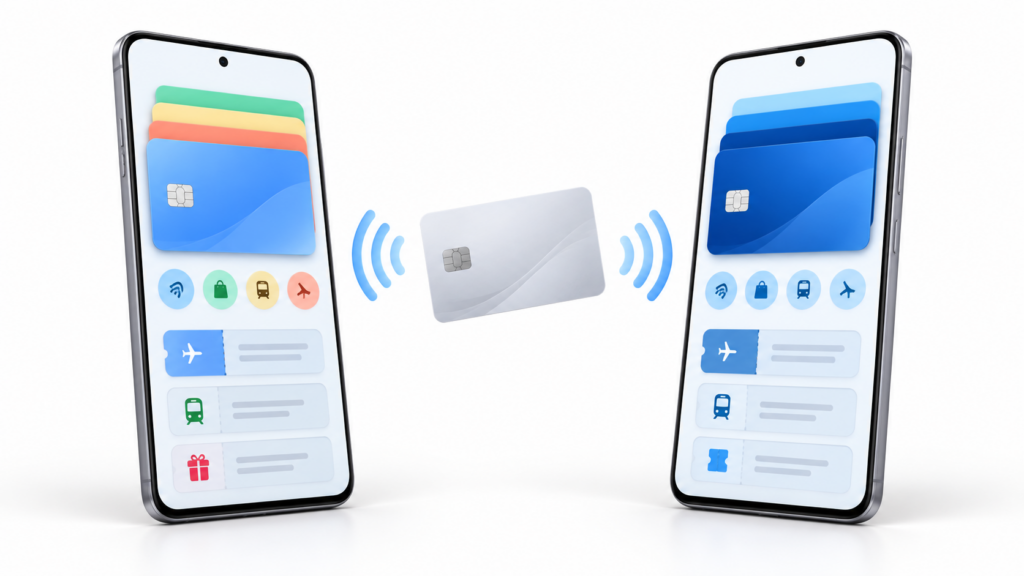
Digital wallets allow you to pay with your mobile phone and store loyalty cards, tickets, transport passes, or digital keys without carrying all those items in your wallet. On Android, the two best-known options are Google Wallet and Samsung Wallet.
For those using a phone from another brand, Google Wallet is usually the available option. Samsung Galaxy owners, however, can choose between both apps. The decision will depend on the bank, the country, the devices used, and the importance of features like Samsung Pass, passes imported from Google services, or quick access from the Galaxy screen.
In summary, Google Wallet stands out for its compatibility with different Android brands.while Samsung Wallet offers deeper integration with the Galaxy ecosystem.If the bank card is compatible with both, the experience of paying at an NFC terminal will be very similar.
Samsung Wallet vs Google Wallet: Main Differences

Before choosing an app, it's a good idea to know its most important differences:
| Feature | Google Wallet | Samsung Wallet |
|---|---|---|
| Compatible devices | Compatible Android phones from different manufacturers | Compatible Samsung Galaxy devices |
| Payments in stores | Using Google Pay and NFC | Using Samsung Pay and NFC |
| Quick access | From the application, shortcuts and system options | From the app, configured gestures, or the side button |
| Cards and passes | Bank cards, tickets, transport, loyalty and other compatible passes | Bank cards, tickets, transport, loyalty and other compatible passes |
| Passwords | It is complemented by Google's Password Manager | Samsung Pass integration |
| Watches | Compatible Wear OS watches | Galaxy Watch compatible |
| Digital keys | Available for certain vehicles, locks, countries, and devices | Integration with select Galaxy devices, vehicles, and SmartThings devices |
| Portability | Easier when switching between Android manufacturers | Specifically designed to remain within the Galaxy ecosystem |
Specific compatibility can vary depending on the country, bank, card, phone model, and operating system version. Therefore, it's best not to choose a digital wallet without first verifying that it supports the services you need.
What does Google Wallet offer?
Google Wallet functions as a wallet for storing payment cards, loyalty cards, transit tickets, admission tickets, and other digital passes. When a card is used to pay, the transaction is processed through Google Pay.
They are not exactly the same product: Google Wallet is the app where you organize items, while Google Pay is the service used to complete compatible payments at establishments, apps, and websites.
Its main advantage is the compatibility with Android phones from different manufacturersIf you switch from a Samsung to a Pixel, Xiaomi, Motorola, or another compatible brand, you can continue using the same Google account and recover most of the items associated with it.
However, having an Android device and NFC doesn't guarantee you'll be able to pay. The device must meet Google's security requirements, the country must be compatible, and the bank must accept the specific card you want to register.
Google Wallet can also add certain passes from Gmail, apps, websites, or partner businesses. Availability depends on the issuer: receiving an email with a reservation doesn't mean that any ticket will automatically appear in your wallet.
Card autofill in Chrome is another advantage of the Google ecosystem, although technically it depends on the payment methods saved in the Google account and not exclusively on the Wallet app.
What does Samsung Wallet offer?
Samsung Wallet is designed specifically for Galaxy devices and combines the functions of Samsung Pay and Samsung PassThis allows you to manage cards and passes, as well as credentials and passwords compatible with Samsung services.
One of its strengths is quick access. Depending on the model and settings, you can open the wallet with a gesture from the bottom, by tapping its icon or double-tapping the side button. Opening it this way doesn't remove security measures: you'll still need to authenticate yourself before completing a payment when prompted by the system.
The app can also store tickets, loyalty cards, transport tickets, boarding passes, and digital keys. However, Not all of these features are available in all countries or on all devices.Car and home keys, for example, depend on the Galaxy model, the manufacturer, and technologies such as NFC or UWB.
Samsung Wallet can be especially convenient if you use other devices from the brand, such as a Galaxy Watch, or if you already save your credentials in Samsung Pass.
Samsung Rewards should not be the sole reason for choosing this option. Earning points depends on the country, current promotions, and purchases deemed valid by Samsung. Rewards are not necessarily awarded for every payment made with Wallet.
Which of the two wallets is safer?
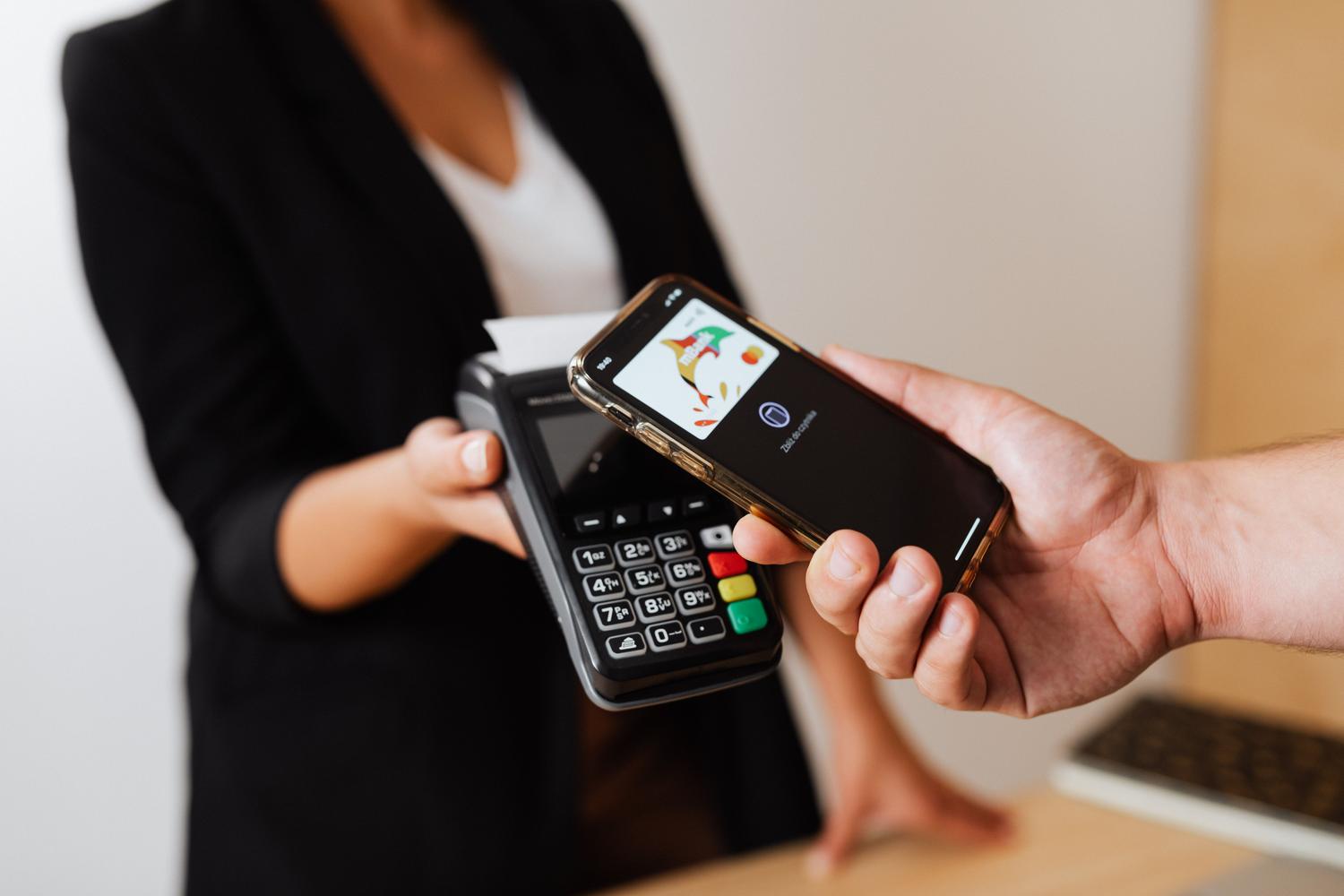
Both Google Wallet and Samsung Wallet employ multiple layers of security to prevent merchants from directly receiving the actual card number. They use mechanisms to achieve this. tokenization, through which banking information is replaced by a digital identifier.
Both solutions also rely on secure device locking and can require a PIN, pattern, password, facial recognition, or fingerprint sensorThe exact way to verify a purchase may vary depending on the device, country, amount, and the card issuer's rules.
Samsung adds protection to Samsung KnoxIts security platform is integrated into Galaxy devices. Google, for its part, requires that phones used for payments meet its security and certification requirements. Modified devices, those with certain custom ROMs, or those with an unlocked bootloader may not pass these checks.
Therefore, there is no definitive difference that allows us to declare one application completely safe and the other insecure. Keeping Android updated, using a reliable lock, and avoiding applications from unknown sources are more important than choosing one of the two brands.
Compatibility with banks, cards, and NFC payments
Before setting up either application, check that your bank and the exact type of card are compatibleAn entity may accept your credit cards, but not your debit cards, business cards, or cards issued by a specific subsidiary.
Compatibility doesn't have to be identical. A card might work with Google Wallet but not with Samsung Wallet, or vice versa. The best way to check is to consult the official lists of both platforms or try adding the card from the app.
In establishments, the two solutions mainly use contactless payments using NFCIf the card reader supports contactless payments and the card is correctly configured, the procedure will be virtually the same: unlock or verify the phone and bring it close to the terminal.
Samsung previously used a technology called MST, capable of communicating with some older devices that lacked NFC. However, this is a legacy feature that has disappeared from many recent Galaxy models. Therefore, MST no longer represents a relevant advantage. when comparing the two current portfolios.
Tickets, transportation, digital keys, and other documents

Both applications can store more items than a bank card. These include:
- Loyalty cards and gift cards.
- Tickets for concerts, cinemas and events.
- Compatible airline boarding passes.
- Tickets and passes for certain transport systems.
- Digital keys for vehicles or compatible locks.
- Credentials and identifications available in some countries.
Here, checking regional availability is especially important. Just because Google or Samsung announce a feature doesn't mean it will be immediately available in Spain or with every carrier.
Google Wallet typically offers greater consistency across different Android brands and good integration with Google services. Samsung Wallet can provide a more cohesive experience when passes, keys, and other devices belong to the Galaxy ecosystem.
Google Wallet and Samsung Wallet can be installed at the same time.
Yes, you can have both apps installed on a Samsung Galaxy. For example, you could save an entry in Google Wallet and use Samsung Wallet to manage your Samsung Pass credentials.
However, Only one app can act as the default wallet for contactless paymentsIf you bring your phone close to a payment terminal without manually opening another application, Android will use the wallet set as default.
The path may change depending on the version of One UI, but you'll usually find this option in:
- Open Settings.
- Enter Connections.
- Select NFC and contactless payments.
- Open the section for Contactless payments or default payment application.
- Choose Google Wallet or Samsung Wallet.
Installing both is only useful if you take advantage of different features from each. If you only want to pay with one compatible card, keeping just one wallet simplifies setup and avoids confusion when you tap your phone against the terminal.
Which digital wallet should you choose?
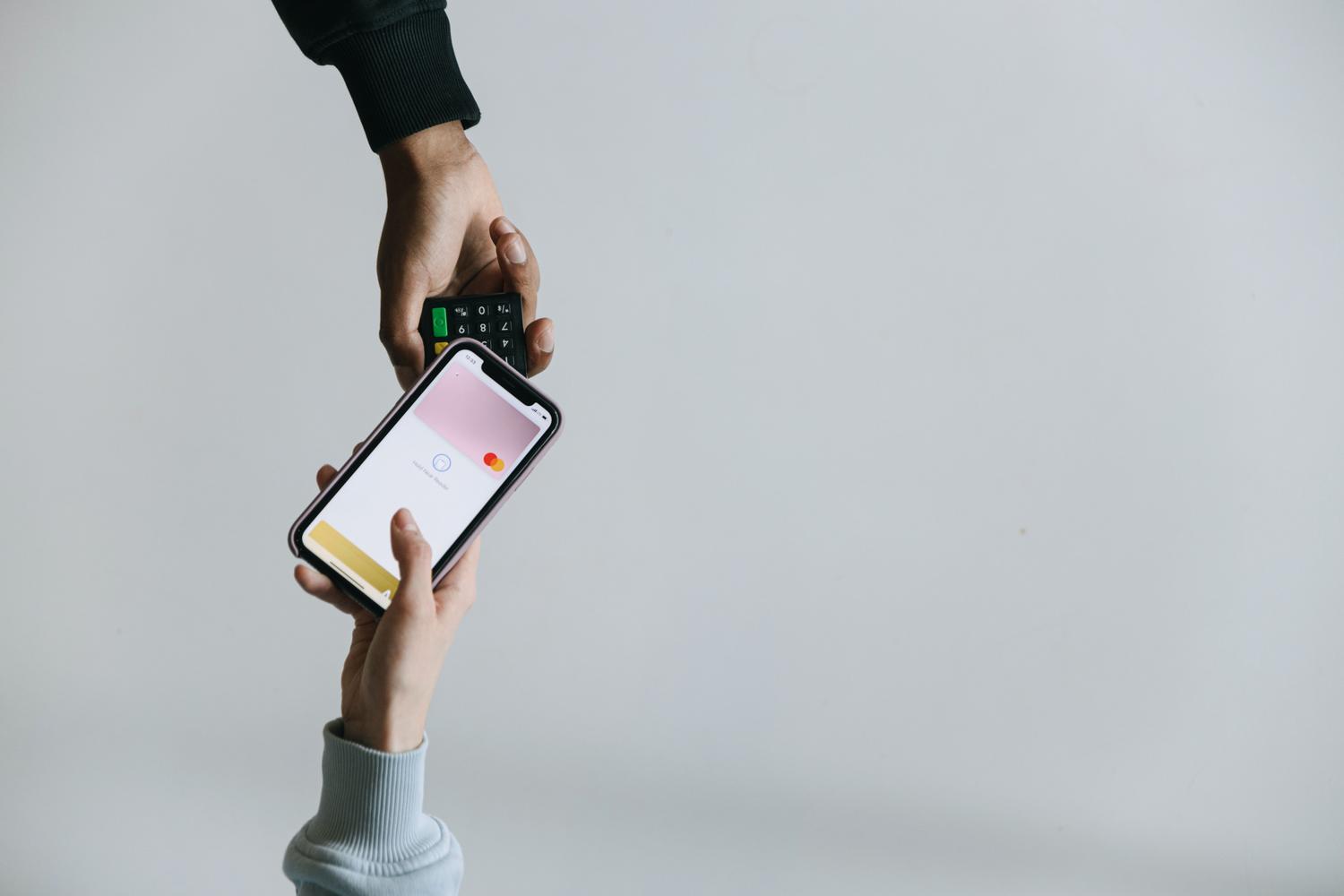
Google Wallet is probably the best option If you frequently switch brands, use multiple Android devices, rely on Google services, or want to keep your passes when switching from a Galaxy to another manufacturer.
Samsung Wallet may be more convenient If you exclusively use Galaxy devices, want to integrate Samsung Pass, have a compatible Galaxy Watch, or particularly value One UI's gestures and quick access features.
If your only priority is NFC payments and your bank supports both platforms, you won't find much difference when paying. In that case, you can choose whichever interface you find most convenient.
The final decision should not be based on a supposed absolute superiority, but on four factors: Bank compatibility, devices used, features available in your country, and service ecosystemFor a user fully integrated into the Galaxy ecosystem, Samsung Wallet offers practical advantages. For those seeking the freedom to switch manufacturers, Google Wallet is often a more flexible choice.

Index
- 1 Samsung Wallet vs Google Wallet: Main Differences
- 2 What does Google Wallet offer?
- 3 What does Samsung Wallet offer?
- 4 Which of the two wallets is safer?
- 5 Compatibility with banks, cards, and NFC payments
- 6 Tickets, transportation, digital keys, and other documents
- 7 Google Wallet and Samsung Wallet can be installed at the same time.
- 8 Which digital wallet should you choose?