- VLANs allow you to divide a physical network into multiple independent logical networks to isolate traffic.
- Segmentation drastically reduces the risk of side attacks by separating vulnerable devices like IoT from critical equipment.
- To implement this system, it is essential to have manageable hardware that supports the IEEE 802.1Q standard.

Whether you're passionate about technology or simply want your home internet connection to stop being a mess, you've probably considered... segmenting a home network with VLANsAll with the goal of improving security. At first glance, the concept of VLANs may sound like something reserved for engineers at large companies, but the reality is that these virtual segments are the ultimate tool to bring order and security to the modern home, where there are more and more connected gadgets.
Imagine your network is an open house where anyone can enter any room; that's exactly what happens on a standard home network. Implementing segmentation allows us to... create digital walls so that, if a device fails or is hacked, the problem doesn't spread like wildfire throughout the system, thus keeping us much more at ease.
What exactly is a VLAN and what is it used for?
To put it simply, a VLAN (Virtual Local Area Network) It's a virtual local area network. What it does is logically divide your infrastructure without having to run new cables or buy a dozen basic switches. Basically, we trick the hardware into thinking there are several different networks operating on the same physical equipment.
The main purpose of segmenting a home network with VLANs is control. By separating traffic, we ensure that devices on one VLAN cannot see those on another unless explicitly permitted. This results in a drastic improvement in security and much more efficient bandwidth management, preventing unnecessary network noise from affecting overall performance.
Scenarios where segmentation is fundamental
Not everyone needs to segment a home network with VLANs, but if you have a diverse ecosystem, it's almost mandatory. A very clear example is that of... IoT devices and IP camerasThese things usually have mediocre security and are a favorite entry point for attackers; leaving them isolated is the best move.
It's also very useful if you have a home server for experimenting with Ubuntu, hosting websites, or setting up a server. MinecraftInstead of exposing your entire LAN to the internet so your friends can join the game, you can create a demilitarized zone (DMZ) or a specific VLAN for the server, thus protecting your personal computers and sensitive data.
Other common uses include creating a fully independent guest networkThis allows visitors to have internet access but prevents them from accessing your NAS or printer. In more professional or educational settings, it's used to separate student and teacher traffic, optimizing data flow and preventing unauthorized access.
Hardware needed to make the leap
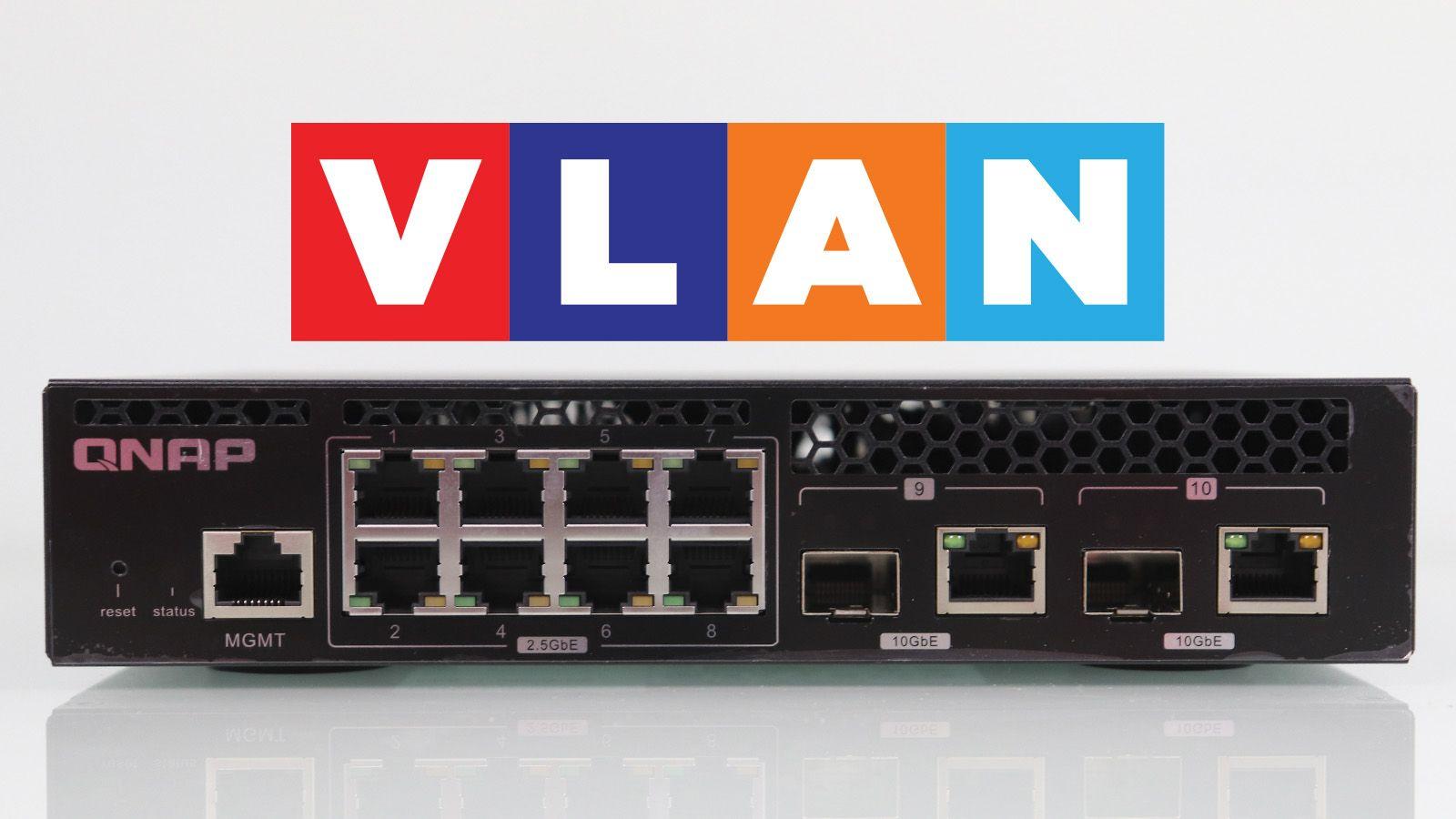
This is where many people get stuck, because not just any router from your internet provider will do. You need a specific one. managed switches that support the 802.1Q standard, which is responsible for tagging frames. If you use a basic switch (a "dumb switch"), it will ignore the tags and you won't be able to segment the traffic.
On the other hand, in order to segment a home network with VLANs, it is vital to have a compatible router or firewall (such as Qhora models, or systems based on pfSense and OPNsense) that allow the management of virtual subinterfaces. The router is the "policeman" that decides whether traffic can jump from one VLAN to another through inter-VLAN routing.
Technical concepts: Tagged vs Untagged
To avoid confusion when segmenting a home network with VLANs, two key terms need to be understood. The mode Tagged It is primarily used in trunk links, which are the cables that connect a switch to the router. All VLANs pass through these links together, each with its own label so that the receiver knows which packet belongs to which VLAN.
The mode Untagged This is the VLAN assigned to the ports where you connect your PC, TV, or camera. Since these devices don't know what a VLAN is, the switch removes the label before forwarding the packet. An important detail is the PVID, which defines the network to which the unlabeled traffic arriving at the switch belongs.
Step-by-step guide to designing your infrastructure
Before touching the administration interface, you need to sit down with a pen and paper. The first step is take a complete inventory of everything connected to your network. A smartphone is not the same as a smart thermostat or a file server; each has a different level of risk.
Once you have the list, define the segments. A logical and balanced structure could be: VLAN 10 for management and personal devices, VLAN 20 for the test server, VLAN 30 for guests, and VLAN 40 for the entire IoT ecosystem and security. Assigning predictable IP ranges (such as 192.168.10.0/24 for VLAN 10) will greatly simplify the process of segmenting a home network with VLANs.
After configuring the VLANs on the switch, it's time to access the router to set firewall rulesThis is where the magic happens: you can prevent IoT devices from initiating connections to your PC, but still allow you to access and configure them. Applying the principle of least privilege is crucial: only allow what is strictly necessary.
Typical mistakes and how to fix them
It's very common for devices not to receive an IP address initially. This usually happens because the trunk port is not configured as Tagged for all necessary VLANs. If the router doesn't see the tag, it can't assign the correct IP address via DHCP and the connection drops.
Another common mistake is forgetting the PVID for access ports. If you don't configure it, traffic could end up in VLAN 1 by default, leaving the device out of the segmented network you planned. Always remember that A port can only have one untagged VLANeven though it can carry multiple tagged VLANs simultaneously.
Network segmentation using VLANs transforms a vulnerable home connection into a robust, professional infrastructure. By combining appropriate hardware with intelligent subnet planning and strict firewall rules, we isolate threats and optimize the performance of the entire system, ensuring that traffic flows smoothly and securely going forward.

Editor specialized in technology and internet issues with more than ten years of experience in different digital media. I have worked as an editor and content creator for e-commerce, communication, online marketing and advertising companies. I have also written on economics, finance and other sectors websites. My work is also my passion. Now, through my articles in Tecnobits, I try to explore all the news and new opportunities that the world of technology offers us every day to improve our lives.