De entrada, nruab Kodi ntawm Samsung TV ncaj qha los yog natively nws yog tsis tau. Qhov no yog vim Korean hom Smart TVs tsuas yog ua haujlwm nrog cov sistema operativo Tizen, uas yog incompatible nrog Kodi. Tab sis ib txwm muaj kev daws teeb meem rau txhua qhov teeb meem. Kuj rau qhov no.
Hauv qhov no, peb muaj ntau txoj hauv kev los ua kom tiav qhov no. Txhua tus ntawm lawv koom nrog kev siv cov khoom siv sab nraud. Peb piav qhia txhua yam hauv qab no.
Pib nrog, peb yuav nco ntsoov qhov ntawd Kodi Nws yog ib qho media center platform uas tso cai rau tus neeg siv nkag tau cov ntsiab lus sib txawv kiag li dawb xwb. Kodi tau tsim los tig lub khoos phis tawj mus rau hauv qhov chaw multimedia nrog qhov huv thiab yooj yim interface. Lo lus nug loj yog: Nws puas tuaj yeem siv rau ntawm Smart TV? Nyob rau hauv rooj plaub ntawm tes, hais tias ntawm ib tug Samsung TV, cov lus teb yog yog, ua raws li cov kauj ruam uas peb piav nyob rau hauv cov nqe lus hauv qab no.
Método 1: Usando un dispositivo externo
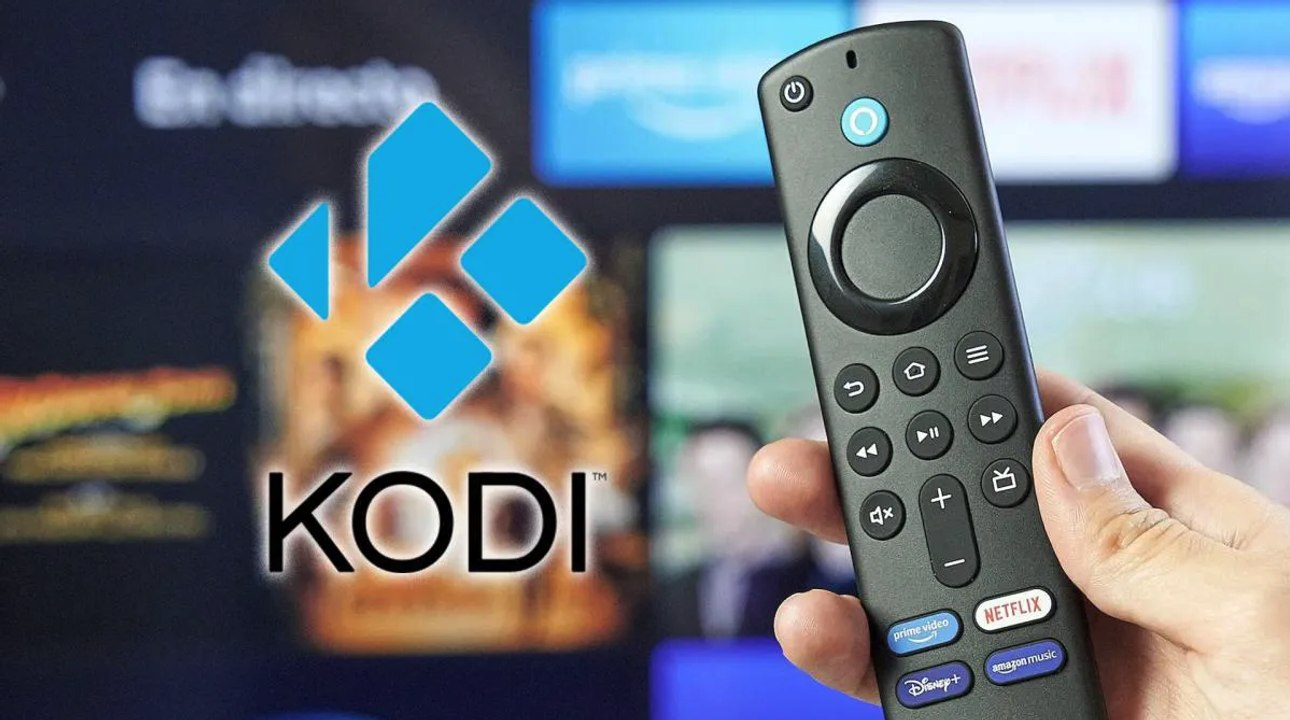
Txoj kev yooj yim tshaj plaws rau nruab Kodi ntawm Samsung TV, uas yog vim li cas peb tau hais ua ntej, yog dhau los ib qho khoom siv streaming sab nraud uas sib xws nrog Kodi. Peb muaj kev xaiv dab tsi? Ntau thiab ntau yam: Amazon Fire Stick, Android TV Box, Google Chromecast, thiab lwm yam.
Lo que debemos hacer es txuas sab nraud ntaus ntawv rau Samsung TV ntawm HDMI chaw nres nkoj. Tom qab ntawd peb nruab Kodi ntawm lub cuab yeej ua raws li cov txheej txheem tsim nyog:
Nrog Amazon Fire Stick
- Thaum Hluav Taws TV Stick txuas nrog, peb mus rau cov ntawv qhia zaub mov Kev teeb tsa.
- Tom qab ntawd peb xaiv Kuv Lub TV Hluav Taws.
- Ces peb yuav «Opciones de desarrollador».
- Allí activamos las opciones «Apps de fuentes desconocidas» y "ADB debugging".
- Tom ntej no koj yuav tsum mus rau lub Amazon Appstore, los ntawm qhov chaw uas peb download tau thiab nruab cov ntaub ntawv tus thawj tswj daim ntawv thov Tus rub tawm.
- Peb qhib lawm Tus rub tawm thiab ntxig rau Kodi download URL: https://kodi.tv/download.
- Finalmente, ya solo queda instalar Kodi siguiendo las indicaciones que aparecen en pantalla.
Nrog Android TV Box
- Yuav pib nrog, nws yog qhov tsim nyog yuav Android TV Box tau tshaj Kodi.
- Tom qab Lub Android TV Box txuas rau Samsung TV ntawm HDMI cable.
- Peb teeb tsa lub cuab yeej ua raws li cov lus qhia los ntawm cov chaw tsim khoom.
- Tom ntej no, peb qhib lub Google Play Store ntawm Android TV Box.
- Peb ntsia ntawd. Kodi, peb download tau nws thiab nruab nws. Nws yog qhov yooj yim.
Nrog Chromecast nrog Google TV
- Peb txuas lub Chromecast rau Samsung TV los ntawm qhov chaw nres nkoj HDMI.
- Peb rub tawm Kodi app desde la Play Store (vim nws tsuas yog muaj rau cov khoom siv hauv Android xwb) ntawm peb cov ntsiav tshuaj lossis smartphone.
- Thaum kawg, peb qhib Kodi ntawm peb lub xov tooj ntawm tes thiab siv lub «Cast» xa cov ntsiab lus mus rau TV los ntawm Chromecast. Ib lub tswv yim zoo rau nruab Kodi ntawm Samsung TV.
Txoj Kev 2: Txuas lub computer rau Samsung TV
Lwm txoj hauv kev uas siv tau yooj yim rau nruab Kodi ntawm Samsung TV yog txuas lub PC lossis laptop rau lub TV ntse thiab ua raws li cov kauj ruam no:
- Txhawm rau pib, peb tsim kev sib txuas ntawm lub computer thiab Samsung TV siv a cable HDMI.
- Tom qab peb configure TV yog li ntawd nws siv qhov sib thooj HDMI cov tswv yim.
- Xaus lus, Peb rub tawm thiab nruab Kodi ntawm peb lub PC lossis laptop los ntawm lub vev xaib no: https://kodi.tv/download.
Txoj Kev 3: Siv Raspberry Pi
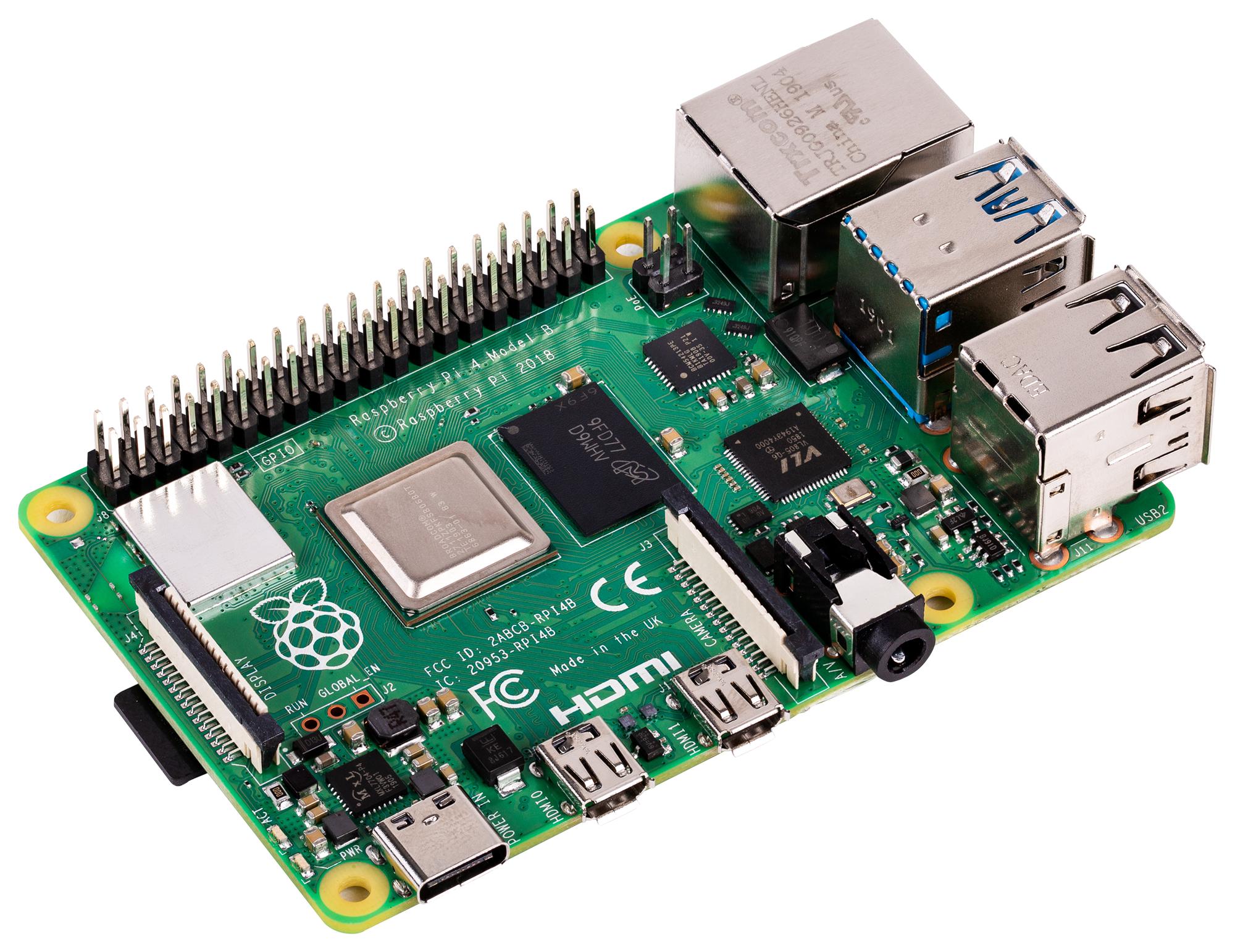
Raspberry Pi Nws yog microcomputer uas tuaj yeem ua txhua yam haujlwm yooj yim ntawm lub khoos phis tawj desktop thiab uas muab rau peb muaj peev xwm txuas rau lub monitor lossis ntse TV hauv txoj kev yooj yim.
Cov yam ntxwv no ua rau cov cuab yeej no muaj kev daws teeb meem zoo tshaj plaws rau kev txhim kho Kodi ntawm Samsung TV, txawm hais tias tsuas yog pom zoo rau cov neeg siv siab heev. Rau qhov ntawd, peb yuav tsum ua cov hauv qab no:
- Ua ntej tshaj plaws, Peb yuav Raspberry Pi (kom tsis txhob muaj teeb meem, qauv 3 lossis siab dua yog qhov zoo dua) thiab cov khoom siv tsim nyog los tsim kev sib txuas: microSD daim npav, fais fab mov, HDMI cables, thiab lwm yam.
- Después hay que rub tawm LibreELEC lossis OSMC operating system los ntawm lawv official sites:
- Tom qab no, cov kauj ruam tom ntej yog hlawv lub operating system duab rau daim npav microSD. *
- Tom ntej no peb ntxig daim npav microSD rau hauv Raspberry Pi thiab txuas rau peb Samsung TV ntawm HDMI cable.
- Thaum kawg, Peb qhib lub Raspberry Pi thiab ua raws li cov lus qhia kev teeb tsa uas tshwm sim ntawm qhov screen.
(*) Muaj ntau yam cuab yeej uas tuaj yeem ua txoj haujlwm no. Ib qho kev pom zoo tshaj plaws yog BalenaEtcher.
Ntxiv txoj kev: USB nrog Kodi portable
Thaum kawg, peb hais txog ib txoj hauv kev kawg rau nruab Kodi ntawm Samsung TV uas tsuas yog muaj rau qee tus qauv. Nws muaj kev khiav daim ntawv thov los ntawm USB chaw cia khoom. Nws tsis yog kev daws teeb meem, tab sis nws tsim nyog sim:
- Ua ntej, peb yuav tsum download tau lub portable version ntawm Kodi los ntawm qhov txuas no.
- Ces Peb luam cov ntaub ntawv Kodi mus rau USB tsav.
- Tom qab Peb txuas USB tsav mus rau Samsung TV.
- Thaum kawg, peb nkag mus rau cov ntsiab lus ntawm USB tsav los ntawm TV cov ntawv qhia zaub mov, khiav Kodi (yog tias tus qauv TV tso cai rau nws).

Tus kws kho tshwj xeeb hauv kev siv thev naus laus zis thiab teeb meem hauv internet nrog ntau tshaj kaum xyoo ntawm kev paub hauv cov xov xwm sib txawv. Kuv tau ua haujlwm ua tus editor thiab tus tsim cov ntsiab lus rau e-lag luam, kev sib txuas lus, kev lag luam online thiab cov tuam txhab tshaj tawm. Kuv kuj tau sau rau ntawm kev lag luam, nyiaj txiag thiab lwm cov vev xaib. Kuv txoj hauj lwm kuj yog kuv lub siab nyiam. Tam sim no, dhau ntawm kuv cov ntawv hauv Tecnobits, Kuv sim tshawb nrhiav txhua yam xov xwm thiab lub cib fim tshiab uas lub ntiaj teb kev siv tshuab muab rau peb txhua hnub los txhim kho peb lub neej.