- Google Chrome will integrate automatic password changes, making it easier to update passwords from the browser itself.
- The user must give prior consent, and the feature will only be available on compatible websites, which will require technical adaptations.
- The new feature will be linked to Google Password Manager, securely storing updated passwords.
- The rollout is gradual, and Google encourages web developers to implement support for wider adoption in the future.
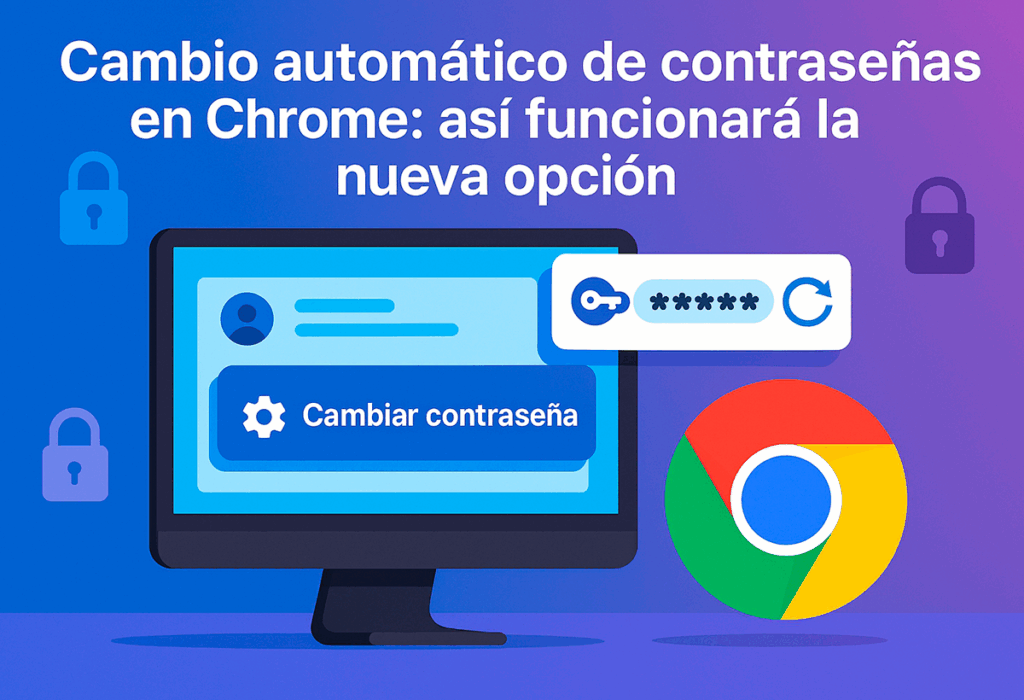
Password management It is one of the most tedious and crucial tasks to maintain digital security. Google Chrome is preparing to ease this burden with the upcoming addition of a feature that will allow change passwords automatically from the browser itself. Thanks to this, many users will no longer have vulnerable passwords, whether their own or created by AI.
During the recent Google I/O event, the company highlighted its focus on automating everyday security tasks. Automatic password changes represent a significant step for those who want to strengthen their online protection without additional complications. In this way, The goal is to ensure that the management of strong and updated keys is no longer a constant concern..
How automatic password changes will work in Chrome

La New functionality will be activated when the user detects that a password is compromised or needs to be renewed, in the style of what password managers like NordVPN.
When you log in to a supported website, Chrome will show the option to change the password using a specific buttonBy clicking on this button, the browser will manage the password update process in the background, generating a new one and automatically saving it in Google Password Manager.
It should be noted that this feature It will only be available on those websites that have updated their systems. to enable integration with the Google service. For now, adoption is expected to be gradual, as it will require certain technical adjustments by the developers of each website. Google has called on these teams to implement support as soon as possible, which will facilitate its reach to a greater number of users and web portals.
The user will always have the last word, as the browser will request permission before making any changes. This measure aims to prevent accidental modifications and reinforce the idea that computer security also involves control and transparency for Internet users.

Advantages and considerations about this tool

One of the main benefits is saving time and reducing risks associated with outdated or compromised passwordss. The automated system makes it easy to maintain strong passwords without having to remember cumbersome procedures on each page or service. Additionally, by centralizing storage in Google Password Manager, the user can access and manage your data more conveniently and securely.
Nevertheless, This functionality will depend on the collaboration of the websitesUntil all relevant pages are adapted to the new standard, the feature may not be available on all sites. Google has prioritized inclusion on the most used portals, which will allow for greater coverage over time.
The rollout will be gradual, starting with desktop users and then expanding to other platforms. An exact date has not yet been set, but the functionality is expected to be available throughout the year..
With the integration of automatic password change, Chrome takes an important step in the improving digital security and user experienceAlthough only a few sites will initially support this feature, it is anticipated that as more sites adopt it, more users will be able to benefit from enhanced protection and easier password management.


I am a technology enthusiast who has turned his "geek" interests into a profession. I have spent more than 10 years of my life using cutting-edge technology and tinkering with all kinds of programs out of pure curiosity. Now I have specialized in computer technology and video games. This is because for more than 5 years I have been writing for various websites on technology and video games, creating articles that seek to give you the information you need in a language that is understandable to everyone.
If you have any questions, my knowledge ranges from everything related to the Windows operating system as well as Android for mobile phones. And my commitment is to you, I am always willing to spend a few minutes and help you resolve any questions you may have in this internet world.