Skip to content
TecnoBits ▷➡️
  • Guides
    • Video games
    • Applications
      • Notion
    • Mobiles & Tablets
    • Computing
      • Hardware
      • Software
      • Operating Systems
  • Tecno FAQ
    • Tutorials
    • Tecnobits retail
  • Learn
    • Cybersecurity
    • Social networks
    • E-Commerce
    • Streaming Platforms
    • Quantum Computing
    • Graphic design
  • Windows
    • Windows Tutorials
    • Windows 10
    • Windows 11
    • Windows 12

Google

Explore the universe of Google and its tools Digital tools to optimize your productivity and browsing. In this section of TecnobitsWe thoroughly analyze everything from how the search engine works to the integration of its cloud services, allowing you to master the Google ecosystem efficiently and professionally.

Find detailed guides on how to use Google Chrome and Gmailalong with advanced tips to enhance your user experience. We focus on providing technology tutorials that help you manage your accounts, configure your privacy security, and get the most out of productivity apps on any mobile device or PC.

Furthermore, we delve deeper into the impact of the artificial intelligence and the constant innovations the company implements in its algorithms. Whether you're looking for technological solutions Whether you need quick updates or analyses on the evolution of storage services, here you have the support you need to browse the web with complete control.

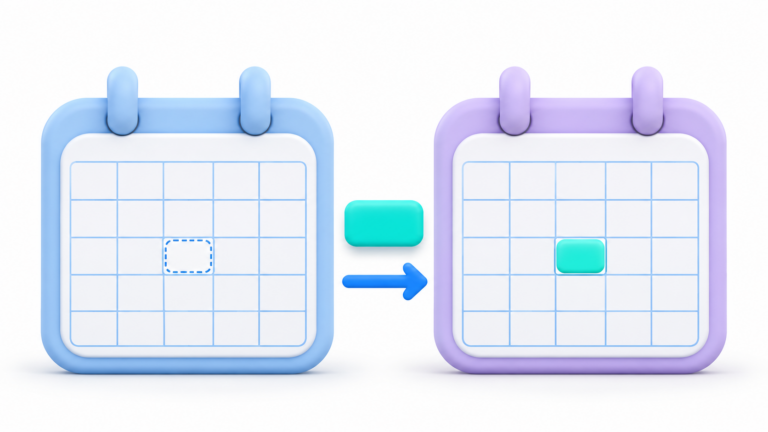
How to move an event to another calendar in Google Calendar
20/11/2026 by Alberto Navarro
Move an event to another calendar in Google Calendar

Discover how to move or copy events between your Google calendars. Simple tricks for PC, Android, and iOS. Organize your schedule now!
Categories Google, Guides and Tutorials

How to create sublists in Google Keep to organize your tasks

20/11/2026 by Alberto Navarro
create sublists in Google Keep

Learn how to create subtasks in Google Keep to better organize your notes. Discover how to nest items and optimize your to-do lists today.

Categories Productivity Tips, Google

How to limit the number of responses in Google Forms

19/11/2026 by Alberto Navarro
limit the number of responses in Google Forms

Discover how to set a response limit in Google Forms to prevent excessive registrations. Learn the native method and the best alternatives!

Categories Google, Productivity Tips

How to see who has viewed a Google Docs document

18/11/2026 by Alberto Navarro
How to see who has viewed a Google Docs document

Want to know if your file has been read? Discover how to use the Google Docs Activity Panel and what alternatives exist for free accounts.
Categories Google, Guides and Tutorials

How to share a copy of one Google Sheets tab without showing the others

17/11/2026 by Andrés Leal

Need to share a copy of one tab in Google Sheets without showing the others? You've probably looked for a solution…
Read more

Categories Google, Tutorials

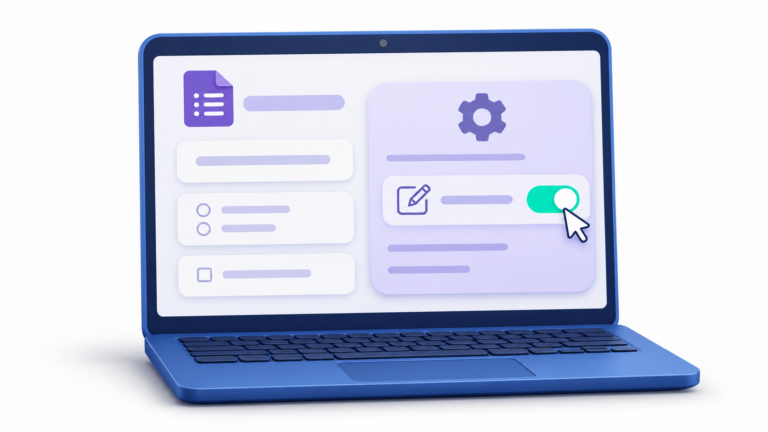
How to allow editing a submitted response in Google Forms

17/11/2026 by Alberto Navarro
How to allow users to edit a submitted response in Google Forms

Did you make a mistake in your answer? Discover how to enable answer editing in Google Forms and how to correct submitted data step by step.
Categories Google, Guides and Tutorials

How to bypass the Home screen and open My Drive in Google Drive

16/11/2026 by Daniel Terrasa
Google Drive

Stop wasting time on the Home screen! Discover how to go directly to My Drive and optimize your Google Drive for desktop today.

Categories Google

How to forward an RCS message as an SMS in Google Messages

13/11/2026 by Alberto Navarro
RCS in Google Messages

Discover how to set up RCS in Google Messages, troubleshoot verification errors, and enable automatic SMS forwarding so you don't miss any messages.
Categories Messaging Applications, Google, Tutorials and Guides

How to compress photos and videos already saved in Google Photos

12/11/2026 by Alberto Navarro
How to compress photos and videos already saved in Google Photos

Are you running out of space on Google Photos? Discover how to compress your existing images and recover GB without deleting your best memories.

Categories Google, Guides and Tutorials

How to hide the guest list of an event in Google Calendar

11/11/2026 by Daniel Terrasa
Tablet displaying a digital calendar on an organized desktop

Discover how to make your Google Calendar private, hide event details, and manage guests to protect your privacy. Full guide here!

Categories Google

How to change the organizer of an event in Google Calendar

10/11/2026 by Daniel Terrasa
Professional desk with a laptop displaying a digital calendar, notebook and mobile phone.

Is your Google Calendar event without an owner? Discover how to manage orphaned appointments, transfer permissions, and organize your schedule like a pro.

Categories Google

How to remove birthdays from Google Calendar

09/11/2026 by Alberto Navarro
How to remove birthdays from Google Calendar

Tired of seeing so many birthdays in your calendar? Discover how to quickly and easily hide, delete, or customize your Google calendars.

Categories Google, Guides and Tutorials
Previous entries
Page1 Page2 … Page177 Following →
  • Who We Are
  • Legal Notice
  • Contact

Categories

Software Update Android Animal Crossing Applications Applications and Software Learn Technological Help Cybersecurity Cloud Computing Quantum Computing Web Development Graphic design E-Commerce Entertainment Digital entertainment Fortnite General Google Guides and Tutorials Campus Guides Guides for Players Hardware Computing Artificial intelligence Internet Mobiles & Tablets Nintendo Switch Technology News Streaming Platforms PS5 Networks & Connectivity Social networks Router Health & Technology Operating Systems Software TecnoBits FAQ Technology Telegram TikTok Tutorials Video games WhatsApp Windows 10 Windows 11
©2026 TecnoBits ▷➡️