- Uncheck Birthday to clear your calendar.
- Check the synchronization separately from Contacts.
- You can remove notifications without deleting the events.
- You don't need to empty your main calendar.

For Remove birthdays from Google CalendarStart by deciding whether you want to stop seeing them, delete a specific date, or disable their import from Contacts. You don't need to delete your calendar or touch the meetings you already have saved.
If you simply want to clear your view, use the first option. If you're bothered by notifications, check them before deleting any information.
How to hide all birthdays from Google Calendar
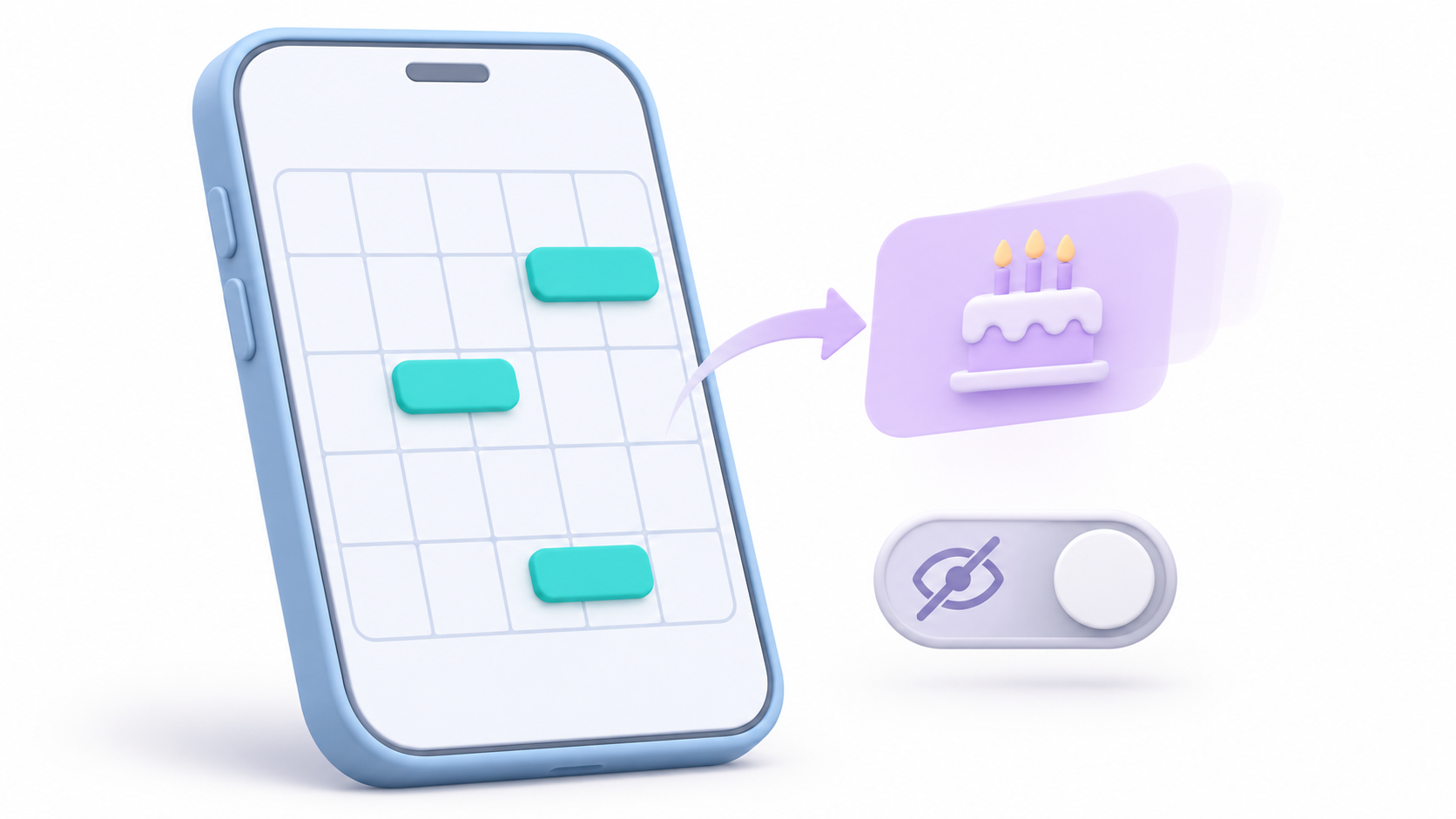
From the computer
- Open Google Calendar.
- Seeks My calendars in the left column.
- Unmark Birthday.
From Android or iPhone
- Open the Google Calendar app.
- Touch the side menu.
- Uncheck the box Birthday.
This hides both manually created and imported birthdays. To see them again, check the box again.
How to disable birthdays imported from Contacts
On the computer, enter Settings > My Calendar Settings > Birthdays and uncheck the corresponding account in Sync from Contacts.
In the app, open Menu > Settings > Birthday and disable that synchronization for the chosen account.
The dates remain in Contacts. However, synced events, including important dates and their modifications, are removed from Calendar.
How to remove or correct a person's birthday
If the problem is an incorrect date saved in a contact, you can correct it from Google Contacts:
- Log in to contacts.google.com with the corresponding account.
- Open the person's file.
- Press Edit.
- Correct or delete the birthday field and save.
This option modifies your contact record. It does not change the date that person posted on their own Google profile.
If you only want to remove the birthday from Calendar, deleting it there won't delete the date stored in Contacts. Check which data you want to keep before proceeding.
How to remove notifications without deleting dates
Hiding a date and changing its alerts are different settings. If you want to save the event, check your notifications:
- Open the event and press Edit.
- Locate the configured alerts.
- Remove the ones you don't need.
- Save the changes.
To review the default notifications for a calendar on Android, go to Menu > SettingsSelect the calendar and modify its reminders. Depending on the available option, you can choose Do not notify or remove the notification.
If you're still receiving reminders, check which app is sending them. Google Contacts also lets you set up its own birthday and anniversary notifications. Review its reminders separately; you don't need to silence all your phone notifications.
What to check if birthdays still appear
Open one of the entries that are still visible and check which calendar does it belong toThis could be an annual event that you created in your personal calendar or an imported calendar.
If you created that event manually, you can delete it from its record. If it recurs, carefully check whether the confirmation applies only to that instance or also to future occurrences.
When there are two entries for the same person, compare their origin before deleting anything. One could come from Contacts and the other from a separate recurring event.
Do not empty the main calendar to remove birthdays. That action affects your other events. Identifying the source calendar allows you to act on the correct entry and keep your appointments.
Index
