- Check the recorded visits from Tools → Activity Panel.
- The panel requires a work file or studies and editing permission.
- Reader privacy settings may prevent your visit from appearing.
- Request a response or approval if you need to confirm the review.

If you've shared a quote and want to know if the recipient has opened it, search Tools → Activity Panel in Google Docs. If your organization has this feature enabled, you can view the visits that Google has recorded and can show you.
If the document belongs to a personal Google accountThe viewing history is not available for that file. You can check who has permission to open it from Share and ask for confirmation if you need to know if it has arrived.
How to see who has opened a Google Docs document
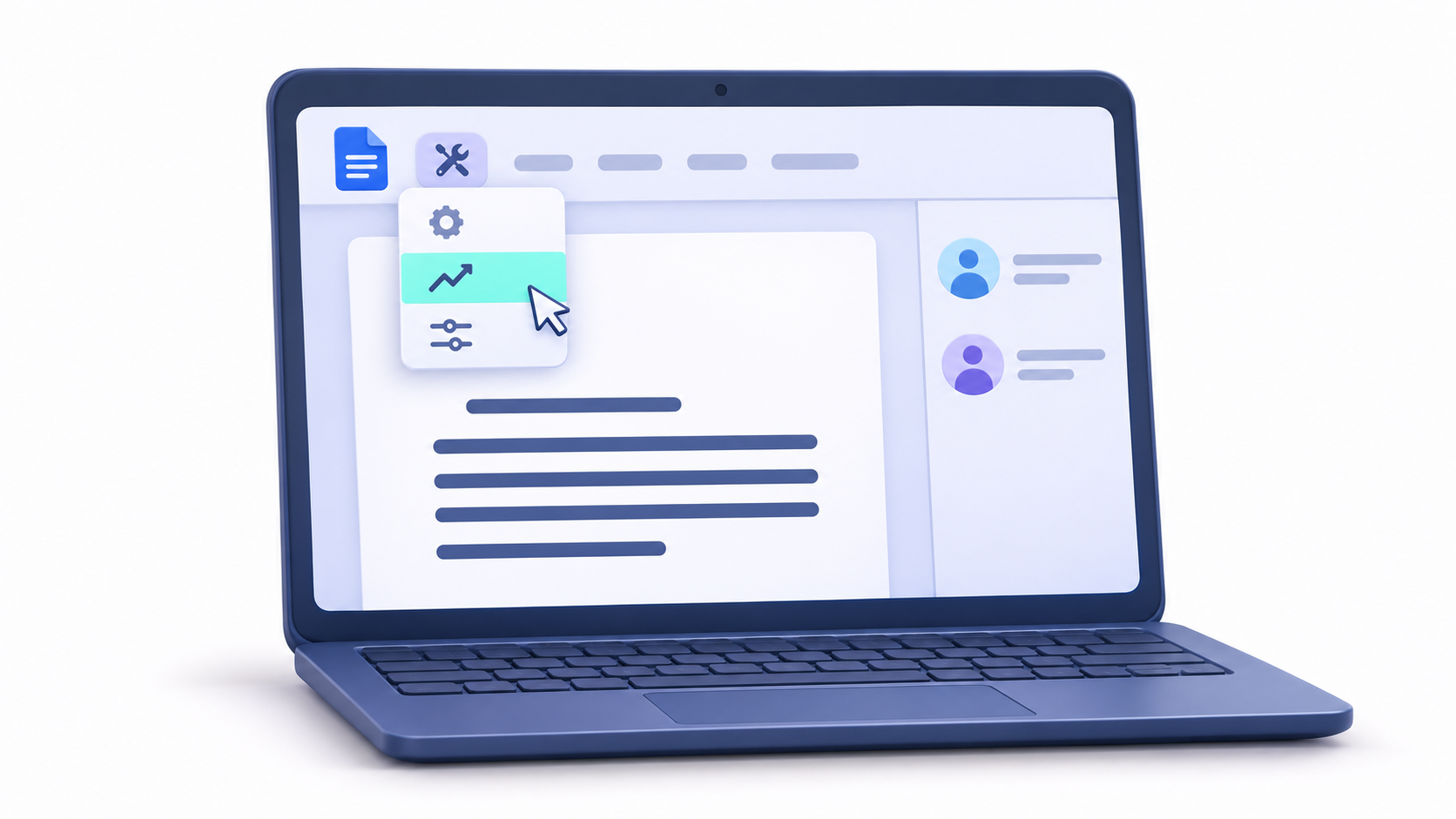
Open the document on a computer using your work or school account. To view the dashboard, you need editing permission and belong to same domain as the file ownerThe Google Workspace edition and administrator settings determine what data is available.
- In Google Docs, open Tools → Activity Panel.
- Enter All readers (organization)If the tab is available, you'll see who has opened the file within your organization and when the visit listed on the dashboard was logged.
- Consultation Reader Trends to see how the views have changed over time.
En Shared with You can see who you've granted access to and send a follow-up email from the dashboard. If someone appears on that list, it means the file was shared with them. To check if an open has been recorded, look for their name among the readers.
Why a reader may not appear in the Activity Dashboard
If a customer is not listed among the readers, they may have opened the document with another account, have their history hidden, or belong to an organization that limits the visibility of its visits. The panel records openings that it can show youWith that data you can't determine how much the person read or which parts they reviewed.
When you choose Anyone with the linkSome visitors may appear as anonymous animals while they have the file open. That icon doesn't let you know if it's your client. If you want to limit who can access the file, choose [option name]. General access → Restricted and invites them to the specific address. You can consult the steps in the guide for Adjust your file permissions in Google Drive.
What you can see in the version history

If what you want to know is who changed the documentgo to File → Version History → View Version HistoryFrom there you can review the saved versions and see who made the changes. Someone who simply opens the document does not create a new version.
If you need to revert a previous change, see How to use version history and restore documents in Google Drive.
How to hide your viewing history in Google Docs
If the setting is available for your account, you can control whether your opens appear in the Activity Dashboard. Choose the path based on the scope of the change you want to make.
- For a specific document. Open it and go inside Tools → Activity Panel PrivacyDeactivate Show my viewing history for this document.
- For all documents. From the Google Docs homepage, open the Menu → Settings. In Activity panel, disable Show your viewing history.
The change applies to Activity panelWorkspace audit logs are managed separately. If you re-enable history, views that were recorded before it was hidden may reappear.
How to confirm that someone has reviewed the document
If you sent a proposal to an external client, ask them to Please confirm by email that you were able to open it.If you need to know if they have reviewed a specific section, ask them to respond on that point or to leave a comment on the document, if they have permission to comment.
For a formal review, some editions of Workspace include Approvals in Google Drive. The recipient can approve or reject the file, and their response is linked to the review process. If you prefer to send a PDF, you can include the necessary confirmation in the same email. Downloading the document in that format only creates a copy of the file.

Frequently Asked Questions
Is it possible to see who opened a Google Doc with a free Gmail account?
Personal Gmail accounts do not have access to the Activity Dashboard. To access it, you need to use third-party tracking tools or export the file to PDF and use a viewer with analytics capabilities.
What is the difference between version history and view history?
The version history shows only who made changes or comments to the text, while the view history records who has opened the file regardless of whether they edited anything.
Can I prevent the owner of a document from knowing that I've viewed it?
You can disable the option to show viewing history in the account privacy settings to stop it from appearing in the owner's activity panel.
Does the Activity Panel show the amount of time someone spent reading?
No, this tool only records that the file was opened and the date of the last visit, but it does not provide data on the duration of the reading or the pages visited.
Why do some external users appear as anonymous?
This usually happens when the document is shared via a public link or when the recipient's organization has disabled the option to share activity across domains.
Can a Workspace administrator see access to any file?
Yes, administrators have access to a much more comprehensive Drive audit log than the user dashboard, which is primarily designed for security and compliance issues.
Index