Are you no longer amused by Gboard? You might want to use a the most customizable, fastest, simplest, or most privacy-conscious optionIn any case, we've prepared this post to show you the best keyboard alternatives on Android if Gboard no longer convinces you.
The best keyboard alternatives on Android if Gboard no longer convinces you
Without further ado, we'll tell you about the best keyboard alternatives for Android if Gboard no longer appeals to you. We'll cover everything from the most original options, like Typewise and Fleksy, to the most private and minimalist, like HeliBoard and Simple Keyboard. There are also classic and long-standing alternatives: Try it out and keep the one that rhymes best for you..
Futo Keyboard: a sure thing
Among the best keyboard alternatives on Android, the following stand out: Future Keyboard as a privacy-focused option. It's a keyboard Lightweight, fast, and open source, with AI features But it doesn't connect to external servers. In other words, it doesn't send usage statistics, and everything you type stays on the device.
It also has more Gboard customization options. For example, you can Adjust the sensitivity of swipes in gesture typing or the aggressive behavior of autocorrectIt has very positive reviews and a 4.5-star rating on the Play Store.
HeliBoard: a lesser-known Gboard
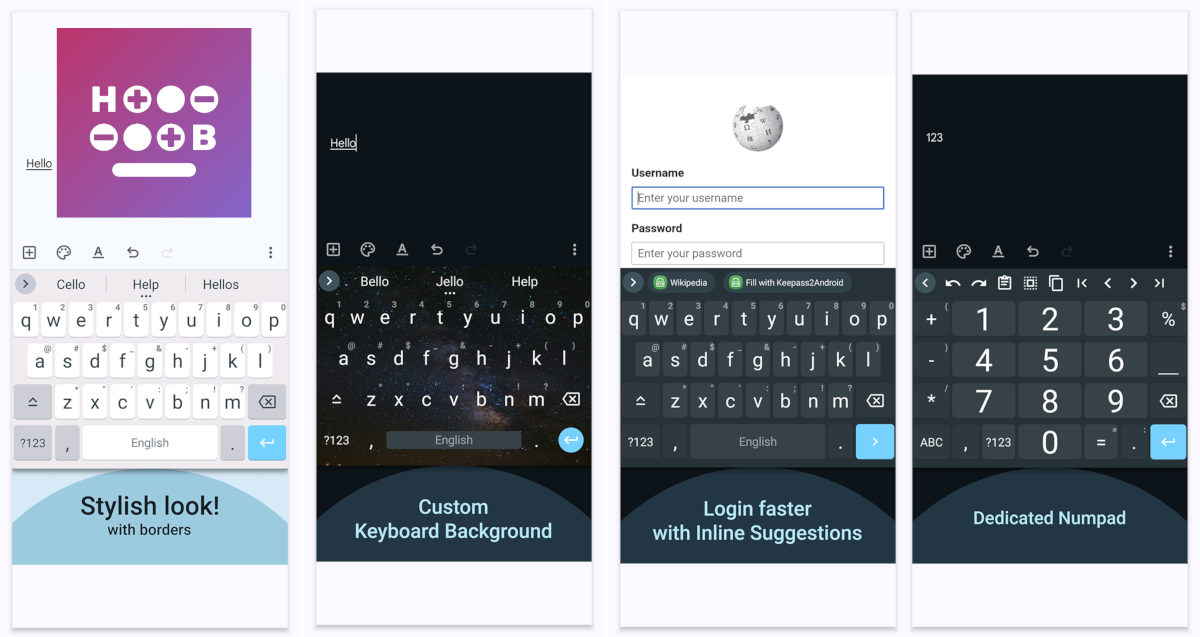
We move on to a lesser-known but quite promising option as a replacement for Gboard on Android. Also from Open source, lightweight and highly customizableHeliBoard is the most adapted and modern evolution of the classic OpenBoard. I was able to use it for a while and it's quite similar to Gboard, but with more granular settings and greater simplicity.
While it doesn't natively support gesture typing, gesture libraries can be installed manually. What it does do without external tools is integrate seamlessly with the Android design: It changes color according to your wallpaper.However, you won't find it on the Play Store: you have to download it from repositories like F-DroidBut it's well worth it if you're looking for the best keyboard alternatives on Android.
Microsoft SwiftKey: Productivity the Windows way
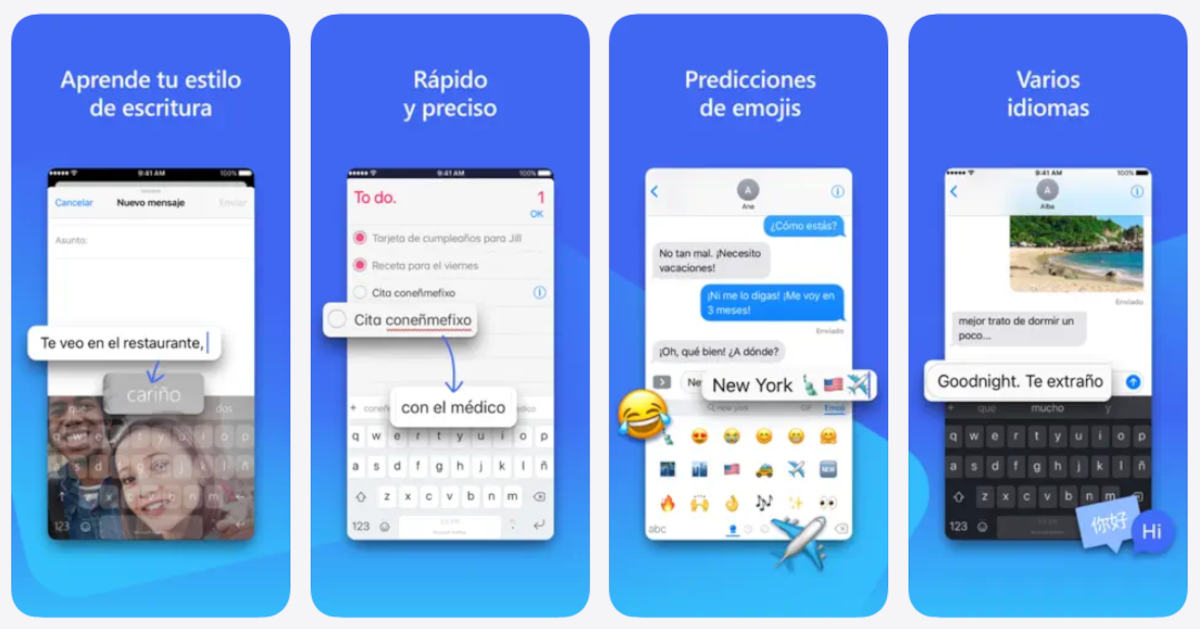
Microsoft's keyboard needs no introduction: a veteran in productivity and advanced features. If your problem with Gboard isn't privacy, SwiftKey is the keyboard for you. integrated with CopilotIt has taken an evolutionary leap that will surprise you as you use it.
In addition to its polished and elegant aesthetics, Microsoft SwiftKey has very useful features. For example, it manages the language switching without having to touch a key. You can type a sentence mixing Spanish and English and the keyboard will understand both grammars in real time.
And if you use a Windows computer, you can Use the shared clipboard between Android and WindowsThis way, you can copy anything from your PC directly to your mobile device, and vice versa. Furthermore, it's one of the best keyboard alternatives for Android in terms of usability. generative AI It refers to.
AnySoftKeyboard: the ultimate multilingual keyboard
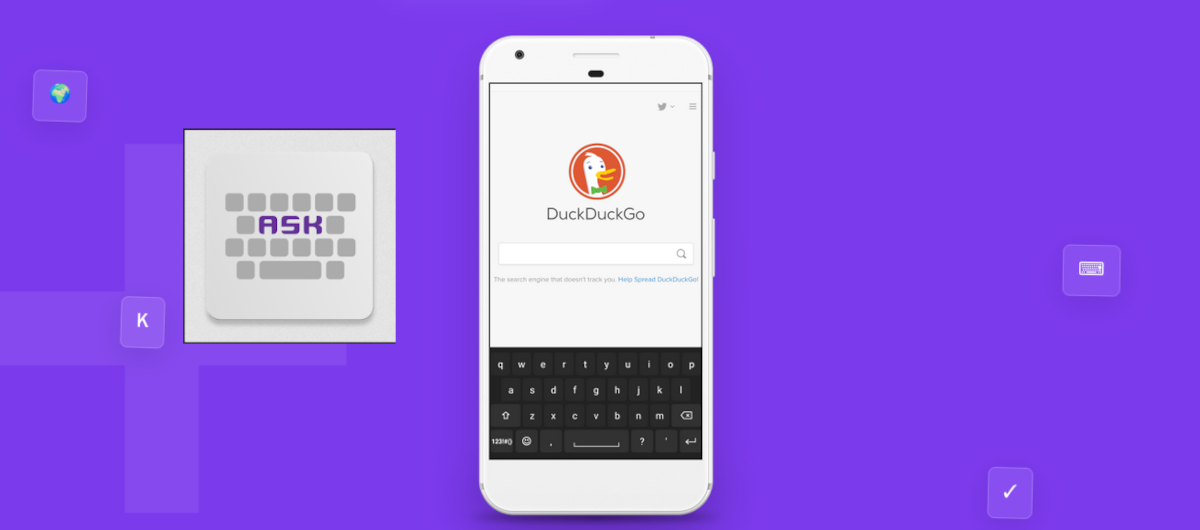
We continue with the best alternatives to keyboards on Android, and AnySoftKeyboard (ASK) It deserves a place on the list. Again, zero internet connection or telemetry transmissionIn addition, it boasts outstanding lightness and a wealth of customization options, with the ability to install plugins for gestures, dictionaries, themes, and more.
But if ASK stands out for anything, it's for its multilingual features. It has Support for dozens of languages and regional variantsSo it's your best option if you need to write in less common languages. Its secret is its huge community, which has created dozens of language packs and designs. Its weak point? The interface feels a bit visually dated, like something from Android 4.4. It's not ugly, but it lacks the fluidity of modern animations.
Best keyboard alternatives on Android: Simple Keyboard
Are you overwhelmed by the number of buttons, GIFs, stickers, and suggestions in Gboard? There's a niche of users who just want a keyboard that types letters, nothing more. Simple Keyboard is the answer to this particular request: tiny (less than 200 kB), free, no ads or permissions, no in-app purchases. It doesn't even have autocorrect or suggestions.It lives up to its name.
Despite its simplicity, it boasts incredible speed, ideal if you need to write long texts on a mobile phone with modest hardware. It also allows you to customize the height and size of the keys. You can make them huge if you have thick fingersAny downsides? Don't expect word prediction or spell correction. The keyboard warns you about this, so if you type quickly and make a lot of mistakes, Simple Keyboard will point them out mercilessly.
Typewise: A radical change
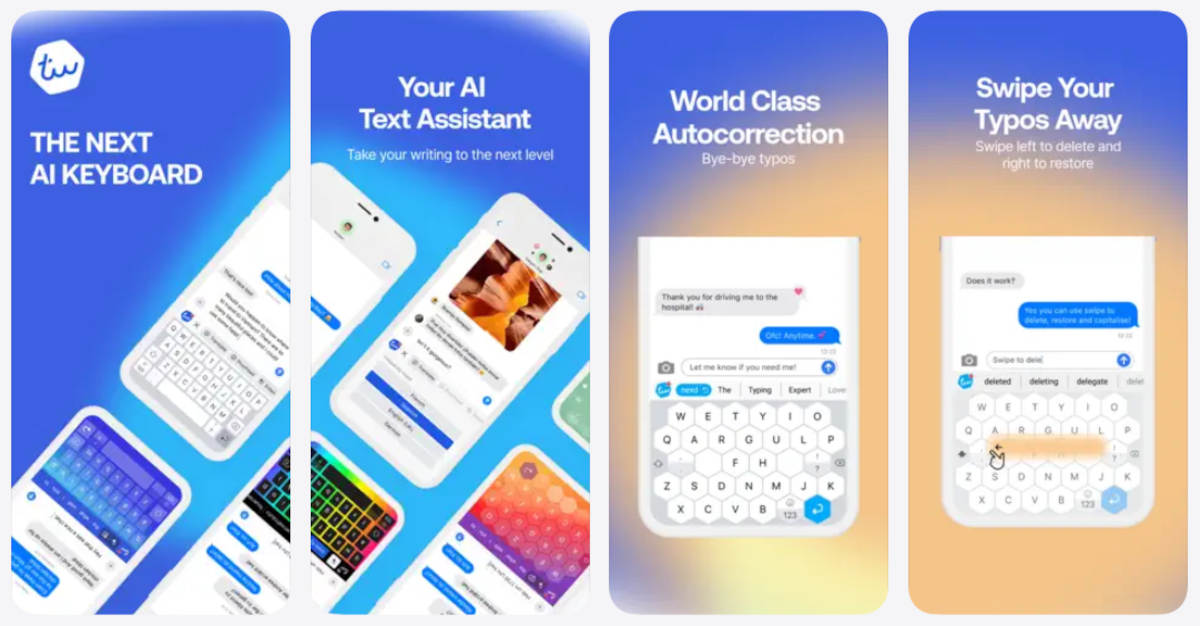
Of all the best keyboard alternatives on Android, Typewise It's the only one that leaves a bittersweet taste. It's different from all the others: the keys have hexagonal shapeThis makes them larger and changes the keyboard layout. It deviates considerably from the QWERTY design inherited from typewriters.
You install it, and you have to do some initial training to be able to use it, because it's very different from what we're used to. You complete the training, but the learning curve is steep: Don't expect to master it in a couple of daysIf you want a unique and different typing experience on Android, this is your keyboard.
Typewise promises that, once you master it, you'll make fewer typing mistakes. And if you do make a mistake, it has a feature to correct it. sliding erase It's very popular: other keyboards should take note. It has a Pro version that unlocks dozens of features and a modern interface with eye-catching animations. They say that once you get past the learning curve (which can take up to a week), it's hard to go back to a traditional keyboard.
Fleksy among the best keyboard alternatives on Android
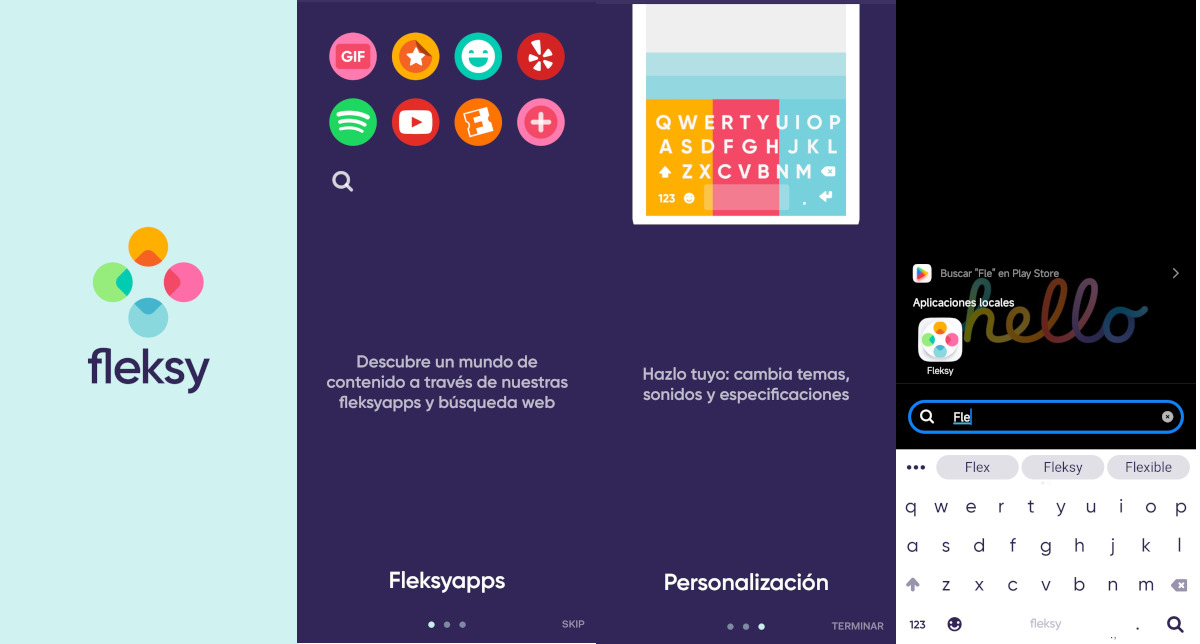
We conclude this tour of the best keyboard alternatives for Android with Fleksy, an interesting option. It has a minimalist appearance, but don't let that fool you: it's packed with features and customization options. For example, it lets you allows installing mini-apps to do things like search on YouTube without leaving the app you're in.
Another striking thing is the keyboard animations And the option to delete using side swipes (not as well as Typewise). Its standout feature is its writing suggestions and highly accurate autocorrect. If you can't find it on the Play Store, you'll have to download its APK from a trusted website.
Index
- 1 The best keyboard alternatives on Android if Gboard no longer convinces you
- 1.1 Futo Keyboard: a sure thing
- 1.2 HeliBoard: a lesser-known Gboard
- 1.3 Microsoft SwiftKey: Productivity the Windows way
- 1.4 AnySoftKeyboard: the ultimate multilingual keyboard
- 1.5 Best keyboard alternatives on Android: Simple Keyboard
- 1.6 Typewise: A radical change
- 1.7 Fleksy among the best keyboard alternatives on Android
