- ChatGPT for Mac incorporates integration with cloud storage services, allowing you to work directly with files from Google Drive, OneDrive, and others.
- The app now records conversations and automatically extracts summaries, key points, and open-ended questions from chats held on your Mac.
- The platform expands its compatibility with professional and educational tools, such as Gmail, Hubspot, and online calendars.
- New capabilities allow you to query and get accurate answers about cloud-stored content using natural language, all from the ChatGPT app for Mac.
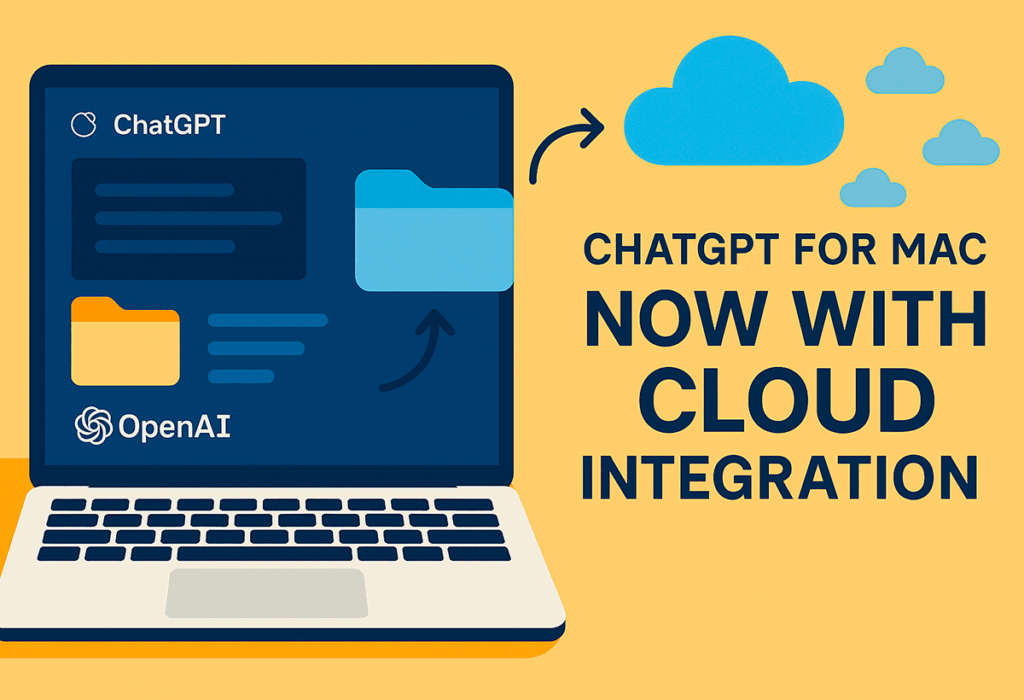
The arrival of new features to ChatGPT for Mac is a significant change. both for private and professional users, since the The official app incorporates direct integration with cloud storage services.. This improvement brings the experience of using artificial intelligence on the Mac to a much more practical and versatile level., facilitating document management, information analysis, and daily productivity tasks without leaving the Apple ecosystem.
ChatGPT for Mac now lets you record conversations and manage cloud-hosted files., providing the ability to ask specific questions about saved documents and get personalized answers directly from that content. This advancement is especially useful for professionals who handle large volumes of information and for educational users who want to streamline queries on their projects and notes.
Intelligent chat logging and key information extraction

Among the new features of this update is the automatic conversation recording and the ability to generate summaries, extract main points and identify open issues Instantly. Users can store their chat history, making it easy to review and organize important ideas without having to manually gather key information.
This feature is especially useful for work teams, small businesses, and educational environments, where the collaboration and discussion monitoring They are fundamental. ChatGPT for Mac automatically organizes structural notes, allowing quick access to topics discussed, pending issues, and decisions made during virtual meetings or individual consultations.
Accessing and processing files in the cloud
Integration with services such as Google Drive, Microsoft OneDrive, Box or SharePoint allows users ask direct questions about your own files, such as sales figures, project details, or any previously stored data. Simply ask ChatGPT questions like: "What was the company's revenue in the first quarter?" or "When was the last time I used a certain resource?", and the system will automatically search and extract relevant information.
To ensure privacy and security, Access to files in the cloud does not involve sharing information with third parties., and the platform allows users to configure access levels and link accounts according to their needs, both in educational and business environments.

Expanded support for professional and educational tools
In addition to cloud logging and processing features, the app expands the list of supported platforms. Tools that can now be integrated with ChatGPT on Mac include:
- Gmail
- Google Calendar
- Google Drive (Docs, Sheets, Slides)
- Hubspot
- Microsoft Teams
- Box
- SharePoint
- Other business and educational solutions
This extension allows combine internal data and documents with contextual information from other sources, facilitating the preparation of reports, project analysis, and the organization of daily work in multidisciplinary teams.
Scope, privacy, and the future of cloud integration

The rollout of cloud integration affects both individual users and educational and business accounts. By default, the processed data is not used to train external models., respecting the confidentiality criteria typical of this type of platform. Companies can activate advanced features and expand integration with other industry-specific, sales, or project management tools.
ChatGPT's roadmap for Mac includes new connections and greater customization in how data is stored, searched, and used in the cloud. Currently, the app offers a robust solution for those looking to leverage generative AI. without sacrificing security or efficient organization of information in the Mac environmentAs more services are added to the list of integrations, both businesses and individual users will have more options to automate tasks and improve their daily productivity through AI.

I am a technology enthusiast who has turned his "geek" interests into a profession. I have spent more than 10 years of my life using cutting-edge technology and tinkering with all kinds of programs out of pure curiosity. Now I have specialized in computer technology and video games. This is because for more than 5 years I have been writing for various websites on technology and video games, creating articles that seek to give you the information you need in a language that is understandable to everyone.
If you have any questions, my knowledge ranges from everything related to the Windows operating system as well as Android for mobile phones. And my commitment is to you, I am always willing to spend a few minutes and help you resolve any questions you may have in this internet world.