- Activate grid printing in Page Layout.
- Include empty cells in the print area.
- Check the fill and draft quality if lines are missing.
- Apply all borders to print the grid in Excel for the Web.

If the Excel data prints on paper but The lines separating the cells are missing.active Page Layout → Gridlines → PrintExcel usually displays the grid on screen, but leaves it out of the printout by default.
That setting is available in Excel for Windows and MacIf you're working in a browser, you can achieve the same effect by applying borders to the cells. In both cases, review the preview before printing or saving the sheet as a PDF.
How to print grid lines in Excel
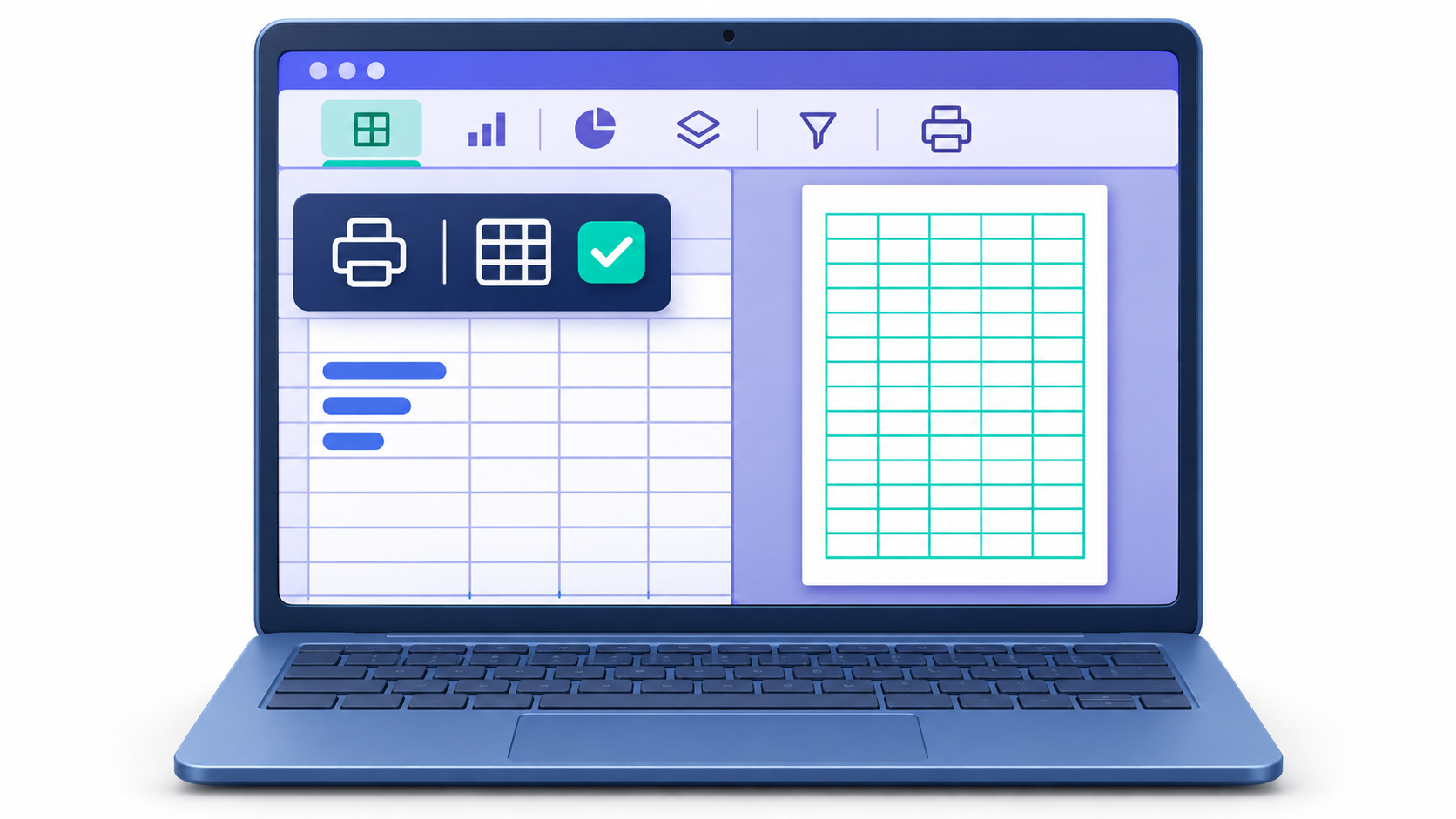
- Open the book and select the tab of the sheet you want to print.
- In the ribbon, go to Page design o Page layout, according to the version.
- En Sheet options, locate Dividing lines and brand PrintThe box See controls the grid that appears on the screen.
- Go to File → PrintOn Windows you can also open it with Ctrl + PCheck that the lines are visible in the preview.
If the box Print If it appears disabled, click a cell to deselect any charts, images, or other objects, and try again. If you need a file instead of a paper copy, check the preview first and follow the steps to Convert Excel to PDF without third-party programs.
What to do if the grid still doesn't appear when printing

- If lines are missing only in some cellsCheck if they have a fill color. Even white will cover the grid. Select those cells and go to Home → Fill Color → No FillIf you want to keep the background color, apply borders.
- If lines are missing throughout the preview, open File → Print → Page Setup → Sheet and sets itself apart Draft quality If it's enabled, check the preview again.
- If the lines appear in the preview but are missing on the paperTry saving the sheet as a PDF and opening it. If the PDF displays the grid and the printer still ignores it, check your print settings or install the latest driver from the manufacturer.
If the paperwork is also missing data or if extra blank sheets are printed, consult the guide on What to do when Excel prints blank pages.
How to print the grid in empty cells
By default, Excel limits the printed grid to the area with data. If you prepare a template to be filled out manually, select the entire range, including any empty rows and columns you want to keep. Go to Page Layout → Print Area → Set Print Area and check that the box is still checked. Print on dividing lines.
For example, if you have data from A1 to D12 And if you want to leave eight rows to fill in on paper, set the print area to A1:D20Open the preview to check that the grid extends to row 20.
How to print grid lines in Excel for the web
Excel for the web allows you to display the grid on screen, but to get lines to appear in the printout you have to apply borders to cellsSelect the range you want to print and open Home → Borders → All BordersThen enter File → Print from Excel and review the result.
The borders They are saved as part of the cell formatting. In desktop Excel, you can adjust their color, thickness, and style to delimit a specific table or preserve the separations against a colored background. grid It is controlled per sheet and is useful when you want to print the usual lines without changing the table format.

Frequently Asked Questions
Where do I activate the option to print the grid in Excel?
You must access the Page Layout tab and, in the Sheet Options section, check the Print box located under the Gridlines section.
Is applying borders the same as printing grid lines?
No, grid lines are general guides for the sheet, while borders are custom strokes that are applied to specific cells with defined styles and colors.
Why aren't the lines appearing even though I've checked the print box?
This usually happens when the Draft Quality option is enabled in the page setup, which removes lines to save ink.
Can grid lines be printed in Excel for the Web?
This feature is not available in the web version, so the only solution is to select the cells and apply borders to them manually.
Can I print the grid in cells that are empty?
By default, they only print where there is data, but you can achieve this by defining a print area that includes empty cells or by applying borders.
How can I make the lines disappear from the screen?
To hide them while you work, you must go to the Page Layout tab and uncheck the View box within the Gridlines group.
Index