- The introduction of Vega OS in new Amazon models blocks the installation of external applications and the use of Downloader.
- Fire OS-based devices still allow sideloading by enabling developer options.
- There are alternatives such as AnExplorer or the use of ADB for those who have Android-compatible hardware.
If you're someone who enjoys tinkering with technology and customizing your device, you've probably encountered an insurmountable obstacle when trying to install external apps on your Amazon Fire TV. What used to be a piece of cake has now become a headache for many, since Amazon has started to turn off the tap. from the facilities from unknown sources in their most recent releases.
The feeling of frustration is real, especially when you follow the usual tutorials and the download window simply doesn't appear. It's not that you're doing anything wrong, but Amazon's ecosystem is changing radically changed its architecture, moving from an open base based on Android to a much more closed and controlled system that doesn't give wings to the more "handy" users.

The main culprit: The arrival of Vega OS
For years, the secret to the Fire Stick's success was its use of Fire OS, an Android-derived operating system. This allowed any APK file designed for Android TV to work seamlessly. However, Amazon has implemented Vega OS, a Linux-based operating system which completely breaks with this compatibility. Since it's not Android, the concept of install an APK It ceases to make technical sense, since the software is inherently incompatible.
The reasons behind this move are clear. First, Amazon wants combat streaming piracypressured by giants like Sky Sports and the Premier League. Secondly, they seek total control over their store, preventing you from installing ad blockers or alternative stores like Google Play. And although they tell us it's because greater security and fluidityThe reality is that the user loses the freedom to customize their device.
How do I know if my device is compatible or not?
This is where the confusion arises, because Amazon sells models with almost identical names but completely different internal components. To clear up any doubts, you should go to Settings > My Fire TV > About and check the software version. If the name starts with OS followed by a number (such as OS 1)Unfortunately, you have Vega OS and the lock is on; you won't be able to use Downloader or install APKs.
If, on the other hand, you see that it says Fire OS and the number starts with 3, 5, 6, 7, 8 or 14You're in luck. Your device is still based on Android, and you can continue installing whatever you want. As a general rule for future purchases, Avoid models that include the word "Select" in their name (like the Fire TV Stick 4K Select) or the newer 2026 versions of the HD Stick, as these come with the new restrictive system.
Step-by-step guide to installing APKs on Fire OS
If you've verified that your model is compatible, the process requires enabling some hidden permissions. First, go to Settings > My Fire TV > About and tap seven times in a row on your device name. When you do this, you'll see a notification confirming that you are already a developerunlocking a secret menu.
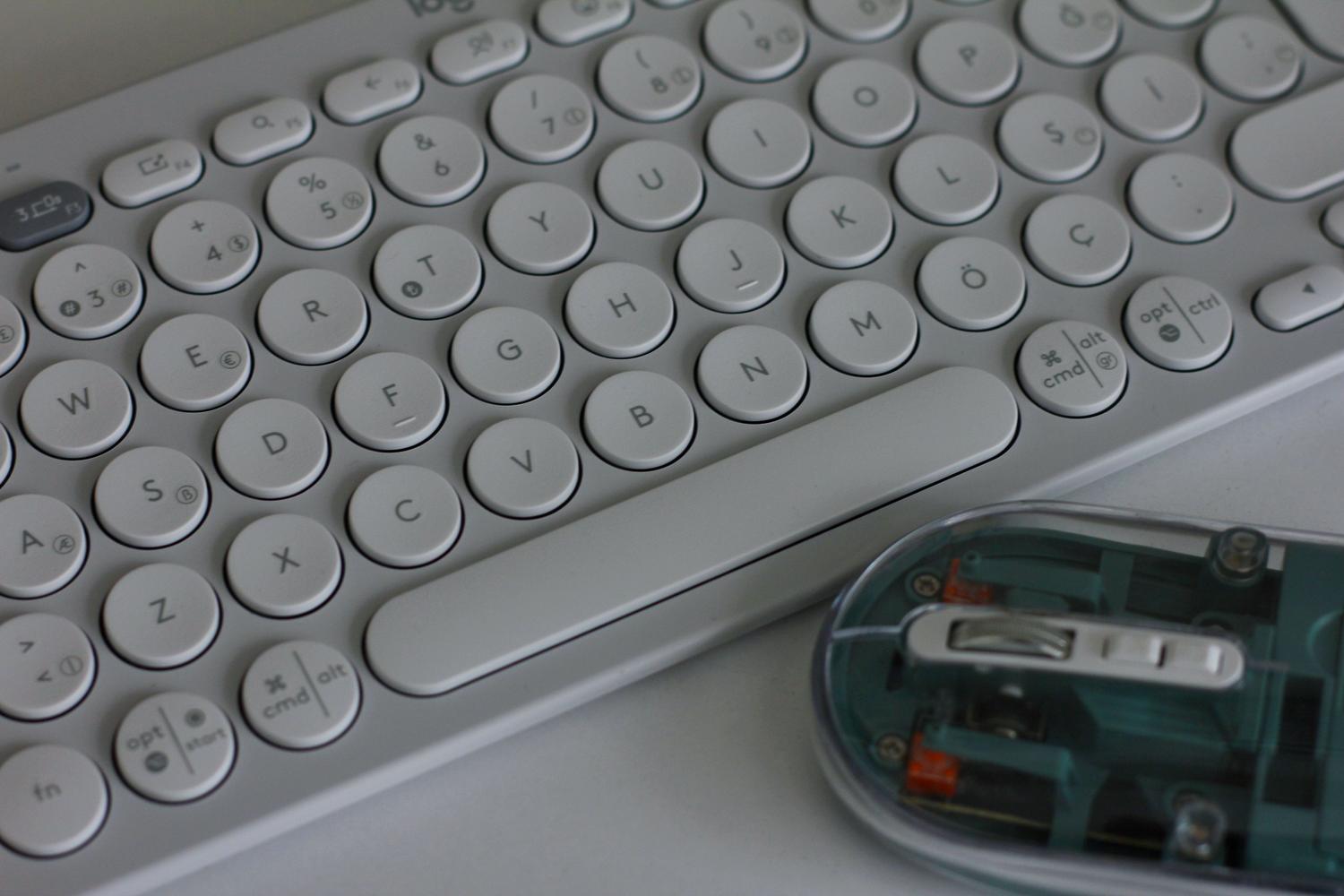
Now, take a step back and enter Developer optionsHere it is essential to activate the box for "Install unknown applications"Without this permission, the system will block any attempt to execute external files for security reasons. To make writing URLs easier, I recommend pair a Bluetooth keyboardbecause typing with the remote is torture.
Effective methods for transferring applications
Once permissions are enabled, you have several ways to add your apps. The most common is to use DownloaderIt's an app available in the official store that serves as both a browser and an installer. Simply search for the APK file in repositories like APKMirror or Uptodown and download it directly.
- Using AnExplorer: It's a powerful alternative available on the App Store. It allows Transfer APKs from your mobile device via WiFiThis avoids having to type long addresses on the TV. You just need the app on both devices and to use the "Transfer" function.
- USB Drives: If you have a Fire TV Cube or a model with a USB port, you can copy the file to a USB drive and use a file explorer to install it. Note that Fire TV Sticks require a OTG adapter with power supply for this to work.
- ADB from PC: For more advanced users, connect the device using ADB (Android Debug Bridge) It's the fastest way. Just enable ADB debugging in the settings and run the command.
adb install app.apkfrom the computer.
Troubleshooting common errors
Sometimes, even when everything seems correct, the app fails to install. The error "Application not installed" This is usually because the APK is not compatible with the Fire TV architecture; always try to find versions specifically for your device. Android TV or "leanback"It's also vital to check that you have enough space on your internal storage.

If the app installs but doesn't appear on your home screen, don't worry. Some third-party apps don't have a TV launcher. You'll need to look for them in [the relevant section]. Settings > Apps > Manage installed apps so that they can be executed manually.
If you're stuck with a Vega OS device and need total freedom, the best option is to look to the secondhand market for older models with Fire OS or switch to alternatives like the Xiaomi TV Stick 4K or the Google TV Streamerwhich maintain the open essence of Android and allow unrestricted sideloading. Now you know everything about why Fire TV doesn't allow APK installations: causes and solutions.

Index
