- First, check where you use Gemini and which account you are logged in with.
- The activity setting affects many connections, but there are exceptions.
- Google Workspace involves several independent settings.
- An active connection does not mean that Gemini can perform any task.

You ask Gemini to find an email, check your calendar, or summarize a Drive document, and it responds that it can't access that information. It's also possible that the app you want to use... It doesn't even appear in connected appsAlthough the two symptoms are similar, they do not always have the same cause.
The solution depends on the account you are logged in withCheck the device settings where you're using Gemini, your activity settings, and, if you're using Google Workspace, what your administrator has allowed. Follow these checks in order to locate the block without changing unrelated settings.
Check the account and availability of that app
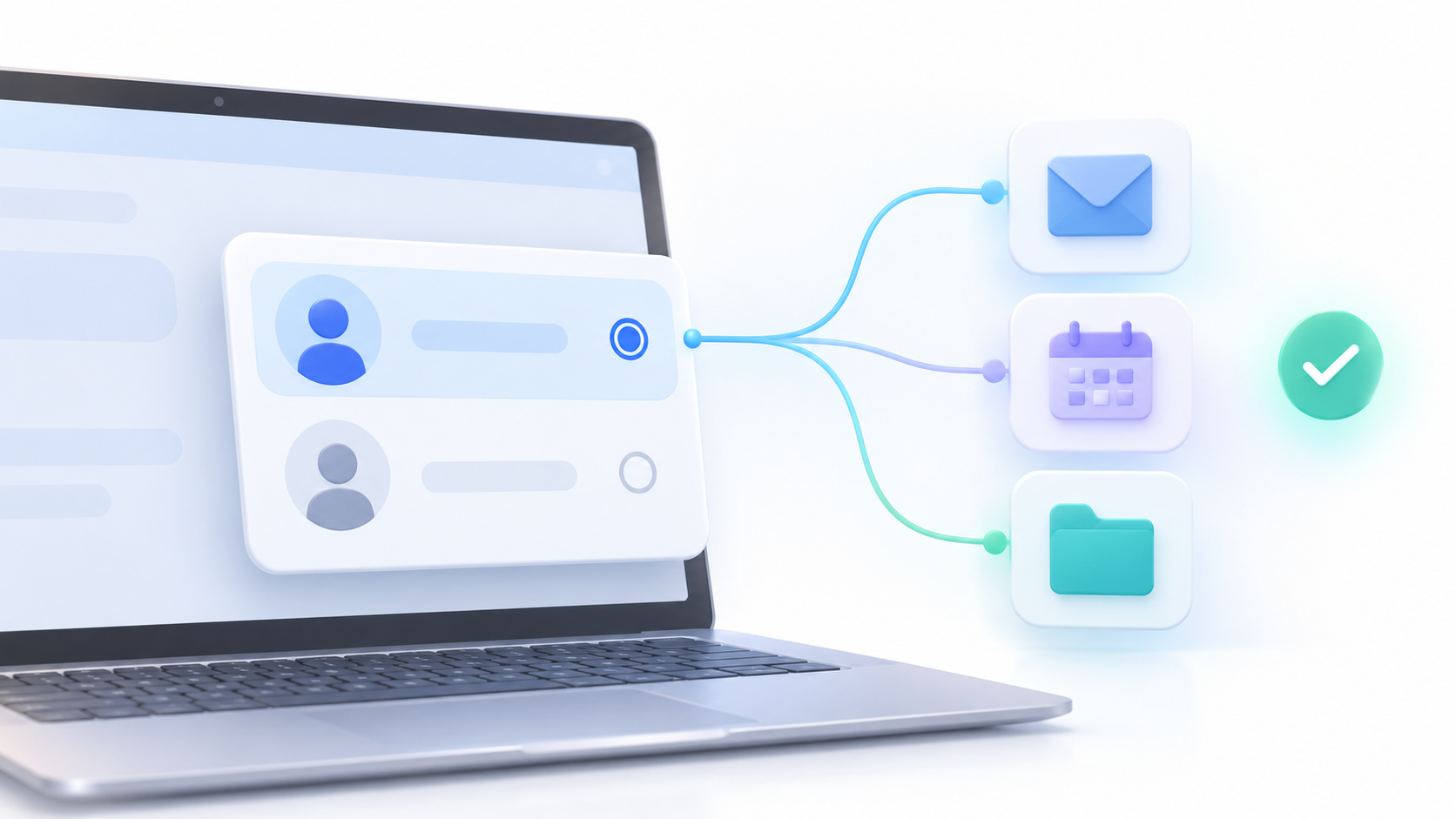
Open Gemini and see what Google account It appears in your profile. If you search for a work email while logged in with your personal account, Gemini won't find that message, even though Gmail is linked to your personal account. Switch to the correct account and repeat the simple request.
Next, go into the settings of Connected apps of the version of Gemini you're using. Check if the service appears and if it's online. The list may vary between gemini.google.com, Android, and iPhone: just because an app is available on mobile doesn't guarantee it will also appear on the web.
Google offers a table of availability and requirements of connected applicationsCheck it if you can't find a specific app. Besides the device, your location, language, age, account type, and subscription can also affect connectivity. If these requirements aren't met, reinstalling Gemini won't restore the connection.
Check "Save activity" before connecting to Workspace
With a personal accountGemini needs the adjustment Save activity It must be enabled to use many connected apps. If it's turned off, connections won't be available on the web, iOS, or watches. There are exceptions on Android: the device assistant and the Phone, Messages, and WhatsApp apps will still work.
The connection with Google WorkspaceThe feature used to access information from Gmail, Drive, Docs, or Calendar requires that "Save activity" is enabled. Check the status of this setting in your account and reload Gemini after changing it. Before enabling it, review Google's privacy explanation to decide if you want to keep this history.
If you use a work account or educational centerYou might not be able to change this yourself: the Google Workspace administrator controls Gemini activity for your organization. In that case, note the missing app and the exact error message so they can review the settings.
If you have a work or school account, check the administrator permissions.

In an organization, it's not enough for Gmail and Drive to function separately. The administrator has to allow Gemini access to Workspace applications for your account, organizational unit, or group. You should also verify that the Workspace edition is suitable, that the required history is enabled, and that the specific service is not disabled.
If you are an administrator, the path documented by Google is Admin console > Generative AI > Gemini app > Apps > Allow access to Workspace appsReview the organizational unit or access group before saving. Google warns that changes may take up to 24 hours to take effect, although they usually arrive sooner.
Depending on the permissions and features available, Workspace apps can access services such as Gmail, Calendar, Docs, Drive, Keep, and Tasks. Classroom has its own conditionsGoogle indicates that it is currently available in English and that the administrator must have confirmed that the user is at least 18 years old. It should not be included in a general "activate Workspace" section as if it functioned the same as Gmail.
If a request requires multiple services and one of them is blocked, it may fail completely. For example, Google states that if you request to create a Calendar event and a reminder in Tasks, but Tasks is not enabled, Gemini will not complete either action. Test each service separately to pinpoint which one is missing.
Check out Gmail's smart features and make a specific request
If Gemini fails to connect to Google Workspace even though the account and permissions appear correct, Google recommends checking the settings in Gmail. Smart features in other Google productsIf it was disabled and you decide to enable it, reload Gemini and try connecting to Workspace again. In organizations, the administrator should also review the smart feature settings applicable to their users.
Then, it begins a new conversation and explicitly mention the service you want to use. You can write, for example, "Find the trip confirmation email in Gmail" or enter @ and select Google Drive before requesting a summary. To find a file, use words from its title or content and specify whether it's a document or PDF.
Google recommends Don't just paste the URL From an email or document, ask it to check Workspace. If Gemini provides a response that seems outdated or incorrect, open the cited source and verify it: an active connection doesn't prevent the AI from misinterpreting the content or finding an older version.
Google Messages: Two features you shouldn't confuse
Gemini Yes, it can help you send messages from your mobile app on Android. through the connected Messages app, if its requirements and permissions are met. You can ask them in Gemini, and if they don't use that app, try mentioning @MessagesThis feature is not available in the same way in the web application or in Live conversations.
Another thing is opening the chat "Gemini in Google Messages" and expect that Gemini will then access Gmail, Drive, or other connected apps from that conversation. Google indicates that, for now, Gemini's connected apps cannot be used within Gemini in Google Messages.
Therefore, the statement "Gemini cannot be integrated with Messages" is incorrect. When diagnosing the problem, identify which app you are using to communicate with Gemini and what specific action you are trying to perform.
Rule out an unsupported function before looking for a bug
The fact that Google Workspace appears connected does not mean that Gemini can perform any operation on its services. According to Google's documentation, this connection does not allow You can't move files between Drive folders, count all items in Drive or Gmail, or view images and videos saved in Drive. through that channel. Limitations may vary depending on the service and account type.
If a complex task fails, try a basic request: search for a specific email, check today's events, or summarize an identifiable text document. If that works, check if the original action is supported. If that doesn't work either, double-check your account, connection, Save Activity, and, in Workspace, your organization's permissions.
What to do if Gemini doesn't even charge

A blank screen, a menu that doesn't appear, or a text box that doesn't respond are Gemini charging problemsThis is not proof that Gmail or Calendar have lost their permissions. First, check if you can access the service with the same account in another browser or device and if other pages load normally.
If the problem only occurs in one browser, try a private window or check for extensions that might be interfering with the pages. If it also happens on other devices and networks, it could be a temporary service issue. In that case, wait and try again; clearing cookies or reinstalling the app before identifying the source might force you to log in again without resolving the problem.
The most useful sequence is this: Verify the account, check if the app is available on your device, check Save activity, confirm the connection, and make a simple request that explicitly mentions the service. If you use Google Workspace and any of these steps are managed by your organization, provide the administrator with the app name and the error message so they can review the relevant setting.

Index
- 1 Check the account and availability of that app
- 2 Check "Save activity" before connecting to Workspace
- 3 If you have a work or school account, check the administrator permissions.
- 4 Check out Gmail's smart features and make a specific request
- 5 Google Messages: Two features you shouldn't confuse
- 6 Rule out an unsupported function before looking for a bug
- 7 What to do if Gemini doesn't even charge