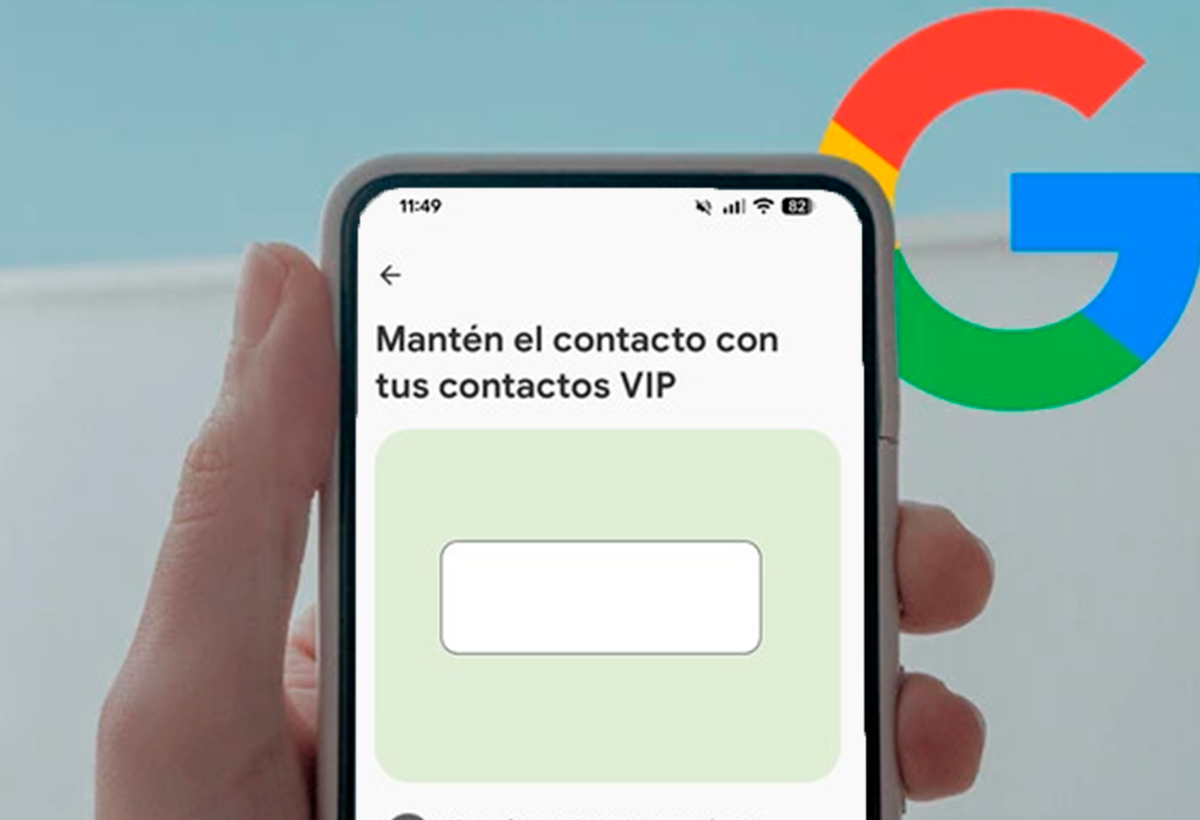
- Google introduces 'Pixel VIPs,' a widget integrated into the Contacts app for Pixel phones.
- Allows you to gather and manage relevant information and recent activities from your most important contacts.
- The widget provides notifications, latest locations, personalized notes, and recommendations for joint activities.
- It is integrated into the June Pixel Drop update along with other new features in Android 16.

The latest update for Google's Pixel devices brings a feature that directly aims to improve the management of the most relevant contacts on a daily basis: the new 'Pixel VIPs' widgetThis new feature, included as part of the June Pixel Drop and with the rollout of Android 16, seeks strengthen the connection and rapid communication between users and their closest family or friends.
The 'Pixel VIPs' widget arrives as an exclusive space in the Contacts app. of Pixel devices. Its main purpose is to make it easier to organize and track the most important people for the user, centralizing on one screen the activity and relevant information of each selected contact, all with much more direct access.
How does Pixel VIPs work and what does it offer?
Pixel VIPs allows you to create a kind of personal wall in the Contacts app, showing in visual format the contacts marked as priority. Clicking on any of these profiles takes you to a summary with the last interaction, such as recent calls, text messages, WhatsApp messages, and your most recent location if it has been shared.
Additionally, each entry offers additional details: you can see when the last call was, the duration of the same, and even the approximate location obtained through the contact's telephone number, viewable on an integrated map. Contact methods are displayed based on the apps available to each person (calls, SMS, WhatsApp, etc.), making communication faster and easier.
An interesting feature is the section of Personalized notes, where the user can jot down key reminders, such as a medical appointment, a pending trip, or details you would like to discuss in the next conversation. Another section suggests activities to do as a couple or in a group., encouraging interaction and monitoring of common plans.
Integration with the Pixel ecosystem and privacy
One of the keys to Pixel VIPs is that All relevant information is managed locally on the deviceThis means that data such as the user's last call, location, or recent messages never leaves the user's phone, thus enhancing privacy. Additionally, contacts marked as VIPs can bypass "Do Not Disturb" settings, but only if communication is made through certain compatible apps such as Google Messages or WhatsApp.
Another noteworthy aspect is the visual update of the widget, which shows each VIP with ID photo and name, allowing you to quickly distinguish between contacts. Birthday notifications, important dates, and recent activities are automatically notified, making it easier to remember anything important with loved ones.
In some versions, Pixel VIPs also integrates a history of interactions and the ability to receive suggestions about activities or events shared between the user and each VIP, enriching the social experience from the phone itself.
Availability and requirements
Pixel VIPs is available with the updated version of the Contacts app, launched in June within the Pixel Drop channel, and is activated by notification or manual update. At the moment, Its use is limited to compatible Pixel devices, and users who have already received the new feature can access the widget directly from the main screen of the Contacts app.
The service is in its initial phase and Not fully operational in all territories, although a progressive expansion is expected in the coming months. Learn how to activate Android 16 on your Pixel device. and enjoy new features like Pixel VIPs.
The introduction of Pixel VIPs reinforces Google's commitment to a advanced and humanized management of the social and communication environmentPixel devices continue to differentiate themselves in the Android market by offering exclusive tools that improve users' daily lives, especially for those who value close relationships and personalized monitoring of the most important people in their lives.

I am a technology enthusiast who has turned his "geek" interests into a profession. I have spent more than 10 years of my life using cutting-edge technology and tinkering with all kinds of programs out of pure curiosity. Now I have specialized in computer technology and video games. This is because for more than 5 years I have been writing for various websites on technology and video games, creating articles that seek to give you the information you need in a language that is understandable to everyone.
If you have any questions, my knowledge ranges from everything related to the Windows operating system as well as Android for mobile phones. And my commitment is to you, I am always willing to spend a few minutes and help you resolve any questions you may have in this internet world.