- Implementation of an open-source Retrieval Augmented Generation (RAG) engine to manage complex documents.
- Technical hardware and software requirements needed for a stable deployment using containers.
- Language model configuration (LLM) and optimization of data ingestion through advanced chunking.
- Customizing the architecture by choosing indexing engines and deploying on ARM64.

If you're looking for a way to get artificial intelligence to base its answers on your own files, RAGFlow is one of the most comprehensive alternatives. It's a engine for increased generation through recuperation open source that analyzes the structure of documents and provides the model with relevant information to reduce the usual hallucinations of LLMs.
Furthermore, you can install it on your own infrastructure to maintain control over your data and avoid complete dependence on external platforms. Thanks to its Docker-based architecture, it allows for managing ingestion, indexing, and the creation of assistants and agents through a visual interface.
Technical requirements before starting
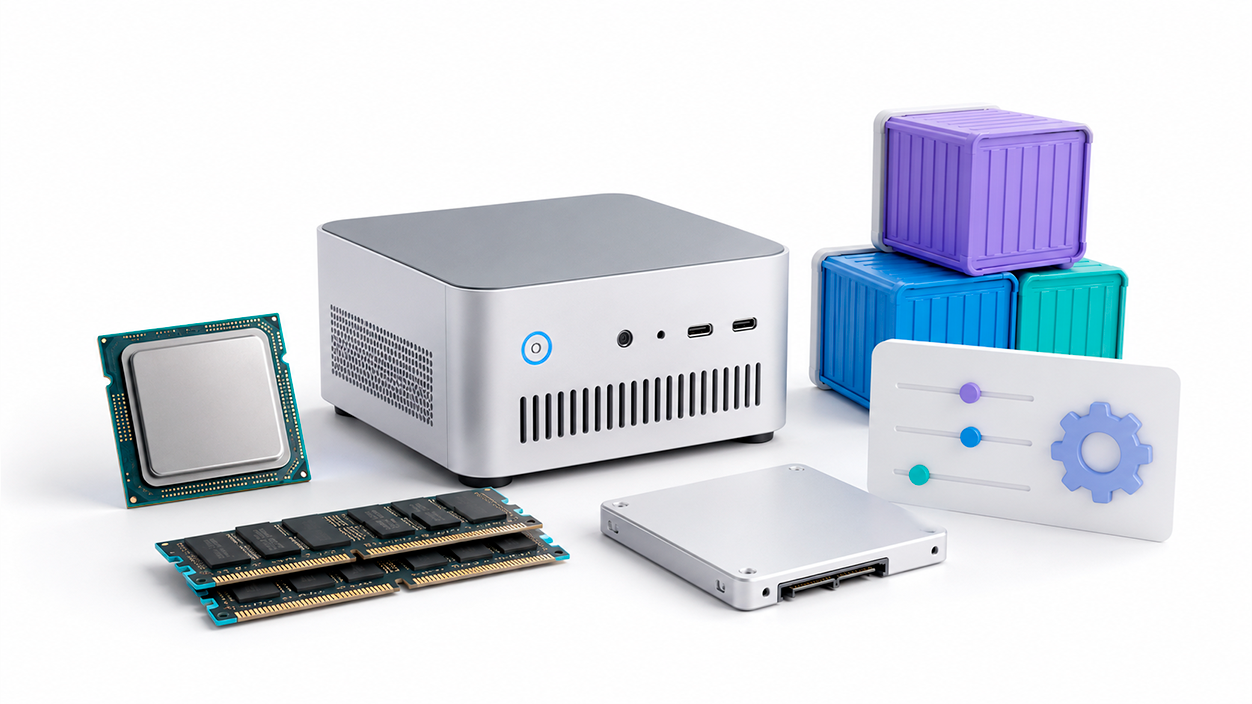
For the system to function correctly, you need a computer that meets certain minimum requirements. Document management, search engines, and indexing can consume significant resources, especially when working with large collections.
The RAGFlow documentation establishes the following requirements:
- x86 processor with four cores or more.
- At least 16 GB of RAM.
- A minimum of 50 GB of available storage.
- Docker 24.0.0 or later.
- Docker Compose 2.26.1 or later.
- Python 3.13 or later.
If you plan to use the code executor in sandbox mode for your agents, you will also need to install gViewer to isolate the execution and improve the safety of the environment.
Another important point is the kernel configuration. You must ensure that the value of vm.max_map_count be equal to or greater than 262144. Otherwise, the document engine may display memory errors or fail to start correctly.
You can check the current value using:
sysctl vm.max_map_countIf you need to modify it temporarily, run:
sudo sysctl -w vm.max_map_count=262144This change will be lost after restarting the system. To preserve it, add the following line to the file /etc/sysctl.conf:
vm.max_map_count=262144Steps to deploy RAGFlow with Docker
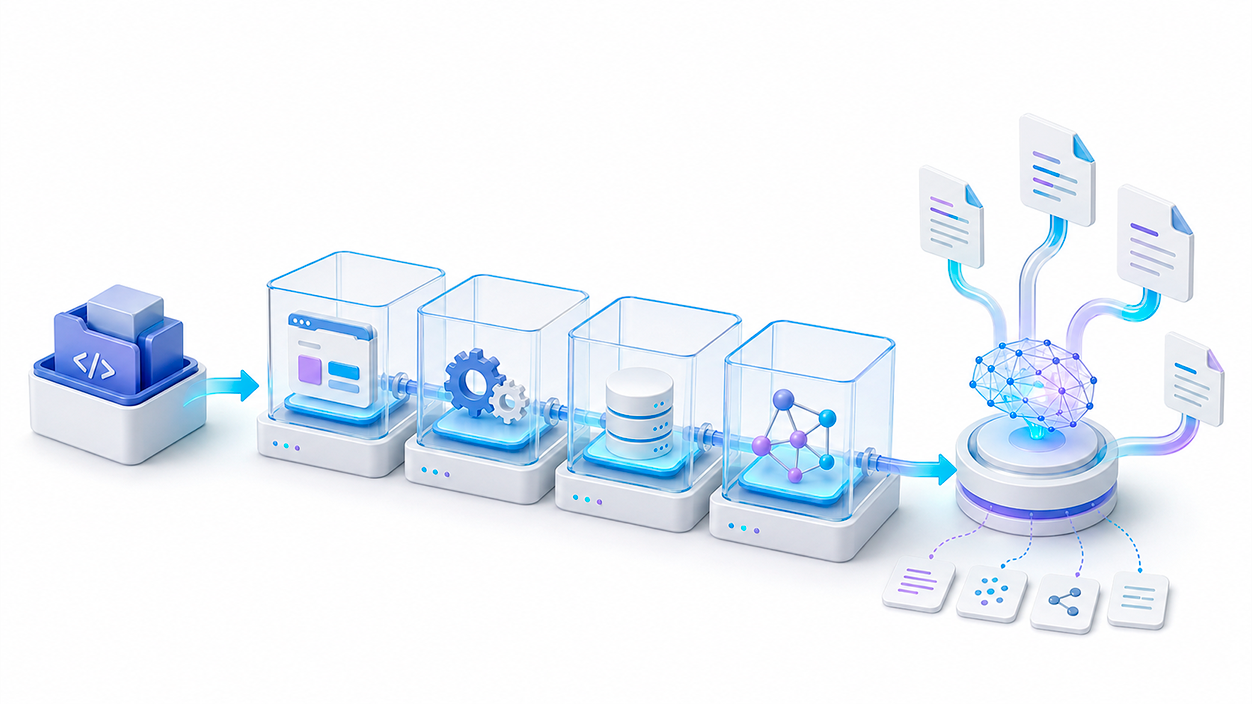
Once the environment is prepared, the first step is to clone the official repository from RAGFlow on GitHub:
git clone https://github.com/infiniflow/ragflow.git
cd ragflow/docker
To avoid incompatibilities between the configuration files and the Docker image, it is recommended to select a stable version published in the repository. Then you can start RAGFlow using:
docker compose -f docker-compose.yml up -dThis command uses the CPU for DeepDoc tasks. If you have a NVIDIA GPU compatible, add the following variable to the file .env before starting the containers:
DEVICE=gpuNext, use the same Docker Compose file:
docker compose -f docker-compose.yml up -dTo verify that the server has started correctly, check the logs of the corresponding container:
docker logs -f docker-ragflow-cpu-1The exact container name may vary depending on the version and configuration used. When the logs indicate that the server is running in 0.0.0.0You can now open the interface.
By default, simply enter the server's IP address into your browser:
http://IP_DEL_SERVIDORThe default HTTP port is 80, so you don't usually need to type it in. Once inside, access Model ProvidersSelect the provider you want to use and configure its credentials. RAGFlow allows you to define chat models, embeddings, image recognition, and other compatible tasks separately.
Document management and workflow
RAGFlow's main advantage lies in how it processes information. Instead of simply dividing content into arbitrary fragments, it uses different analyzers to interpret the structure of documents, tables, images, and scanned files.
To begin, create a dataset, upload your files, and select a fragmentation template suitable. The platform supports various formats, including PDF, DOCX, spreadsheets, presentations, text files, and images.
RAGFlow also allows inspect the generated fragmentsYou can manually edit them and add keywords. This option is useful when the analyzer has not correctly interpreted a table, heading, or specific section.
When the system retrieves information to answer a question, it can include quotes that lead back to the original fragments. This improves the traceability of responsesHowever, it does not guarantee that the model will be completely error-free.
After processing the documents, you can create an assistant from the chat section. Among its options is the ability to define what it should respond when it doesn't find enough information in the knowledge base.
Setting a message like "I can't find this information in the available documents" helps reduce the risk of the model improvising a response without documentary support.
Advanced system settings and optimization
The main deployment parameters are found in the file .envFrom there you can modify elements such as the HTTP port, MySQL and MinIO passwords, the document engine, or GPU usage.
RAGFlow uses Elasticsearch as its default engine for storing and retrieving text and vectors. It also allows switching to Infinity using this variable:
DOC_ENGINE=infinityHowever, this change does not automatically preserve existing data. The official procedure requires stopping the containers and deleting their volumes.
docker compose -f docker-compose.yml down -vThe parameter -v delete Docker volumes and all data stored on them. Before running the command, make sure you have a backup and that you really want to start with a clean installation.
After establishing DOC_ENGINE=infinity in the file .envYou can restart the containers:
docker compose -f docker-compose.yml up -dThe official RAGFlow images are designed for x86 platforms. If you are using a processor ARM64For certain devices, such as those with Apple Silicon or servers with Amazon Graviton, you will need to build a compatible image following the project instructions.
Since version 0.22, RAGFlow has only distributed a lightweight edition of its image. This version is approximately 2 GB in size and relies on external or additional services to provide the necessary language models and embeddings.
If you want to expose the service to the internet, it's not recommended to directly publish its port. The safest approach is to use a reverse proxy like Nginx or Traefik In front of RAGFlow, enable HTTPS and add appropriate access controls.
Integration of local models and privacy
RAGFlow can also use models running within your own infrastructure. Supported options include: Ollama, LM Studio and vLLMHowever, the specific configuration depends on the provider and the installed version.
In a normal installation, Ollama can be added from Settings > Model Providers > OllamaThere you must specify the model and the address through which RAGFlow will be able to access the Ollama server.
If RAGFlow is running inside Docker, remember that localhost It points to the container itself. When Ollama is installed on the host system, you will need to use an address accessible from the containers, such as the machine's IP address or host.docker.internal when it becomes available.
To keep data within your network, simply using a local chat model isn't enough. You also need to verify that embedding models, image recognition, re-ranking, and any other connected service run locally. If any depend on an external API, some information could leave your infrastructure.
The platform allows the use of re-ranking models to reorder retrieved fragments before sending them to the LLM. This can improve the relevance of responses in certain collections, although the result will depend on the documents, the selected model, and the search settings.
RAGFlow allows you to transform a collection of documents into a searchable knowledge base using artificial intelligence. Its analysis, fragmentation, retrieval, and traceability tools help you obtain better-informed answers, while local deployment offers greater control over the infrastructure and data processing.
Index
