- New feature: Designate recovery contacts to recover your account with the help of friends.
- Quick settings from Security → Recovery contacts in your Google Account.
- The process uses temporary codes (15 minutes) and invitations expire in 7 days.
- Additional option: Log in with a phone number; no password required.
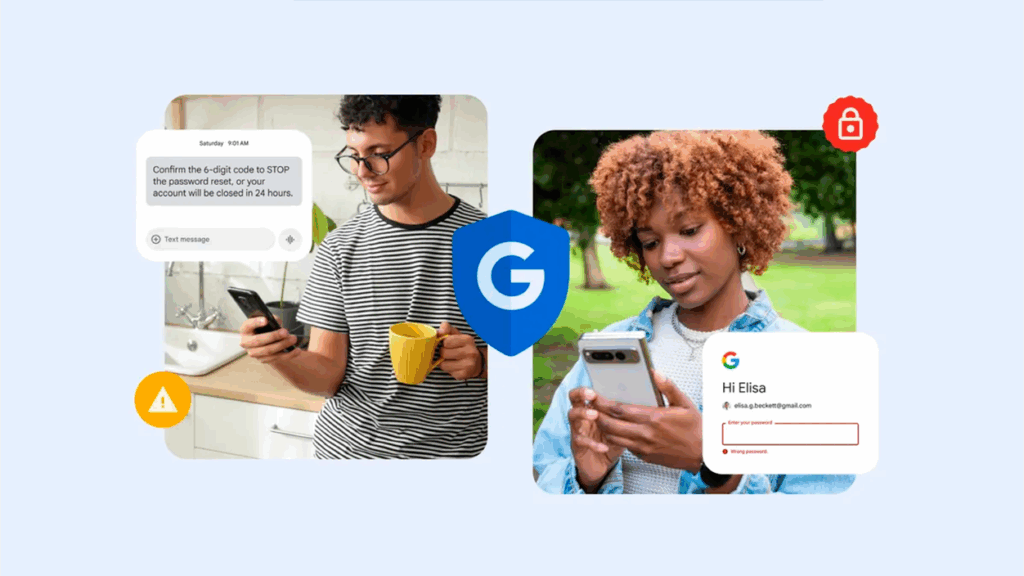
Losing access to your account no longer has to be a hassle: Google has enabled an option to recover the account with the help of trusted friends or family. With the so-called recovery contacts, You can rely on someone close to you when you don't remember your password or can't receive codes on your mobile phone..
The company ensures that the contact only collaborates in validating your identity and does not gain access to your email, files or personal dataThis new feature is now available for eligible personal accounts and is added to another option designed for emergencies: log in using your linked phone number.
What recovery with the help of friends brings
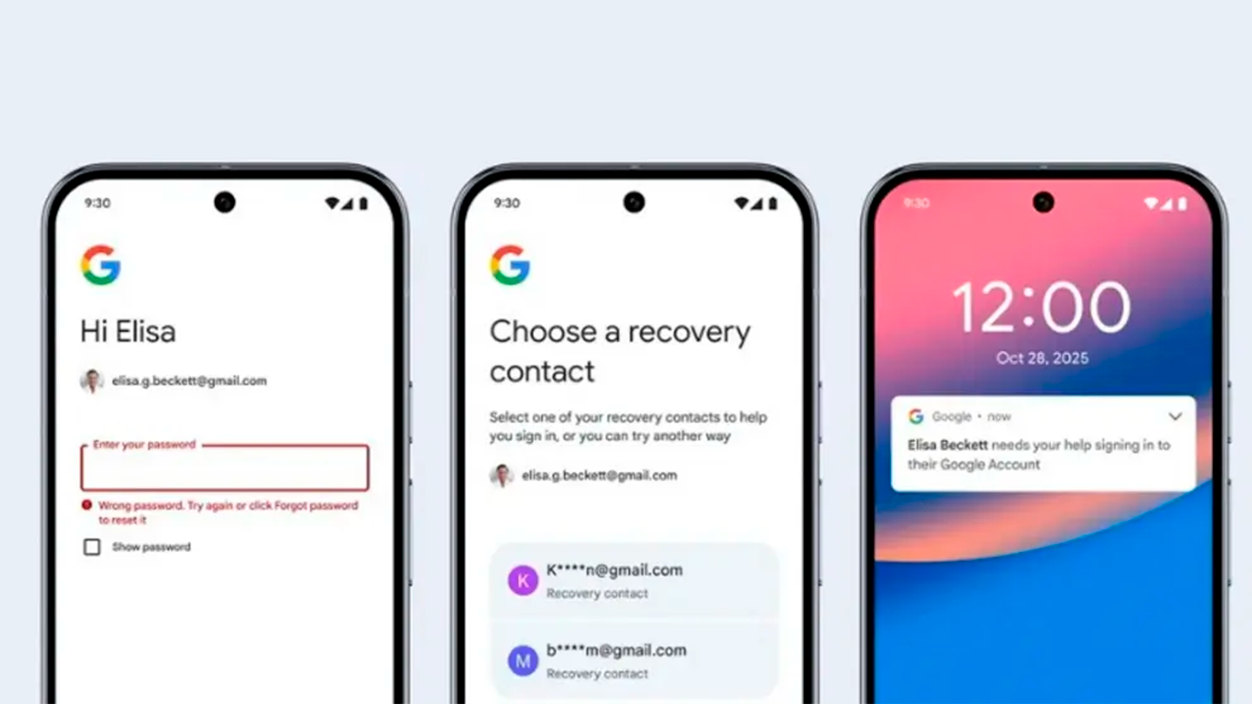
With this feature, the account holder designates a trusted person as a contact; if you get locked out, That person receives a notification to confirm that it's really youThis is especially useful if your phone has been stolen, lost, or changed, and you can't complete two-step verification.
The process is designed to be simple and secure: You and your contact share a code Validated via a notification or email. No passwords or indirect access to your account.

How to activate a recovery contact
First of all, choose someone who knows you well and will respond quickly; Google recommends close relatives or your best friend with an active Google account.
To set up a recovery contact, follow these steps within your Google Account; the exact location may vary slightly depending on the version, but The general path is Security → How you sign in to Google → Recovery Contacts:
- Open your Google Account.
- Enter Security o Security and login.
- Look for the section How do you access Google? y tap Recovery Contacts.
- Choose Add recovery contact.
- Write the email of the trusted person and press Submit request.
Your contact will receive a notification with your name, email, and profile picture to validate the invitation; the application expires after 7 days, so if you don't answer, You will have to forward it or select another person..
If the invitation is not declined, you can forward it up to twice a dayIf rejected, you'll have to wait four days before trying again with the same contact.
How to use it when you can't log in

If you can't log in, go to recovery form and choose the option to use your recovery contact. You'll see the number of the contact you suggested so you can contact them immediately.
The system generates a temporary code that expires in 15 minutesShare it with your contact. They'll see several codes on their notice and should select the one that matches yours to confirm you're the owner.
Once you pass that check, you can finish the recovery process and restore your access safely, without your contact being able to read anything from your account.
Privacy, limits and availability
Google emphasizes that the recovery contact does not receive security alerts or see your activity; its role is limited to helping you prove that you are who you say you are.
This option is coming to personal accounts Google. Google Workspace accounts and those enrolled in the Advanced Protection Program are excluded for now; these cannot add contacts, although they can can act as a contact for other accounts. Children's accounts also cannot be used or used as recovery contacts.
The same user can be a recovery contact. up to 25 main accounts, so families and small teams have enough time to organize themselves.
Sign in with phone number
Along with recovery contacts, the company is rolling out a second option designed for when you change your phone: log in using your linked mobile phone number.
The mechanism automatically identifies which accounts are associated with that number and will ask you for the screen lock code from previous device as verification. You don't need to enter your password, which speeds up the process if your device is lost or stolen.
Both measures seek to balance security and ease of use, reducing the usual bottlenecks of account recovery and avoiding endless calls and forms.
With recovery contacts and mobile number access, Google offers a clear way out when the classic method fails: Choose your trusted people carefully, configure the option as soon as possible and keep their details handy.If you ever get locked out, it'll take less time to get back in, and your information will remain protected.

I am a technology enthusiast who has turned his "geek" interests into a profession. I have spent more than 10 years of my life using cutting-edge technology and tinkering with all kinds of programs out of pure curiosity. Now I have specialized in computer technology and video games. This is because for more than 5 years I have been writing for various websites on technology and video games, creating articles that seek to give you the information you need in a language that is understandable to everyone.
If you have any questions, my knowledge ranges from everything related to the Windows operating system as well as Android for mobile phones. And my commitment is to you, I am always willing to spend a few minutes and help you resolve any questions you may have in this internet world.