- UWB technology enables precise localization with a margin of error of less than 10 cm.
- It is used in car unlocking, object tracking, and home automation.
- To enable UWB on Android, go to the Connected Devices settings and enable it.
- Not all phones are supported, only recent models from Samsung, Google, and Apple.

La ultra-wideband technology, known as UWB (Ultra-Wideband), has gone unnoticed for years, but is gaining prominence in the world of smartphones, automotive, and precise location. Thanks to its ability to measure distances with high accuracy and low latency, it has become a key technology in modern devices.
If you're wondering What is UWB and how to activate it on your Android phoneIn this article, you'll find all the information you need. We'll explain how it works, its main advantages, and how you can get the most out of it in your daily life.
What is UWB technology?
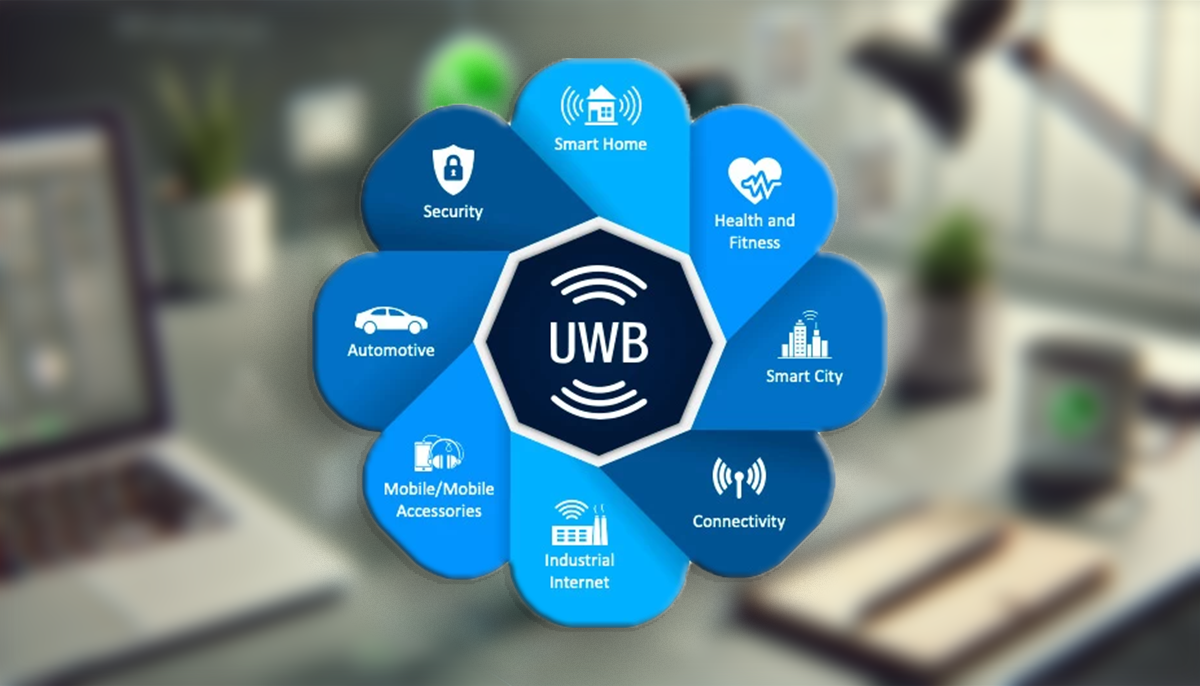
Ultra-Wideband or UWB is a wireless communication protocol Designed to transmit data and measure distances with an accuracy of up to 10 cm. It works by sending high-frequency radio pulses and measuring the time it takes for them to reach another compatible device.
This technology differs from Bluetooth or Wi-Fi because offers much greater precision in the localization of objects and devices. This makes it ideal for tracking and automation applications.
What is UWB used for?
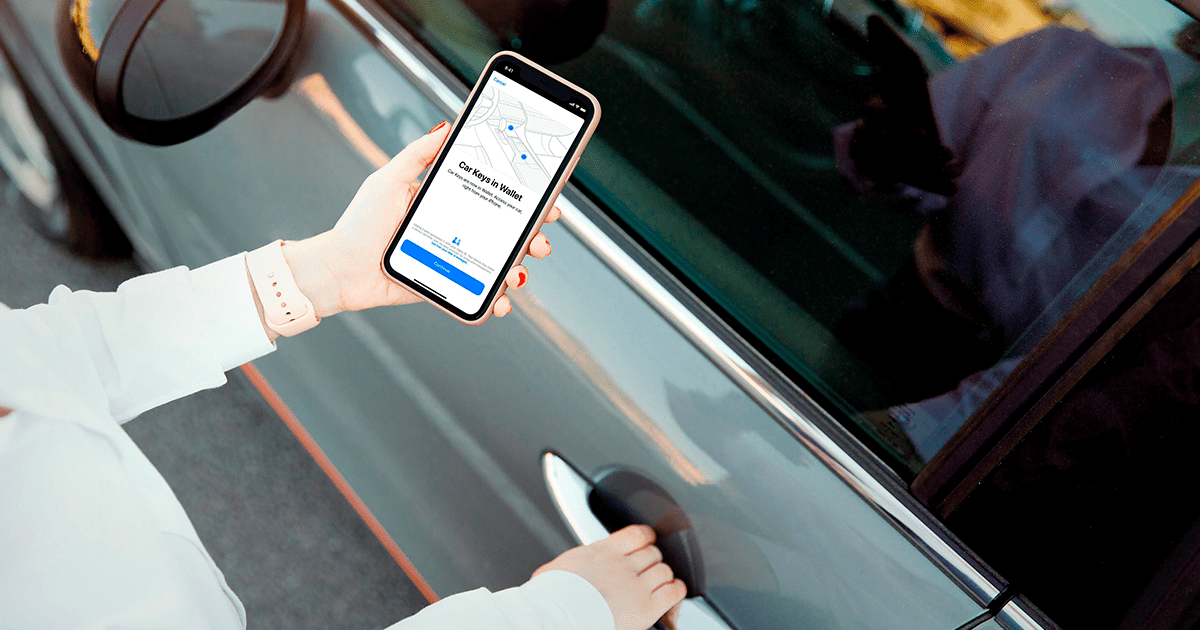
Ultra-broadband has multiple applications, including:
- Keyless Car Unlocking: Some manufacturers have adopted UWB to allow vehicles to detect the proximity of a compatible mobile phone and unlock automatically.
- Precise location of objects: Devices like Apple AirTags or Samsung SmartTags use UWB to track items with great accuracy.
- Home automation: UWB can be used to improve interaction with smart devices by adjusting their behavior based on the user's location.
- Security and access: Some companies are integrating it into security systems to ensure that only authorized users can access it.
Which phones are compatible with UWB?
Not all smartphones include this technology, so it's important to check if your device is compatible. Some models that feature UWB are:
- Samsung: Note 20 Ultra, S21+, S21 Ultra, S22+, S22 Ultra, S23+, S23 Ultra, Z Fold 2, Z Fold 3, Z Fold 4.
- Google: Pixel 6 Pro, Pixel 7 Pro.
- Xiaomi: Mix 4.
- Apple: iPhone 11 and later.
How to activate UWB on Android?
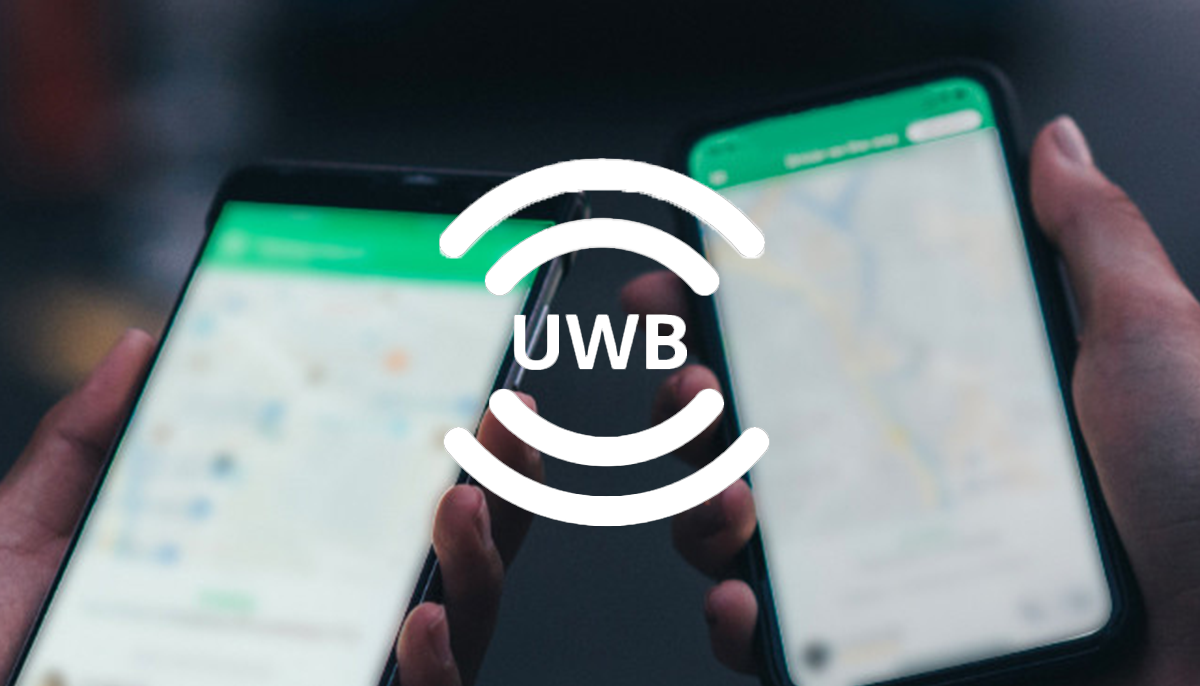
If your phone supports UWB, you can easily activate it from your device's settings. Follow these steps:
- Open the application of Configuration on your phone.
- Go to the section of Connected devices.
- Access Connection preferences.
- Look for the option Ultra-wideband (UWB) and activate it.
On Samsung devices, the process may vary slightly. You need to go to Settingsthen to Connections and activate the corresponding option.
How is UWB different from Bluetooth?
Although UWB and Bluetooth are both short-range wireless connectivity technologies, there are important differences between the two:
- Precision: UWB can locate devices with an accuracy of less than 10 cm, while Bluetooth has a much larger margin of error.
- Transmission speed: UWB was originally designed for data transmission, although today it is used more for tracking.
- Security: Ultra-wideband offers stronger authentication, reducing the risk of unauthorized access.
Thanks to these differences, Many manufacturers are incorporating UWB into their devices to improve the user experience in tracking and connectivity applications.
UWB is revolutionizing the way we interact with our devices, providing a precise location y greater securityIf your phone is compatible with this technology, activating it will allow you to enjoy benefits such as keyless car unlocking and precise object tracking. UWB adoption continues to grow and is likely to become a standard in the mobile and automation industries in a few years.

Index
