- Detection of massive malware campaigns such as Fractureiser and Stargazers Ghost Network in popular repositories.
- Use of fraudulent applications on Google Play that saturate Android devices with intrusive advertising.
- Risk of theft of credentials, Discord tokens, and cryptocurrency wallets through Trojans and infostealers.
- Importance of downloading content only from official sources and scanning files with security software.

Since it landed on our screens back in 2009, Minecraft has become a massive and ever-growing phenomenon. And it's no wonder, since it allows both children and adults to unleash their creativity in infinite worlds, even being used in educational settings to teach urban planning or architecture. However, where there's success, there are also those who want to take advantage, and the Cybercriminals have set their sights in this community to air their dirty laundry.
Unfortunately, the freedom of install modifications or mods To improve the gaming experience, they've opened the door to some pretty nasty threats. We're no longer just talking about minor technical glitches, but about malicious software designed to spy, steal bank details or render the computer completely unusableIf you like to tinker with the game, it's essential that you know what you're getting into so you don't end up with your account stolen.
The deception of apps on Google Play

In the Android ecosystem, things get especially bad. Dozens of apps have been detected in the official Google Play Store that are sold as mod packs, but are actually... scams designed to bombard you with adsMany of these apps, such as Zone Modding or Darcy Minecraft Mod, get thousands of downloads before Google notices and deletes them.
What's most unsettling is that these apps tend to have very extreme ratings: they either get one star or five. This smells fishy. bots programmed to inflate the scoreWhile real users complain that the app does absolutely nothing. The problem is that younger people tend to ignore these warnings and download content for mobile devices without looking.
Once installed, these apps use a dirty trick: the icon disappears from the phone's menu so the user thinks the application has deleted itself. But meanwhile, the malware remains. working in the background and opening browser windows with ads every two minutes, making the smartphone virtually unusable.
To clean the device, reinstalling the browser won't help. You need to go to the application settings, find the malicious app among all the installed ones, and eliminate it completelyThe best course of action is to run a powerful antivirus program, such as Kaspersky, which is capable of detecting this type of hidden adware and removing it quickly.
Serious threats on PC: Fractureiser and Ghost Network
If you play on Windows, Linux, or Mac, the situation is even more serious. Recently, an alarm was raised about malware called Fractureiser that has slipped in en well-known modpacks like Better MC or Dungeons Arise. This virus doesn't just display ads; it's a real threat that seeks to steal private information and system passwords.
On the other hand, we have the "Stargazers Ghost Network," a highly sophisticated operation that uses hundreds of fake GitHub accounts to distribute infected files. They masquerade as useful tools like "Oringo" or "Taunahi." The process is a trap: you download the mod, put it in the game folder, and as soon as you launch Minecraft, The malware activates automatically..
What these attackers are after is digital loot. They are capable of extracting Discord and Minecraft tokensPasswords saved in Chrome or Firefox, cryptocurrency wallet data, and even screenshots of your desktop. Stolen information is usually sent to servers controlled by the attackers..
How to avoid the trap and protect your equipment
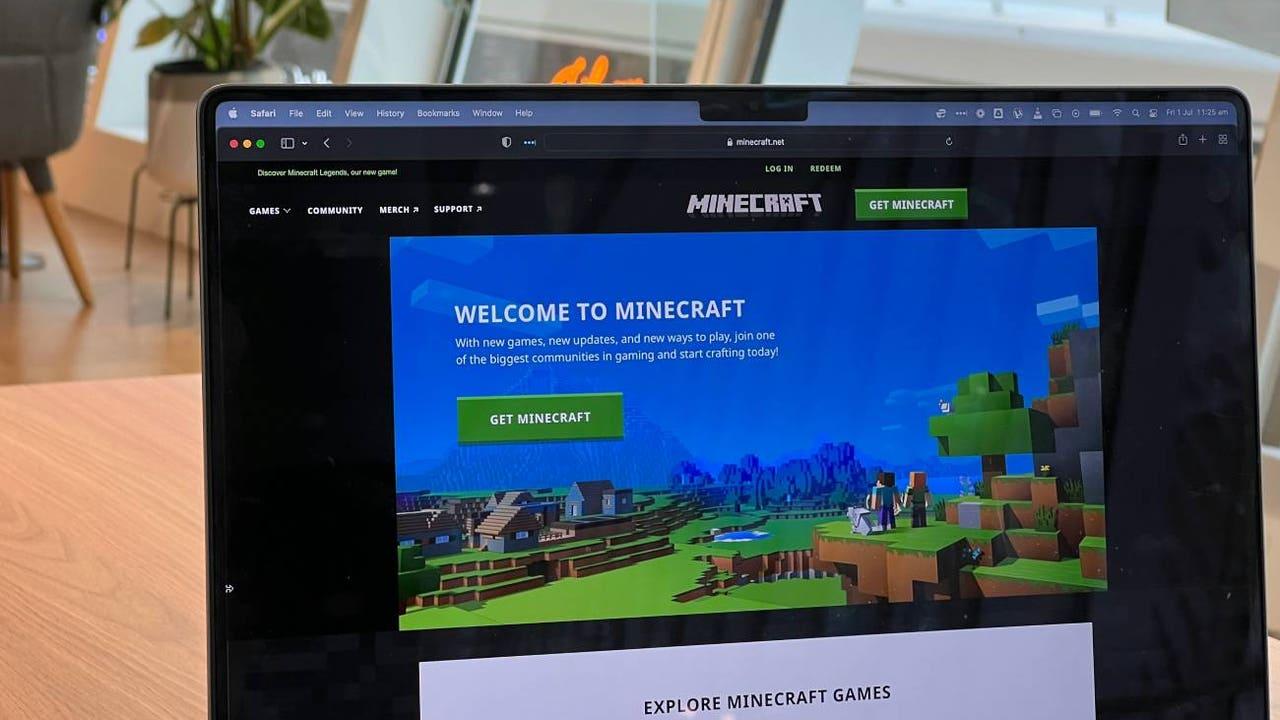
To prevent your computer from becoming a sieve, it's vital to follow some basic rules. The first is Only download content from official sites. and with a good reputation, like CurseForge or Modrinth. Even so, don't trust blindly; always check other users' comments and be wary if a mod promises free tricks or "cheats" that seem too good to be true.
It's very important to pay attention to the type of files you download. If a Minecraft mod asks you to run a file .exe or .bat and requests administrator permissionsRun away from there immediately. Legitimate mods usually come in .jar format and shouldn't require full control over your operating system to function.
- Use tools like VirusTotal for analysis any suspicious files before moving them to the game folder.
- Keep your updated security softwareHowever, he notes that some advanced malware attempts to evade detection.
- If you have technical knowledge, Try the mods on a virtual machine or sandbox to see how they behave before installing them on your main PC.
- Educate young people about the importance of not trusting poorly written descriptions or suspicious reviews.
Staying vigilant is the best defense in gaming. At the end of the day, safety depends on our ability to be skeptical of the sources unofficial and keep our protection tools up to date, thus preventing a simple graphic improvement from becoming a digital nightmare that compromises our privacy and that of our family.

I am a technology enthusiast who has turned his "geek" interests into a profession. I have spent more than 10 years of my life using cutting-edge technology and tinkering with all kinds of programs out of pure curiosity. Now I have specialized in computer technology and video games. This is because for more than 5 years I have been writing for various websites on technology and video games, creating articles that seek to give you the information you need in a language that is understandable to everyone.
If you have any questions, my knowledge ranges from everything related to the Windows operating system as well as Android for mobile phones. And my commitment is to you, I am always willing to spend a few minutes and help you resolve any questions you may have in this internet world.