- Avoid using harsh chemicals to clean your Pixel Buds Pro 2.
- Use a dry microfiber cloth and cotton swabs to remove dirt.
- Do not immerse the headphones or the case in water to preserve their durability.
- Dry them well if they have been in contact with moisture or sweat.
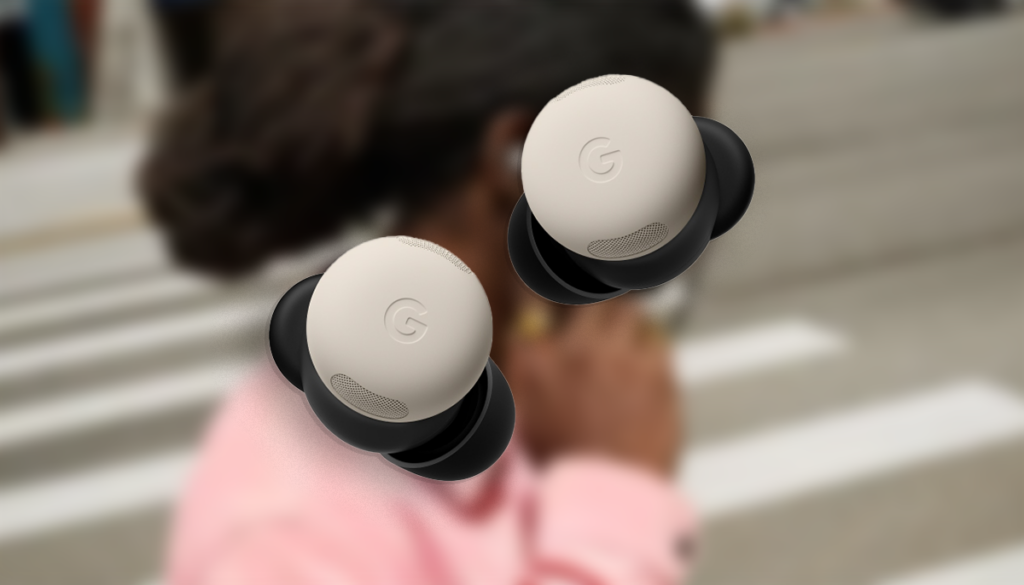
Keep your Google Pixel Buds Pro 2 In perfect condition, it will not only prolong its lifespan, but also ensure an optimal sound experience. Accumulation of dirt and moisture can affect audio quality, charging, and even the interpretation of touch gestures.. Therefore, it is essential to know the correct way to clean them without damaging them.
A continuación, te explicamos detalladamente How to safely clean your Pixel Buds Pro 2, which products to avoid, and key aspects to maintain your water resistance.
General recommendations for cleaning the Pixel Buds Pro 2
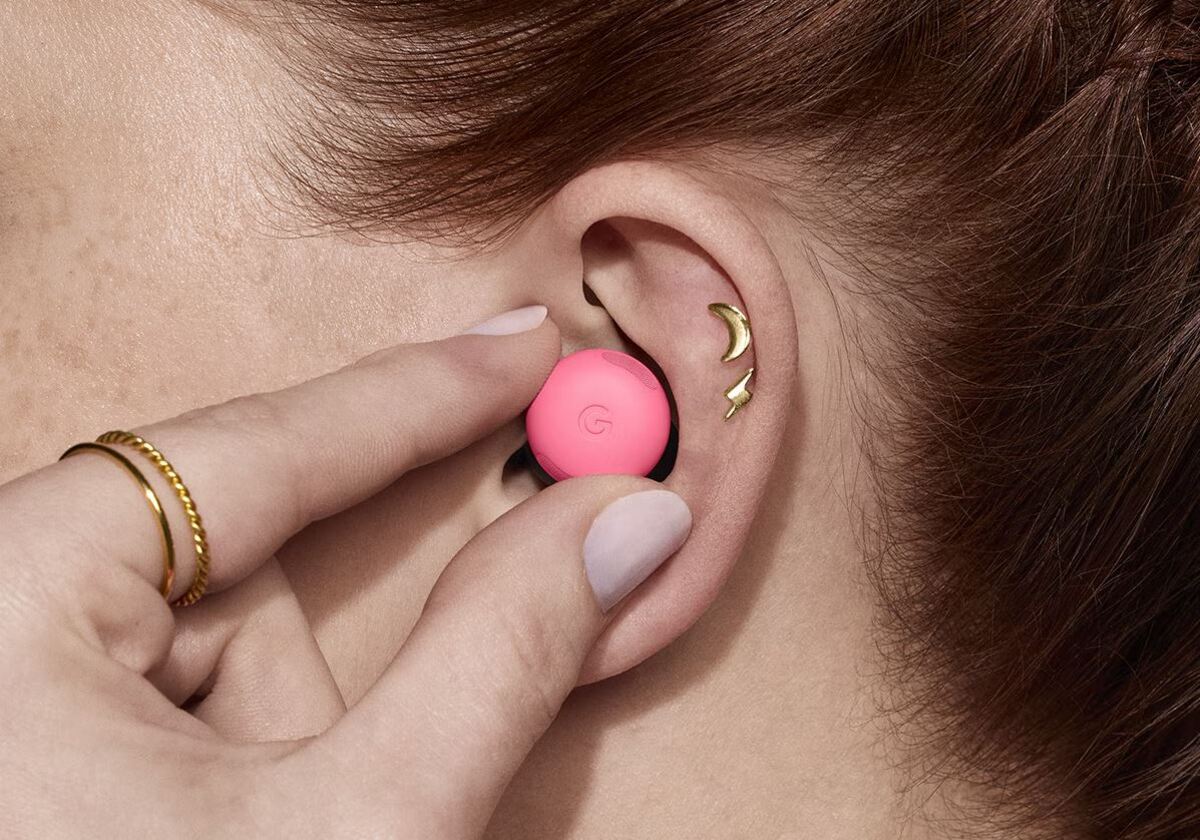
Daily use of headphones causes the accumulation of dust, sweat y cerumen, lo que puede afectar su rendimiento. If you don't keep them clean, you may notice a reduction in sound quality., charging issues, and even touch control failures. To learn more about caring for your devices, you can check out this article on cómo conectar auriculares inalámbricos.
- No uses productos químicos agresivos such as alcohol, benzene or detergents, as they can damage the components.
- Do not clean them while they are charging., as this could cause damage to the electrical system.
- Do not immerse them in water Do not expose them to direct water jets, since, although they are water resistant, this may decrease over time.
- Dry them properly if they have been in contact with liquids such as sweat or rain.
How to clean headphones
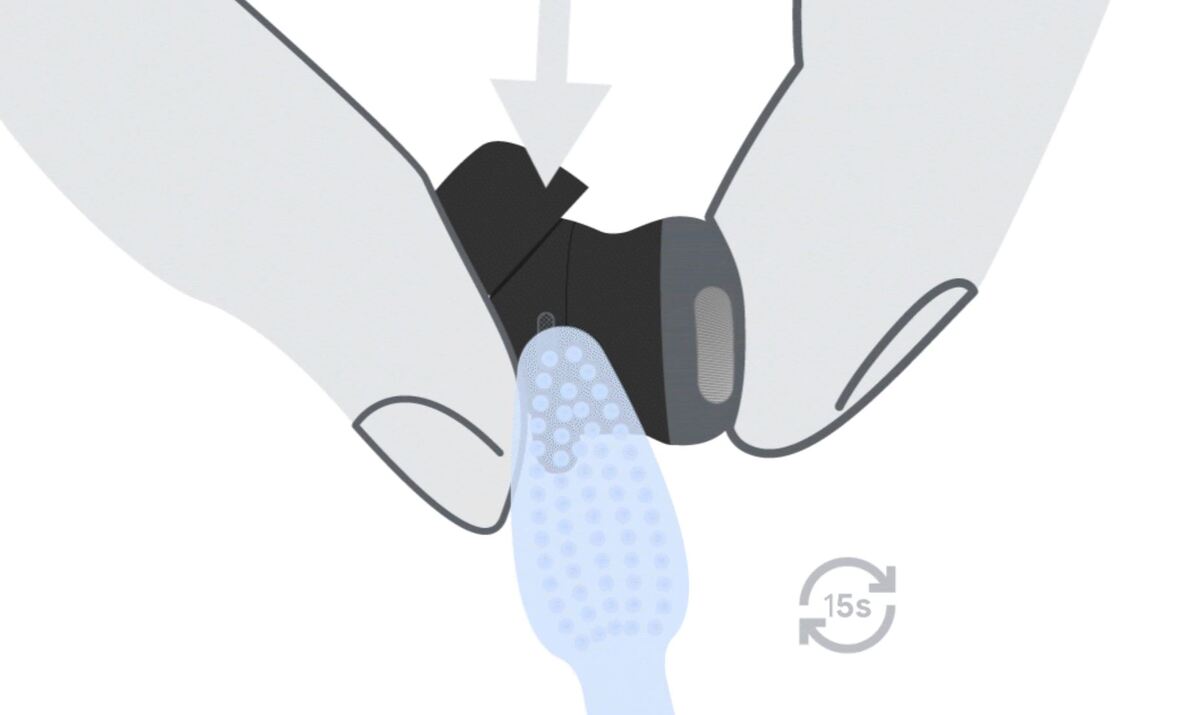
To safely clean your Pixel Buds Pro 2, you We recommend using the following materials:
- Microfiber cloth dry or slightly moistened with water.
- Cotton swabs to clean hard-to-reach areas.
- Soft bristle brushes or paintbrushes to remove traces of dirt without damaging the surface.
And to clean them properly, Follow these tips.
- Wipe with a dry microfiber cloth on the surface of the headphones to remove dust and surface dirt.
- If there is accumulation of dirt, lightly dampen a cloth with water and gently wipe it over the ear cushions and body of the headphones.
- To clean grooves or difficult areas, use a dry cotton swab or soft bristle brush.
How to clean the charging case
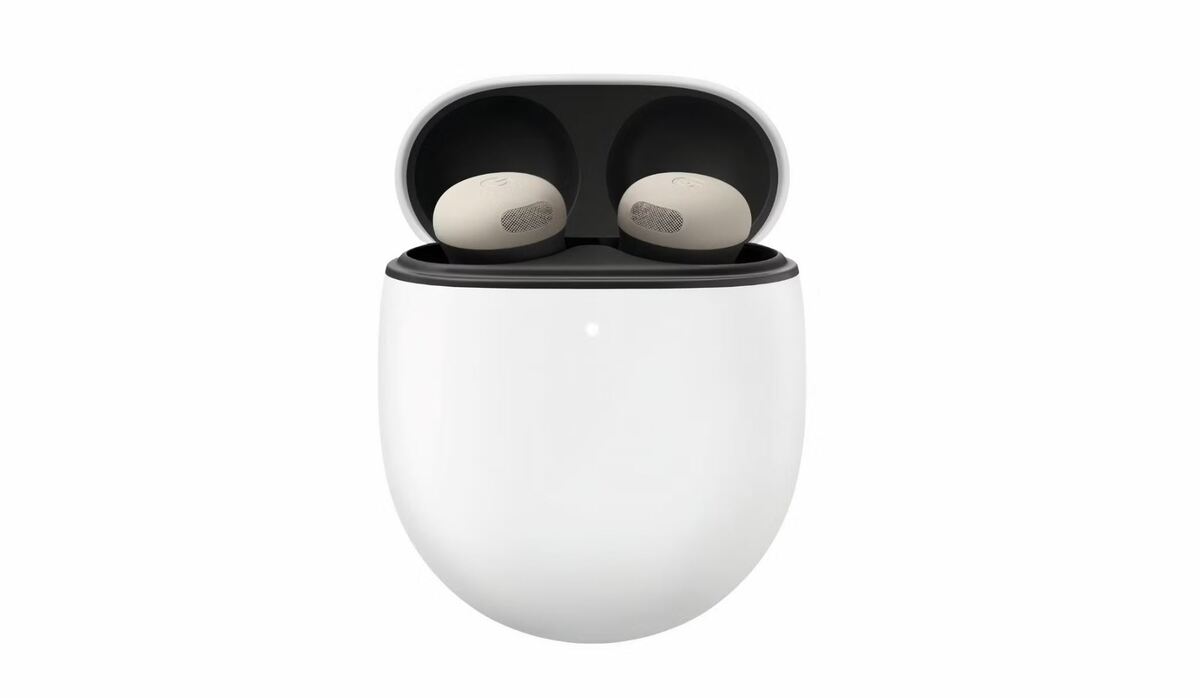
The charging case also accumulates suciedad y dust over time. To clean it safely, follow these steps:
- Use a dry microfiber cloth to clean the external and internal parts.
- Clean the charging connectors with a dry swab to remove any residue.
- Do not introduce liquids or wet materials at the charging port to prevent damage.
Considerations on water resistance
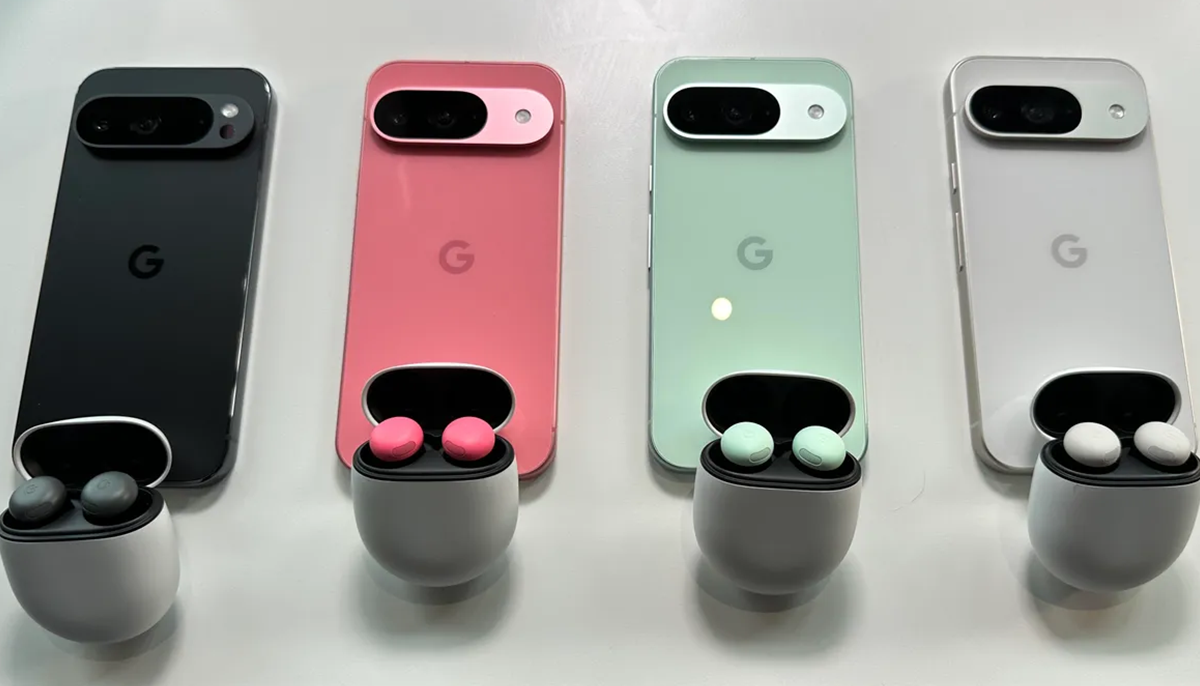
The Google Pixel Buds Pro 2 have IP54 certification, lo que significa que tienen some level of protection against dust and water splashes. However, Water resistance is not permanent and may decrease over time. uso.
If the headphones have been exposed to water or sweat:
- Dry them completely with an absorbent cloth before storing them in the case.
- Avoid charging your Pixel Buds while they are still wet., as this could damage them.
- Disable touch gestures in humid environments to avoid unintentional activation.
By following these recommendations, your Pixel Buds Pro 2 will remain in optimal condition, providing the best sound quality and long-lasting performance.

I am a technology enthusiast who has turned his "geek" interests into a profession. I have spent more than 10 years of my life using cutting-edge technology and tinkering with all kinds of programs out of pure curiosity. Now I have specialized in computer technology and video games. This is because for more than 5 years I have been writing for various websites on technology and video games, creating articles that seek to give you the information you need in a language that is understandable to everyone.
If you have any questions, my knowledge ranges from everything related to the Windows operating system as well as Android for mobile phones. And my commitment is to you, I am always willing to spend a few minutes and help you resolve any questions you may have in this internet world.