- Comprehensive uninstallation methods in Windows using Settings and Control Panel.
- Managing bloatware on Android using filtering tools and root permissions.
- Deleting data synced to iCloud to prevent corrupted reinstalls on iOS.
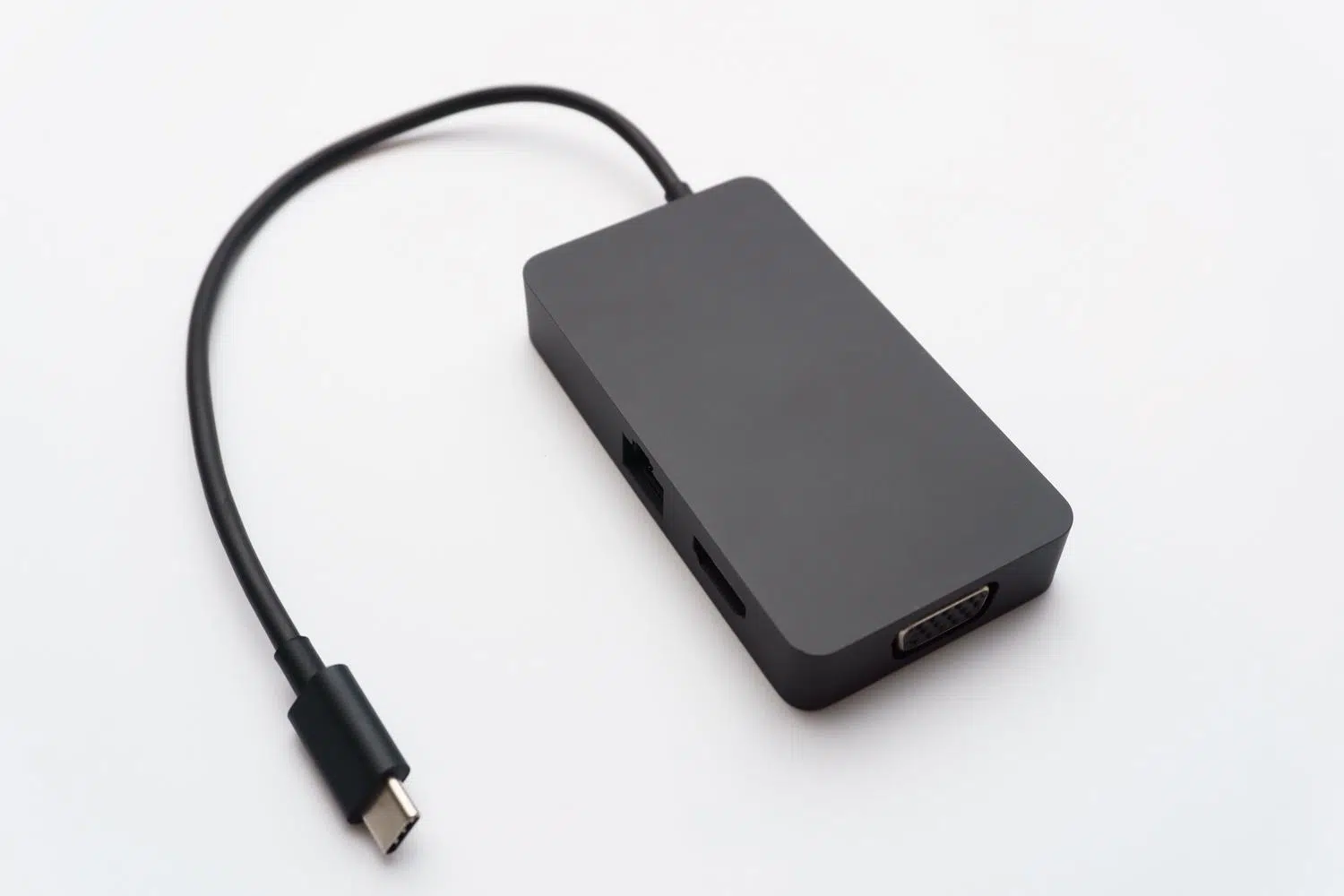
How do I completely remove an application that reinstalls itself when I connect a peripheral device? I'm sure it's happened to you: you delete an application to get rid of it, but as soon as you connect a peripheral device or restart your computer, the darn program reappears. reappears like magicIt's a desperate situation, especially when the software is poorly optimized or stuck in an error loop that doesn't even let you open it to configure it properly.
Achieving a complete cleanup isn't always as simple as pressing the delete button, as many programs leave hidden traces in the record Or they sync with the cloud, causing the reinstallation to inherit the same flaws you wanted to fix. Therefore, we'll see how to tackle this problem from several angles depending on the device you're using.
How to delete applications in Windows without leaving a trace

If you're on a PC, there are several ways to try to remove a program. Sometimes, the quick method isn't enough, and you have to try other approaches. Remove applications on PC and that the system acknowledge the uninstallation full.
- From the Start menu: It's the quickest way. Just find the app in the list of all applications, right-click on it, and choose the uninstall option.
- Through Settings: Go to the Applications section and then to "Installed applications". Here you have more detailed control and can manage the process from the three-dot menu.
- Using the Control Panel: For those of us who prefer the classic approach, searching for "Programs and Features" in the Control Panel remains an effective way to force the removal of old software.
Keep in mind that there are programs coming factory integrated into Windows And no matter how hard you try, they can't be removed in the conventional way. In those cases, if the app fails, it's best to try a software repair first before giving up hope.
Advanced solutions for Android and bloatware
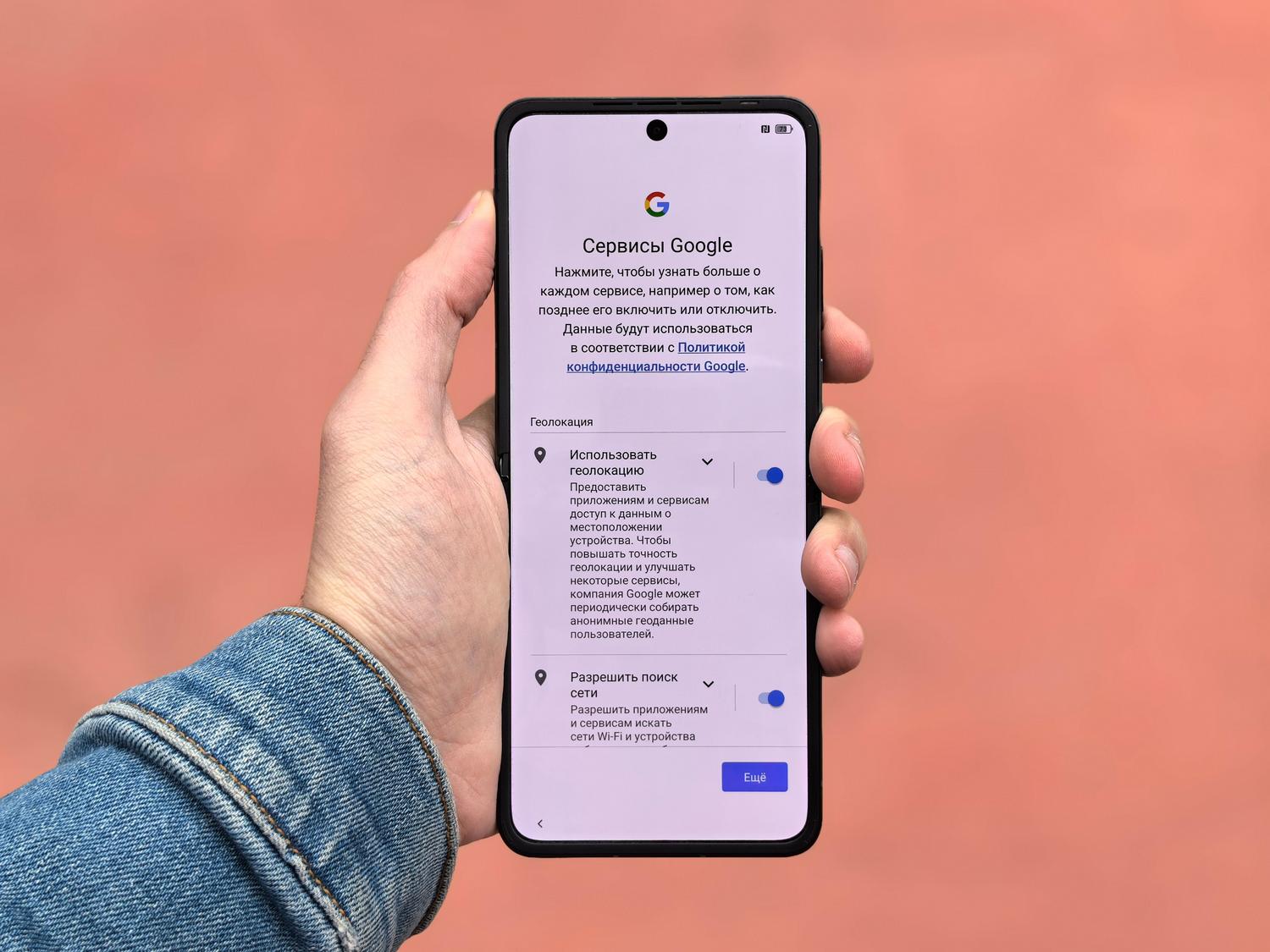
In the Android ecosystem, things get complicated when we talk about system applications or the infamous bloatware (those apps that the manufacturer forces on you and that just take up space). Remove factory apps on Android without root Or at all, superuser permissions are often required, as the system protects these folders.
There are specialized tools that not only delete user apps, but also allow manage APK files on the SD card, move data to free up internal space or scan for duplicates to clean up memory. The most useful thing about these tools is that they categorize apps: those that can be safely deleted, those that are best kept to prevent your phone from malfunctioning, and those that are best kept but not deleted. key system modules.
To prevent the device from becoming unstable, it is essential that any cleaning tool has a automatic recycling binallowing you to restore any application if you notice that the phone starts to have problems after cleaning.
The problem with apps that "remember" the mistake on iOS
Sometimes, even if you delete an app from your iPhone or iPad, the problem persists when you reinstall it because The data is stored in iCloudThis causes the application to reinstall with the same corrupted configuration that was causing it to close unexpectedly. To fix this, it's recommended to know How to delete apps on iPhone effectively.
To perform a truly clean installation, simply deleting the app from the home screen isn't enough. It's necessary to... disable backup Check the specific settings for that app within iCloud before proceeding with the deletion. Additionally, it's recommended to restart your device and, in extreme cases, remove the app from your App Store purchase history to force the system to delete it. treat downloading as something entirely new.
If you have followed all these steps, from cleaning the registry in Windows, managing root access on Android, or purging the cloud in iOS, you will have succeeded in eliminating any residual traces that forced the application to reinstall itself with errors, leaving your computer free of persistent software and malfunctions.

Index