- OpenRouter brings together numerous commercial and free models under a single compatible API.
- Open WebUI can connect directly without installing any additional features or extensions.
- Credits are consumed according to the model and the tokens sent and generated.
- Privacy policies determine which providers can process each request.

If you use Open WebUI to interact with AI models, you may have started by running local models using Ollama. This setup offers privacy and control, but it also has a clear limitation: larger models require a lot of RAM, a powerful GPU, and considerable storage space.
One way to expand the catalog without changing the interface is to Connect OpenRouter with Open WebUIOpenRouter provides an OpenAI-compatible API that allows you to access numerous models from different companies. This lets you switch between models from OpenAI, Anthropic, Google, Meta, DeepSeek, Mistral, and other providers using the standard Open WebUI selector.
There's no need to install each model or purchase a separate subscription for each assistant. OpenRouter uses a credit system and deducts the cost of each request based on the chosen model, input tokens, generated tokens, and, in some cases, additional features such as images, reasoning, or web search.
However, there is one important difference compared to Ollamama: Prompts sent to OpenRouter are processed on external serversOpen WebUI continues to function on your computer or server, but the model is no longer entirely local.
What you need to connect OpenRouter with Open WebUI
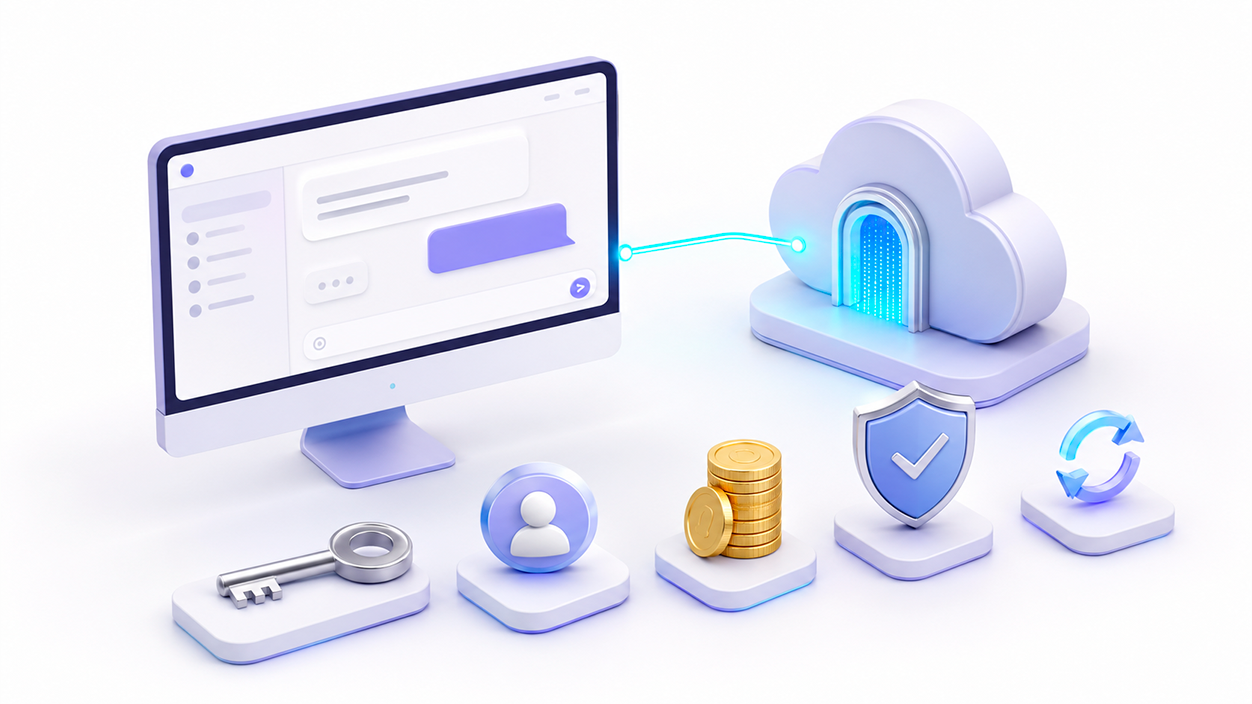
Before you begin, you must have a working installation of Open WebUI and an OpenRouter account. The integration does not require installing any additional extensions because OpenRouter uses an API compatible with the OpenAI format.
You will need these items:
- An updated installation of Open WebUI.
- An active account in OpenRouter.
- A API key created from OpenRouter.
- Available credits if you want to use payment models.
- Administrator permissions within Open WebUI.
OpenRouter also offers free templates. They are usually identified by the suffix :free and are subject to request limits, variable availability, and possible waiting times during peak demand periods.
Another alternative is the router:
openrouter/freeThis automatically selects one of the available free models. It's useful for testing, although it doesn't guarantee that the same model will always be used.
How to create an API key in OpenRouter
Log in to OpenRouter and go to the API keys section. Create a new key and use a name that easily identifies its purpose, such as:
Open WebUICopy the key as soon as it appears and save it in a password manager. You must not publish it, share it in a screenshot, or introduce it into an Open WebUI installation that you do not control..
It is recommended to generate a different key for each applicationThis way you can check separately how much Open WebUI consumes and revoke only that credential if it is exposed.
If OpenRouter allows you to set a credit limit when creating or editing the key, configure an amount according to your intended use. This prevents a very long conversation, an expensive model, or a compromised account from consuming your entire available balance.
If you suspect that the key has been leaked, delete it immediately, create another one, and update the saved connection in Open WebUI.
How to add credits to OpenRouter
OpenRouter uses credits denominated in US dollars. You can manually top up your balance and also activate automatic top-ups when it falls below a certain amount.
The platform charges a commission when you purchase credits, while the inference prices shown for each model are passed on without any additional markup over the rate advertised by the provider. Before paying, please review the final amount and commission shown on the purchase screen, as these conditions may change.
Not all models cost the same. Each listing typically shows different prices. for:
- Input tokens, corresponding to the prompt and the sent history.
- Output tokens, corresponding to the generated response.
- Internal reasoning tokens, when the model invoices them.
- Images, files, web searches, or other additional functions.
To begin, you don't need to deposit a large amount. A small recharge allows you to... Verify integration and measure actual consumption before using more expensive models.
Credits do not equate to a ChatGPT, Claude, or Gemini subscription. Your OpenRouter balance is only used for requests processed through its own API.
How to connect OpenRouter from the Open WebUI settings
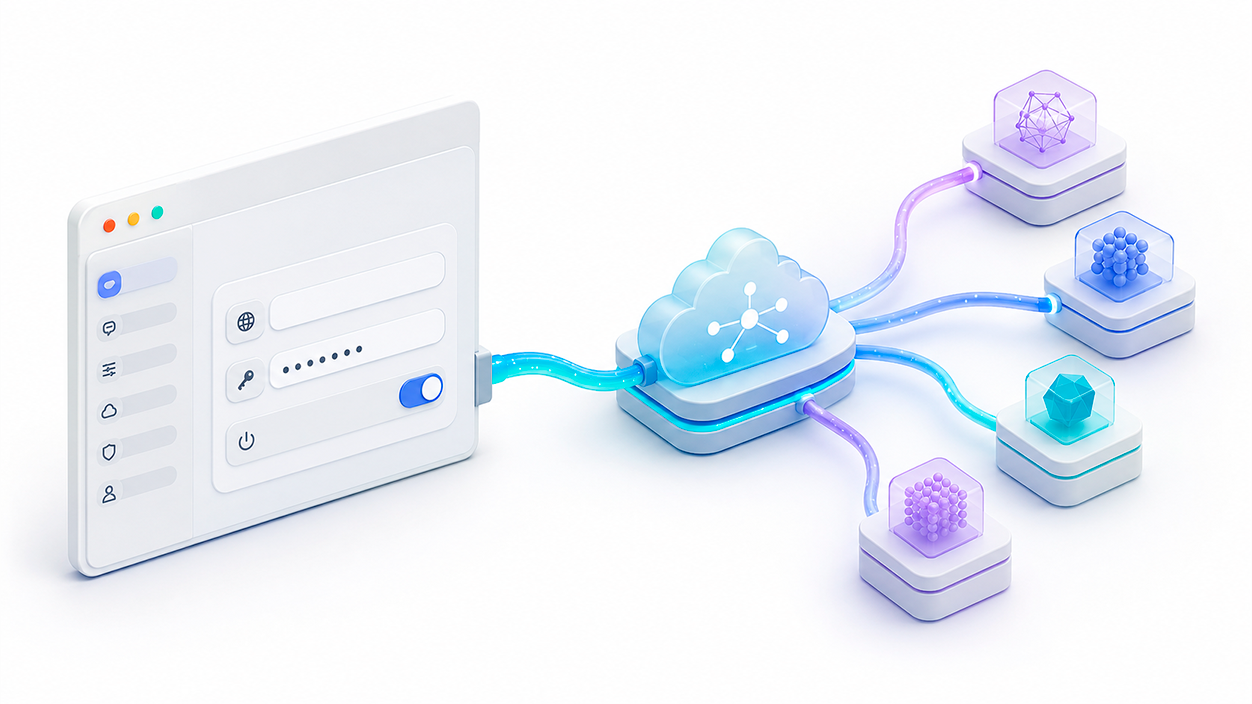
Direct integration via the OpenAI-compatible API is the simplest and currently recommended procedure.
In Open WebUI, open your profile and go to:
Panel de administración > Ajustes > ConexionesThe exact location or name of some options may vary slightly depending on the installed version. Add a new connection and configure these fields:
- Supplier: OpenAI.
- API type: Chat Completions.
- Base URL:
https://openrouter.ai/api/v1. - API Key: the key created in OpenRouter.
- Prefix ID:
openrouter.
Even if you select OpenAI as your provider, requests will not be sent to OpenAI unless you choose one of its models. Open WebUI uses this category to group services that support the same API format.
The prefix ID is optional, but highly recommended. It allows you to distinguish remote models from others that may have a similar name. For example, a model might be identified as:
openrouter/openai/gpt-4.1After entering the data, use the option to verify the connection and save the changes. If the key is valid, Open WebUI will query the OpenRouter model endpoint and add the available options to the chat selector.
How to show only the models you're going to use
OpenRouter has a very extensive catalog. Displaying it in its entirety could fill the Open WebUI selector with hundreds of difficult-to-distinguish variants.
The connection allows you to leave the models field blank to automatically discover the entire catalog or manually enter a comma-separated list of identifiers. This second option is more convenient if you're only working with a few models.
The identifiers must match the slugs used by OpenRouter. They typically follow this structure:
empresa/modeloCompatible free models typically include the suffix:
empresa/modelo:freeIt's best to copy the identifier directly from the model's information in OpenRouter. Don't deduce it from the brand name, as different versions may share similar names.
You can also activate or deactivate models individually from Open WebUI and set one of them as the default option for new chats.
Why some OpenRouter models don't work
The fact that a model appears in the catalog does not guarantee that it can be used with any privacy setting. OpenRouter can route the same request to different inference providers, and each maintains its own logging, retention, and training policies.
If a request returns an error, check first:
- That the API key remains active.
- That the account has sufficient credits.
- That the model identifier is correct.
- That you have not exceeded the application limit.
- That there is at least one provider compatible with your privacy preferences.
- That the model or provider is not temporarily saturated.
The most common errors include code 401 for an incorrect credential, 402 for insufficient funds, 403 for incompatible permissions or policies, and 429 for reaching a request limit.
OpenRouter can use alternative providers if one fails before the response begins. However, if the error occurs after token transmission has started, an incomplete response may appear in Open WebUI.
How to configure OpenRouter privacy
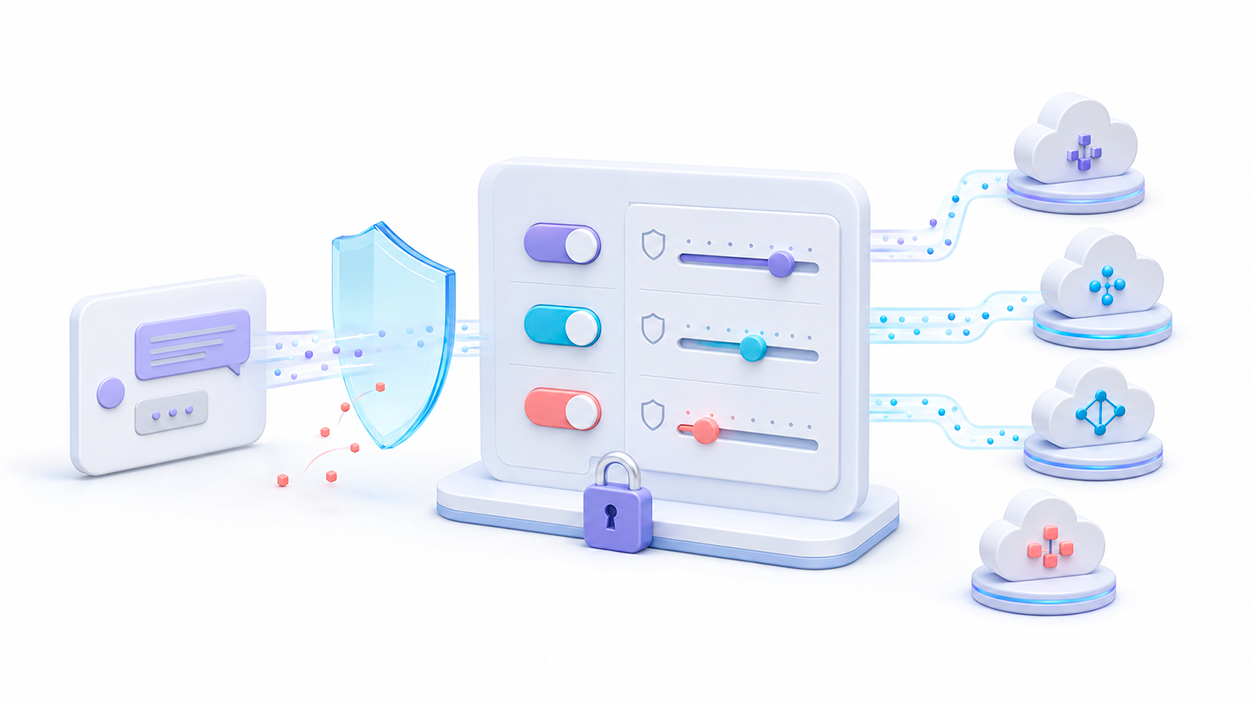
You should not enable input/output logging with the intention of unlocking models. This feature is used to save the content of prompts and responses in OpenRouter's private logs to facilitate debugging.
By default, OpenRouter does not store the content of prompts and responses, although it does retain metadata such as the model used, the number of tokens, the cost, and the latency. Even so, the request is delivered to a third-party provider, which may apply a different policy.
From your privacy settings, you can prevent requests from being sent to providers who use your data for training purposes. You can also require providers with a data protection policy. zero data retention or ZDRThese restrictions improve privacy, but may reduce the number of available routes and prevent certain models from working.
OpenRouter separates several decisions that should not be confused:
- Private record: It stores prompts and responses so you can refer to them.
- Use of inputs and outputs: authorizes OpenRouter to use the content to improve its service in exchange for a discount.
- Provider training: allows or prevents the use of routes whose providers can train with the data.
- Zero Data Retention: It limits the request to endpoints that do not retain their content.
If you're going to process passwords, confidential documents, medical data, personal information, or sensitive business material, you shouldn't send it without first reviewing the policies of the selected model and provider. Running Open WebUI on a home server It does not make a response generated using OpenRouter local..
How to control spending on models
A system prompt that asks for brief responses can reduce consumption, but it's not the only available measure, nor is it always the most effective. The entire conversation history is resent with each request, so a very long chat can consume more input tokens even if the response is short.
To control costs:
- Check the entry and exit price before choosing a model.
- Set a spending limit on the API key when possible.
- Start with free or inexpensive models for simple tasks.
- Limit the maximum number of output tokens from the model parameters.
- Open a new conversation when the previous history is no longer needed.
- Avoid attaching entire documents if you only need to analyze one section.
- Check the OpenRouter activity and usage section regularly.
- Deactivate expensive models that you are not going to use.
Asking the model to avoid unnecessary introductions, repetitions, and conclusions also helps. However, removing a few emojis will have little impact compared to the cost of resending thousands of context tokens each turn.
Is it necessary to install an OpenRouter feature?
Some older guides suggest importing a function or Pipe from Open WebUI via a URL. Currently, this is not necessary for a conventional connection, since Open WebUI directly supports providers compatible with the OpenAI API..
Furthermore, importing a function involves running additional code within the installation. You should only do this when you need a feature that the native connection doesn't offer, and only after reviewing the code, its origin, permissions, and maintenance.
For access the regular OpenRouter catalog, the direct connection via:
https://openrouter.ai/api/v1It is sufficient and is easier to configure, update, and diagnose.
What to do if the models don't appear in Open WebUI
After saving the connection, refresh the page and open the model selector. If no options appear, check the following:
- Verify that the URL ends exactly in
/api/v1. - Confirm that there are no spaces before or after the key.
- Check that the key is not deactivated or limited without a balance.
- Temporarily leave the models field empty to allow automatic discovery.
- Check if the user has permission to use external templates.
- Check the Open WebUI logs if the verification returns an error.
- Restart the container or service if the interface retains a previous configuration.
If the full catalog takes too long to load, manually specify a few model identifiers during the connection process. This also keeps the selector cleaner and reduces the risk of accidentally choosing a particularly expensive variant.
Connect OpenRouter with Open WebUI It allows you to bring together local models and cloud services within a single interface. The basic setup involves creating a separate key, Add an OpenAI connection with the URL https://openrouter.ai/api/v1 and select only the models you are actually going to use.
The result offers more variety and avoids relying on local hardware to run large models. In return, you must keep an eye on the price of each model and remember that requests leave your server. Setting spending limits and reviewing privacy policies allows you to take advantage of OpenRouter's convenience without losing control over credits and data sent.

I am a technology enthusiast who has turned his "geek" interests into a profession. I have spent more than 10 years of my life using cutting-edge technology and tinkering with all kinds of programs out of pure curiosity. Now I have specialized in computer technology and video games. This is because for more than 5 years I have been writing for various websites on technology and video games, creating articles that seek to give you the information you need in a language that is understandable to everyone.
If you have any questions, my knowledge ranges from everything related to the Windows operating system as well as Android for mobile phones. And my commitment is to you, I am always willing to spend a few minutes and help you resolve any questions you may have in this internet world.