
Arc, developed by Browser Company, is a revolutionary browser based on Chromium, similar to Google Chrome and Microsoft Edge. What really difference to Arc of others is their innovative design y unique features. With vertical tabs and the ability to organize your tabs in customizable groups and folders, Arc transform navigation in a more structured experience.
How to install Arc on your Windows 11 system
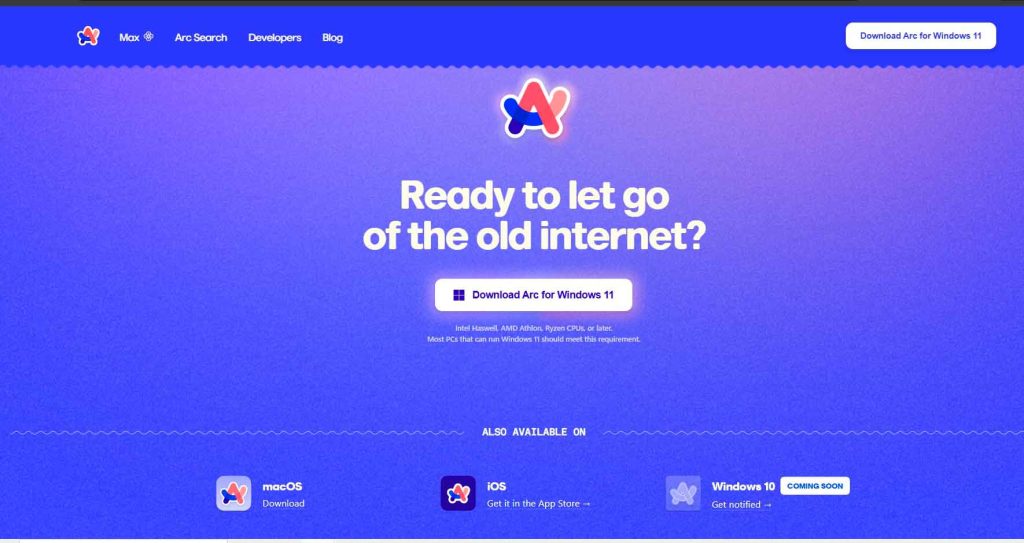
To begin, visit the official download page Dear C. Once the installer is downloaded, simply double-click the file and follow the instructions to complete the installation. It's a quick and easy process that will allow you to start enjoying all the features of Arc.
Arc's unique interface
La minimalist interface from Arc is noticeably different. With vertical tabs instead of traditional horizontal ones, it gives you more horizontal space to view pages. Additionally, you can hide or show the sidebar with the keyboard shortcut Ctrl + S, providing a clean and efficient environment.
Innovations in functionality
Arc does not include a traditional address bar in Windows, but instead uses a floating command bar. To access your favorite sites, simply click on the site name at the top of the screen. This floating bar also allows you to search for terms directly without needing a visible address bar.
How to organize tabs effectively in Arc
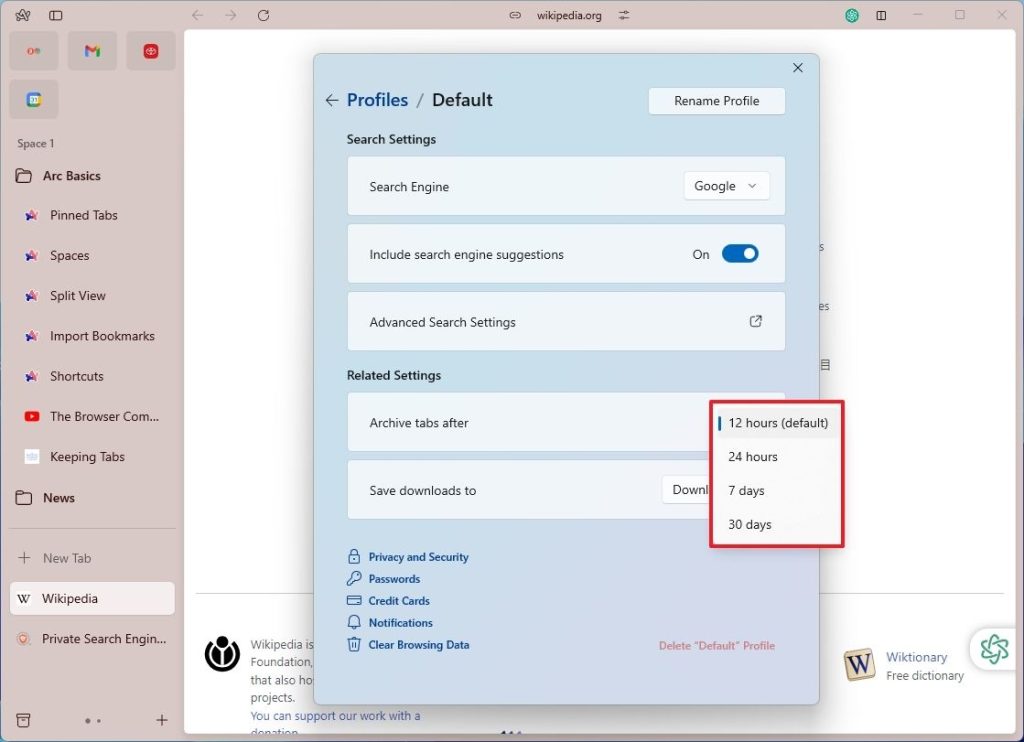
Arc introduces a unique approach to tab management. Instead of traditional bookmarks, tabs are organized into folders and spaces. Inactive tabs are automatically archived after 12 hours, although you can adjust this time in your profile settings.
Distinctive features for tab management
- Archive Tabs: Inactive tabs are archived after 12 hours by default.
- Move Tabs between Spaces: You can move tabs between different spaces, which is useful for maintaining organization.
- Convert Folders to Spaces: Makes it easy to logically organize your browsing activities.
Extension and customization in Arc
Arc is compatible with all extensions available for Google Chrome. You can add new extensions from the main menu by selecting the “Add Extension” option. This opens the Chrome Web Store, where you can install any extensions you need.
Layout settings in Arc
One of Arc's strengths is the ability to personalize your appearance. You can switch between light and dark themes, and adjust the intensity of the colors to suit your style. To change the appearance, right-click on the space and select the “Edit Theme Color” option.
Configuration options in Arc
Settings in Arc are accessible via keyboard shortcut Ctrl +, or from the main menu. Although customization options are limited compared to other browsers, you can change the search engine and adjust the tab archive time. Additionally, you can sync your tabs and bookmarks between devices.
Arc Performance and Benefits Overview
Arc presents a new way to navigate online with its unique design and innovative features. Although it has some limitations in its Windows version, its ability to customize and manage tabs makes it an interesting option for those looking for something different in a browser.
Improvements and tools in Arc
Arc includes picture-in-picture mode, which automatically activates when playing a video on YouTube when you switch tabs. Additionally, the “Peek” feature allows you to preview a link before opening it in a new tab, which is very handy for more efficient browsing.
Crucial aspects to consider in Arc
Despite its innovations, Arc presents some challenges. The Windows version lacks some features present in the macOS version, such as the address bar and additional tools for customizing web pages. Additionally, the requirement to create an account may be annoying for some users.
Comparison of Arc with other browser alternatives
While Arc offers a single navigation, features like vertical tabs and color customization are also available in browsers like Google Chrome and Microsoft Edge. Both browsers allow a high degree of customization and seamless integration with their respective ecosystems.
Why choose Arc for web browsing?
Arc offers a fresh perspective on web browsing with its Innovative interface and tab organization options. Although it currently has some limitations in its version for Windows, it is a promising option for those looking for a different experience when browsing the Internet. The customizability and its focus on organization make Arc an interesting tool to consider.

I am Sebastián Vidal, a computer engineer passionate about technology and DIY. Furthermore, I am the creator of tecnobits.com, where I share tutorials to make technology more accessible and understandable for everyone.